
Flux is the image model that developers whisper about and designers increasingly rely on. Built by Black Forest Labs — the German lab founded in 2024 by researchers behind the original Stable Diffusion — Flux powers photorealistic images inside dozens of apps, yet most creators have never visited its website. That is because Flux is not really an app. It is a family of models sold by the image through an API, and in 2026 that family grew to include Flux 3. This review explains what Flux is, what each variant costs, and who should use it.

What Is Flux?
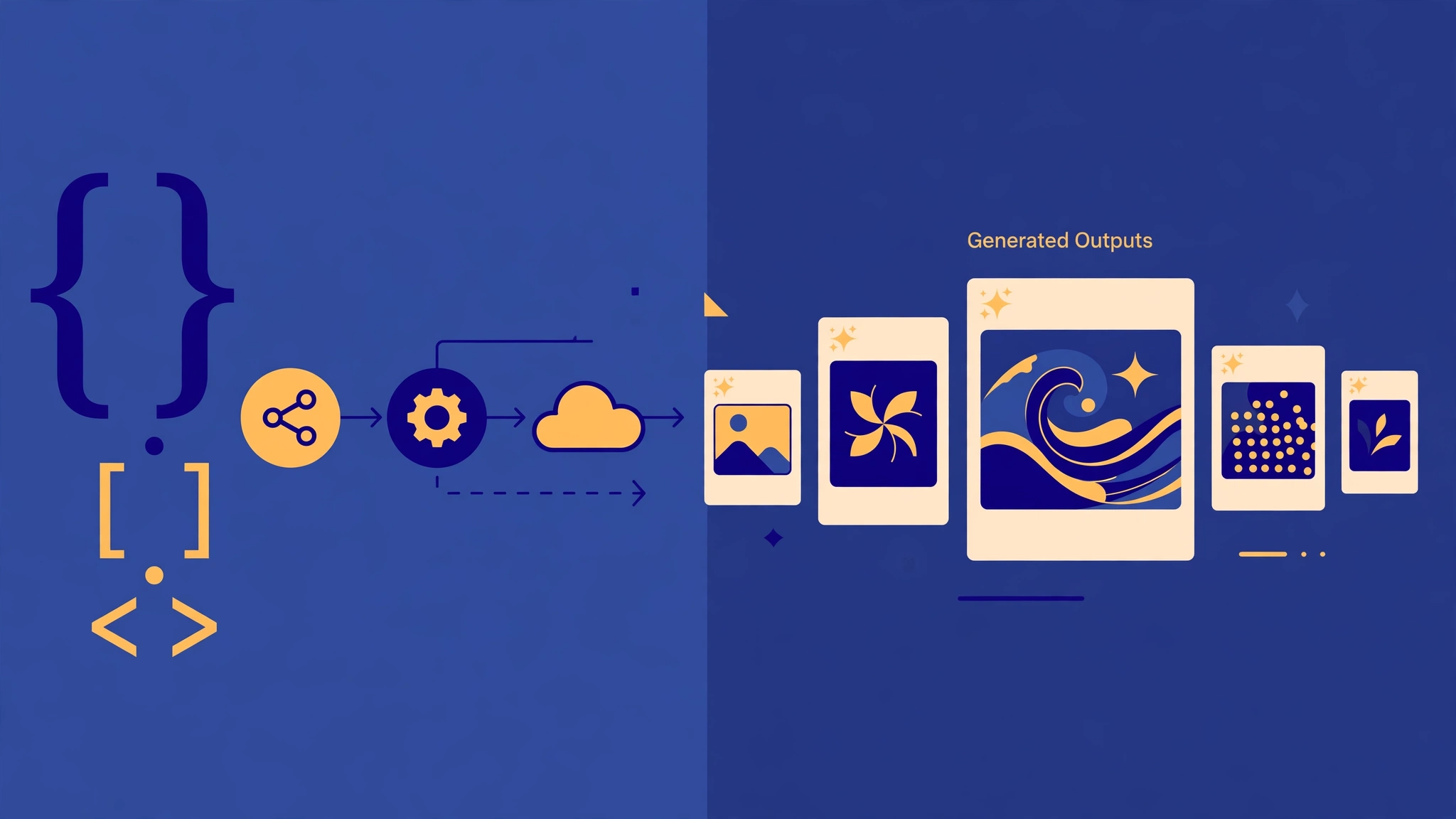
Flux is a family of text-to-image and image-editing models from Black Forest Labs (BFL). Unlike Midjourney or DALL-E, there is no single Flux app with a monthly subscription. Instead, BFL publishes model checkpoints and sells access through its own API, while third-party platforms — fal.ai, Krea, and many others — host the models behind friendlier interfaces.
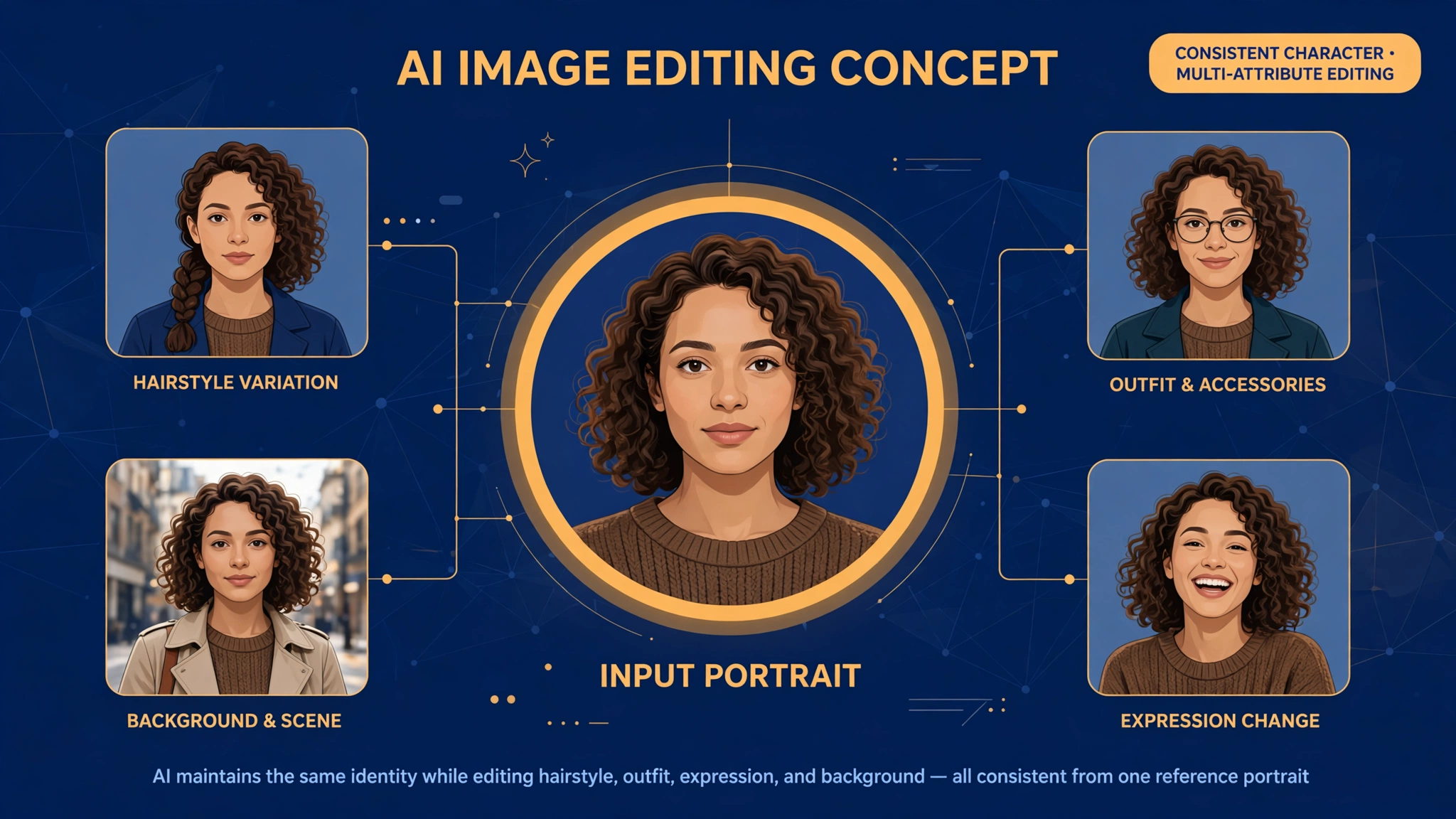
The current workhorse family is FLUX.2, available in six tiers: klein 4B and 9B (fast, low-cost), pro (the default production tier), flex (tuned for typography), max (the flagship, with grounded, fact-aware generation), and dev (a 32-billion-parameter open-weight model for non-commercial use). One architecture both creates images and edits them from plain-language instructions, at up to 4 megapixels, with as many as 10 reference images per request on the max tier. Flux 2 also introduced Kontext editing: describe the change in words and the model edits the image, keeping the subject consistent.
On October 1, 2026, Black Forest Labs released Flux 3, the company’s first move into video alongside a new image model. Flux 2 remains the generation most production apps run in 2026, but Flux 3 is the direction of travel — worth checking on BFL’s site before you build anything new on Flux 2.
Key Features
- Photorealism: Flux is consistently ranked among the most photorealistic generators available, with strong prompt adherence and natural lighting, skin, and materials.
- Kontext editing: edit an existing image with a sentence — change the background, swap an outfit, restyle a scene — while the subject stays recognizably the same.
- Multi-reference generation: up to 10 reference images per request on Flux 2 Max, so a character or product stays consistent across a whole series.
- Typography control: the flex tier is tuned for text rendering and precise layout, and the family supports hex-color control and JSON prompting for structured briefs.
- Open weights: FLUX.2 [dev] (32B) is downloadable for local, non-commercial use, and klein-4B ships under the Apache 2.0 license — the only genuinely unrestricted open-weights option in the family.
- Resolution-based pricing: you pay per megapixel of output, so a small draft costs a fraction of a 4MP final.
Flux Pricing
Flux has no monthly subscription on BFL’s own platform. You pay per image (or per megapixel) through the API. Prices below are Black Forest Labs’ published rates as of late 2026 — always confirm them on the official pricing page, because they change.
| Variant | Generation (from) | Editing (from) | Best for |
|---|---|---|---|
| FLUX.2 [klein] 4B | $0.014 / image | $0.014 / image | High-volume drafts, self-hosting |
| FLUX.2 [klein] 9B | $0.015 / image | $0.015 / image | Higher-fidelity prototyping |
| FLUX.2 [pro] | $0.03 / megapixel | $0.045 / megapixel | Default production work |
| FLUX.2 [flex] | $0.05–0.06 / megapixel | ~$0.06–0.10 / megapixel | Typography and layout control |
| FLUX.2 [max] | $0.07 / megapixel | ~$0.07 / megapixel | Top quality, grounded references |
| FLUX.2 [dev] | Free (non-commercial) | — | Local research and experimentation |
In practice, a standard 1-megapixel image from Flux 2 Pro costs about $0.03, and four of them cost about $0.12. Third-party hosts such as fal.ai charge similar per-megapixel rates, sometimes slightly lower. There is no free tier on the official API — the closest thing to free is running the dev weights locally for non-commercial use.
Pros and Cons
Pros:
- Among the best photorealism of any image model in 2026
- Pay-per-image pricing with no subscription — cheap for occasional use, predictable at scale
- Kontext editing keeps characters and products consistent across images
- Open-weight options (dev, klein-4B) for self-hosting and research
- Commercial use of API outputs is allowed under BFL’s terms
- Strong text rendering on the flex tier
Cons:
- No consumer app or subscription — you need a third-party host or the API to use it comfortably
- Licensing is genuinely confusing: only klein-4B is Apache 2.0; dev and klein-9B require a paid license to deploy commercially
- No free tier on the official API
- Flux 3’s arrival makes Flux 2 a moving target — check which generation your host actually runs
- Less of a creative community and fewer style presets than Midjourney
Who Is Flux Best For?
Flux is best for developers, agencies, and product teams that generate images inside an app or pipeline and want frontier quality without a monthly seat fee. If you build a tool that creates product shots, avatars, or marketing visuals on demand, Flux 2 Pro at $0.03 per megapixel is one of the cheapest ways to get top-tier output. It is also a strong pick for creators who access it through a host like Krea or fal.ai and want photorealistic results with consistent characters.
It is a poor fit if you want a simple app with a subscription and a gallery: Flux has no front door of its own. Casual creators will be happier with Midjourney for style, or with ChatGPT Images for convenience — see our best AI image generators roundup and our Flux vs Ideogram comparison for the alternatives.
FAQ
Is Flux free?
Not exactly. The FLUX.2 [dev] weights are free for non-commercial local use, and klein-4B is open source under Apache 2.0. But the hosted API is pay-per-use from $0.014 per image, with no free tier.
What is the difference between Flux 2 Pro, Flex, and Max?
Pro is the default production tier. Flex is tuned for typography and precise layout. Max is the flagship: the closest prompt following, grounded generation with real-world references, and up to 10 reference images.
Can I use Flux images commercially?
Yes — outputs from the official API are commercially usable. The licensing catch is about the models themselves: deploying the dev or klein-9B weights in a commercial product needs a paid license from Black Forest Labs.
Does Flux have an affiliate program?
No public affiliate program was found for Black Forest Labs or Flux as of November 2026. Flux is sold as an API, not a subscription product.
Is Flux better than Midjourney?
For photorealism, prompt adherence, and API use, Flux is generally stronger. For artistic style, community inspiration, and a polished creative app, Midjourney still leads.
Verdict
Flux is the image model for people who build things. Its photorealism is best-in-class, its per-image pricing is honest and cheap, and Kontext editing solves the consistency problem that frustrates every other generator. The trade-off is friction: there is no friendly app, the licensing takes reading, and Flux 3 is already shifting the ground under Flux 2. If you are a developer or a serious creator willing to access it through an API or a host, Flux is one of the best image engines of 2026. If you just want to type a prompt and get a pretty picture, start somewhere simpler.
Rating: 4.4/5. Superb quality and value; docked for the lack of a consumer app and the confusing license tiers.
Prices verified November 10, 2026 from Black Forest Labs’ published pricing and independent API guides. Confirm current rates on the official site before you buy.