Table of Contents
IrisGo Review: Features, Pricing, Pros & Cons
Affiliate disclosure: This is an independent, desk-researched review — I have not hands-on tested IrisGo. There are no affiliate links on this page; the CTA buttons point to the official IrisGo site. IrisGo is free during its public beta. All pricing and availability below was checked on October 20, 2026 and may have changed; confirm at signup.
Quick verdict: IrisGo is the most interesting “AI OS” pitch of 2026: instead of another chatbot, it watches how you do a task once — filing an expense, triaging your inbox, pulling numbers into a report — and replays it with new inputs, on your device. It’s free during the public beta, backed by Andrew Ng’s AI Fund, and already preload-partnered with Acer. The catch: it’s still a beta (expect rough edges), pricing after the beta is unannounced, and it’s Windows-first. My rating: 4.2/5.
>> Try IrisGo Free (Public Beta)
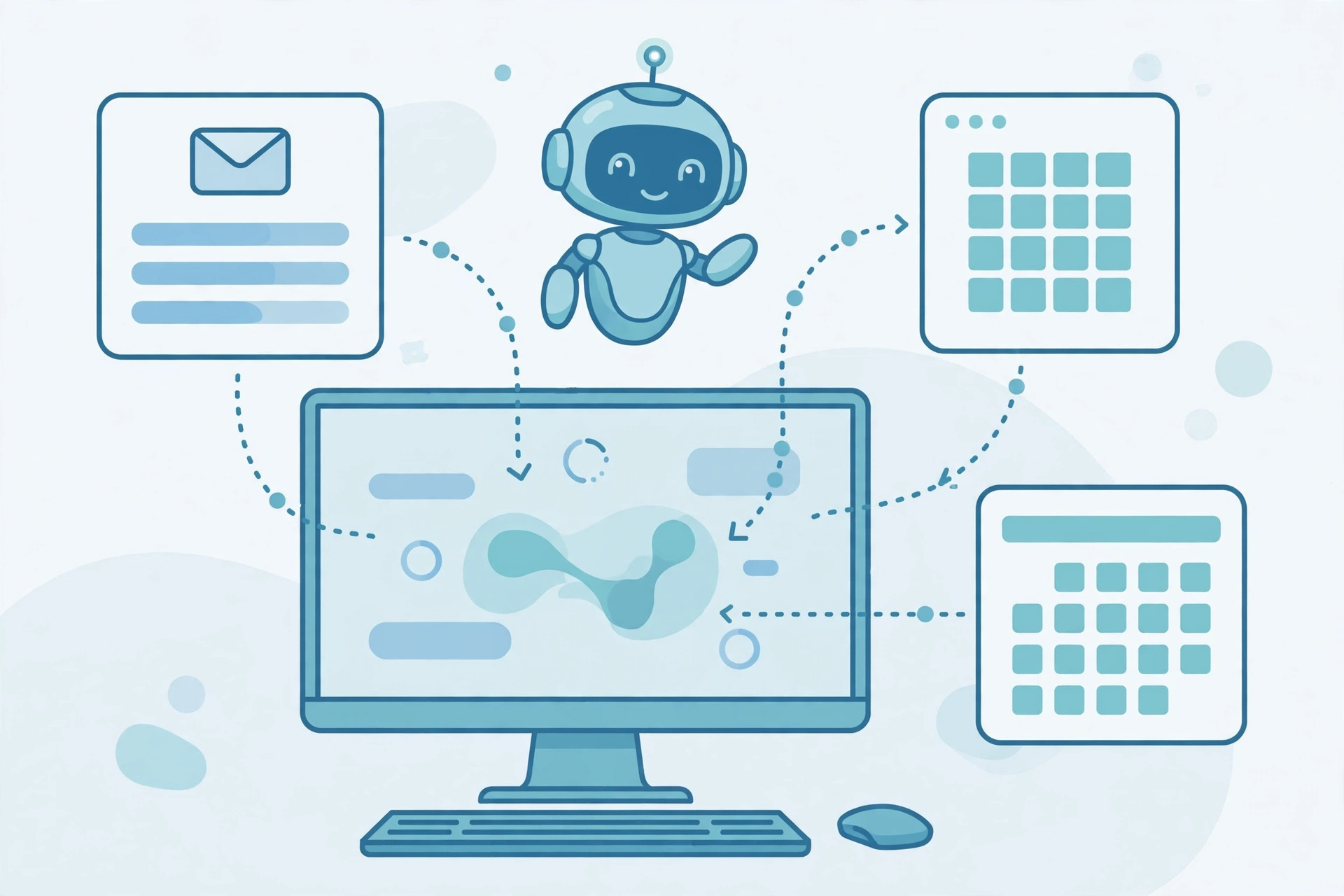
Alt: “IrisGo review – editorial illustration of an AI operating system automating desktop workflows across apps”
What Is IrisGo?
IrisGo describes itself as an AI operating system for workflow automation — a desktop companion that learns your recurring routines and runs them for you across every app on your PC. Its headline feature is Watch & Learn: demonstrate a multi-step task once, and IrisGo turns the demonstration into a reusable workflow it can rerun with new inputs — with your approval.
Around that core, it ships the daily-driver toolkit solopreneurs actually need: a daily brief of what matters today, email triage that surfaces the important messages, and a continuously updated to-do radar that keeps your next actions in view. It also has a Skills Catalog — ready-to-run workflows built by the community that you can import and adapt to your own variation, instead of teaching every routine from scratch.
The pitch that separates it from chatbots: it operates at the desktop level. Per reporting on the company’s technical approach, IrisGo uses system accessibility features on Windows to interact with real apps and move through real user interfaces — the hard part of agentic AI that most demos skip.
Key Features
- Watch & Learn automation: Show a chore once (e.g., “download this week’s Stripe CSV, drop totals into my sheet, email me the summary”) and let it repeat. No scripts, no brittle if-this-then-that rules.
- Daily brief: A morning summary of what needs your attention — emails, meetings, and next actions — so the day starts with a plan, not an inbox.
- Email triage: Surfaces important emails instead of making you hunt through every thread.
- To-do radar: A continuously updated view of your next actions, refreshed as your work changes.
- Skills Catalog: Import community-built workflows and teach IrisGo your variation, rather than starting from zero.
- On-device processing: The company says workflows and sensitive data stay on your device; cloud processing happens only when you explicitly authorize it, and is end-to-end encrypted.
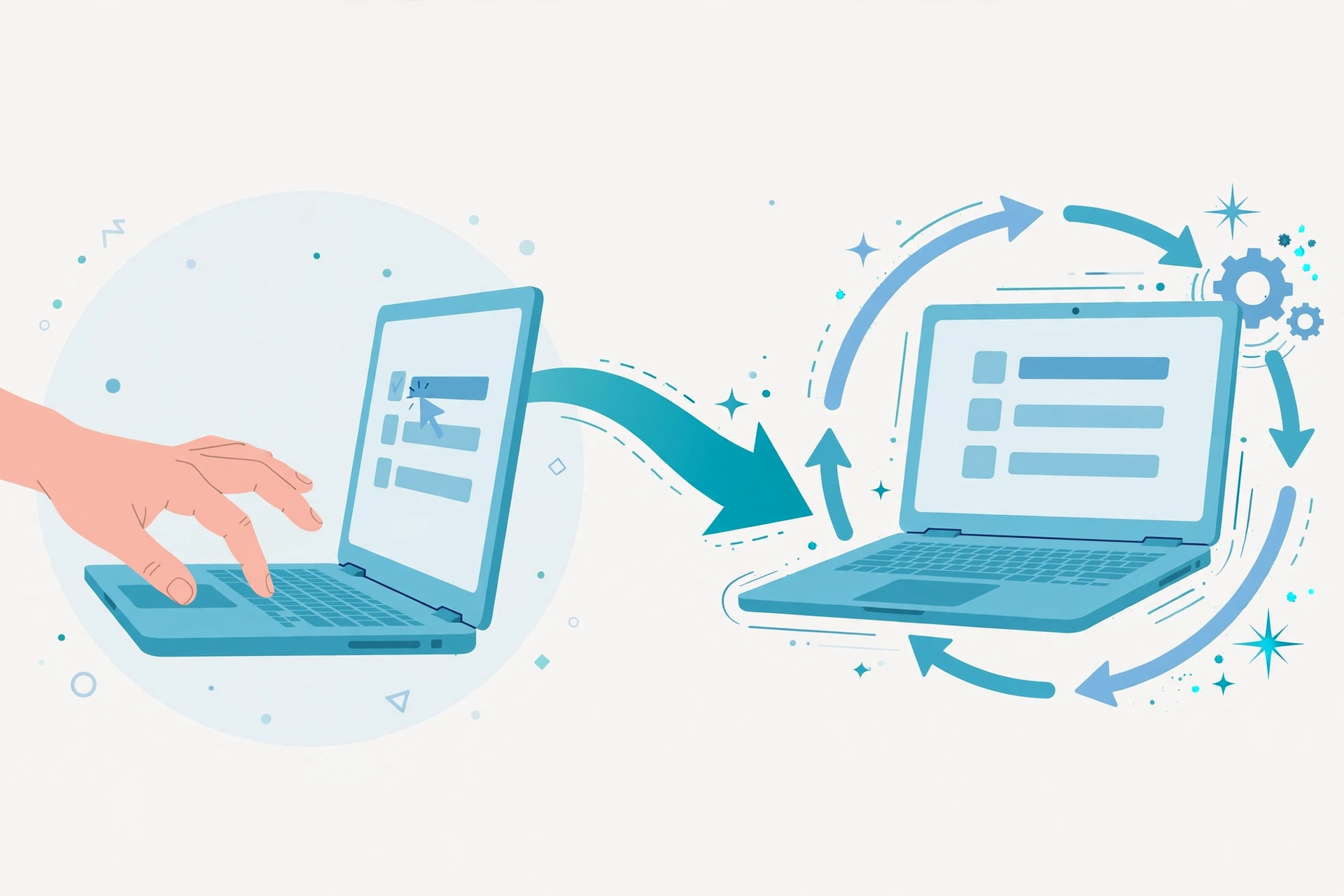
Alt: “How IrisGo Watch and Learn works – editorial illustration of a task demonstrated once, then automated”
Pricing: Free During the Beta
IrisGo’s pricing is the simplest in its category right now: free during the public beta. Notably, the company publishes no pricing page at all (the /pricing URL returns a 404 as of October 2026) — there are no paid tiers to choose from yet, and post-beta pricing has not been announced. That makes it a zero-risk experiment today, but also means you should not build long-term cost assumptions around it.
Platform availability: the public beta runs on Windows 11 (64-bit), with Apple/Mac support listed as “coming soon” on the official site. On-device processing also means your machine does the heavy lifting — an AI PC with local compute will handle it better than an aging laptop.
Backing and Track Record
IrisGo carries more credibility than most beta-stage startups: it raised $2.8 million in seed funding led by AI Fund, the venture studio founded by Andrew Ng (per Dealroom’s reporting, May 2026). The official site also lists Pegatron Ventures, Intel, Google for Startups, and NVIDIA Inception as backers, and Acer is its first OEM partner — with IrisGo software expected to be preloaded on devices. Distribution through PC makers is a genuine advantage in a category where most assistants die as forgotten installs.
Launch momentum is real too: “IrisGo for Solopreneurs” took #1 Product of the Day on Product Hunt on October 7, 2026, and the product page has gathered over 1,400 followers. That said, independent third-party reviews (G2, Capterra, Trustpilot) do not exist yet — this is a beta, and the public record is still thin.
IrisGo: Strengths and Honest Limitations
Where IrisGo shines
- Zero-risk entry: free during the public beta — the cheapest serious experiment in the AI-assistant space right now
- A genuinely different interaction model: Watch & Learn removes the prompt-translation tax — you demonstrate, it repeats
- Privacy-first architecture: on-device learning with data staying on your machine, cloud only with explicit authorization
- Serious backers and distribution: AI Fund, Intel, NVIDIA Inception — plus Acer preloading, which solves the adoption problem most assistants face
- Community leverage: the Skills Catalog means you don’t have to teach every workflow from scratch
Where it falls short
- It’s a beta: expect rough edges — ambient automation demos well but daily work (changing apps, shifting intent, one bad automated action) is unforgiving
- Pricing after the beta is unknown: no pricing page exists, so you can’t plan costs beyond the free period
- Windows-first: Mac support is still “coming soon” on the official site
- The trust bar is high: an assistant that watches your desktop must earn more trust than a chatbot — it needs to be transparent about what it observes, when it acts, and what leaves the device
- No independent reviews yet: no G2/Capterra/Trustpilot presence; the evidence base is the company’s own claims plus launch-day coverage
Who Is IrisGo For?
IrisGo is built for solopreneurs, freelancers, and solo founders buried in recurring admin: inbox triage, expense filing, report assembly, meeting follow-ups. If your week is a mosaic of small repeated actions across email, spreadsheets, and browsers, Watch & Learn is aimed squarely at you. It’s less relevant if you want a coding agent, a writing tool, or something that runs in a team workspace — this is a personal desktop layer, not a collaboration platform.
>> Try IrisGo Free (Public Beta)

Alt: “IrisGo daily brief for solopreneurs – editorial illustration of a morning summary with emails and next actions”
FAQ
Is IrisGo really free?
Yes — during its public beta. There are no paid tiers published yet and no pricing page on the official site, so post-beta pricing is unannounced. Confirm at signup, since this can change.
Does IrisGo work on Mac?
The public beta runs on Windows 11 (64-bit). The official site lists Apple/Mac support as “coming soon.”
Is my data sent to the cloud?
According to the company, workflows and sensitive data stay on your device; cloud processing happens only when you explicitly authorize it, and is end-to-end encrypted. As with any tool that observes your desktop, review its privacy controls yourself before granting access.
How is IrisGo different from Microsoft Copilot or ChatGPT?
Copilot and ChatGPT answer prompts; IrisGo is designed to act — it watches you perform a task once and replays it with new inputs across your apps. It’s an automation layer, not a chat window.
Does IrisGo have an affiliate program?
As of October 2026, no public affiliate or referral program could be found on the official site. If one launches, this page’s disclosure will be updated.
Final Verdict
IrisGo earns its 4.2/5: it’s the rare AI launch with a genuinely fresh interaction model, a privacy-first design, heavyweight backers, and a real distribution path through Acer — all free to try right now. The deductions are honest ones: it’s a beta with unknown future pricing, Windows-first, and no independent review record yet. My advice: install it this week, teach it one real recurring chore, and see whether it survives contact with your actual workday. That’s the only test that matters for an ambient assistant.
Desk-researched from official pages and reputable coverage — not hands-on tested. Vendor claims are labeled as such throughout.
Sources
- IrisGo — official product page (features, Watch & Learn, Skills Catalog, free-beta pricing, platform requirements, backers)
- IrisGo for Solopreneurs on Product Hunt (launch details, #1 Product of the Day — October 7, 2026)
- Startup Fortune: “IrisGo bets on an AI desktop companion that works before you ask” (May 2026 — $2.8M seed led by AI Fund, Acer OEM partnership, on-device approach, trust considerations)
- The Early Finish, Issue #2 (October 2026 — launch-week context, Watch & Learn mechanics, free-during-beta confirmation)
- OpenAIMaster: 5 New AI Tools Launched This Week (October 2026) (launch-week context; TechCrunch May 2026 reporting on hybrid on-device/cloud architecture)
Reading next: Pancake Review: Features, Pricing, Pros & Cons — the “Vercel for GTM” that deploys outbound plays from Claude and Codex.