
Grammarly vs QuillBot: Which Is Better in 2026?
Quick verdict: Grammarly is the better pick if you write everywhere — email, docs, browser, phone — and want your words polished, toned, and plagiarism-checked wherever you type. QuillBot is the better pick if your real job is rewriting: paraphrasing, summarizing, and citing, especially for study or content refreshes, at a lower price. They overlap less than people think. My ratings: Grammarly 4.6/5, QuillBot 4.3/5.
>> Check Grammarly’s Current Pricing
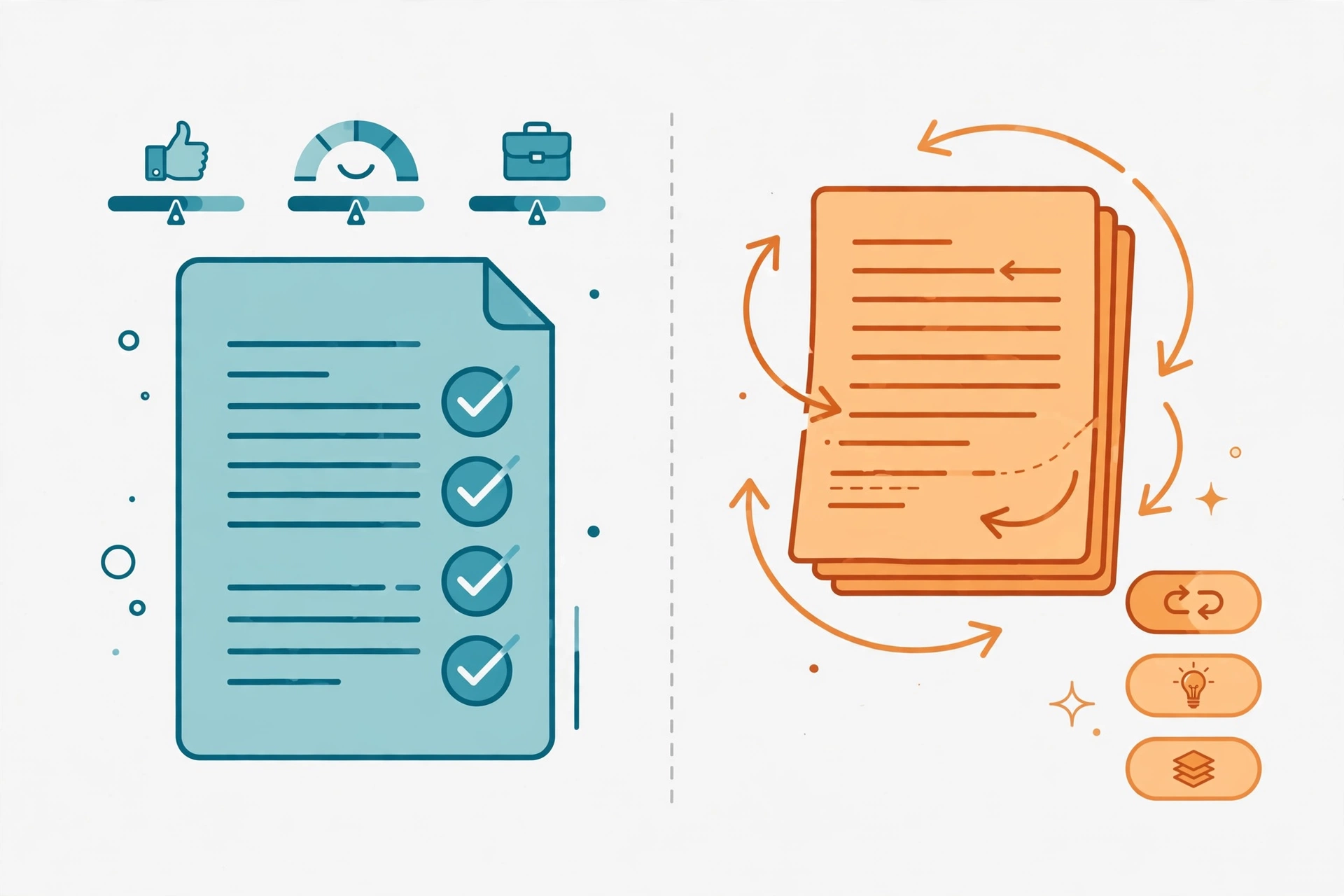
Alt: “Grammarly vs QuillBot comparison 2026 – editorial illustration of two AI writing assistants side by side”
What Is Grammarly?
Grammarly is the everywhere-you-type writing assistant. It lives in your browser extension, Microsoft Word, Google Docs, desktop apps, and your phone keyboard, checking grammar, spelling, punctuation, clarity, and tone as you write — in real time, in almost any app. The free plan covers the basics plus tone detection and 100 AI prompts a month. Pro adds full-sentence rewrites, tone adjustment, a plagiarism checker, AI-text detection, style guides and brand tones for teams, and 2,000 AI prompts per member.
One thing to know before you compare old reviews: Grammarly renamed its paid tier. The old “Premium” is now Pro, and the old standalone “Business” plan was folded into Pro in late 2025 (Grammarly’s parent company renamed itself Superhuman around the same time). Any review still quoting “Grammarly Business $15/user” is out of date — Pro now covers individuals and teams up to 149 seats, and larger organizations go to Enterprise.
What Is QuillBot?
QuillBot is a paraphrase-first writing suite, owned by Course Hero since 2021. Its core tool rewrites your text in nine modes — Standard, Fluency, Formal, Academic, Simple, Creative, Expand, Shorten, plus custom modes on Premium — with a synonym slider and freeze words to protect terms you don’t want changed. Around it sits a summarizer, a grammar checker, a citation generator (APA, MLA, Chicago), a plagiarism checker, an AI detector, and an AI humanizer, plus a translator covering 23 paraphrase languages. It runs in Chrome, Word, and Google Docs through extensions, and as apps for Windows, Mac, and phones.
QuillBot’s honest identity: it is a rewriting and study tool first, a grammar checker second. If your workflow is “take existing text and make it clearer, shorter, or differently worded,” QuillBot is built exactly for that. If your workflow is “write from scratch and don’t embarrass yourself in the email,” that’s Grammarly’s home turf.
Head-to-Head Comparison
| Feature | Grammarly | QuillBot |
|---|---|---|
| What it is in 2026 | Everywhere-you-type writing assistant: corrections, tone, clarity, plagiarism checks | Paraphrase-first writing suite: rewriting, summarizing, citing, detecting |
| Core workflow | Write anywhere → get corrected and rephrased in place | Paste text → rewrite it in a chosen mode → summarize or cite |
| Paraphrasing | Full-sentence rewrites and tone adjustment (Pro only) | The flagship: 9 modes + custom modes, synonym slider, freeze words |
| Grammar checking | Best-in-class real-time engine, everywhere you type | Solid basic checker; advanced suggestions need Premium |
| Plagiarism checker | Included in Pro | Premium only, capped at 25,000 words/month |
| AI detector / humanizer | AI-text detection in Pro | Both built in: detector + humanizer (Premium unlocks full access) |
| Summarizer / citations | Not a core feature | Core features: summaries up to 6,000 words (Premium), citation generator free |
| Where it works | Browser extensions, Word, Google Docs, desktop apps, mobile keyboard | Chrome extension, Word, Google Docs, web app, desktop/mobile apps |
| Languages | Grammar/spelling in 20+ languages; full suggestions English-focused | Paraphrasing in 23 languages; translation in 40+ |
| Entry paid price | Pro $12/mo billed annually ($144/yr); $30/mo monthly | Premium $8.33/mo billed annually ($99.95/yr); $19.95/mo monthly |
| Free option | Free plan, genuinely usable daily (100 AI prompts/mo) | Free plan, genuinely usable for light rewriting (100 words per paraphrase) |
| Third-party ratings | G2 4.7/5 (~14,088 reviews) | G2 4.4/5 (78 reviews) |
| Ease of use | Zero setup after install — it just watches you type | Simple paste-and-rewrite workflow; mode choice takes a minute to learn |
Pricing Compared (October 2026)
Grammarly pricing below reflects reads of Grammarly’s official pricing and support pages dated October 22–24, 2026. Annual prices are shown as monthly equivalents:
- Free — $0: spelling, grammar, and punctuation checks; tone detection; 100 AI prompts/month
- Pro — $12/mo billed annually ($144/yr): full-sentence rewrites, tone adjustment, plagiarism + AI-text detection, style guide and brand tones, 2,000 AI prompts/member, up to 149 seats
- Pro, quarterly — $20/mo ($60 every 3 months) and monthly — $30/mo: same features, no annual commitment
- Enterprise — custom: unlimited AI prompts, SAML SSO, data loss prevention, BYOK encryption, centralized admin
- Student discount: Pro at $72 for the first year via SheerID verification
The pricing trap is the billing period: a full year of monthly Pro costs $360 versus $144 annual — a $216 gap. If you keep it longer than five months, annual wins. Also note the app-store wrinkle: inside the iPhone/Android app, the paid tier still shows as “Premium” with 1,000 AI prompts/month instead of 2,000 — buy on the web if you want the full Pro allowance.
QuillBot pricing below is the standard US list price; QuillBot confirms prices vary by region and account, and student pricing runs lower — confirm your own checkout figure:
- Free — $0: paraphrase up to 100 words per run in 2 modes (Standard, Fluency), basic grammar checks, limited AI Detector and Humanizer, basic summaries, citation generator
- Premium monthly — $19.95/mo: unlimited paraphrasing in all 9 modes + custom modes, full synonym slider, unlimited freeze words, 6,000-word summaries, plagiarism checker (25,000 words/mo), full AI Detector + Humanizer, faster processing
- Premium quarterly — $39.95 every 3 months (~$13.31/mo) and annual — $99.95/yr (~$8.33/mo): same feature set, lowest effective rate annual
- Teams — from $7.50/seat/mo billed annually (2–10 seats): everything in Premium per seat, plus a writer-management dashboard and centralized billing; $6.66/seat (11–50), $5.83/seat (51+)
One practical note: QuillBot is 31% cheaper per year than Grammarly Pro at annual billing ($99.95 vs $144). But they buy different things — QuillBot’s annual price buys a rewriting suite; Grammarly’s buys an always-on editor. The cheapest genuinely useful setup is both free plans: Grammarly Free for everyday correctness, QuillBot Free for occasional paraphrasing.
>> Check QuillBot’s Current Pricing
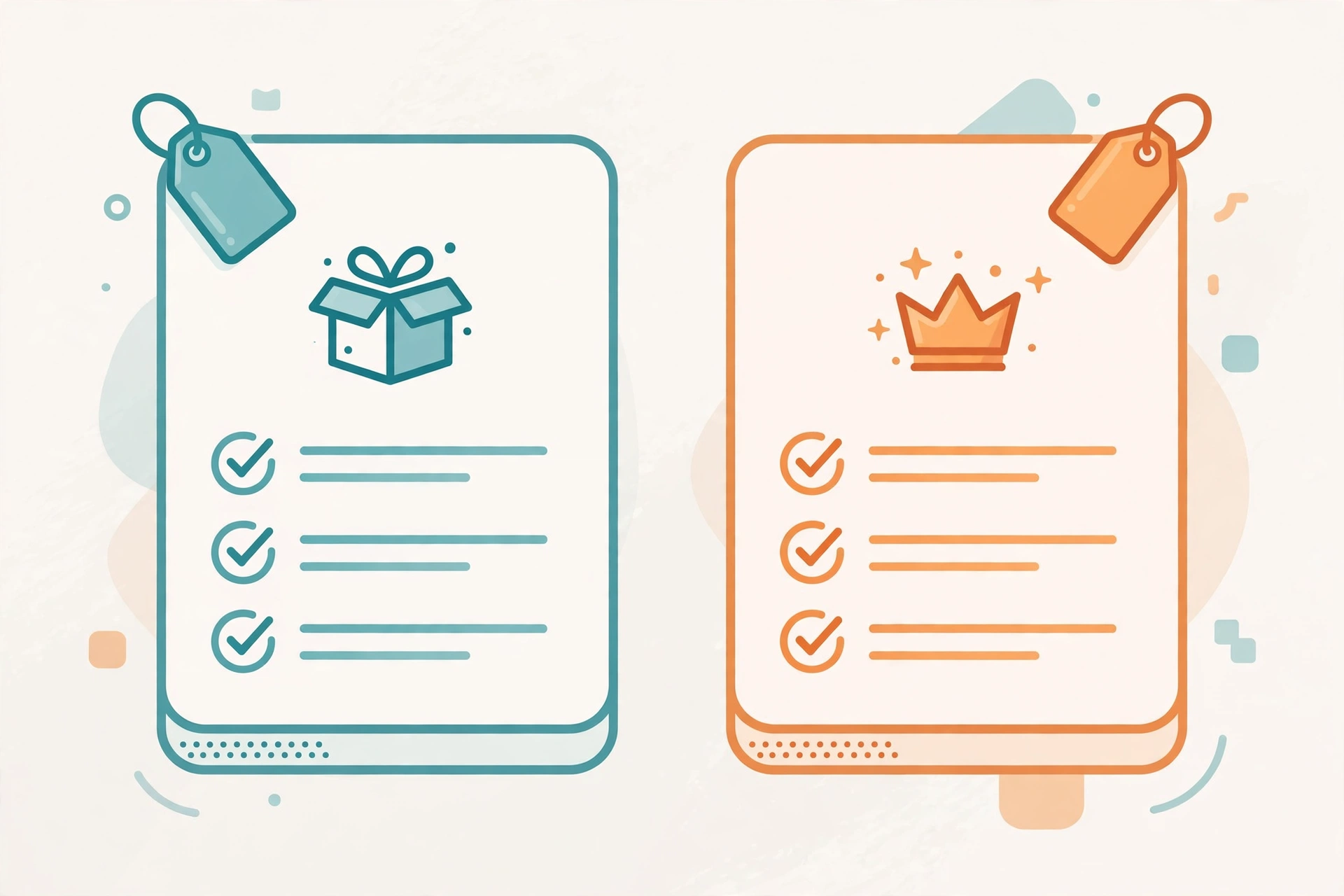
Alt: “Grammarly vs QuillBot pricing comparison 2026 – editorial illustration of subscription plan tiers”
Grammarly: Strengths and Honest Limitations
Where Grammarly shines
- Unmatched coverage: it corrects you in nearly every app you type in, not just inside its own editor
- Real-time tone detection and full-sentence rewrites that genuinely improve professional writing — the features that justify Pro
- A free plan you can actually live on, plus a plagiarism checker bundled into Pro rather than sold separately
- Strongest third-party proof in the category: G2 4.7/5 from ~14,088 reviews
Where it falls short
- Monthly billing is brutal: $30/mo vs $12/mo annual — the monthly plan costs 2.5x for the same product
- It over-suggests: Grammarly will try to flatten your voice into corporate-smooth prose, so you have to ignore some prompts
- Weaker on creative and highly technical writing, and its plagiarism checker is basic next to academic tools like Turnitin
- Not a content generator — it polishes what you write, it doesn’t draft long-form content for you
QuillBot: Strengths and Honest Limitations
Where QuillBot shines
- The best paraphrasing engine in its price class: nine modes plus custom modes, with meaning preservation that reviewers consistently praise
- A true suite in one subscription: paraphraser, summarizer, citation generator, plagiarism checker, AI detector, and humanizer
- Genuinely good free tier and the cheapest paid tier in this comparison ($8.33/mo annual), with student discounts on top
- Built for students and researchers: citations, summaries, and academic modes are first-class, not bolted on
Where it falls short
- The plagiarism cap is tight: 25,000 words/month (about 20 pages) runs out fast for heavy academic or professional users
- Teams is shared billing, not collaboration — there is no co-editing workspace, so don’t buy it expecting Google Docs-style teamwork
- Refund terms are restrictive: the current policy issues refunds only where the law requires them (EEA/UK buyers get a 14-day withdrawal right) — older “3-day money-back” claims no longer apply
- The AI Humanizer shouldn’t be bought as a detector-beater: independent tests put its bypass rate around 42%, and using it to disguise copied work risks academic-integrity trouble
Ease of Use
Grammarly wins on invisibility. Install it once and it works everywhere you already write — the learning curve is mostly learning which suggestions to ignore. QuillBot wins on control: you choose a mode, set the synonym level, freeze key terms, and compare outputs side by side. That control is exactly what rewriters want and exactly what casual writers don’t need. Different definitions of “easy,” again.

Alt: “Grammarly versus QuillBot verdict 2026 – editorial illustration of two diverging writing paths”
FAQ
Can QuillBot replace Grammarly?
Only if your main job is rewriting. QuillBot’s grammar checker covers the basics, but it doesn’t watch you type across every app, and its tone and clarity feedback is shallower than Grammarly Pro’s. For everyday writing correctness, Grammarly stays ahead.
Can Grammarly paraphrase like QuillBot?
Partly. Grammarly Pro rewrites full sentences and adjusts tone, but it has no paraphrase modes, no synonym slider, no freeze words, and no summarizer or citation generator. For deliberate rewriting work, QuillBot is the dedicated tool.
Which is cheaper, Grammarly or QuillBot?
QuillBot Premium at $99.95/yr ($8.33/mo annual) undercuts Grammarly Pro at $144/yr ($12/mo annual) by about 31%. Monthly billing flips the comparison less favorably: $19.95 vs $30 — QuillBot still wins, but the gap narrows.
Do Grammarly and QuillBot have affiliate programs?
Yes, both do — Grammarly pays $0.20 per free signup and $20 per Pro upgrade, and QuillBot pays 10–20% depending on billing cycle via PartnerStack. Neither program is linked in this article; both would need a separate signup before any link could appear here.
Should a student pick Grammarly or QuillBot?
QuillBot, if the budget is tight and the work is essays and research: paraphrasing, summarizing, and citations are its home turf, and student pricing drops Premium further. Grammarly, if the priority is error-free, professional-sounding writing across every app — and its own student discount ($72 first year) narrows the price gap.
Final Verdict
Choose Grammarly if… you write across many apps and want checking to happen where you type; you need tone control, full-sentence rewrites, and a plagiarism checker in one subscription; or you write professionally and the free plan’s 100 AI prompts keep running out.
Choose QuillBot if… you rewrite, paraphrase, or summarize regularly — student essays, research, blog refreshes; you want citations and an AI detector in the same subscription; or you want the cheapest capable writing suite at $8.33/mo annual.
And the honest third option: use both free plans. Grammarly Free catches your everyday mistakes everywhere you type; QuillBot Free handles the occasional paragraph that needs rewording. Upgrade only the one whose paywall you actually hit.
>> Try Grammarly >> Try QuillBot
More AI writing comparisons: Writesonic vs Copy.ai: Which Is Better in 2026? — the AI visibility vs GTM automation showdown.
Reading next: Canva vs Adobe Express: Which Is Better in 2026? — the design tool showdown, published today.
Affiliate disclosure: This is an independent comparison. There are no affiliate links on this page — the CTA buttons point to the official pricing pages of each tool. If that changes in the future, the disclosure will be updated. All pricing below was checked on October 25, 2026 and may have changed; confirm at checkout.