
This AppLab review looks at a planning tool for people who want to build an app with AI but keep getting stuck at the blank prompt box. AppLab does not build the app for you. It turns one sentence into a checked, step-by-step build plan for AI builders like Lovable, Bolt, Replit, v0, Base44, Cursor, and Windsurf. My rating: 4.1/5.
>> Get AppLab at the $47 Launch Price Here
Table of Contents
What Is AppLab?
AppLab is a cloud-based planning layer by creator Craig Crawford, with Firas Alameh as launch partner. The pitch is simple: describe your app idea in one sentence, or answer one question, and AppLab plans every step — idea, screens, database, sign-in, payments, and owner admin.
You copy each prompt into your AI builder, paste the reply back, and AppLab ticks the step off and opens the next one. It also includes 1,500+ ready-made parts and kits across 70+ families, a build monitor, a Repair Bay that writes fixes when a step breaks, and FrankenBot, a helper that reads your actual build and tells you the next move.
The launch opens Monday 30 November 2026 with a live webinar at 10:00 AM ET and cart opening at 11:00 AM ET. The cart closes Sunday 6 December 2026 at 11:59 PM ET.
How AppLab Works (3 Steps)
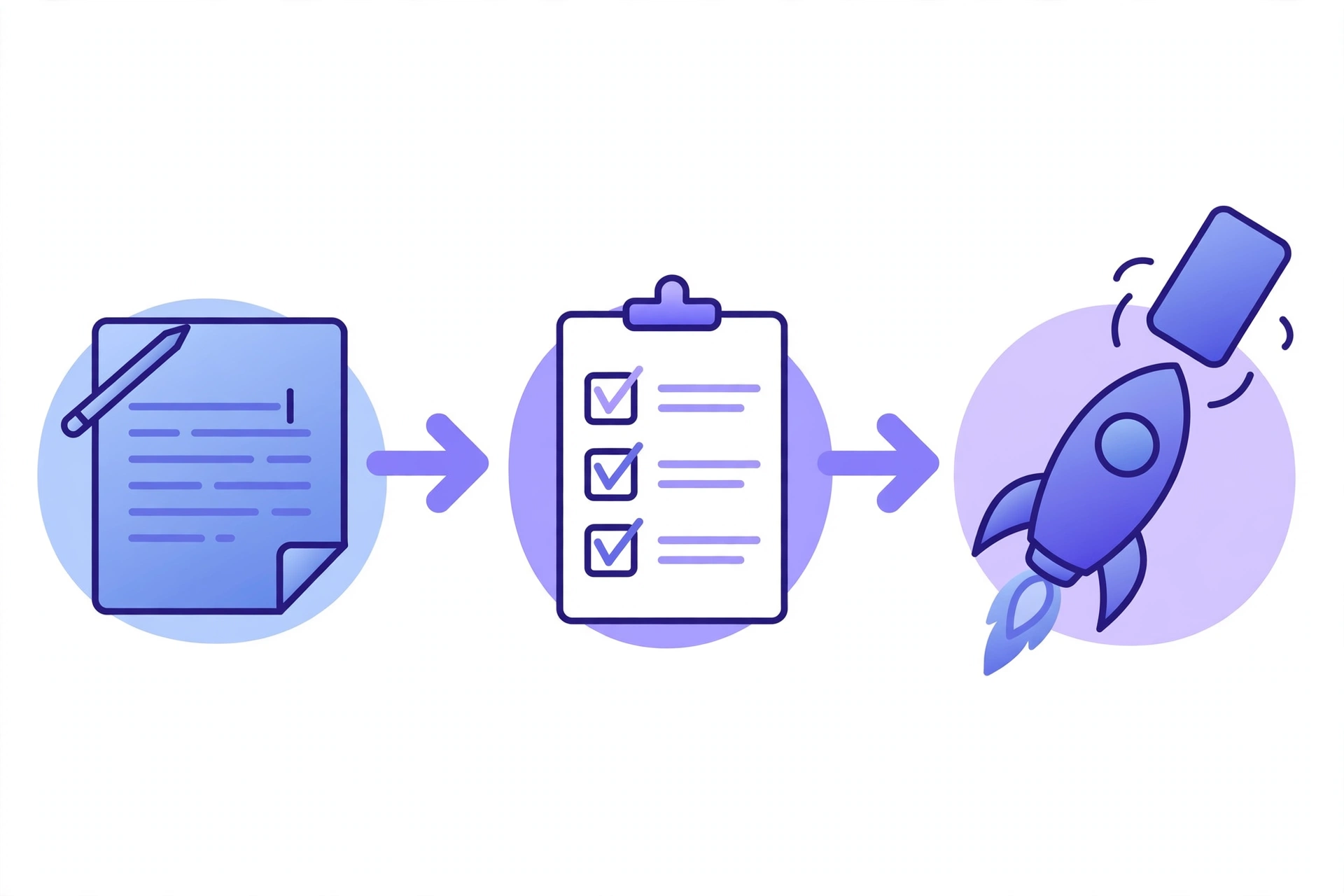
Step 1 — Describe. Type your app idea in one sentence, or pick a suggested one. AppLab turns it into a full build plan with every screen and system mapped out.
Step 2 — Build, step by step. Copy each prompt into your AI builder of choice. Paste the reply back and AppLab checks the step off with a prove-it checklist before the next step opens.
Step 3 — Fix and launch. When something breaks, the Repair Bay writes a fix to paste back into the builder. When the app is done, the after-build tools help with monetisation, store listings, and a showcase page.
AppLab Review: Key Features Worth Noting
- 1,500+ ready-made parts and kits across 70+ families — sign-in, payments, bookings, invoices, teams, referrals, onboarding, and email.
- Checked, step-by-step builds with a prove-it checklist, so you cannot skip ahead with a broken step.
- FrankenBot reads your build, explains terms, finds pages, flips settings, and raises a support ticket when needed.
- Repair Bay writes a fix for you to paste back into the builder when a step breaks.
- Works with Lovable, Bolt, v0 by Vercel, Replit, Base44, Cursor, Windsurf, ChatGPT, and Claude, and helps you set up a free builder account.
- Web and mobile (phone-first) plans, with App Store and Google Play checklists, icons, screenshots, and listing help. Store approval is not guaranteed.
- 3 app slots per licence, progress saved to your account, 29 walkthrough videos, voice and read-aloud screens, and multi-language screens.
- After-it-is-built tools: 8 monetisation directions, a Showcase listing, a 30-second promo video (free once a month per app), and Monster of the Month.
Who Is AppLab For?
- Beginners and non-coders who want to build a real app — the sales page says “Beginners, not developers”
- Founders and coaches with an app idea but no technical team
- Local-business owners who want an app for their own business
- Agencies and freelancers who want to build apps for clients
- Marketers and affiliates who want their own software as a product or bonus
It is not for you if you expect AppLab itself to write the code, or if you are unwilling to pay separately for an AI builder, hosting, and payment processing. Those are all extra.

AppLab Pricing
- Front End: AppLab Personal — $47 one-time (launch price). 3 app slots.
- AppLab Agency — $67 one-time. 3 app slots plus commercial and white-label rights.
- Order bump: Monthly kit drops — $27/month. 25 new kit pieces every month.
- Full funnel with all upgrades: up to $1,208 one-time per customer (details in my AppLab OTO breakdown).
- 30-day refund, only if unused. Once anything is downloaded or used — a kit, prompt, ZIP, plan, or Vault build — the sale is final.
>> Claim the $47 Launch Price Before It Closes 6 December
Pros and Cons (Honest)
Pros
- Unusually concrete demo: a team to-do app built on camera in 3:07, using 42.8 Lovable credits (about $11.83), and that exact app (DoneDeck) is included as a bonus
- Very detailed, transparent JV page with two full funnels, prices, commissions, and dated email swipes
- Solves a real failure mode of vibe coding — the empty prompt box, broken sign-in and payments, wasted credits — with a checked, ordered plan
- One-time price with no AppLab monthly fee; you own the code, domain, and customer list
- Strong launch mechanics for buyers: live webinar, prelaunch lead capture, and a $3,850 affiliate contest
Cons
- AppLab does not build the app: a separate AI builder, hosting, payment processor, and (for stores) developer accounts and fees are all extra and separate, and App Store approval is not guaranteed
- The refund is narrow: 30 days only if unused, and the vendor says it checks download and use records (date, time, IP) before every refund
- No AppLab-customer proof on the page: the “beginners shipping software” stories are explicitly not AppLab customers, and the page says so itself
- Kit-count inconsistency on the sales page: “1,500+ ready-made parts,” “1,263 parts on the shelf,” and “You have seen seven. There are 1,579”
- Only 3 app slots per licence — scaling beyond three apps means more licences or upsells
AppLab Review: Vendor Bonuses Included
These bonuses come from the vendor with every AppLab purchase (total stated value $1,479), plus Founders Club extras for buyers before the 6 December close (stated value $1,585):
- DoneDeck ($497 value) — the finished team to-do app from the demo: shared Kanban, tasks, priorities, due dates, team join links, owner admin, guides, and dark mode. Rebrand and run it as your own product; selling copies to clients needs the Agency licence.
- 100 Micro-SaaS Opportunities ($97 value) — 100 software opportunities across dozens of niches.
- SaaS Money Machine ($197 value) — how to charge for your idea: monthly, credits, one-off lifetime, agency licensing, white label, or free tier.
- Launch Kit ($297 value) — positioning, pricing, launch copy, emails, social posts, launch-day checklist, and ready-made launch pages.
- First 100 Users Playbook ($197 value) — practical places to find first testers and paying customers with no ad budget.
- FrankenApp Showcase listing ($97 value) — a public page where people can find and try your app.
- Prompt Rescue ($97 value) — paste what went wrong with the builder and get the fix.
FAQ
Do I need coding skills to use AppLab?
No. It is built for beginners, not developers. You describe the idea, AppLab plans it, and the AI builder writes the code. You will still need to copy prompts and paste replies back.
Does AppLab build the app itself?
No. AppLab is the planning layer. An AI builder such as Lovable or Bolt does the building, and hosting, payments, and store accounts are separate costs.
Is there a monthly fee?
No AppLab monthly fee — the front end is one-time. The optional monthly kit drops ($27/month) and Traffic Lab ($27/month) are upsells, and your AI builder may charge separately.
What is the refund policy?
30 days, but only if nothing from the purchase has been downloaded or used. Once you use a kit, prompt, plan, or bonus file, the sale is final.
When does the launch price end?
The cart closes Sunday 6 December 2026 at 11:59 PM ET.
AppLab Review Verdict
In this AppLab review, I found a genuinely useful planning layer for a real problem: vibe coding fails most often at the planning stage, not the coding stage. The demo is concrete, the funnel is transparent, and the vendor bonuses (especially DoneDeck) are real products, not filler PDFs.
The honest trade-off is cost beyond the $47. You still need an AI builder, hosting, and payment processing, the refund only applies if you use nothing, and there is no AppLab-customer proof yet. If you are a beginner with an app idea and you will actually follow a plan, it is worth it at launch pricing. If you want a tool that builds the app by itself, this is not it.
Rating: 4.1/5 — Recommended at the $47 launch price, with eyes open about the extra costs.
For a broader look at AI builders, see my Best AI Website Builders in 2026 and Cursor vs Devin Desktop comparison.
>> Get AppLab at the $47 Launch Price + Vendor Bonuses Here
P.S. The cart closes 6 December 2026 at 11:59 PM ET, and Founders Club extras close with it.
Affiliate Disclosure: This is an independent review. If you buy through links on this page, I may earn a commission at no extra cost to you. My ratings are based on hands-on research of the official demo, JV documentation, and funnel details — including the flaws I found.