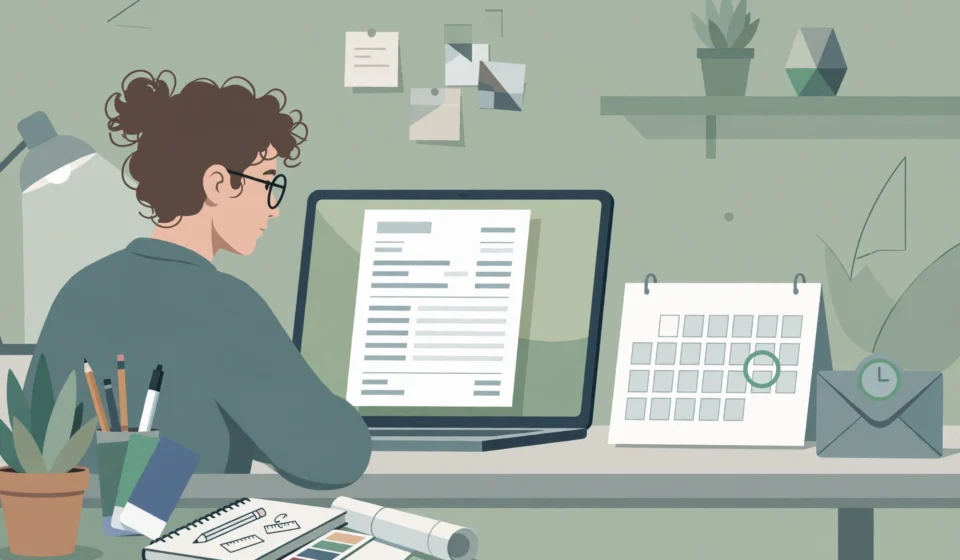

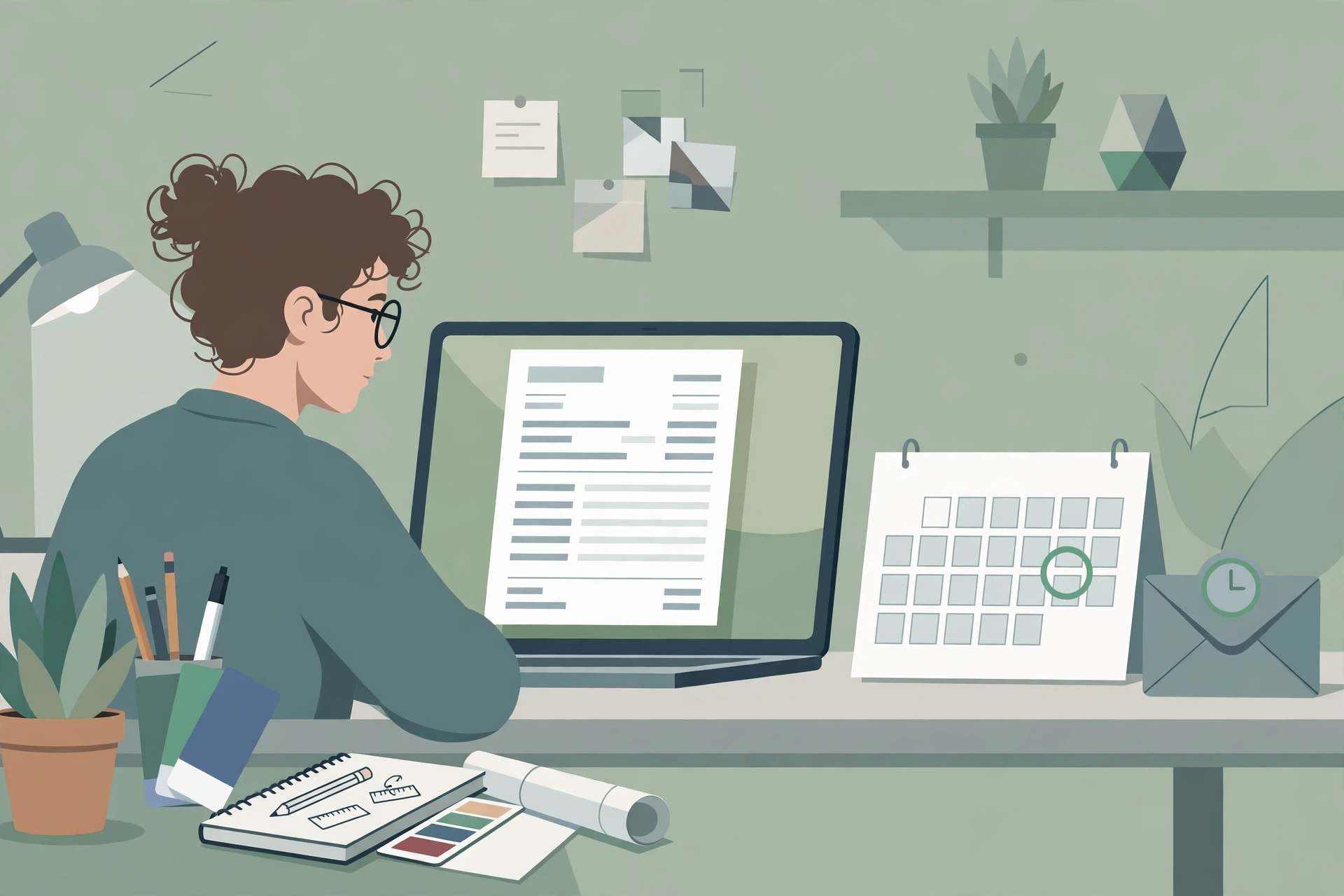
Learning how to automate invoice reminders with AI for freelance designers is one of the highest-return systems a solo designer can build: it takes about an hour to set up, and it quietly chases every late payment for you from then on. Most late payments are not refusals — they are forgotten invoices. A client who loved your work, approved the final files, and then simply never saw the invoice again is the norm, not the exception. An automated reminder sequence fixes that without you writing a single awkward follow-up email.
Prices in this guide were checked against vendor pricing pages and independent pricing guides in November 2026. Invoicing tools change plans often, so confirm the current price on the vendor’s site before you subscribe.
Table of Contents
What you need before you start
You need three things: an invoicing tool with automatic reminders (five options below), your payment terms decided in advance, and three short email templates. That is the whole system. You do not need a CRM, a virtual assistant, or a separate AI subscription — although a free ChatGPT account makes writing the templates considerably easier, and we use it in step 3.
Decide your terms now, because the automation can only enforce what you have already decided. Most freelance designers use Net 14 (payment due 14 days after the invoice date) for project work and Net 30 for retainers, with a late fee of 1.5% per month stated on the invoice. Put the terms on every invoice and in your contract — a reminder is only fair if the deadline was visible from the start.
How to automate invoice reminders with AI for freelance designers: the 7-step setup
Step 1: Pick the invoicing tool that fits your client count
The tool matters less than the automation, but the pricing models differ sharply, so choose by how many clients you bill. FreshBooks is the best all-rounder for designers who bill by the hour: Lite costs $23 a month for 5 billable clients, Plus $43 a month for 50, and Premium $70 a month for unlimited clients, with time tracking that flows straight into invoices. Its reminders are the strongest part — you can schedule them for three days before the due date, on the day, and seven and fourteen days after, each with its own template and tone per client. It scores 4.5 out of 5 on G2 from nearly 1,000 reviews.
HoneyBook fits designers whose invoice is part of a larger client journey: inquiry, proposal, contract, invoice, and payment in one branded flow. Starter is $29 a month billed annually ($36 month to month), Essentials is $49, and Premium is $109. Its automations trigger on client behavior — a signed contract can send the deposit invoice, and a booked call can kick off a proposal — and HoneyBook AI suggests pricing, drafts clauses, and writes follow-up replies. The trade-off is that it is not accounting software, so you will export to QuickBooks or Xero at tax time.
Wave is the free option: its Starter plan covers unlimited invoices and clients plus basic bookkeeping at $0, and Pro at $19 a month adds automatic late-payment reminders, bank transaction imports, and receipt scanning. QuickBooks Online is the right pick if your accountant already works in QuickBooks — Simple Start lists at $38 a month, with reminders and Stripe, PayPal, and ACH collection built in, plus Intuit Assist for financial questions. Bonsai ($25 a month, or $19 billed annually) bundles proposals, contracts, and invoices for freelancers who want one tool for the whole client lifecycle, and Zoho Invoice is free forever for businesses under $50,000 a year in revenue, with a workflow builder for conditional reminder triggers.
Tip: if you bill fewer than five clients, start with Wave free or FreshBooks Lite. If you bill more than twenty, FreshBooks Plus or HoneyBook Essentials will save you more in recovered payments than they cost in a month.
Step 2: Set your payment terms and late fee once
Open your invoicing tool’s settings and set three things: the default payment term (Net 14 is the freelance sweet spot — short enough to keep cash flowing, long enough to feel fair), the late fee (1.5% per month, stated on the invoice), and the payment methods you accept (card and bank transfer at minimum — every extra step between the reminder and the payment costs you a day). Save these as your defaults so every new invoice inherits them without you thinking about it.
Also set your invoice numbering and your business details once, properly: your legal name, your payment details, and a short line on every invoice stating the due date in plain language (“Payment due within 14 days — 5 December 2026”) rather than only “Net 14”, which many clients do not understand. The clearer the invoice, the fewer reminders you will need.
Step 3: Write three reminder templates with AI
You need three templates, and this is where AI earns its place in the workflow. Open ChatGPT or Claude and ask for three short, polite invoice reminder emails for a freelance designer: one friendly nudge three days before the due date, one matter-of-fact note on the due date, and one firm but professional follow-up seven days overdue. Give it your tone (“warm, professional, never passive-aggressive”), your payment link, and the invoice details as placeholders. Then edit the output until it sounds like you — AI drafts are fast, but your clients hired a person, and a template that reads like a template gets ignored like one.
A structure that works: the pre-due reminder is one line (“Quick heads-up — invoice #1042 for the brand refresh is due on Friday, and you can pay here”), the due-date note restates the amount and the link and nothing else, and the overdue follow-up asks a question rather than making an accusation (“Just checking this one didn’t get lost in your inbox — is there anything you need from me to get it paid this week?”). The question format gets replies; the accusation format gets silence.
Tip: write one template per client type if your work varies. A retainer client who pays monthly for a year should never get the same tone as a one-off logo client who is thirty days late.
Step 4: Configure the reminder schedule in your tool
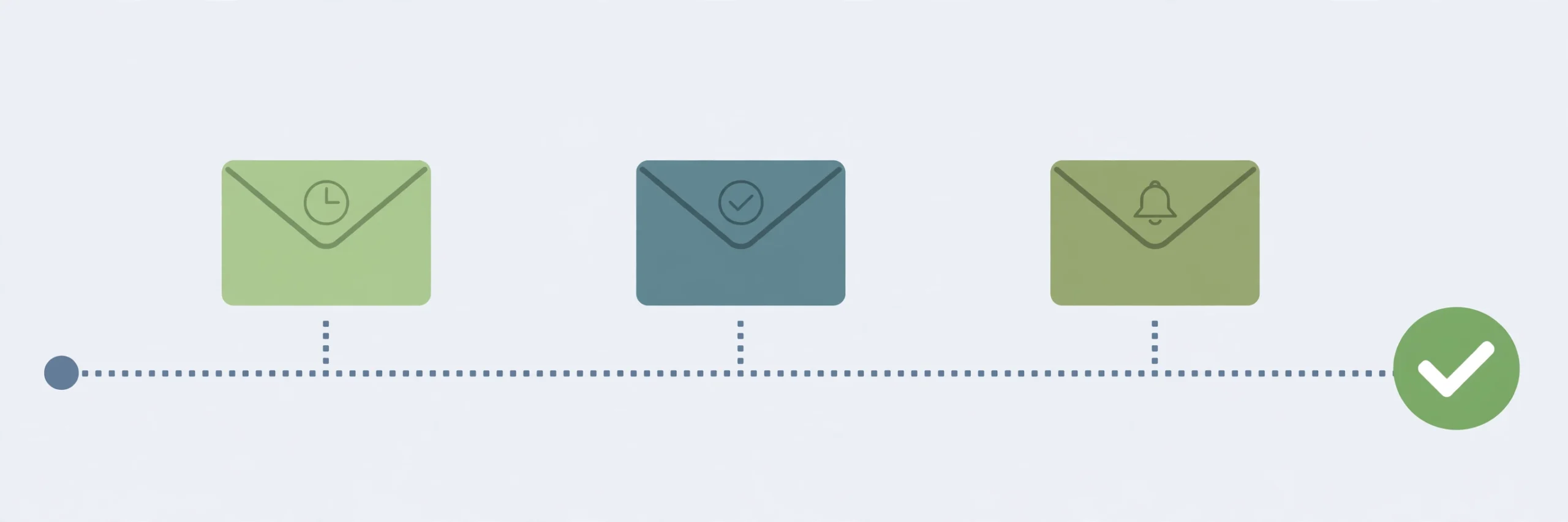
This is the five-minute step that does all the work. In FreshBooks, open Settings, then Late Payment Reminders, and set the sequence: three days before the due date, on the due date, seven days after, and fourteen days after, assigning each of your three templates to the right slot. In Wave Pro, enable automatic reminders and set the same cadence. In HoneyBook, build the sequence as an automation triggered by the invoice’s due date. In QuickBooks Online, turn on invoice reminders and set the timing per invoice or as a default.
Set the send time to mid-morning in your client’s timezone — 10 a.m. gets opened; 2 a.m. gets buried. And make sure the reminder includes a payment button or link in the email itself: every click between the reminder and the payment page is a chance for the client to get distracted and forget again.
Step 5: Connect payments so reminders stop when clients pay
The most embarrassing failure of an invoice reminder system is reminding a client who already paid. Connect your payment method — Stripe, PayPal, or bank transfer — to your invoicing tool, so a payment marks the invoice paid and cancels the remaining reminders automatically. FreshBooks, HoneyBook, Wave, QuickBooks, and Bonsai all do this natively; the setup is a one-time connection in the payments settings, and it is the difference between a system your clients trust and one they complain about.
Test the whole loop once with a real invoice to yourself or a friendly client: send it, let the first reminder fire, pay it, and confirm the second reminder never arrives. That ten-minute test prevents the one mistake that can cost you a client relationship.
Step 6: Let AI draft the tricky follow-ups
Automation handles the routine reminders. The awkward ones — the client who is sixty days late, the one who disputes the scope, the one who went silent after approving the work — still need a human email, and this is the second place AI helps. Paste the situation into ChatGPT or Claude, describe the relationship honestly (“good client, first late payment, I want to keep working together”), and ask for a draft that is firm about the money and generous about the relationship. Edit it, send it yourself, and never let AI send anything to a client unsupervised.
Keep a short log of what you sent and when — most invoicing tools keep this automatically in the invoice’s activity history. If a payment ever becomes a dispute, that log is your evidence that you reminded politely, repeatedly, and on schedule.
Step 7: Track, tune, and get paid faster
After a month, check two numbers in your invoicing tool: the average days from invoice to payment, and the share of invoices paid within terms. If the average is still over 30 days, tighten the schedule — move the first reminder to five days before the due date and add a same-day follow-up for the largest invoices. If one client is always late, that is a pricing conversation, not a reminder problem: ask for a 50% deposit upfront on their next project, or move them to payment in advance.
An illustrative example: a designer billing five retainer clients $1,500 a month each used to spend two hours a month chasing payments and still waited an average of 34 days to get paid. After setting up FreshBooks with the four-step reminder sequence above, the average fell to 12 days — not because the clients changed, but because the reminder arrived before the invoice was forgotten. Your numbers will differ, but the mechanism is the same: reminders work when they arrive before the forgetting happens.
Common mistakes to avoid
Sending too many reminders. Four reminders across three weeks is a system; a reminder every day is harassment. If a client has not paid after the fourteen-day follow-up, stop automating and pick up the phone.
Forgetting the late fee. A reminder without a consequence is a suggestion. State the late fee on the invoice, mention it in the overdue template, and apply it — once, visibly — to the clients who test it.
Reminding clients who already paid. Always connect payments to your invoicing tool, and always test the loop. One wrong reminder does more damage to trust than a month of late payments.
Sending from a no-reply address. Reminders should come from an address the client can reply to. Half the value of a reminder is the reply it generates — “Oh sorry, paying today” or “Can we split this into two payments?” — and a no-reply address throws that value away.
Apologizing for asking to be paid. “Sorry to chase” is the most expensive sentence in freelancing. You did the work, the client agreed the price, and the reminder is a service to them, not an imposition. Polite, yes. Apologetic, no.
Frequently asked questions
How to automate invoice reminders with AI for freelance designers without losing the personal touch?
Automate the schedule and the first draft, never the relationship. Let the tool send the routine reminders on time, use AI to draft the templates, and handle the exceptions yourself — the sixty-day-late client, the disputed scope, the client you want to keep. Your clients should feel reminded, not processed.
Which tool is best for a freelance designer starting from zero?
Wave, because it is free and its Pro plan adds automatic reminders for $19 a month when you need them. If you bill by the hour, FreshBooks Lite at $23 a month is the better pick because time tracking flows straight into your invoices. If your invoices are part of proposals and contracts, HoneyBook Starter at $29 a month billed annually covers the whole client journey.
Can AI really write my invoice reminders?
Yes, for the first draft. ChatGPT or Claude will write three solid reminder templates in a minute if you give it your tone, your terms, and the invoice details as placeholders. What AI cannot do is judge the relationship — that is why you edit every template before it goes into the automation, and why you write the overdue follow-ups yourself.
What if a client still does not pay after all the reminders?
Stop the automation, call them, and then send one final written notice with a firm date. If the amount justifies it, your contract should already name the next step — a late fee, pausing work, or a collections process. The reminder system exists so that you find out in week two that a client is not paying, instead of discovering it in month three.
Verdict
Knowing how to automate invoice reminders with AI for freelance designers comes down to one afternoon of setup and one habit: let the tool send the reminders, let AI write the first drafts, and keep the human judgment for yourself. FreshBooks is the best all-rounder for designers who bill by the hour, Wave is the best free starting point, and HoneyBook is the right choice when the invoice is one step in a longer client journey.
Set the terms, write the three templates, configure the four-step schedule, connect payments so reminders stop when clients pay — and then stop thinking about invoices entirely, because the system is doing the chasing for you. If you also want to tighten up the rest of your freelance business, our Framer review covers the website builder many designers use to win the work in the first place, and our roundups of the best AI tools for lead generation and the best AI tools for agencies cover the tools for finding the next client once this one’s invoice is paid.
Pricing note: prices in this article were verified in November 2026 from vendor pricing pages and independent pricing guides (FreshBooks, HoneyBook, Wave, QuickBooks Online, Bonsai, Zoho Invoice). FreshBooks runs a public affiliate program paying up to $200 per paid subscriber via PartnerStack. Confirm current prices on each vendor’s site before purchasing.