Krea AI is not one image model — it is a whole creative studio in a browser tab. Real-time generation that updates as you draw or type, its own Krea 1, Krea 2, and Krea 3 models, plus more than 60 third-party image and video models under one subscription, with video, 3D, lip-sync, LoRA training, and upscaling thrown in. In this Krea review, we look at what that breadth actually feels like to use, what its compute-unit pricing really costs, and who should — and should not — pay for it.

What Is Krea?
Krea (krea.ai) is an AI creative platform founded in 2023 that combines image, video, 3D, and lip-sync generation in a single web app. Its signature feature is the real-time canvas: draw rough shapes or type a prompt and watch a polished image update live as you work, rather than waiting for a batch of generations. Alongside that canvas, Krea offers text-to-image and image-to-image generation, AI upscaling, style transfer, background removal, pattern generation, logo illusions, a node-based workflow editor (Krea Nodes), and an app builder. Its own model line runs from Krea 1 through Krea 2 (announced 12 May 2026, a 12-billion-parameter model built for creative exploration) to Krea 3 (launched 15 October 2026, an image-editing model that Krea says edits most images in under 8 seconds) — and the platform also hosts third-party models including Flux, Veo, Kling, Runway, and Ideogram.
Key Features of Krea
1. Real-Time Canvas for Fast Exploration
The real-time canvas is Krea’s defining experience: sketch, adjust a prompt, or move a reference, and the image updates in near real time. For moodboards, style exploration, and breaking a creative block, this is genuinely faster than the generate-wait-pick loop of most image tools, and it is the feature that keeps users coming back.
2. 60+ Models in One Subscription
Instead of subscribing to separate tools for photorealism, video, and stylised illustration, Krea aggregates dozens of models — its own Krea family plus Flux, Veo, Kling, Seedance, and others — metered by compute units. That breadth is the value proposition: one bill, many model families, and the freedom to pick the right model per job.
3. Video, 3D, and Lip-Sync Beyond Stills
Krea is a multi-modal suite, not an image-only tool: text- and image-to-video generation, 3D asset generation, and lip-sync sit alongside image tools. Higher plans unlock all video models and more parallel jobs, so a creator can storyboard, animate, and enhance without leaving the platform.
4. LoRA Training and Upscaling
Custom LoRA training lets you fine-tune on your own images for a consistent character or style, and upscaling reaches up to 22K on paid plans (2K on free). For creators building a repeatable look — a mascot, a product style, a personal brand — LoRA training is the feature that turns a generic generator into a personal one.
5. Nodes Workflows for Repeatable Pipelines
Krea Nodes, a node-based workflow editor on higher plans, lets power users chain models and operations into repeatable pipelines. It is overkill for casual users, but for teams producing assets at volume it is the difference between a toy and a tool.
Krea Pricing and Plans
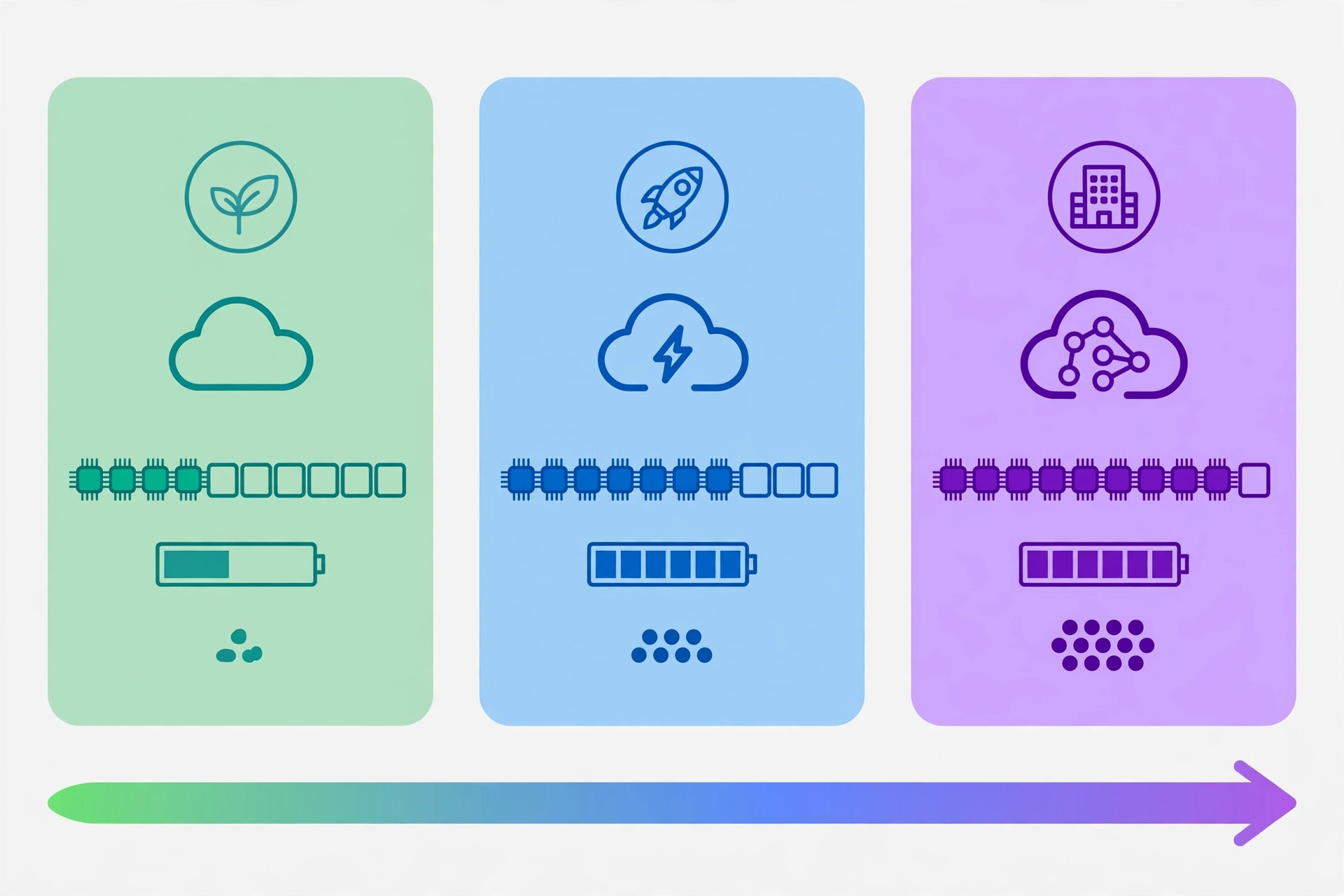
Krea uses compute units: different models, resolutions, and quality settings burn units at different rates, so the plan price is only half the story. Paid plans include a commercial licence; free-plan outputs are watermarked and do not carry commercial rights. Prices below were checked on 2 November 2026; verify on krea.ai before buying.
| Plan | Monthly price | Annual price | Compute units | Key extras |
|---|---|---|---|---|
| Free | $0 | $0 | 100 per day (refills daily) | Limited models; watermarked; upscaling to 2K; no commercial rights |
| Basic | $9 | $5/month | 5,000 / month | Commercial licence; all image models; selected video models; 4K upscaling |
| Pro | $35 | $21/month | 20,000 / month | All video models; 8 parallel image jobs; 4 parallel video jobs |
| Max | $105 | $63/month | 60,000 / month | LoRA training up to 2,000 images; unlimited concurrency |
| Business | $200 | $160/month | 80,000 / month | Up to 50 seats; SAML SSO; priority support with SLA |
The entry point is genuinely cheap — Basic at $9 a month ($5 annually) buys multi-modal generation with a commercial licence — but video is where budgets disappear: a single premium video clip can cost more than a day’s free allowance, so video-heavy users should start at Pro and watch unit consumption for the first month. Annual billing saves roughly 40% on most plans.
Pros and Cons of Krea
Pros
- Real-time iteration is a real advantage. Live canvas feedback makes style exploration dramatically faster than batch generation.
- Extraordinary breadth for the price. 60+ image and video models, plus 3D and lip-sync, under one subscription from $9 a month.
- Cheap, usable entry plan. Basic includes a commercial licence and full image-model access — rare at this price.
- LoRA training and high-resolution upscaling. Personal styles and print-ready outputs without extra tools.
- Free tier needs no card. 100 units a day is enough to feel the real-time canvas before paying.
Cons
- Compute-unit math is opaque. Costs vary by model and setting, so forecasting a month’s spend takes hands-on experience.
- Video burns units fast. Premium video models can exhaust a daily or monthly allowance in a handful of clips.
- Quality varies by model. Aggregation is a strength and a weakness: some hosted models are excellent, others merely adequate, and the platform does not hide that spread.
- No editable vector output. For logos, icons, and brand systems, Recraft — with native SVG generation — is the stronger pick.
- Free plan limits are tight for video. Video concurrency is effectively zero on free, so video evaluation needs a paid plan.
Who Is Krea Best For?
Krea is best for creators, designers, and small teams who want fast visual exploration across many models without juggling subscriptions — moodboards, social content, concept art, short video, and product visuals. It is less ideal for brand designers who need editable vector files, or for users who want one predictable model with simple per-image pricing. For a head-to-head on brand work, see our Midjourney vs DALL-E and Flux vs Ideogram comparisons alongside this review.
Frequently Asked Questions
Is Krea free?
Yes, with limits: the free plan gives 100 compute units per day with no card required, covering real-time image generation and basic upscaling, but outputs are watermarked and carry no commercial rights.
What are Krea 1, Krea 2, and Krea 3?
Krea 1 is Krea’s original proprietary image model; Krea 2 (May 2026) is its 12-billion-parameter successor built for creative exploration; Krea 3 (October 2026) is an image-editing model focused on fast edits. All three remain available alongside third-party models on the platform.
Can I use Krea images commercially?
Yes, on paid plans, which include a commercial licence. Free-plan outputs do not carry commercial rights.
Does Krea generate video?
Yes. Krea offers text- and image-to-video generation across hosted models including Veo, Kling, and Seedance, with full video-model access on Pro and above.
Does Krea have an affiliate program?
Krea runs a Creator Program, reported to offer a 25% cut on paid subscriptions referred through a creator link, with applications via its creators page; we found no open self-serve affiliate signup. This article contains no Krea affiliate link.
Verdict
Krea is the best value in AI visuals for explorers: the real-time canvas alone justifies a trial, and Basic at $9 a month buys an absurd amount of creative range with a commercial licence. Its weaknesses — opaque unit pricing, fast-burning video, and no vector output — are real but manageable once you know them. If you make images and short video every day and like trying new models, Krea is an easy recommendation. If you build brands, pair it with a vector tool.
Rating: 4.3 out of 5