Most AI image generators hand you a flat picture. Recraft hands you a design file: the only major generator that produces genuinely editable, production-ready vector graphics in SVG format, alongside raster images. With its V4.1 model family, a built-in vector editor, and brand controls like custom styles and exact colour palettes, Recraft is aimed squarely at designers and marketers who need assets they can actually finish in a design tool. In this Recraft review, we look at what V4.1 can do, what its credit system really costs, and where it falls short.

What Is Recraft?
Recraft is a design-oriented AI image platform from Recraft Inc. Its own models — Recraft V4 (February 2026) and the current V4.1 family (released 14 May 2026) — are built for professional visual work rather than casual image play. V4.1 comes in standard, Pro (higher resolution and finer detail), Utility (flatter lighting and more predictable, brief-driven output for mockups and product shots), and Vector variants, plus a fast Flash model. Recraft Studio, the web app, also runs selected third-party image and video models on the same credit balance, and the Recraft API offers the same models programmatically with per-image pricing.
What sets Recraft apart is its vector output: generate a logo, icon, or illustration as a layered SVG you can reshape, recolour, and edit node by node — in Recraft’s own vector editor or exported to professional design tools — instead of tracing a raster image into approximate paths. Outputs export as SVG, PNG, JPG, PDF, TIFF, and Lottie.
Key Features of Recraft
1. Native, Editable Vector Generation
Recraft’s headline capability is prompt-to-SVG generation with structured layers and clean geometry. For logos, icons, brand illustrations, and typography-led concepts, this is a practical difference, not a marketing one: a vector file scales to a billboard, recolours in seconds, and drops into a brand system without redrawing. No other major generator offers this natively.
2. V4.1: Design Taste, Readable Text, and Photorealism
V4.1 is positioned as Recraft’s most expressive model, with balanced composition, cohesive colour, refined detail, and strong prompt understanding — including reflections, materials, and background interactions. It also renders readable, structured text for infographics, menus, signage, and packaging, which is where many image models still fail. The Utility line trades some of that expressiveness for predictability: front-facing subjects, restrained lighting, and consistent results for product visuals. Pro models output at up to 2048-pixel resolution for print-grade work.
3. Brand Controls: Styles, Colours, and Consistency
Recraft lets you create reusable custom styles from your own reference images, pass an exact colour palette, set background colours, and generate in a consistent style across a campaign. For a small team producing a set of ads, icons, and social assets that must look like they came from the same brand, these controls matter more than raw photorealism.
4. Editing Tools in the Same Canvas
Studio includes background removal and replacement, inpainting, erasing, vectorization, mockups, and upscaling, plus image-to-image generation. That means a generated asset can be refined without round-tripping to another editor for the common fixes — a real time-saver for marketing asset production.
5. API and Third-Party Models
The Recraft API is billed separately in prepaid API Units ($1 per 1,000 units, non-expiring): V4.1 raster costs $0.035 per image, V4.1 Vector $0.08, V4.1 Pro raster $0.21, V4.1 Pro Vector $0.30, and V4.1 Flash $0.007. Studio also runs outside models — including Flux, GPT Image, and others — on its credit balance, so one subscription can cover several model families, though credit costs vary sharply by model.
Recraft Pricing and Plans
Recraft Studio uses subscription credits that reset monthly (top-up packs never expire). Paid plans include private generations and commercial rights while subscribed; the free plan’s generations are public, owned by Recraft, and not licensed for commercial use — treat it as a demo only. Prices below were checked on 2 November 2026; verify on recraft.ai before buying, as prices exclude VAT and credit costs per model change.
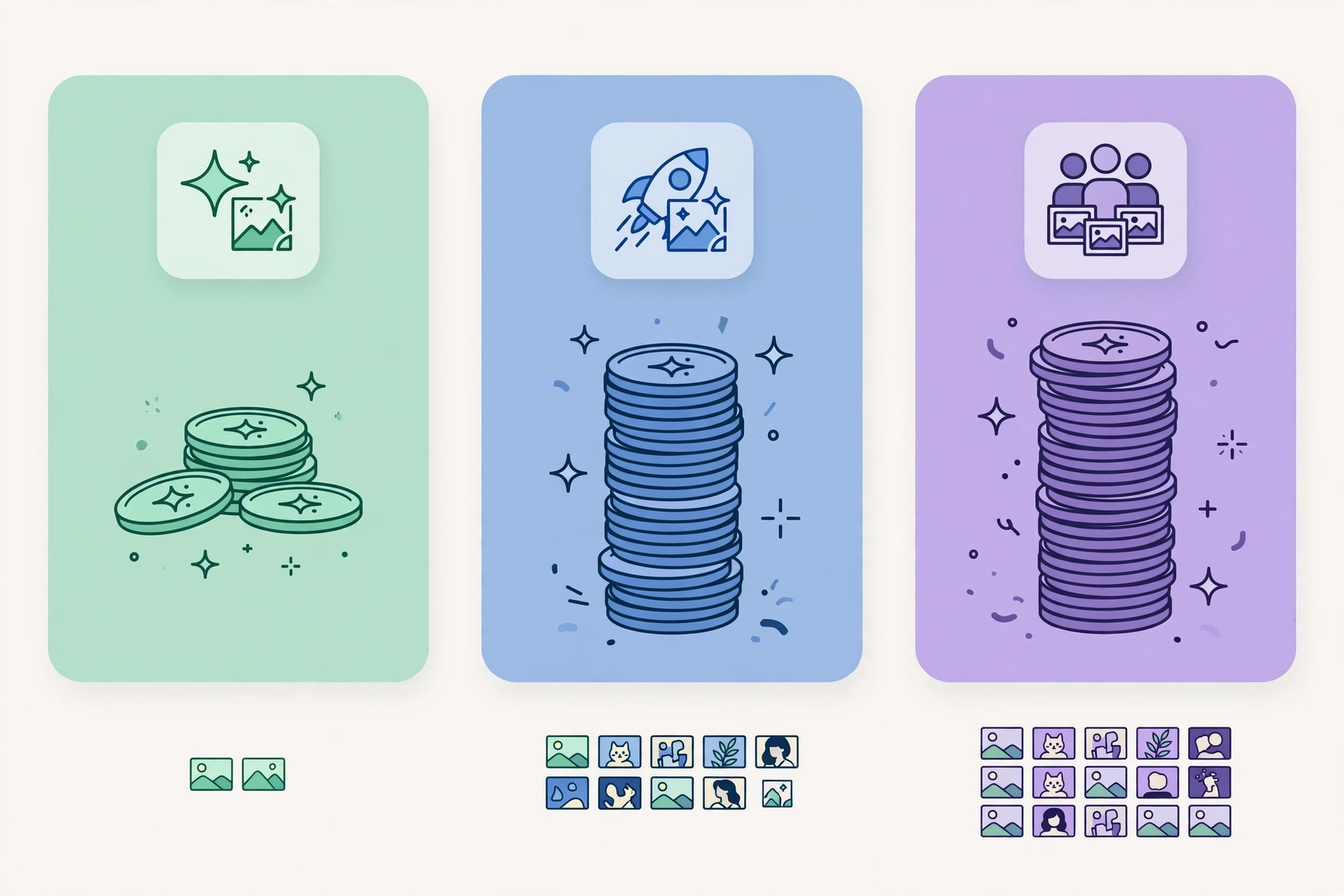
| Plan | Monthly price | Annual price | Credits / month | Key extras |
|---|---|---|---|---|
| Free | $0 | $0 | Daily credits (limited) | Public generations; no commercial licence |
| Basic | $12 | $10/month ($120/year) | 1,000 | Private generations; commercial rights; external models; top-ups |
| Pro | From $20 | From $16/month | 2,000–16,000 (tiers to $160/month) | Video generation; priority queue; API access (billed in API units) |
| Teams | From $22/seat | From $18/seat/month | 2,000 per seat | Shared styles; centralised billing; SSO; premium support |
| Enterprise | Custom | Custom | Custom | Custom deployment and terms |
The credit math deserves attention: in Studio, one credit buys a basic raster image while vector output costs more, and third-party models can cost far more per image than Recraft’s own models — so Basic’s 1,000 credits buy very different numbers of images depending on what you run. For Recraft’s own V4.1 work, Basic is a genuinely affordable entry point at $12 a month; for heavy third-party model use, check the per-model credit cost before choosing a tier.
Pros and Cons of Recraft
Pros
- Unmatched vector output. Native, editable SVG is a real workflow advantage for logos, icons, and brand systems.
- Strong text rendering. Readable typography for packaging, signage, and infographics, where rivals often garble lettering.
- Brand consistency tools. Custom styles, exact palettes, and a built-in editor keep campaigns coherent.
- Affordable entry for commercial work. Basic at $12 a month unlocks private generations and commercial rights.
- API priced per image. Transparent pay-per-image API pricing suits developers and production pipelines.
Cons
- Free plan is not usable for real work. Public, Recraft-owned output with no commercial licence means professionals must pay from day one.
- Credit costs vary wildly by model. Third-party models can burn through a monthly allowance far faster than Recraft’s own models, making budgeting tricky.
- Studio and API balances are separate. Subscription credits and prepaid API Units are different pools, which confuses cost planning.
- Not the most photorealistic option. For raw photographic texture, some rivals edge Recraft out — see our Midjourney vs DALL-E and Flux vs Ideogram comparisons for that end of the market.
- Content filters can be aggressive. Users report innocent creative prompts being blocked, which interrupts professional workflows.
Who Is Recraft Best For?
Recraft is best for designers, brand managers, marketers, and creative teams who need production-ready graphics — logos, icons, illustrations, product visuals, and campaign assets — with consistent style and editable files. It is less ideal for casual users who just want fun images for free, or for photographers chasing maximum photorealism above all else.
Frequently Asked Questions
Is Recraft free?
Yes, with limits: the free plan offers limited daily credits, but generations are public, owned by Recraft, and not licensed for commercial use. Commercial work starts at Basic, $12 a month.
What is Recraft V4.1?
V4.1 is Recraft’s current model family, released 14 May 2026, covering standard, Pro, Utility, Vector, and Flash variants for expressive, predictable, and vector-first generation.
Does Recraft generate vector files?
Yes. Recraft is the only major generator producing native, editable SVG output with structured layers, exportable to SVG, PNG, JPG, PDF, TIFF, and Lottie.
Can I use Recraft images commercially?
Yes, on paid plans, which include private generations and commercial rights while subscribed. Free-plan images carry no commercial licence.
Does Recraft have an affiliate program?
We could not confirm an official, open Recraft affiliate program with published commission terms at the time of writing; a third-party partner index lists a Recraft partner program without a verified rate. This article contains no Recraft affiliate link.
Verdict
Recraft earns its place as the designer’s image generator: native SVG output, readable text, brand controls, and a genuinely affordable commercial entry point add up to a tool built for finished work, not just impressive demos. The credit system needs careful reading — especially for third-party models — and the free plan is a trial in all but name. For brand and marketing visuals, Recraft is the first tool we would test.
Rating: 4.4 out of 5