
AI talking-head video generators let you put a presenter on screen without filming. Type a script, pick an avatar, and the tool speaks it with synced lip movement — in dozens of languages, in minutes. This guide explains what talking-head tools do well, where they fall short, and which ones fit training, marketing, and creator content in 2026.
What Is a Talking-Head Video Generator?
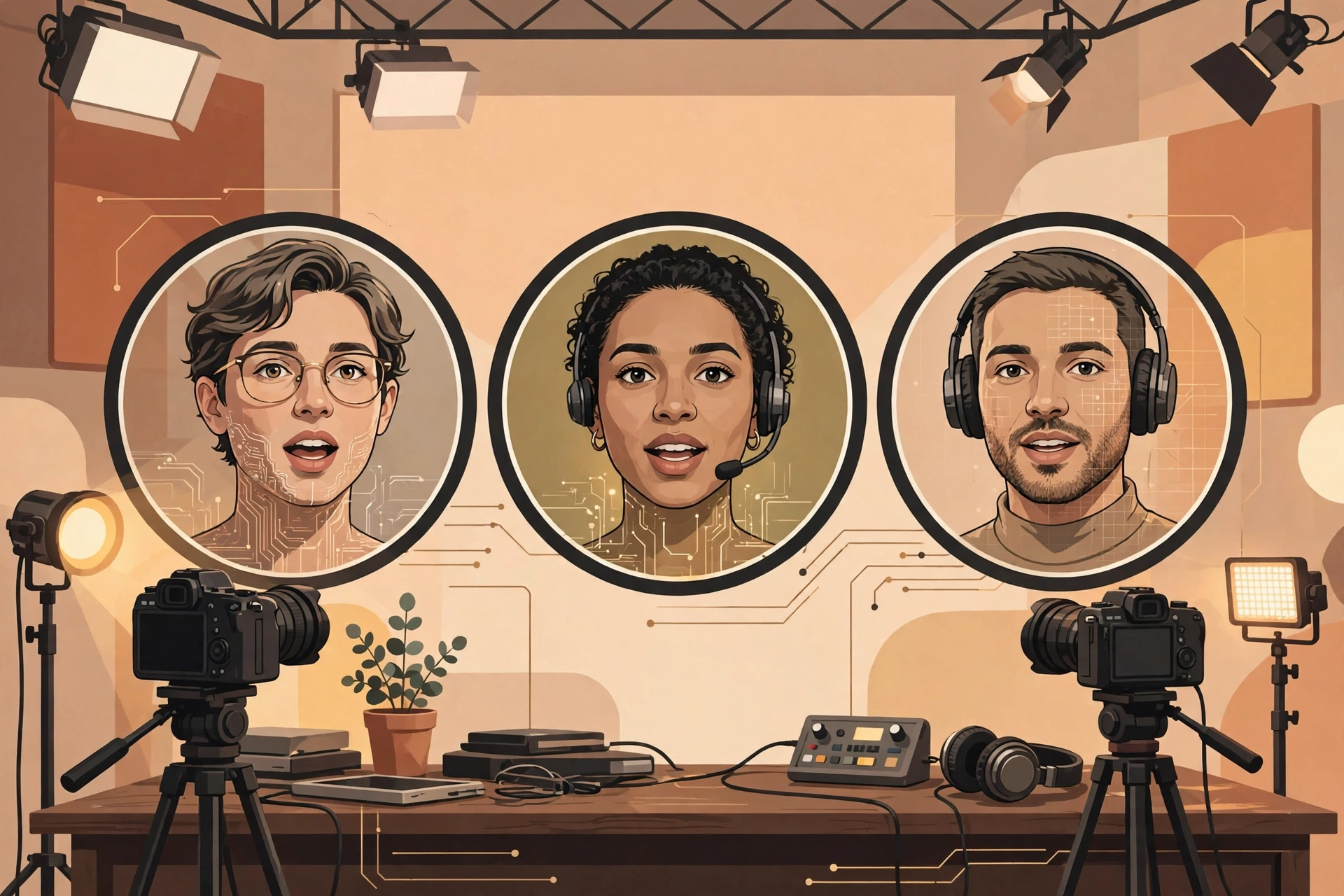
A talking-head generator creates a video of a presenter — a stock avatar, a custom avatar, or your own AI twin — delivering a script you type or paste. The core pieces are the avatar (how human it looks), the voice (how natural it sounds), lip sync (whether mouth movement matches the words), and languages (how many it supports). Good tools also handle captions, backgrounds, templates, and exports in the formats your platform needs.
The Main Tools at a Glance
Synthesia
The enterprise standard for presenter-led video: 125+ stock avatars on Starter and 180+ on Creator, personal avatars, AI dubbing, and 160+ languages. Free Basic plan (10 minutes per month, watermarked), Starter $29 per month monthly or $18 billed annually, Creator $89/$64, Enterprise custom. Best for training, onboarding, and corporate explainers. See our Humanify vs Synthesia head-to-head for a direct presenter comparison.
HeyGen
The creator favorite for realistic avatars and video translation: dub existing footage into many languages while preserving voice, plus a large avatar library. Paid plans start around $29 per month for Creator. Best for marketing videos and multilingual creator content where avatar realism matters most.
Humanify
A one-time-priced launch tool focused on virtual human spokesperson videos: 60+ avatars, 50+ languages, script generation, and commercial rights, with optional upgrades for unlimited creation. Best for marketers and agencies who want presenter videos without a monthly subscription. Read our Humanify Review for the full funnel.
TwinClips AI
Builds your own AI twin from one photo and a voice sample, then generates short talking-head clips (5–60 seconds) for TikTok, Reels, and Shorts. $67 one-time front-end with 500 credits. Best for personal brands posting daily short-form content. See our TwinClips AI Review and our TwinClips AI vs Pictory comparison.
Pictory
Primarily a repurposing tool that also offers AI avatars on Professional and higher plans ($59/$35 per month and up). Best if you want talking-head segments inside article-to-video content rather than a dedicated presenter platform. Compare it directly in our Pictory vs Synthesia article.

How to Choose: Key Features Compared
| What to check | Why it matters |
|---|---|
| Avatar realism | Uncanny avatars hurt trust; test with your own script before committing |
| Voice quality | Flat voices lose viewers faster than imperfect visuals |
| Languages | Synthesia and Humanify cover 50+ languages; check your exact language, not just the count |
| Personal avatar / twin | Synthesia personal avatars, TwinClips AI twins, and Humanify custom presenters put your brand on screen |
| Pricing model | Subscriptions (Synthesia, HeyGen, Pictory) vs one-time launch pricing (Humanify, TwinClips AI) — total cost differs hugely over a year |
| Export and minutes | Minute caps are the hidden cost: check monthly allowances and credit rules before buying |
Best Talking-Head Tools by Use Case
For corporate training: Synthesia — the deepest avatar library, SCORM export on Enterprise, and governance features teams need.
For marketing and social content: HeyGen or TwinClips AI — HeyGen for polished marketing videos, TwinClips AI for daily short-form posts with your own face.
For agencies on a budget: Humanify — one-time pricing and commercial rights make client videos cheaper to produce, with upgrades only if you need unlimited volume.
For repurposing articles: Pictory — talking-head segments inside a broader article-to-video workflow. For the wider video category, start with our Best AI Video Generators in 2026 pillar guide.
Pros and Cons of Talking-Head Video in General
Pros: no camera, studio, or actors; consistent presenter quality; fast localization into many languages; scalable for training libraries and daily content.
Cons: avatars can still feel slightly uncanny in close-up; emotional range is narrower than a real presenter; disclosure matters — audiences should know when a presenter is AI; minute and credit caps can make heavy use expensive.
FAQ
Do viewers accept AI presenters?
For training, explainers, and short-form marketing, yes — especially when the content is useful and the AI presenter is disclosed. For emotional storytelling and high-trust sales, a real human still wins.
Should I disclose that the presenter is AI?
Yes. Label AI presenters in your content. It protects trust and keeps you on the right side of platform policies that are tightening around synthetic media.
What does a talking-head tool cost in 2026?
From $0 on free tiers (Synthesia Basic) and $67 one-time launch offers (TwinClips AI) to $18–$89 per month for Synthesia’s paid plans. Check minute and credit allowances, not just the headline price.
Verdict
There is no single best talking-head generator — there is a best one for your format. Synthesia leads for training, HeyGen for marketing realism, TwinClips AI for personal short-form brands, and Humanify for budget agency work. Start with a free tier or a low-cost plan, test your own script, and only then commit. Rating: category overall 4.3/5 for presenter-led content in 2026.
Researched October 28, 2026 from vendors’ public pricing and product pages. Verify prices and language support on the official sites before purchasing. This article contains no affiliate links.