
Flux earned its reputation fast. Built by Black Forest Labs, the team behind much of the original Stable Diffusion research, it produces strikingly photorealistic images, follows long prompts closely, and renders text inside images better than most rivals.
But Flux is not right for everyone. There is no free tier on the official API, no subscription app with unlimited generations, and no built-in design canvas. You pay per image, and costs climb steeply at high resolutions. This guide compares five strong Flux alternatives, so you can pick the one that fits how you actually work.
Table of Contents
What Flux Does Well (and Where It Falls Short)
Flux is a family of image models, not a single app. The current generation is FLUX 3 Image, alongside the smaller FLUX 3 Image Klein. Black Forest Labs sells access through its API and a web playground, and the models are also hosted by providers such as fal.ai and Replicate.
What Flux does well:
- Photorealism: among the most realistic generators available, with natural skin and believable lighting.
- Prompt adherence and text: follows detailed prompts closely and renders legible text better than most competitors.
- Open weights: the Klein model ships as open weights, with free commercial use under $5 million in annual revenue.
- API-first access: pay-as-you-go API with no subscription fees, plus image editing via FLUX.1 Kontext.
- Cheap entry: FLUX 3 Image Klein costs from $0.008 per image on the official API.
Where it falls short:
- No free tier: no free tier or free credits on the official pricing page; you top up credits (from $5) first.
- Costs scale with resolution: FLUX 3 Image costs $0.048 per image at 1K but $0.607 at 4K.
- No consumer app: no unlimited-generation plan, canvas editor, or vector tools. It is a model, not a design studio.
- Licensing varies by tier: the open-weights licence covers only the Klein model.
1. Midjourney — Best for Artistic, Stylised Images
Midjourney is the original AI art favourite, and it still sets the standard for beauty. Where Flux aims for photographic realism, Midjourney leans into mood, colour, and composition — the go-to tool for book covers, album art, and concept art. The current default model is V8.2, which improved aesthetics and personalisation and added an Edit Model.
How it differs from Flux: Midjourney is a closed, subscription-only app, not an open model or API. You cannot self-host it, and generations are public by default unless you pay for Stealth Mode. In return you get a more guided creative experience with strong style controls and personalisation.
Pricing: no free plan or free trial on the website or Discord. Basic is $10/month (3.3 Fast GPU hours), Standard $30/month (15 Fast hours plus unlimited Relax images), Pro $60/month (30 Fast hours, Stealth Mode, video), and Mega $120/month (60 Fast hours). Annual billing saves 20%; companies over $1 million in revenue must use Pro or Mega.
Best for: creators who want beautiful, stylised images. Read our full Midjourney Review.
2. DALL-E (ChatGPT Image Generation) — Best for Ease of Use
DALL-E, now delivered inside ChatGPT as ChatGPT Images, is the easiest generator on this list. You describe what you want in plain language and refine it conversationally — “make the sky warmer,” “add a dog in the corner.” There is no separate app to learn.
Note: OpenAI retired DALL-E 3 from its API on May 12, 2026. Image generation in ChatGPT now runs on newer GPT Image models (Images 2.6 launched November 4, 2026), but the experience lives on under the ChatGPT Images name.
How it differs from Flux: DALL-E trades raw photorealism and developer flexibility for convenience. Prompt adherence is excellent, editing is conversational, and generation is bundled into a ChatGPT subscription you may already pay for. There is no per-image bill — but also less style control, no open weights, and no standalone image app.
Pricing: image generation is included on every ChatGPT plan, with limits: Free $0, Go $8/month, Plus $20/month, and Pro from $100/month. For most people, Plus is the practical entry point.
Best for: beginners and marketers who want quick images. See our DALL-E Review.
3. Ideogram — Best for Images With Text
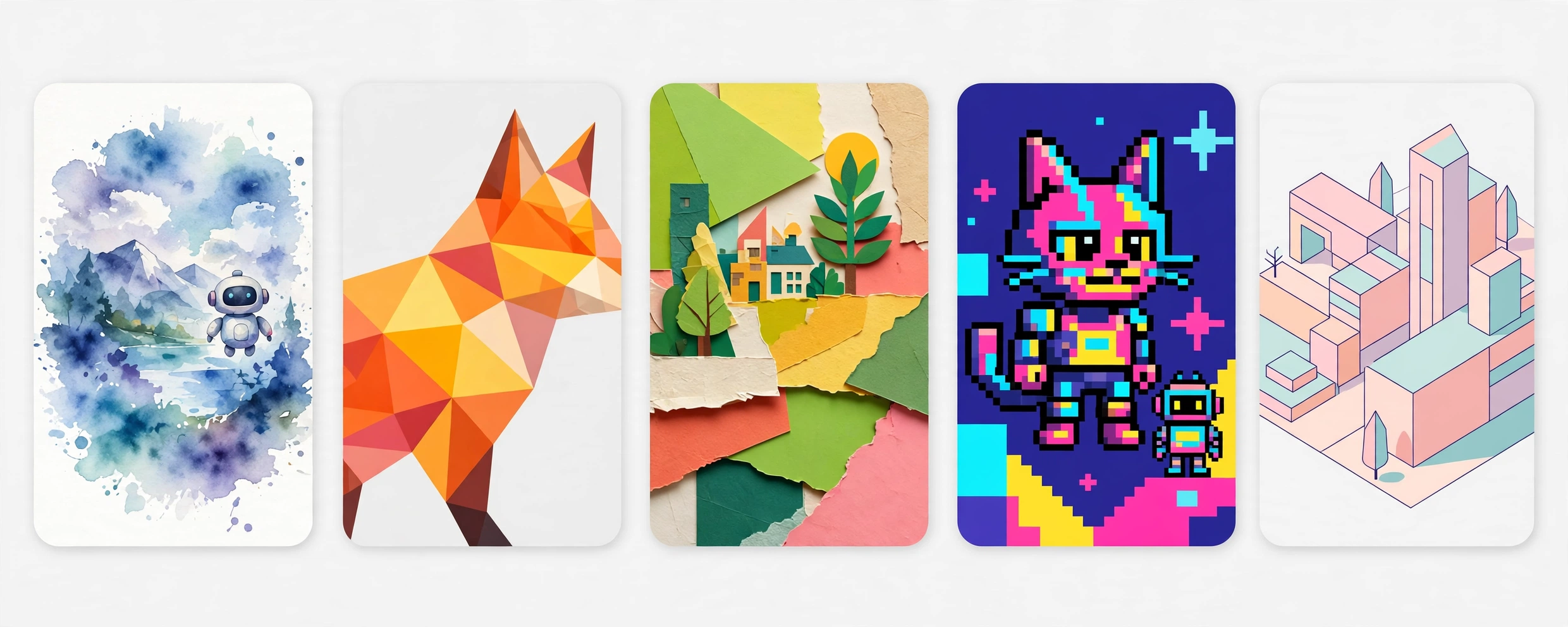
Ideogram is the specialist of this group. If your images contain words — posters, ads, packaging, logos — Ideogram is still the most reliable tool for spelling them correctly. Its Ideogram 4.0 model pairs strong text rendering with a Canvas editor, Magic Fill, and style controls.
How it differs from Flux: Flux is the stronger all-rounder for photorealism, but Ideogram wins whenever text is the point of the image. It is a proper consumer app with a free plan and editing tools, rather than an API-first model — though its credit system can be confusing, and free generations are public.
Pricing: Free is $0 (30 credits/week with Google, Apple, or Microsoft sign-in). Plus is $20/month ($15/month annual) with 2,400 priority credits and private generation; Pro is $60/month ($42 annual) with 7,500 credits; Team is $30 per user per month. API access runs $0.03–$0.10 per image.
Best for: posters, ads, and any design where legible text matters. See our Ideogram Review and Flux vs Ideogram comparison.
4. Recraft — Best for Logos, Vectors, and Brand Design
Recraft is the only alternative here built for designers. Its V4.1 models generate raster images and, uniquely, editable vector graphics: logos, icons, and illustrations you can recolour and resize without losing quality. It also offers brand styles, a logo maker, and an API — and paid plans can run third-party models, including Flux, inside Recraft.
How it differs from Flux: Flux generates pixels; Recraft generates design assets. If you need a logo, an icon set, or a repeatable brand style, Recraft does things Flux cannot. It is weaker at photorealism, and its free plan is limited: free images are public, owned by Recraft, and not licensed for commercial use.
Pricing: Free is $0 with a small daily allowance. Basic is $12/month ($10/month annual) with 1,000 credits, commercial rights, and private generations; Pro starts at $20/month ($16 annual) with 2,000 credits and video; Teams start at $22 per seat per month.
Best for: brand work, logos, and illustrations that need to stay editable.
5. Adobe Firefly — Best for Commercially Safe Client Work
Adobe Firefly is Adobe’s AI creative platform, and its strongest selling point is trust. Its own models are trained on licensed and public-domain content, so images are designed to be commercially safe — a real concern for agencies and client work. Firefly bundles image, video, and audio generation in one place, and Pro plans include Adobe Express Premium and Photoshop on web and mobile.
How it differs from Flux: Flux wins on raw photorealism and low-resolution per-image cost; Firefly wins on commercial safety, Adobe integration, and a flat subscription with unlimited standard image generations on paid plans. It is built for professional workflows, not for tinkering with open weights.
Pricing: Free is $0 with limited daily generations. Standard is $9.99/month (2,000 credits), Pro $19.99/month (4,000, plus Express Premium and Photoshop), Pro Plus $49.99/month (10,000), and Premium $199.99/month (50,000). Paid plans include unlimited standard image generations; credits pay for video, audio, and partner models.
Best for: agencies and freelancers who need commercially safe images in an Adobe workflow.
Flux Alternatives Compared
| Tool | Best for | Starting price | Standout strength |
|---|---|---|---|
| Flux | Photorealism and developers | From $0.008 per image (Klein, 768px) | Photorealism, open weights, API access |
| Midjourney | Artistic, stylised images | $10/month | Distinctive aesthetic and personalisation |
| DALL-E (ChatGPT Images) | Ease of use | Free ($0); Plus $20/month | Conversational editing inside ChatGPT |
| Ideogram | Images with text | Free ($0); Plus $20/month | Most reliable text rendering |
| Recraft | Logos, vectors, brand design | Free ($0); Basic $12/month | Editable vector graphics |
| Adobe Firefly | Commercially safe client work | Free ($0); Standard $9.99/month | Licensed training data and Adobe integration |
Prices in US dollars, checked November 2026 — confirm on the official site before you subscribe.

How to Choose the Right Flux Alternative
Start with what you actually make, not with which model tops a benchmark:
- Choose Midjourney if you want images that look like art.
- Choose DALL-E in ChatGPT if you want the fastest path from idea to image.
- Choose Ideogram if your images contain text. Posters, ads, and packaging are where it earns its keep.
- Choose Recraft if you need logos, icons, or illustrations you can edit as vectors and reuse across a brand.
- Choose Adobe Firefly if you do client work and commercial safety matters more than squeezing out the last drop of realism.
- Stick with Flux if you need an API or open weights, or photorealism is your top priority.
Also weigh the pricing model — subscriptions suit steady use, pay-as-you-go suits bursts of experimentation — and check the licence: free plans on Ideogram and Recraft come with public generations and restricted commercial rights, so a paid plan is the starting point for business use.
Frequently Asked Questions
Is Flux free?
Not on the official API. Black Forest Labs charges per image (1 credit = $0.01) and lists no free tier. The cheapest route is FLUX 3 Image Klein at $0.008 per image, or self-hosting the open-weights Klein model if your revenue is under $5 million a year.
Which Flux alternative is best for photorealistic images?
None fully matches Flux for pure photorealism, but Firefly and DALL-E come closest for everyday use, and Recraft can run Flux itself on paid plans. If photorealism is the priority, Flux remains hard to beat.
Which Flux alternative is best for text in images?
Ideogram, by a clear margin. It was built around text rendering, with Canvas and Magic Fill tools designed for posters, ads, and packaging.
Can I use these tools commercially?
Generally yes on paid plans, with conditions. Flux’s Klein model allows commercial use under $5 million in annual revenue; Midjourney includes it in paid plans (companies over $1 million need Pro or Mega); Recraft grants commercial rights on paid plans only; and Firefly’s own models are trained on licensed content. Always read the current terms for the plan you buy.
Is there a free Flux alternative?
Yes, with limits. ChatGPT, Ideogram, Recraft, and Firefly all offer free plans, but free generations are usually limited, public, or restricted from commercial use. Midjourney has no free plan.
Verdict
Flux is an outstanding model, and for developers and photorealism it remains the benchmark. But a great model is not always the right tool: Midjourney is the artistic pick, DALL-E the easiest start, Ideogram the text specialist, Recraft the only true vector option, and Firefly the safest choice for client work.
For most creators, the practical answer is to pair tools: keep Flux or Firefly for finished, realistic images, and add Ideogram or Recraft when the job calls for text or vectors. Try the free plans first and let the results decide. Also see our best AI image generators guide and the Midjourney Alternatives roundup.