

Looking for the best AI image generators for bloggers 2026? Every blog post needs a visual hook. In 2026, readers decide in seconds whether a post is worth their time, and a generic stock photo no longer cuts it. AI image generators are now the fastest way for bloggers to create custom featured images and in-article illustrations — no design skills, no photoshoot. But the tools differ wildly in quality, price, and what you are actually allowed to do with the images.
Table of Contents
What to Look For in an AI Image Generator for Blogging
Image quality and style. Featured images must look polished at 1200 pixels wide. Some tools lean photorealistic, others illustrative — the best blogging tool handles both.
Licensing and commercial use. Some free plans give you images you cannot legally use on a monetized blog. Always check whether your plan includes commercial rights, and whether free-tier images are public or owned by the vendor.
Cost per image. A flat subscription and pay-per-image pricing feel very different at four posts a week — work out your real monthly volume first.
Text rendering. Blog graphics often need readable text: titles, labels, infographics. Most generators still mangle text, but a few handle it well.
Midjourney
Midjourney remains the benchmark for sheer image beauty. Its current model, V8.2, produces atmospheric, richly detailed images that look like they came from a professional illustrator — and its style controls help you keep a consistent look across your blog.
Pricing: No free plan or trial on the website. Basic $10/month (200 Fast GPU minutes), Standard $30/month (15 Fast hours plus unlimited Relax generations), Pro $60/month, Mega $120/month; annual billing saves 20%. You buy GPU minutes, not images — Standard is the realistic starting point for regular publishing.
Licensing: Paid subscribers own the images they create and may use them commercially. Companies with over $1 million in annual revenue must use Pro or Mega. Limitation: Text rendering is Midjourney’s weak spot — expect garbled letters in any image that needs readable words.
Best for: Bloggers who want the most beautiful featured images. Read our full Midjourney Review, or see Midjourney Alternatives if the price puts you off.
DALL-E / ChatGPT Image Generation
DALL-E as a standalone product is history — OpenAI removed DALL-E 2 and 3 from its API in May 2026 and retired the DALL-E GPT that August. Image generation now lives inside ChatGPT itself, powered by the GPT Image models (currently version 2.6). If you already pay for ChatGPT, you already have an image generator — and you can brainstorm, draft, and illustrate a post in the same chat.
Pricing: Image generation is included on every ChatGPT plan, with limits: Free (limited daily images), Go $8/month, Plus $20/month, Pro from $100/month. For most bloggers, Plus at $20/month is the sweet spot.
Licensing: Under OpenAI’s terms, you own the images you create and may use them commercially. Limitation: Raw image quality trails Midjourney, style control is less precise, and free-tier limits are tight for a busy publishing week.
Best for: Bloggers who already use ChatGPT daily and need text-accurate graphics and infographics. Our DALL-E Review covers the transition to ChatGPT Images in detail.
Flux
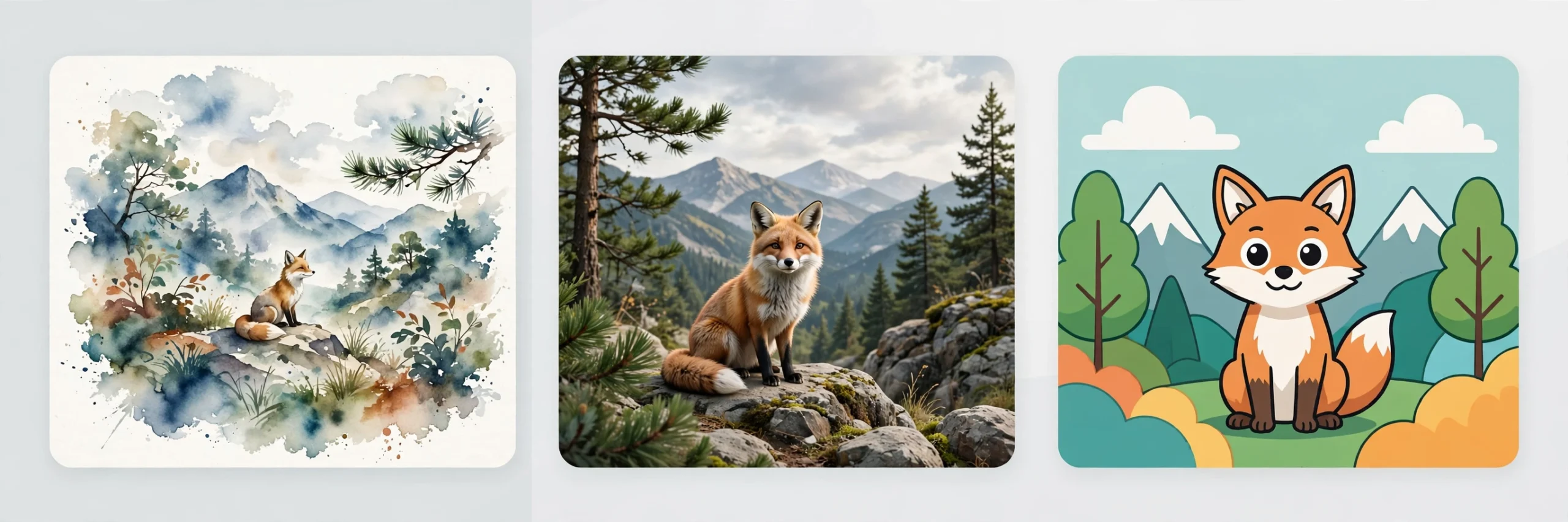
Flux, from Black Forest Labs, is the photorealism specialist. Built by the team behind the original Stable Diffusion, it follows prompts closely and produces images that often pass as real photographs. Its editing models (Flux Kontext) also let you modify an existing image with plain-language instructions.
Pricing: No monthly subscription — the official API bills per image: Flux 2 Klein from about $0.014 per image, Pro at $0.03 per megapixel, Flex $0.05–$0.06, Max $0.07. New users get free Playground credits (roughly 12 Pro generations). Most bloggers access Flux through a third-party app, so check that app’s own pricing.
Licensing: Images from the official API are commercially usable; Klein 4B ships under Apache 2.0. Limitation: There is no simple consumer app with a flat monthly price. See our Flux Review for the full breakdown.
Best for: Bloggers who want photorealistic images and like pay-as-you-go pricing, or who only need a handful of images a month.
Ideogram
Ideogram’s claim to fame is text — the only generator here built to render words correctly inside images: posters, quote cards, book covers, infographics, and any blog visual that carries a headline. Its Magic Prompt feature turns a rough idea into a polished prompt.
Pricing: A free tier offers a weekly credit allowance (amount varies, unpublished). Plus $20/month ($15 billed annually, 2,400 priority credits), Pro $60/month ($42 annually, 7,500 credits), Team $30 per user per month. Paid subscribers can keep generating in a slower queue after priority credits run out.
Licensing: Paid plans include private generation and commercial use; free-tier images are public. Limitation: For photography-style images without text, Midjourney and Flux both edge it on raw visual drama, and the credit system takes a little learning.
Best for: Bloggers who publish infographics, quote graphics, and Pinterest pins. Our Ideogram Review goes deeper, and the head-to-head Flux vs Ideogram comparison settles which one fits your style.
Adobe Firefly
Adobe Firefly is the safe choice. Trained on Adobe Stock and other licensed content, it is the most commercially defensible generator here for bloggers who worry about copyright. It also lives inside the Adobe ecosystem — images drop straight into Photoshop and Adobe Express — and bundles partner models (Google’s Nano Banana, OpenAI’s GPT Image).
Pricing: A free Adobe account includes limited daily generations. Standard $9.99/month (2,000 generative credits), Pro $19.99/month (4,000 credits, plus Adobe Express Premium and Photoshop on web and mobile), Pro Plus $49.99/month, Premium $199.99/month. Every paid plan includes unlimited standard image generations; credits are mainly spent on video, audio, and partner models.
Licensing: Firefly is designed for commercial use — the strongest licensing story in this list. Limitation: Its own model is less striking than Midjourney for artistic work, and the credit system can confuse, since different models consume credits at different rates.
Best for: Bloggers and businesses that need commercially safe images, especially anyone already in the Adobe ecosystem.
Recraft
Recraft is the odd one out — and that is its strength. Its signature feature is editable vector graphics: logos, icons, illustrations, and mockups you can open and tweak as SVG files. Recraft Studio also bundles third-party models (Flux, Ideogram, Nano Banana, GPT Image) on paid plans.
Pricing: The free plan costs $0 with a small daily allowance, but images are public and carry no commercial rights. Basic $12/month ($10 billed annually, 1,000 credits, commercial rights, private generation); Pro $20/month ($16 annually, 2,000 credits, video models); Teams $22 per seat per month.
Licensing: Commercial rights start on Basic; the free plan is personal use only, and free-plan images belong to Recraft. Limitation: The credit system does not publish how many credits each model costs before you generate, and pure photorealism is not its strongest suit.
Best for: Bloggers who want a consistent illustrated style, branded icons and diagrams, and editable vector assets.
Krea
Krea is the all-in-one creative studio: image, video, 3D, upscaling, and real-time drawing in one browser workspace, with its own flagship model Krea 3 alongside bundled third-party models. Its real-time canvas — where the image updates live as you draw or type — is genuinely different, and you can train a custom style (LoRA) on your own images.
Pricing: The free plan gives 100 compute units a day (roughly 5 Krea 3 images), with no commercial license. Basic $9/month ($5 billed annually, 5,000 units, commercial license); Pro $35/month ($21 annually, 20,000 units); Max $105/month ($63 annually, 60,000 units); Business from $200/month.
Licensing: The commercial license starts on Basic; the free plan cannot be used commercially at all. Limitation: Unit-based pricing is hard to predict, and the sheer number of tools can overwhelm anyone who just wants a quick featured image.
Best for: Bloggers who want one tool for images, video, and upscaling, and who like experimenting with the real-time canvas and style training.
Comparison Table: Best AI Image Generators for Bloggers 2026
This table compares the best AI image generators for bloggers 2026 across the things that matter for a blog: price, commercial licence, text rendering and style control.
| Tool | Best For | Starting Price | Standout Feature |
|---|---|---|---|
| Midjourney | Stunning featured images | $10/month | Best artistic quality |
| DALL-E / ChatGPT | Text-accurate graphics & infographics | Free (limited); $20/month Plus | Conversational editing, readable text |
| Flux | Photorealistic images | From ~$0.014/image (pay-as-you-go) | Photo-like realism, prompt accuracy |
| Ideogram | Images with readable text | Free (limited); $20/month Plus | Best text rendering in images |
| Adobe Firefly | Commercially safe images | Free (limited); $9.99/month Standard | Trained on licensed content; Adobe integration |
| Recraft | Branded vector illustrations | Free (personal only); $12/month Basic | Editable SVG output |
| Krea | All-in-one creative studio | Free (no commercial use); $9/month Basic | Real-time canvas, video + upscaling |
For a fuller view of the category, see our pillar guide to the best AI image generators of 2026.
FAQ
Can I legally use AI-generated images on my blog?
Yes, in most cases — but it depends on the tool and plan. Paid plans from Midjourney, Ideogram, Firefly, Recraft, and Krea all include commercial use. The danger zone is free plans: Recraft and Krea free tiers explicitly exclude commercial use, and Recraft’s free-plan images belong to Recraft. Always check your plan’s terms before publishing.
Who owns the copyright to an AI-generated blog image?
This is still a grey area. In the United States, purely AI-generated images without meaningful human creative input are generally not copyrightable by anyone — which also means you cannot stop others from using a similar image. You can use the images commercially under your tool’s terms, but do not assume you own exclusive rights.
Which AI image generator is best for featured images?
Midjourney, for pure visual impact. If your featured images need text, Ideogram or ChatGPT’s image generation will serve you better. For commercially cautious bloggers, Adobe Firefly is the safest pick.
Do I need a paid plan, or is the free tier enough for blogging?
It depends on volume and licensing. Free tiers from ChatGPT, Ideogram, and Firefly can cover an occasional post, but the limits will frustrate anyone publishing more than once or twice a week. More importantly, Recraft and Krea free plans do not allow commercial use at all, so a monetized blog needs at least their cheapest paid plan ($12/month and $9/month respectively).
How many images does a blogger need per post?
A typical post needs one featured image plus two to four in-article illustrations. At four posts a month, that is roughly 12–20 images — easily covered by most paid plans here. The exception is Midjourney’s Basic plan, where GPU minutes can run short if you iterate a lot; Standard at $30/month is the safer choice.

Verdict: The Best AI Image Generators for Bloggers 2026
There is no single best AI image generator for bloggers — the right pick depends on your budget, your volume, and what your images need to do.
On a tight budget: ChatGPT Plus ($20/month) if you already use ChatGPT, or Adobe Firefly Standard ($9.99/month) for the safest licensing. Krea Basic ($9/month) is the cheapest route to a commercial license with real creative range.
For maximum visual quality: Midjourney Standard ($30/month) is still the one to beat for featured images.
For text-heavy graphics: Ideogram Plus ($20/month) is the specialist — it will save you hours of fixing garbled text.
For a consistent brand look: Recraft Basic ($12/month) with its editable vectors, or Krea with a trained custom style, gives your blog a visual identity no stock library can match.
Our recommendation for most bloggers starting out in 2026: pair one workhorse with one specialist. Adobe Firefly or ChatGPT covers everyday images safely and cheaply; add Midjourney for hero images that stop the scroll, or Ideogram when your posts need readable text. Whichever you choose, check the licensing on your plan before you hit publish.