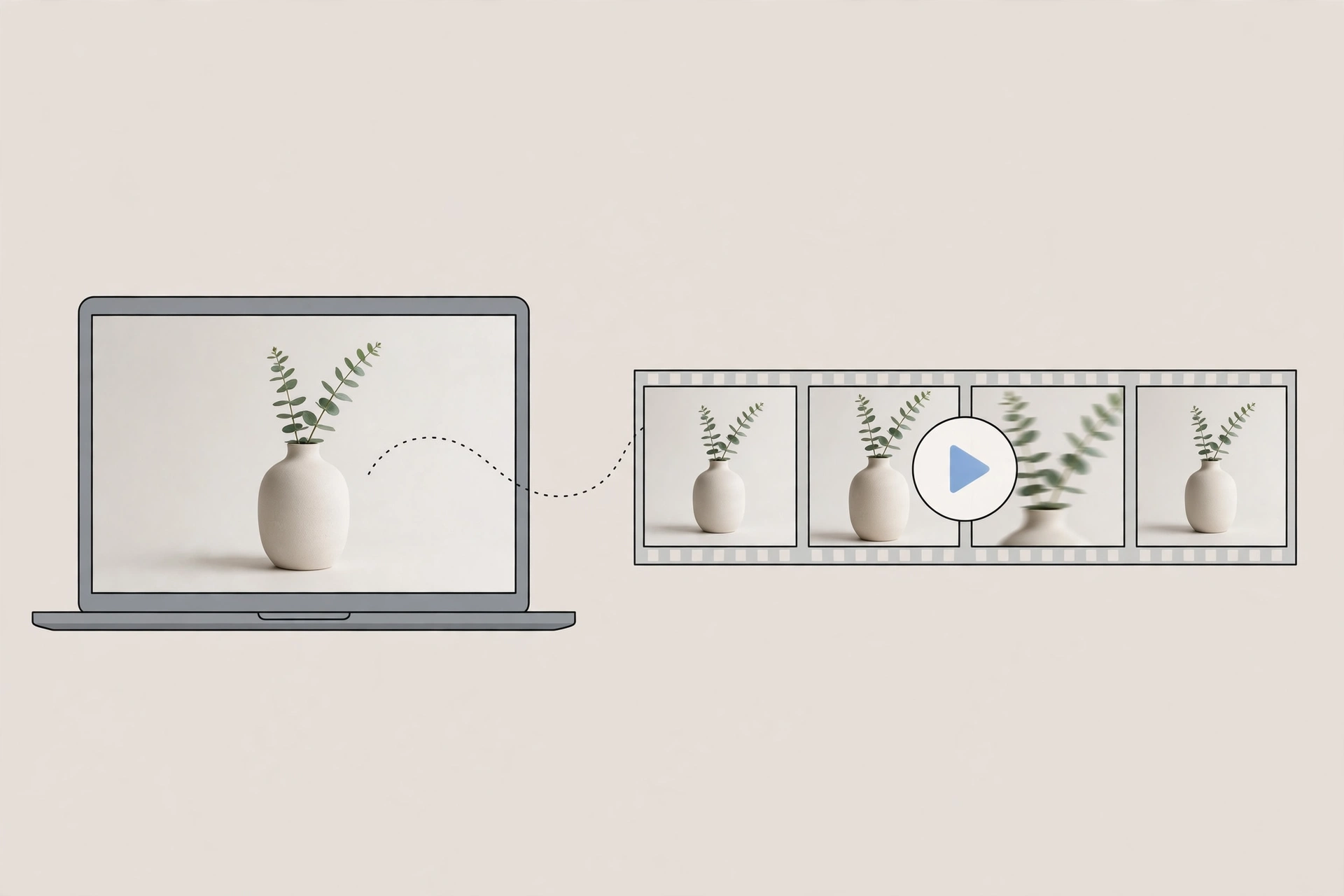

Looking for the best AI image generators for ecommerce product photos 2026? Great product photos sell products. Shoppers cannot touch, hold, or try what you sell online, so your photos do the persuading — and a professional shoot for every SKU is slow and expensive. That is exactly where AI image generators earn their keep in 2026: they can turn a single phone photo of your product into a clean white-background listing shot, a styled lifestyle scene, or a full on-model fashion photo, often for a few dollars a month.
Quick verdict: For most e-commerce sellers, PhotoRoom is the best all-round pick — it is built specifically for product photos, with background removal, AI staging, and batch editing from $12.99 a month. If you want maximum creative control and photorealistic edits from a reference photo, ChatGPT Images (from $8 a month) is the strongest general-purpose editor. For brand-safe, legally comfortable commercial work, Adobe Firefly (from $9.99 a month) is the safest choice. Read on for the full comparison, honest pros and cons, and how to pick the right tool for your store.
This guide is part of our Image Generation cluster. For the bigger picture — how these tools compare for general image work — see our Best AI Image Generators (2026) pillar. If you want to go deep on the individual generators, read our Midjourney Review, Flux Review, Adobe Firefly Review, Recraft Review, and Krea Review. And when you are ready to make your first shots, our step-by-step How to Create Product Photos with AI (2026) walks through the whole workflow.
Table of Contents
What Matters Most for E-commerce Product Photos
Product photography is not the same job as making pretty pictures. A tool that is brilliant at fantasy art can be useless for a store. Before comparing tools, here is what actually matters:
Accuracy to the real product. The image must look like the thing the customer will receive. Colours, shape, labels, and proportions need to stay true. Tools that edit a real reference photo of your product are usually safer for listings than tools that redraw it from a text prompt alone.
Background removal and replacement. Marketplaces like Amazon and eBay require clean white backgrounds for main listing images. A good tool removes the background in one click and lets you drop the product into a new scene without jagged edges or halos, even around tricky items like glass, jewellery, or hair.
Consistency across a catalogue. A store with 200 products needs the same lighting, framing, and background style on every shot. Tools with style references, saved templates, or batch processing win here; tools that roll the dice on every generation do not.
Resolution and export quality. Marketplace listings and zoom features need sharp, high-resolution files. Check whether your plan includes high-resolution exports — some tools cap free or entry plans at lower resolutions.
Commercial licence. This is the one people forget until it hurts. Some tools allow commercial use only on paid plans, and some free plans explicitly forbid it. Always check the licence for the exact plan you are on before using images in a store or an ad.
Speed and volume. If you list ten products a week, a chat-based tool is fine. If you list hundreds, you need batch editing, templates, or an API — otherwise the workflow costs more in time than it saves in money.
Best AI Image Generators for Ecommerce Product Photos 2026 Compared
| Tool | Best for | Starting price | Commercial use |
|---|---|---|---|
| PhotoRoom | All-round product photo studio for sellers | $12.99/mo ($7.50/mo billed yearly) | Paid plans; free plan is personal use only |
| ChatGPT Images (GPT Image 2.5) | Photorealistic edits from a reference photo | $8/mo (Go); free plan available | Yes — you own the output per OpenAI’s Terms of Use |
| Adobe Firefly | Brand-safe commercial work, Photoshop users | $9.99/mo (Standard) | Yes, with IP indemnification on paid plans |
| Midjourney | Stylised, high-end brand and lifestyle visuals | $10/mo (Basic) | Yes on paid plans; companies over $1M revenue need Pro ($60/mo) or higher |
| Flux | Pay-per-image generation and API pipelines | From ~$0.03 per image via API | Varies by model — check the licence for the model you use |
| Ideogram | Product shots and ads with readable text | $20/mo ($15/mo billed annually) | Yes, including the free tier |
| Recraft | Brand assets, packaging, and vector-style graphics | $10/mo billed annually (Basic) | Paid plans only — free plan has no commercial use |
| Krea | Fast iteration and ad creative | $9/mo ($5/mo billed yearly) | Paid plans; check the current terms for your plan |
Prices are the vendors’ published list prices as checked in October–November 2026. Plans change often, so confirm the current price on the official site before you buy.
PhotoRoom — Best All-Round Product Photo Studio
PhotoRoom is the only tool on this list built from the ground up for sellers, and it shows. It is an AI photo editor and listing studio: instant background removal, AI backgrounds and product staging, AI fashion models and virtual try-on, batch editing, and export sizes matched to marketplaces.
Pros: purpose-built for product photos, not a general art tool; background removal is genuinely strong, even on transparent products; batch editing and Shopify-friendly workflows save real time; AI models let fashion sellers show clothes on a body without a photoshoot; a free plan lets you test it before paying.
Cons: the free plan is for personal, non-commercial use only, so any seller needs a paid plan; exports are capped per month on each plan; refunds are only possible within a week of purchase; it is an editor for photos you already have, not a from-scratch image generator.
Pricing: Pro is $12.99 a month, or $89.99 a year ($7.50 a month billed yearly), with 8,000 AI credits and 1,000 exports. Max is $34.99 a month with 25,000 credits and 3,000 exports. Ultra is $99 a month with 4K output. Verdict: the default choice for most online sellers, and the only tool here where every feature maps directly onto a listing task.
ChatGPT Images — Best for Photorealistic Edits from a Real Photo
OpenAI’s image generation, built into ChatGPT, took a big step forward with the GPT Image 2.5 release in September 2026. You upload a photo of your actual product and describe the change in plain language — swap the background, put it in a lifestyle scene, add text, or make a transparent PNG cut-out. Because it works from your reference photo, the product itself tends to stay recognisable, which is exactly what a listing needs.
Pros: excellent at keeping the product consistent with the reference photo; conversational editing — just say what to change; handles text and labels better than most rivals; transparent-background output is available; you own the output under OpenAI’s Terms of Use, which suits commercial use.
Cons: OpenAI does not publish a fixed image count per plan, so heavy users cannot predict their allowance; brand elements can still drift slightly across many generations, so check every image against the real product; no batch workflow or catalogue tools — it is one image at a time in a chat.
Pricing: Free ($0, limited image generation), Go at $8 a month, Plus at $20 a month, and Pro from $100 a month. Via the API, GPT Image models are billed per token — roughly $0.006 to $0.21 per image depending on quality. Verdict: the best creative editor for one-off hero shots and ad creative, especially if you already pay for ChatGPT.
Adobe Firefly — Best for Brand-Safe Commercial Work
Adobe Firefly is the cautious, professional choice. It is trained on licensed Adobe Stock content, openly licensed material, and public-domain content, and paid plans include IP indemnification — Adobe will stand behind the images against copyright claims. That matters a lot when the images face legal review, appear in paid ads, or represent a brand that cannot afford a licensing dispute. It also slots straight into Photoshop, Illustrator, and Adobe Express through Generative Fill and related features.
Pros: the strongest commercial-safety story of any mainstream generator; trained on licensed data, not scraped images; IP indemnification on paid plans; deep integration with Photoshop for retouching; reference-image support for keeping a consistent look.
Cons: less stylistic range than Midjourney or Flux for purely creative work; the credit system can feel restrictive on the cheaper plan.
Pricing: a free tier with limited monthly credits; Standard at $9.99 a month with 2,000 generative credits; Pro at $19.99 a month with 4,000 credits. Verdict: pick Firefly when legal comfort matters more than anything else — agencies, established brands, and anyone running paid ads at scale.
Midjourney — Best for Stylised Brand and Lifestyle Visuals
Midjourney remains the quality benchmark for beautiful, art-directed images. For e-commerce, its sweet spot is not the white-background packshot — it is the lifestyle and brand imagery around the product: a mood-setting scene, a seasonal campaign visual, or a striking hero banner. Its Style Reference feature lets you feed it an image and keep a consistent look across a whole campaign.
Pros: the strongest default aesthetic of any generator — images look expensive with minimal prompting; Style Reference keeps campaigns visually consistent; unlimited Relax-mode generations from the Standard plan up; a huge community sharing prompts and styles.
Cons: no free plan at all; images are public below the Pro plan — there is no private (Stealth) mode on Basic or Standard; keeping an exact real product accurate is harder than with a reference-photo editor; companies with over $1 million in annual revenue must use Pro ($60 a month) or Mega ($120 a month) for commercial use.
Pricing: Basic $10 a month (about 200 images), Standard $30 a month, Pro $60 a month, Mega $120 a month; annual billing cuts roughly 20%. Verdict: use it for the aspirational imagery that builds a brand — campaign visuals, lookbooks, and hero shots — and use a dedicated product tool for the listing photos themselves.
Flux — Best for Pay-Per-Image and Automated Pipelines
Flux, from Black Forest Labs, is the developer’s choice. Rather than a monthly subscription, you can pay per image through the API — FLUX.2 [pro] costs from around $0.03 per image on a self-serve basis — which makes it attractive if you generate in bursts or want to build product-image generation into your own pipeline. It is also available inside creative apps like Krea and Adobe Firefly, so you do not have to touch code to use it.
Pros: excellent image quality, especially for photorealistic work; pay-per-image pricing with no seat fees; strong text rendering for packaging and labels.
Cons: it is a model, not a finished product-photo app — using the API directly means building your own interface; licence terms differ between model variants (FLUX.2 [dev] weights, for example, are non-commercial), so check the exact model you use; no built-in background removal or batch listing tools.
Pricing: pay-as-you-go from roughly $0.01–$0.04 per image depending on the model and quality. Verdict: the best pick for teams that generate at scale through an API, or for anyone who wants top-tier quality without a monthly subscription.
Ideogram — Best for Product Shots with Text
If your product photos need words in them — packaging, labels, posters, sale banners, or ad creative with a headline — Ideogram is still the specialist. It renders readable, correctly spelled text inside images far more reliably than most rivals, which matters the moment a label or a price tag appears in the shot. It also offers background removal, Magic Fill editing, and style references on paid plans.
Pros: best-in-class text and typography rendering; commercial use is allowed on every tier, including the free plan; paid plans include unlimited slow credits, so light users rarely run dry; private generation on paid plans.
Cons: the free plan is limited to about 10 slow credits a week, and free images are public and cannot be deleted; the entry paid plan (Plus, $20 a month) is pricier than most rivals; it is a general generator, not a dedicated product-photo studio, so there is no batch listing workflow.
Pricing: Free ($0, weekly slow credits); Plus $20 a month or $15 a month billed annually; Pro $60 a month or $42 billed annually. Verdict: the right tool when text is part of the image — packaging shots, promotional graphics, and ads with headlines.
Recraft and Krea — Best Supporting Tools for Brand Assets and Speed
Two more generators deserve a mention, even though neither is a dedicated product-photo studio.
Recraft specialises in clean vector output and reusable brand styles — useful for the graphics around your product photos: logos, icons, packaging mock-ups, and consistent brand assets. Its free plan gives a few generations a day, but the images are public and carry no commercial rights, so sellers need a paid plan. Basic is $10 a month billed annually and brings 1,000 credits, private generation, and full commercial rights.
Krea is built for fast iteration: it runs many models (including Flux) in one workspace, so you can try several looks for an ad creative in minutes. Its free plan offers 100 compute units a day with no card required, and Basic is $9 a month, or $5 a month billed yearly. It is weaker on in-image text than Ideogram, but for ad creative and social content around your products, its speed is hard to beat.
How to Choose the Right Tool for Your Store
Selling on Amazon, Etsy, or eBay with a large catalogue? Start with PhotoRoom. Background removal, marketplace export sizes, and batch editing are the features that save hours every week, and the Pro plan at $7.50 a month billed yearly is cheap for what it does.
One product, a few hero shots, and a tight budget? Use ChatGPT Images on the free or Go plan. Upload your real product photo, describe the scene, and check the result against the actual item before publishing.
Running paid ads or working for a brand with legal review? Adobe Firefly. The licensed training data and IP indemnification are worth more than any feature difference.
Building a premium brand with a strong visual identity? Pair Midjourney for campaign and lifestyle imagery with PhotoRoom for the listing shots themselves. They do different jobs, and together they cover the whole store.
Generating hundreds of images through software? Flux via API, billed per image, or a dedicated product-photo API such as Claid (from $9 a month) will scale better than any chat interface.
Whatever you choose, keep one rule: your listing photo must show the real product. Use AI to improve the presentation — the background, the lighting, the scene — not to invent a product that does not exist. Misleading photos lead to returns, bad reviews, and marketplace penalties.
FAQ
Can I use AI-generated images for my product listings?
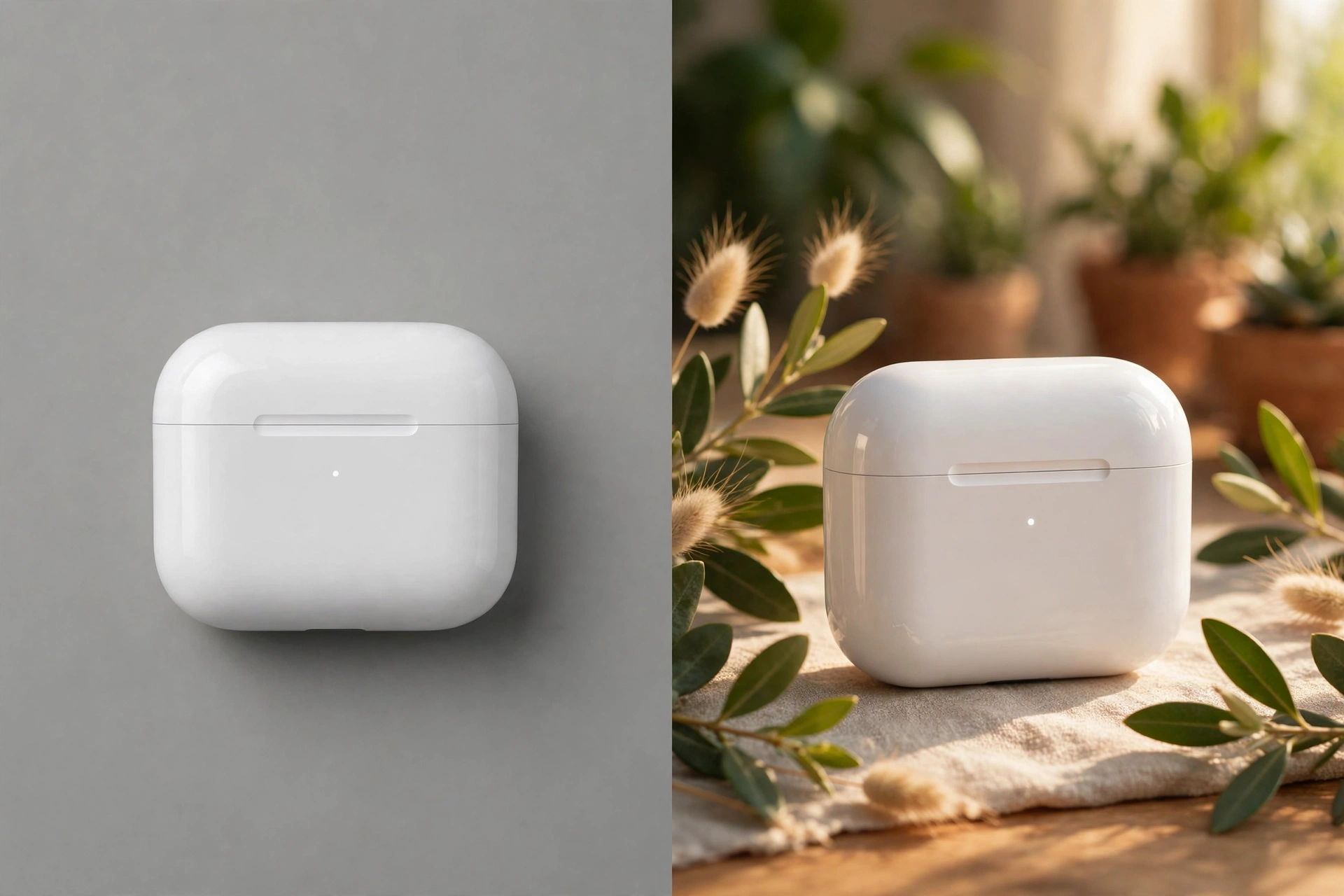
Yes, in most cases — but check the licence of the exact plan you are on. Most paid plans allow commercial use; some free plans do not (Recraft’s free plan, for example, explicitly forbids commercial use, and PhotoRoom’s free plan is personal use only). Marketplaces also have their own rules: Amazon requires the main listing image to be the real product on a white background, so AI scenes belong in the secondary images, not the main one.
Will AI product photos look fake to customers?
They can, if you let the AI redraw the product. The safest workflow is to start from a real photo of your product and let the AI change only the background, lighting, or scene. Check every image against the physical item before it goes live, and never show features, colours, or packaging your product does not actually have.
Do I still need a photographer?
For most small stores, no — a phone photo plus a good AI tool covers listings, social posts, and ads. A photographer still earns their fee for hero campaigns, complex products (jewellery, glass, reflective surfaces), and anything where the photo itself is the brand. Think of AI as replacing the studio, not the art director.
Can these tools keep my product looking the same across many images?
It depends on the tool. Reference-photo editors like ChatGPT Images and tools with style references (Midjourney, Ideogram, Firefly) do this best, because they work from your actual product image. Pure text-to-image tools will drift: the same prompt can produce a slightly different bottle, label, or colour each time. For catalogue consistency, favour tools with reference images, saved styles, or templates.
Which tool is best for fashion and on-model photos?
PhotoRoom offers AI fashion models and virtual try-on built in, which is the most direct option for clothing sellers. Dedicated fashion tools such as Botika and Claid also specialise in on-model shots. Whichever you use, be transparent: do not present an AI model as a real person, and check that the garment’s fit, drape, and details match the real item.
Verdict: The Best AI Image Generators for Ecommerce Product Photos 2026
There is no single best AI image generator for e-commerce — among the best AI image generators for ecommerce product photos 2026, there is a best one for your job. PhotoRoom is the best all-rounder for sellers who need clean, consistent listing photos at volume. ChatGPT Images is the best creative editor for turning one real product photo into many different scenes. Adobe Firefly is the safest choice when the images face legal scrutiny. Midjourney makes the most beautiful campaign imagery, Flux is the most flexible for automated pipelines, and Ideogram wins whenever words appear in the frame.
Our recommendation for most small sellers: start with PhotoRoom Pro for your listings, and keep ChatGPT Images (even the free plan) handy for hero shots and ad creative. That combination costs under $10 a month and covers nearly every image a growing store needs — no studio, no shoot day, no waiting.
Affiliate Disclosure: This article contains no affiliate links. Links go to the official sites of the tools mentioned, and we earn nothing if you buy through them.