
Wix is the biggest name in website building for a reason: it turns a blank page into a working website faster than almost any other platform, and in 2026 its AI builder, Wix Harmony, does most of the heavy lifting for you. But Wix is not the cheapest option, its free plan is genuinely limited, and its billing practices draw the most complaints from real users. In this Wix review, we break down the verified November 2026 pricing, the AI tools, the hosting limits, and what users actually say — so you can decide whether Wix is the right builder for your site.
Quick verdict: 4.3/5. Wix is the best all-round website builder for beginners and small businesses who want a site live this week without hiring a developer. Its AI builder, huge template library, and all-in-one hosting, e-commerce, and marketing tools are hard to beat at this level of ease. The trade-offs are real, though: prices rise sharply after the first year, the entry plan cannot take payments, and you cannot export your site if you ever leave. If you want a fast, good-looking site and are happy to stay inside Wix’s ecosystem, it earns its price. If you need deep customization or a large store on a tight budget, keep reading the alternatives below.
This review is part of our best AI website builders of 2026 guide, where Wix sits alongside the other leading builders we have tested. If you are torn between Wix and a design-led rival, see our head-to-head comparisons of Wix vs Framer and Wix vs Squarespace, and if you want an AI tool that designs sites from a prompt in a different way, read our Relume review.
Table of Contents
What Is Wix?
Wix is a cloud-based, all-in-one website builder founded in 2006 and headquartered in Tel Aviv, Israel. The company has traded publicly since 2013 and reports more than 200 million users worldwide. Unlike a traditional web host where you install software yourself, Wix bundles everything into one subscription: hosting, security, a visual editor, templates, e-commerce, bookings, blogging, email marketing, and analytics.
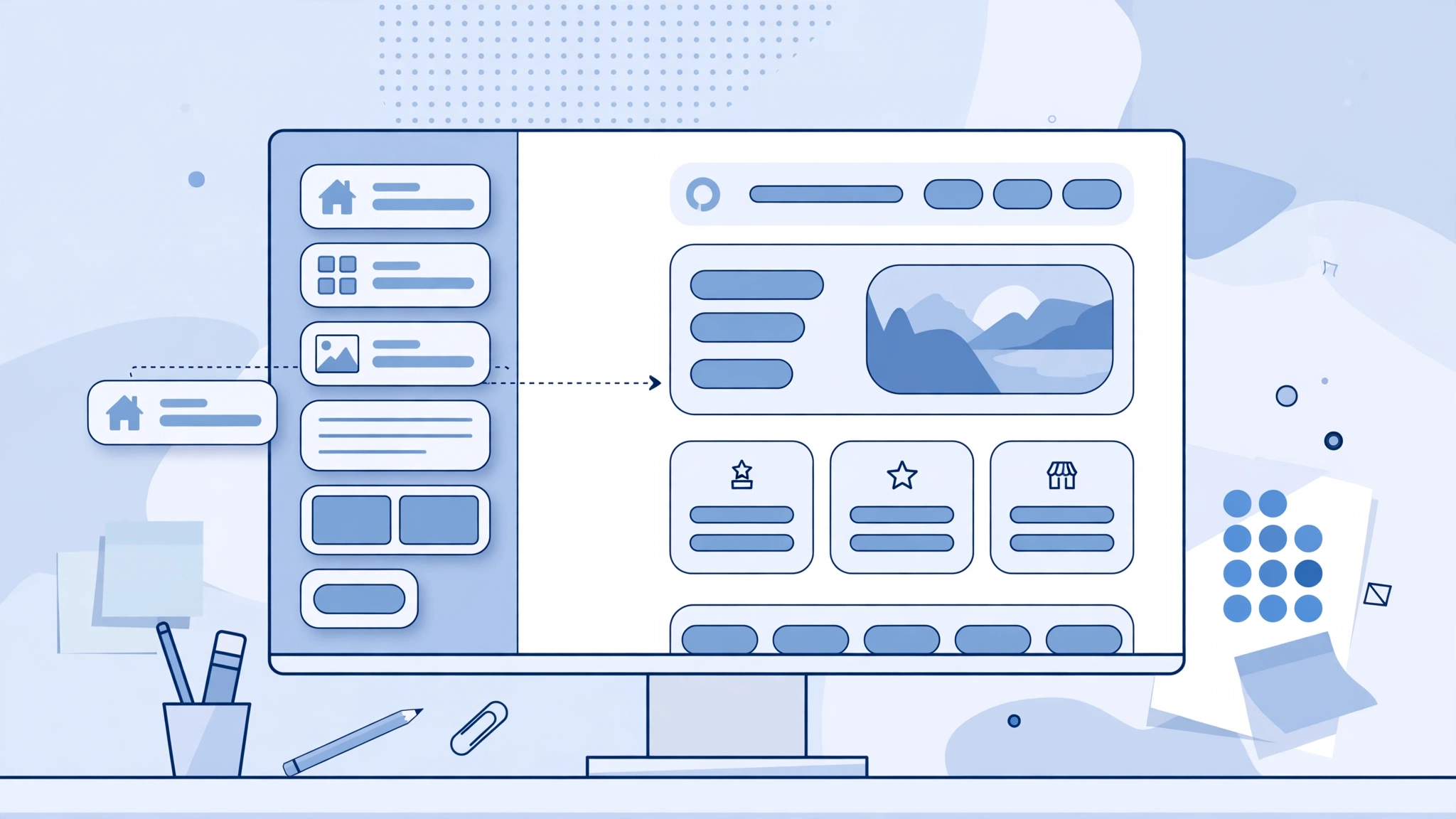
The core idea has stayed the same since the beginning: a freeform drag-and-drop editor that lets anyone place text, images, buttons, and sections anywhere on the page, with no code required. Over the last two years Wix has layered AI across the whole platform. The flagship is Wix Harmony, launched in January 2026, an AI website builder that creates a complete, business-ready site from a short description of your business, then lets you keep shaping it by chatting with Aria, its built-in AI agent, or by switching to full drag-and-drop editing at any point.
Wix also runs a separate product, Wix Studio, aimed at agencies and professional designers. Wix Studio replaced Editor X in 2024 and adds responsive breakpoint control, reusable components, and client-management tools. This review covers the standard Wix builder, which is the product most readers will use. If you build sites for clients, Wix Studio is the version to evaluate.
Wix Pricing (Verified November 2026)
Wix offers a free plan and four paid Premium plans. Prices below are US prices for annual billing, paid in full up front, before tax — confirmed against Wix’s own blog, which states its plan table is current as of November 2026, and cross-checked against independent pricing trackers updated in October and November 2026. Wix shows prices by location, so the amount at your checkout may differ by currency and region. Monthly billing costs more on every plan.
| Plan | Annual billing (per month) | Monthly billing | Yearly total (annual) | Storage | Collaborators | Accept payments |
|---|---|---|---|---|---|---|
| Free | $0 | $0 | $0 | 500 MB | — | No |
| Light | $17 | $24 | $204 | 2 GB | 2 | No |
| Core | $29 | $36 | $348 | 50 GB | 5 | Yes |
| Business | $39 | $46 | $468 | 100 GB | 10 | Yes |
| Business Elite | $159 | $172 | $1,908 | Unlimited | 100 | Yes |
A few pricing details that catch new users by surprise:
- The free plan is genuinely free, forever — no credit card required, and you can have up to 999 free sites. But it comes with Wix ads on every page, a yoursite.wixsite.com address instead of your own domain, only 500 MB of storage and 1 GB of bandwidth, and no way to take payments or connect Google Analytics.
- Light is the cheapest way onto your own domain. It removes Wix ads, connects a custom domain, and adds basic marketing tools, but it still cannot accept payments. If you plan to sell anything, Core is the real starting point.
- Core is the sweet spot for most small businesses. At $29 a month on annual billing it unlocks payments, basic e-commerce, bookings, and scheduling, plus 50 GB of storage and five collaborator seats.
- Annual plans include a free domain for the first year when you register a new domain through Wix. After year one, a .com renews at around $13–$15 a year, so budget for that.
- Introductory discounts are common and temporary. Wix frequently offers 50% off Core, Business, and Business Elite for the first yearly term. The renewal is charged at the full regular price, and renewals can be charged up to three weeks before the plan anniversary — which is why many users report their bill doubling in year two.
- There is no free trial of a Premium plan. Instead, Wix offers a 14-day money-back guarantee on new Premium or Studio site plans: cancel within 14 days of purchase and you get a full refund to your original payment method. The guarantee does not cover plan renewals, upgrades of an existing plan, or domain purchases. Wix says to allow up to 45 business days for a refund to process.
Our pricing take: for a brochure or portfolio site, Light at $204 a year is fair. For a small business that sells or takes bookings, Core at $348 a year is the honest minimum. Business Elite at $1,908 a year is a big jump that only makes sense for high-volume stores that need the advanced e-commerce tools and 100 collaborator seats.
Key Features
Wix’s strength is breadth. Almost everything a small business needs lives inside one dashboard, so you are not stitching together five separate subscriptions.
- Drag-and-drop editor: a freeform editor with pixel-level placement, plus a mobile editor so you can tune how the site looks on phones. Over 2,000 templates cover restaurants, portfolios, stores, blogs, fitness studios, and more.
- Hosting included: every plan includes hosting with a free SSL certificate, so there is no separate hosting bill. Paid plans include unlimited bandwidth; the free plan is capped at 1 GB.
- E-commerce: available from Core upward. Wix Stores supports product pages, inventory, discounts, abandoned-cart recovery, and multiple payment methods. Wix does not add a platform commission on store sales, though standard payment processing fees from your payment provider still apply.
- Bookings and services: Wix Bookings handles appointments, classes, and paid services with online payment — a strong fit for salons, coaches, and consultants, and included from Core.
- Blogging and SEO: a built-in blog, SEO tools with per-page title and meta controls, an SEO setup checklist, and automatic sitemap generation. The AI meta tag generator drafts title tags and descriptions for each page.
- Marketing suite: email marketing, social posting, and automations scale with the plan tier (light on Light, standard on Business, advanced on Business Elite).
- App Market: more than 800 third-party apps extend Wix with live chat, reviews, forms, pop-ups, accounting integrations, and more. Some are free; many add $3–$20 a month each, which can quietly inflate the real cost.
- Wix Analytics: built-in traffic and sales reporting, including benchmarks that compare your site against similar sites and suggest improvements.
- 24/7 customer care: every plan includes round-the-clock support by chat and callback, with priority handling on Business Elite.
AI Tools
Wix has pushed further into AI than any of its direct competitors, and in 2026 the toolkit counts more than 20 AI features. Almost all of them are included on every plan, including the free one — a genuine advantage over builders that lock AI behind higher tiers.
- Wix Harmony (AI website builder): describe your business in plain language and Harmony generates a complete multi-page site — layout, copy, images, and color scheme included — in minutes. You then refine it by chatting with Aria or by editing directly. Harmony is powered by Aria, an AI agent trained on millions of real Wix websites.
- Aria: the AI agent at the heart of the builder. It can build and design your site, generate pages, sections, images, and text, and take dashboard actions, staying aware of the context of what you are building.
- AI agents for running the business: Wix has introduced four native AI agents — Aria builds and designs your site, Kleo handles marketing and SEO, Juno manages customer service, and Omni takes care of inventory.
- AI Text Creator: generates or rewrites copy for any text element, with controls like “make shorter” or “write as bullets.” It can draft headings, about pages, blog posts, and calls to action in your brand voice.
- AI Image Creator and editor: generates custom images from a text prompt inside the Media Manager, and the image editor handles background removal, object erasing, and resolution boosting — useful for cleaning up product photos without Photoshop.
- AI Section Creator: describe a section you need — a testimonials block, a contact form, an about panel — and it is generated and inserted with matching design, content, and images.
- AI product descriptions: for online stores, Wix writes SEO-optimized product copy from just a product name and a few attributes.
- AI SEO meta generator: drafts title tags and meta descriptions for each page, plus keyword suggestions.
- AI Custom Agent: a no-code tool that creates agents to re-engage dormant customers, monitor inventory, apply discount rules, or deliver AI-generated business insights to your inbox.
The honest caveat: AI-generated sites are strong starting points, not finished products. Reviewers consistently report that the first draft needs a human pass — fixing odd copy, swapping generic images, and tightening the layout. The AI image creator is a useful fallback when you have no photography, but its output falls noticeably short of a real photographer for product-heavy businesses. Treat Wix’s AI as a fast draft, not a final design.
Ease of Use
Wix is widely regarded as the most beginner-friendly website builder on the market, and the review data backs that up: G2 rates Wix at 91% for ease of use and setup. The onboarding is simple — answer a few questions about your business, let the AI generate a draft site, then drag elements around until it looks right. There is no code, no hosting setup, and no theme installation to wrestle with.
The freeform editor is both Wix’s biggest strength and its most common complaint. Total freedom over placement means you can build exactly the layout you imagine, but it also means you can accidentally create a messy page, and the editor can feel fiddly on complex layouts. The mobile editor helps, but expect to spend a few minutes per page checking the phone view. For most beginners, though, the learning curve is measured in hours, not days — and the AI builder shortens it further by handing you a complete site to edit rather than a blank canvas.
One structural limitation to know before you commit: you cannot export your Wix site and move it to another platform. If you leave Wix, you rebuild from scratch. That lock-in is the single biggest reason experienced users hesitate, and it is worth weighing against the convenience.
What Users Say
Public review scores for Wix, checked October–November 2026, paint a split picture — and the split is informative:
- G2: 4.2/5 from about 1,888 reviews. Users consistently praise the ease of use and the intuitive drag-and-drop editor, and note that even non-technical people can get a professional-looking site live quickly.
- Capterra: 4.4/5 from more than 10,700 reviews, with ease of use rated 4.5 and customer service 4.2.
- Trustpilot: around 3.4–3.5/5 from more than 27,000 reviews — noticeably cooler than G2 and Capterra. The complaints cluster around billing and auto-renewal charges, difficulty getting refunds after the 14-day window, surprise price increases, and customer service when something goes wrong.
The pattern is consistent across sources: people love building with Wix and complain about paying for it. Editorial reviewers score it highly for features and ease of use, while the Trustpilot cohort — which skews toward customers with a billing problem — is far more critical. Both pictures are true at once. The practical lesson is simple: read the renewal terms before you buy, set a calendar reminder for the renewal date, and turn off auto-renewal if you are not sure you will stay.
Pros and Cons
Pros:
- Fastest path from idea to live site: the AI builder produces a complete draft in minutes, and the drag-and-drop editor needs no code.
- Genuinely all-in-one: hosting, SSL, templates, e-commerce, bookings, blog, email marketing, and analytics in one subscription.
- More than 20 AI tools included on every plan, including the free one — text, images, sections, SEO, and product descriptions.
- Free plan is free forever with no credit card, so you can build and preview a full site before spending anything.
- Over 2,000 templates and 800+ apps, plus 24/7 customer support on every plan.
- Strong review scores on G2 (4.2/5) and Capterra (4.4/5) from thousands of verified users.
Cons:
- Vendor lock-in: you cannot export your site, so leaving Wix means rebuilding from scratch.
- Renewal pricing stings: introductory discounts expire after year one, and renewals can be charged up to three weeks before the anniversary.
- Light cannot take payments — selling starts at Core ($29/month), which makes the entry plan a poor fit for any business that sells.
- Free plan is very limited: Wix ads on every page, a wixsite.com address, 500 MB storage, and 1 GB bandwidth.
- Trustpilot score of around 3.4/5 reflects real frustration with billing, auto-renewal, and refunds after the 14-day window.
- Business Elite at $159/month is a steep jump from Business at $39/month, with little in between for growing stores.
- AI output still needs a human edit — generated copy and images can be generic, and the AI sometimes misreads your industry from your keywords.
- Page speed and JavaScript bloat are recurring criticisms from SEO practitioners, and the freeform editor can produce messy layouts in careless hands.
Who Is Wix Best For?
Wix is best for:
- Small businesses and freelancers who need a professional site live this week — a restaurant, salon, consultancy, or local service business. Core covers payments, bookings, and a store in one place.
- Beginners and non-technical owners who want AI to do the first draft and a visual editor for the rest. If you have never built a site, Wix is the gentlest start in the category.
- Portfolios and personal sites — photographers, designers, and writers get beautiful templates and a free plan to start on before upgrading to Light for a custom domain.
- Side projects and MVPs where speed matters more than a perfect custom design.
Wix is not ideal for:
- Large or fast-growing stores that need advanced e-commerce at scale — Shopify’s ecosystem is deeper, and Wix’s pricing jumps hard at the top end.
- Agencies and professional designers who need pixel-perfect responsive control and client workflows — that is what Wix Studio is for, not the standard builder.
- Anyone who wants to own and move their site freely — the lack of export means you are renting, not owning, your website.
- Budget-conscious sellers who only need a simple store — the $29/month floor for payments is high next to cheaper builders.

FAQ
Is Wix really free?
Yes. Wix’s free plan costs $0 forever, with no credit card required, and lets you build and publish a site with free hosting, templates, and design tools. The limits are real, though: Wix ads on every page, a wixsite.com address, 500 MB of storage, and 1 GB of bandwidth. A custom domain, ad removal, and payments all require a paid plan, starting at Light ($17/month on annual billing).
How much does Wix cost in 2026?
Paid plans are Light $17, Core $29, Business $39, and Business Elite $159 per month on annual billing ($204, $348, $468, and $1,908 per year), or $24, $36, $46, and $172 per month on monthly billing. Prices are US prices before tax and vary by location. First-year discounts are common; renewals are at the full regular price.
Can I sell products on Wix?
Yes, from the Core plan upward. Core adds basic e-commerce and the ability to accept payments; Business adds standard e-commerce and automated sales tax features; Business Elite adds advanced e-commerce. Wix does not add a platform commission on store sales, but standard payment processing fees still apply. The Light and free plans cannot take payments.
Does Wix have a refund policy?
Yes — a 14-day money-back guarantee on new Premium or Studio site plans. Cancel within 14 days of purchase for a full refund. It does not cover renewals, plan upgrades, or domain purchases, and Wix says to allow up to 45 business days for the refund to process. There is no free trial of Premium plans.
What is the difference between Wix and Wix Studio?
Standard Wix is the all-in-one builder for businesses and individuals who want a site fast. Wix Studio is a separate platform for agencies and professional designers, with responsive breakpoint control, reusable components, and client management. Wix Studio replaced Editor X in 2024. Most readers of this review want standard Wix.
Does Wix have an affiliate program?
Yes. The Wix Affiliate Program runs through impact.com and pays a flat $100 commission for each new customer who buys a Premium plan through your referral link (the rate is lower, around $50, in a few countries). The cookie lasts 30 days, the minimum payout is $300 — so you need at least three referrals before you can be paid — and payouts are by bank transfer only. The commission is one-time, not recurring. To join, apply through the Wix program listing on impact.com; approval is not automatic. We have not joined the program, so this article contains no affiliate links.
Can I move my Wix site to another platform later?
Not directly. Wix does not offer a site export, so moving to WordPress or another builder means rebuilding the site and re-uploading your content. You can export some content, such as blog posts and product data, but the design and pages do not transfer. Consider this lock-in before building a large site on Wix.
Verdict
Wix remains the easiest way for a beginner or small business to get a good-looking, fully functional website online — and in 2026, the Harmony AI builder makes that first step faster than ever. The all-in-one bundle is genuinely convenient: hosting, e-commerce, bookings, marketing, and analytics in one dashboard, with more than 20 AI tools included even on the free plan. For a brochure site, a portfolio, or a small store, it is hard to fault the product itself.
The case against Wix is not the builder but the bill. The free plan is too limited for a real business, the plan that can actually sell starts at $29 a month, introductory prices expire, and the renewal terms have generated the most consistent complaints in Wix’s public reviews. Add the inability to export your site, and Wix is a commitment, not a trial.
Our recommendation: build your site on the free plan first — the AI builder and templates cost nothing to try. If the draft looks right, Core at $29 a month on annual billing is the plan most small businesses should buy, and the 14-day money-back guarantee gives you a real window to change your mind. Choose Wix when speed and simplicity matter most; choose a more open platform when ownership and long-term flexibility matter more.
Affiliate Disclosure: This article contains no affiliate links. Links go to the official Wix site, and we earn nothing if you buy through them.