
This Framer review looks at the website builder designers keep recommending when a site needs to look like it came out of a design studio, not a template gallery. It combines a Figma-style visual canvas with AI site generation, a built-in CMS, hosting, SEO tools, and analytics, so you can go from a text prompt to a published site without code or a developer. Our verdict: Framer earns 4.3 out of 5. It is one of the best AI website builders for designers, freelancers, and small teams in 2026 — but per-site pricing, AI credit limits, and no HTML export mean it is not right for everyone.
If you are still comparing builders, start with our best AI website builders of 2026, then see head-to-head comparisons in Wix vs Framer and Framer vs Webflow. If your workflow starts in Figma, our Relume review covers another design-first tool.
Table of Contents
What Is Framer?
Framer is a hosted, design-first website builder. It began in 2014 as an interactive prototyping tool for UI and UX designers, became a full website builder in 2022, and added AI generation in 2023. In June 2026, the Framer 3.0 launch put an AI Agent directly on the design canvas, turning Framer into an AI website builder in its own right.
Unlike template-based builders such as Wix or Squarespace, Framer gives you a free-form canvas with layers, breakpoints, components, and effects — much closer to Figma than to a drag-and-drop form builder. Everything you generate or design stays as editable layers, not a locked image or a fixed template. You design, publish, and host in the same place: Framer provides global CDN hosting, SSL, a custom domain on paid plans, and built-in analytics, so there is no separate deployment step and no plugin stack to maintain.
Framer is used for marketing websites, landing pages, portfolios, blogs, and resource hubs, by companies including Perplexity, DoorDash, NBA, Dribbble, and Zapier. Framer reports more than 500,000 monthly active users as of 2026.
One thing to understand before you commit: Framer is a platform you rent, not software you own. Its help center states plainly that Framer does not support HTML export for self-hosting, so a site built in Framer lives on Framer’s hosting.
Framer Pricing (Verified November 2026)
Framer prices per site, not per account. You can build unlimited sites on the free plan; you pay only for the sites you publish to a custom domain with paid features. Prices below reflect the current structure introduced with Framer 3.0 in June 2026, verified against Framer’s official pricing page as read in October 2026. Older guides still list retired plans — the Mini plan ($5/month) was removed in late 2025, and the Scale plan ($100/month) was retired in mid-2026, with its higher limits folded into Pro. If a review you read quotes Mini or Scale, its pricing is out of date.
| Plan | Billed yearly (per site/month) | Billed monthly (per site/month) | Pages | CMS collections / items | Bandwidth | AI credits / month |
|---|---|---|---|---|---|---|
| Free | $0 | $0 | 1,000 | 10 collections | 1 GB | 500 (one-time trial) |
| Basic | $10 | $15 | 30 | 2 collections / 1,000 items | 50 GB | 1,000 |
| Pro | $30 | $45 | 150 | 10 collections / 2,500 items | 100 GB | 3,000 |
| Enterprise | Custom | Custom | Custom | Custom | Custom | Volume discounts |
Annual billing saves roughly a third versus monthly on both paid plans. A free custom domain is included on yearly billing for Basic and Pro. Extra editors cost $20 per month each, content-only editors $10 per month, and viewers are free. Pro can be expanded with paid add-ons — up to 700 pages, 40 collections, and 40,000 items — and A/B testing is available on Pro at $50 per 500,000 events.
Note the oddity: the Free plan lists more pages and CMS collections than Basic. Free is deliberately generous for learning, but it is limited to a framer.website subdomain, carries Framer branding, and is meant for non-commercial use. A custom domain needs Basic at minimum.
Refund policy
Framer’s help center states that refunds are available within 7 days of the initial purchase worldwide, and within 14 days for residents of the European Union and Turkey. Cancelling does not automatically qualify you for a refund, and no refund is given for unused time in a subscription term. Downgrading converts unused value into account credit rather than cash. Note that Framer’s Terms of Service describe fees as generally non-refundable, so treat the help-center window as the practical policy and request promptly through support if you are inside it.
Framer Review: Key Features
Visual design canvas and Figma import. Framer’s canvas works like a design tool: free-form layout, layers, components, breakpoints, and animations, all without code. The official Figma to Framer plugin lets you copy layers, components, and full frames from Figma and paste them onto the canvas as editable elements, so a Figma design becomes a live site — the main reason design-led teams switch to Framer.
Built-in CMS. Collections with fields, filtering, dynamic detail pages, and on-page editing power blogs, case studies, portfolios, and resource hubs. Basic includes 2 collections and 1,000 items; Pro raises that to 10 collections and 2,500 items, extendable with paid add-ons. There is no nested-collection support, so very complex editorial sites may outgrow it.
Hosting and performance. Sites are served from a global CDN with SSL, automatic image optimization, and strong Core Web Vitals out of the box — independent tests of freshly generated Framer sites have scored 98 on Lighthouse Performance without manual optimization.
Built-in SEO. Per-page title, meta description, OG image, canonical URL, robots controls, and automatic sitemap generation come standard — no plugin required. Analytics history runs 30 days on Basic and 90 days on Pro.
Localization. Framer can translate sites into multiple languages with language-specific routes, and its CMS page states it can translate user-generated content into more than 200 languages.
Staging, redirects, and A/B testing. Pro adds staging environments, redirects, and access to the A/B testing add-on, plus password protection — the controls a growing marketing site needs before a redesign goes live.
Code components and integrations. You can inject custom HTML, CSS, and JavaScript, build React code components, and embed analytics (GA4, Plausible) and email forms (Mailchimp, ConvertKit). External AI agents such as Claude Code and Cursor can connect over Framer’s MCP server, and a Server API launched in February 2026 lets you sync CMS collections and trigger publishes via webhooks.
What Framer does not do. There is no native e-commerce checkout, no HTML export for self-hosting, and the plugin ecosystem is younger and smaller than Webflow’s or WordPress’s.
AI Tools
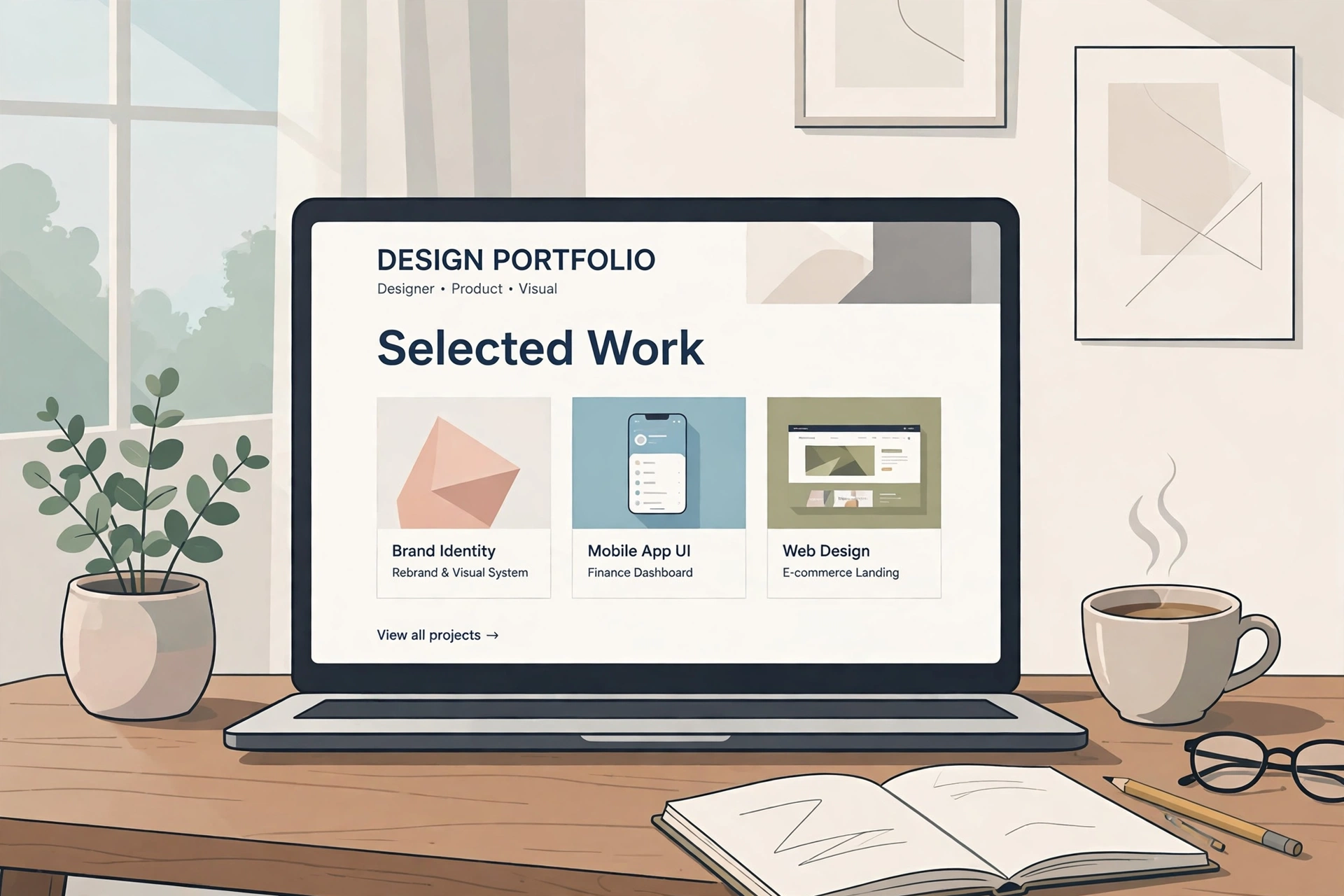
AI is now central to Framer, not a bolt-on. The Framer 3.0 release in June 2026 introduced an AI Agent that works directly on the canvas, and the AI workflow has four stages: describe the site, generate it, refine it in place, and review or publish.
AI site generation (Wireframer). Describe the site you want in natural language — for example, a portfolio for a photographer or a landing page for a coffee roastery — and Framer generates a complete, responsive, multi-page site in about a minute, with a hero, sections, project cards, testimonials, and a contact section. Crucially, the output is editable Framer layers, so you can select any section and ask for a focused change (“make the hero full-screen” or “add a pricing section with three tiers”) instead of regenerating from scratch.
AI refinement on the canvas. The agent can adjust layouts, typography, components, breakpoints, spacing, colors, and effects, rewrite copy, and generate visuals. You can type “/” for AI actions, attach screenshots or files as context, and choose between models — Framer’s agent pages list Sonnet, Opus, and GPT options.
AI text, translation, and CMS generation. Framer’s AI can write and rewrite page copy, translate pages and CMS content for multilingual sites, and create CMS collections pre-populated with content — for example, a three-item case-study collection with title, client, summary, and image fields — so a blog or portfolio can be seeded in minutes.
AI credits. AI usage is metered: 500 credits to try once on Free, 1,000 per month on Basic, and 3,000 per month on Pro. This draws the most complaints in Framer’s 2026 pricing — heavy AI users can burn through credits faster than expected, and the cost of a task is not always obvious before you run it. If you plan to lean on the agent daily, budget for Pro’s larger allowance.
Ease of Use
Framer is easy to learn for designers and harder than a template builder for everyone else. If you have used Figma, the canvas, layers panel, and component system will feel familiar, and reviewers consistently say a team can learn to update CMS collections in under an hour. If you have never used a design tool, expect a learning curve: Framer gives you a blank canvas and real design freedom, which means more decisions than a guided builder like Wix or Squarespace.
The AI generation shortens the on-ramp considerably. A first-time user can prompt a site into existence, publish it on the free subdomain, and learn the canvas by editing real layers instead of starting from a blank page — one reviewer went from prompt to a clean published landing page in under 15 minutes.
What Users Say
User opinion on Framer is sharply split by platform, and the split itself is informative. On G2, Framer scores 4.5 out of 5 from around 144 reviews (August 2026), with roughly 75% five-star ratings. Reviewers praise the speed from idea to polished live site, the CMS, and Figma import; complaints cluster around pricing, the monthly-versus-annual gap, and no export.
On Capterra, Framer scores 4.3 out of 5 from 32 reviews, a similar picture on a smaller sample.
On Trustpilot, Framer scores only around 1.5–1.7 out of 5 from roughly 130–150 reviews (October 2026), with about three-quarters at one star. The complaints are overwhelmingly about billing, credit burn, price changes for legacy plans, and cancellation friction — not about the design tool itself. Trustpilot notes the profile has no recent history of asking for reviews, and the sample is small against Framer’s claimed half-million monthly users. Even so, the pattern is consistent: the product delights, the billing experience frustrates.
Pros and Cons
Pros
- Outstanding design quality. The canvas, animations, and typography produce sites that look agency-built.
- AI generation that stays editable. Prompt-to-site output arrives as real layers you can refine, not a locked mockup.
- Fast prompt-to-publish workflow. A usable landing page can go live in minutes, with hosting, SSL, and SEO built in.
- Strong CMS for marketing sites. Blogs, case studies, and portfolios are quick to set up, with filtering and dynamic pages.
- Excellent performance out of the box. Static output, global CDN, and image optimization deliver strong Core Web Vitals with no plugins.
- Figma workflow. The official Figma import plugin makes Framer the natural next step for Figma designs.
- Generous free plan for learning. Build and publish on a subdomain with 500 AI credits to try, at no cost.
Cons
- No HTML export. You cannot download your site and self-host it. Leaving Framer means rebuilding elsewhere.
- Per-site pricing adds up. Every site has its own plan, plus $20 per month per extra editor.
- AI credits can run out fast. Heavy agent use on Basic’s 1,000 monthly credits may force an upgrade to Pro.
- No native e-commerce. There is no built-in cart or checkout, so Framer cannot run a store on its own.
- Billing complaints are a real pattern. Trustpilot’s low score is driven by billing, cancellation, and credit-burn complaints, and the refund window is short (7 days worldwide).
- Monthly billing is much more expensive. Basic jumps from $10 to $15 and Pro from $30 to $45 per month without an annual commitment.
- Smaller ecosystem. Fewer plugins and integrations than Webflow or WordPress, and no nested CMS collections for complex content models.

Who Is Framer Best For?
Framer is best for: designers and design-led freelancers who want portfolio and client sites that look custom; startups and small marketing teams that need a fast, polished marketing site or landing page and will keep iterating on it; and anyone whose workflow starts in Figma and wants the shortest path from design file to live site.
Framer is not ideal for: online stores (no native checkout); large content sites with complex relational data; anyone who needs to own and self-host their site’s code; and users managing many small sites, where per-site billing multiplies quickly. If you need a store or full code ownership, compare Framer with Webflow or WordPress — see our Framer vs Webflow comparison.
FAQ
How much does Framer cost in 2026?
Framer costs $0 on the Free plan, $10 per site per month on Basic and $30 on Pro when billed yearly. Billed monthly, Basic is $15 and Pro is $45 per site per month. Enterprise pricing is custom. Prices are per site, and extra editors cost $20 per month each.
Is Framer free?
Yes, Framer has a free plan: build and publish on a framer.website subdomain with Framer branding, 1,000 pages, 10 CMS collections, 1 GB of bandwidth, and 500 AI credits to try once. It is meant for non-commercial use; a custom domain requires a paid plan.
Can Framer build a website with AI?
Yes. Describe the site in a prompt and Framer’s AI Agent (Framer 3.0, June 2026) generates a complete responsive site as editable layers, then refines layouts, copy, visuals, and CMS content on the canvas. AI usage is metered: 1,000 credits a month on Basic and 3,000 on Pro.
Can I import a Figma design into Framer?
Yes. The official Figma to Framer plugin lets you copy layers, components, and full frames from Figma and paste them onto the Framer canvas as editable elements, so your design becomes a live site.
Can I export my Framer site as HTML?
No. Framer’s help center states it does not support HTML export for self-hosting. Your site runs on Framer’s hosting, so leaving the platform means rebuilding the site elsewhere.
Does Framer have an affiliate program?
Yes. Framer runs a Creators and Partner Program tracked through Dub Partners, paying 50% of a referred customer’s subscription revenue for the first 12 months, with monthly payouts via Stripe once a $200 minimum balance is met. The cookie window is not publicly disclosed in Framer’s published terms, so confirm current terms on Framer’s official program page before promoting it. We have not joined the program, and this article contains no affiliate links for Framer.
Verdict: Framer Review
Framer is the best-looking AI website builder we have reviewed for designers in 2026, and its AI Agent genuinely shortens the distance between an idea and a live site. The canvas is a joy to use, the generated output is editable rather than locked, and performance is excellent out of the box. For a portfolio, a startup marketing site, or a client landing page, it is hard to beat at $10–$30 per site per month on annual billing.
The caveats should still decide the purchase: no HTML export, no native e-commerce, pricing that scales per site plus per editor plus AI credits, and a short 7-day refund window. If you can live inside Framer’s hosting and your site is a marketing site rather than a store, this Framer review finds Framer earns its 4.3 out of 5 and our recommendation. If you need code ownership or a checkout, look at Webflow or WordPress instead.
Affiliate Disclosure: This article contains no affiliate links. Links go to the official Framer site, and we earn nothing if you buy through them.