
Learning how to write high-converting emails with ai is less about handing your whole campaign to a chatbot and more about using AI to do the slow parts faster — research, first drafts, subject-line ideas, and personalization — while you keep control of the message, the offer, and the final edit. Used that way, AI can cut a two-hour email down to thirty minutes without making it sound like it was written by a machine.
Table of Contents
How to Write High-Converting Emails with AI: The 7-Step Workflow
High-converting emails follow the same structure whether a human or an AI writes the first draft: one clear goal, one reader in mind, a subject line that earns the open, a body that delivers on the subject line’s promise, and a single obvious call to action. AI is good at generating options inside that structure. It is bad at deciding the strategy. Keep the strategy yours and let the tool handle the volume.
Step 1: Define One Goal and One Reader
Before you open any AI tool, write down the single action you want the reader to take — buy, book, reply, click — and describe the reader in one sentence: who they are, what they already know, and what they care about right now. A welcome email to a new subscriber and a win-back email to a lapsed buyer need completely different copy, and no prompt fixes a vague brief. Feed the goal and the reader description into every AI prompt that follows; it is the difference between generic output and copy that actually converts.
Step 2: Let AI Research the Angle, Not Just the Words
Ask your AI tool to summarize what your audience is already saying: common questions, objections, and frustrations around your product or topic. Tools with web access can pull from reviews, forums, and competitor pages. The output is raw material, not copy — pick the one or two angles that match your offer and build the email around them. An email that answers a real objection (“too expensive”, “will it work for me?”) converts far better than one that just lists features.
Step 3: Generate Subject Lines in Batches, Then Pick Like an Editor
Ask for ten to fifteen subject lines at once, in different styles: curiosity, benefit, urgency, and question-based. Then throw away the ones that overpromise. The best subject lines are specific and honest — “Your cart is still waiting (and the 10% code expires tonight)” beats “You won’t believe this deal!” on opens and on trust. Most email platforms now build this in: Klaviyo’s AI subject-line assistant, Mailchimp’s Intuit Assist, and GetResponse’s AI writing tools all generate subject-line options inside the editor, so you can test them without leaving the campaign.
Step 4: Draft the Body in Three Blocks
Structure every email the same way. First, a hook in the opening two lines that restates the reader’s problem or the benefit of opening. Second, the body: one idea, two or three short supporting points, and proof — a number, a quote, or a specific example. Third, a single call to action, repeated once at the end if the email is long. Tell the AI to write in this structure and to keep sentences short; then edit ruthlessly. Delete every sentence that does not move the reader toward the action, and rewrite anything that sounds like a press release in the way you would actually say it to a customer.
Step 5: Personalize with Data, Not Just a First Name
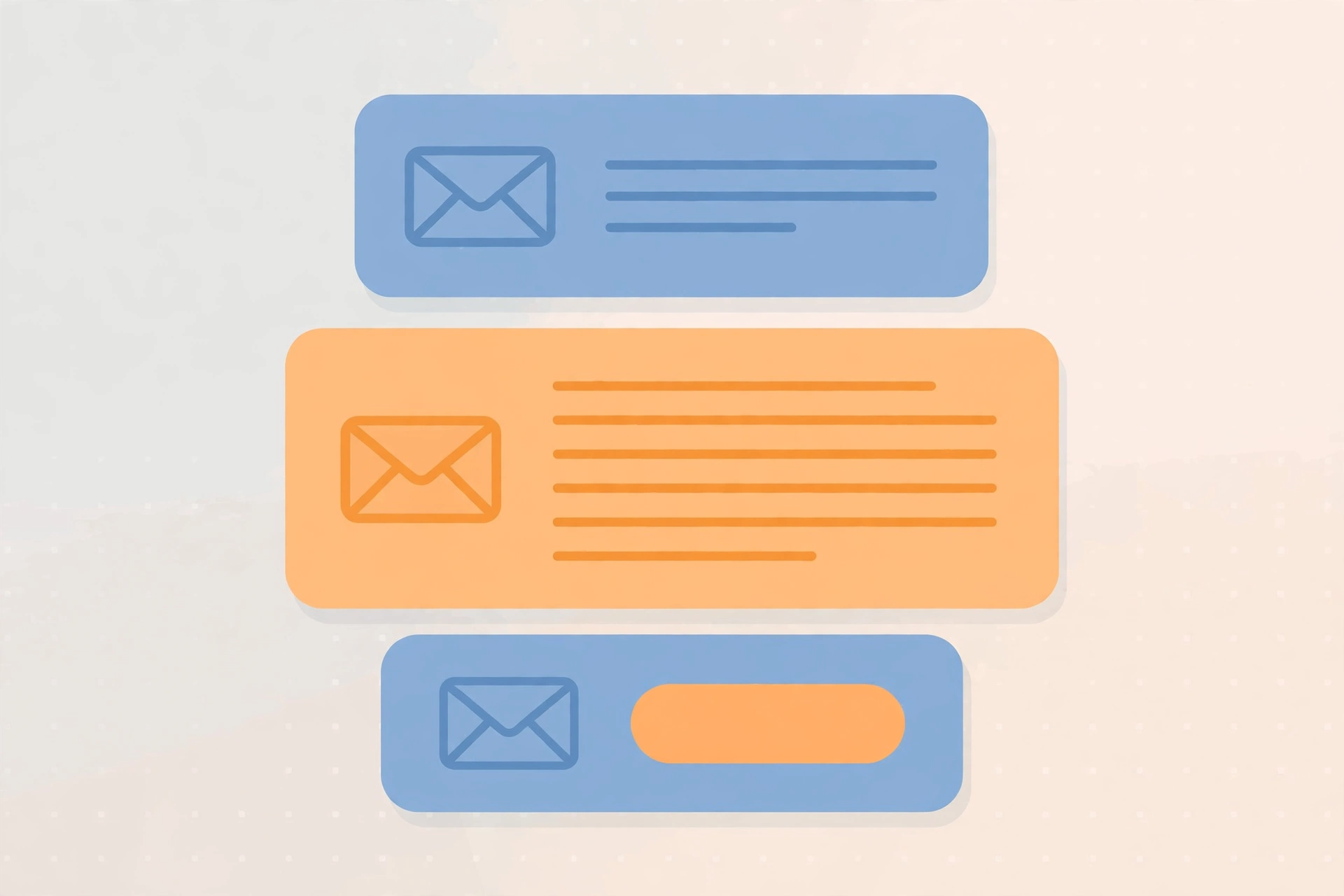
Putting a first name in the subject line is not personalization. Real personalization uses behavior: what the subscriber bought, browsed, or clicked, and when. Segment your list before you write — new subscribers, repeat buyers, cart abandoners, and inactive readers should get different emails, and AI can draft a variant for each segment from the same core message. Klaviyo’s predictive analytics and segmentation make this practical even for small stores, and it is the single biggest lever on conversion: a relevant email to a small segment usually beats a generic blast to the whole list.
Step 6: Use AI for the Parts Humans Skip
A few jobs are pure AI territory. Send-time optimization picks the hour each subscriber is most likely to open. A/B testing tools can test subject lines, senders, and calls to action automatically and send the winner to the rest of the list. And AI writing assistants can repurpose one email into a shorter SMS, a social post, or a follow-up variant in seconds. Use these for volume and speed — but read the final version yourself every time. AI still invents prices, dates, and product details with total confidence, and one wrong number in a promotional email is worse than a slow one.
Step 7: Measure, Then Rewrite the Prompt
After every send, check three numbers: open rate, click rate, and conversions from the email. If opens are low, the problem is the subject line or the sender name — fix the prompt that generates them. If clicks are low, the body or the call to action is weak. If clicks are high but sales are low, the landing page is the problem, not the email. Save the prompts that produced your best-performing emails and reuse them as templates. Over a few months this builds a small library of proven prompts that is worth more than any single tool.
Mistakes That Kill Conversion
- Publishing the first draft untouched. AI first drafts are competent and forgettable. Edit for your voice, cut the filler, and add one specific detail only you could know.
- Three calls to action in one email. Every extra link splits the click. One goal, one action.
- Writing to “everyone”. An email for everyone converts no one. Segment first, then write.
- Clickbait subject lines. They win the open and lose the subscriber — and they train spam filters against you.
- No plain-text check. Read the email as plain text before sending. If it is confusing without images and buttons, rewrite it.

Which AI Email Tools Help Most?
If your emails live inside a marketing platform, use the AI built into it first: Klaviyo, Mailchimp, GetResponse, and Brevo all ship AI subject lines, content suggestions, and send-time optimization, and their AI knows your list data, which a standalone writer does not. For standalone drafting, Jasper and Copy.ai are solid general-purpose options for long-form email copy. Our Best AI Email Marketing Tools in 2026 roundup compares the platforms side by side, including pricing and which AI features sit on which plan.
How to Write High-Converting Emails with AI: FAQ
Can AI write a whole email campaign by itself? It can draft one, but it should not send one unsupervised. AI is best at first drafts, variations, and subject lines. Strategy, offers, pricing, and the final edit still need a human — especially because AI can invent details that look plausible and are wrong.
Will readers know an email was written by AI? Only if you let it sound like one. Generic phrases, perfect grammar with zero personality, and the same structure every time are the giveaways. Edit in your voice, add a specific story or number, and nobody will care how the draft started.
What is a good conversion rate for email? It depends heavily on the list and the offer. For ecommerce, a 1–3% click-to-purchase rate on a campaign is a reasonable benchmark; welcome and abandoned-cart flows convert far higher because the intent is already there. Compare each email against your own past sends, not against industry averages.
Does AI help with deliverability? Indirectly. AI-written subject lines that avoid spam-trigger words and send-time optimization both help inbox placement, but the biggest deliverability factors are still list hygiene, authentication (SPF, DKIM, DMARC), and engagement — none of which a writing tool fixes on its own.
Verdict
Knowing how to write high-converting emails with ai comes down to a simple division of labor: you decide the goal, the reader, and the offer; AI produces options fast; you edit, segment, and measure. Start with one workflow — subject lines, or a welcome series — get it working, then expand. The marketers getting real results from AI email in 2026 are not the ones who automate everything. They are the ones who use it to write more relevant emails, to more specific people, more often.