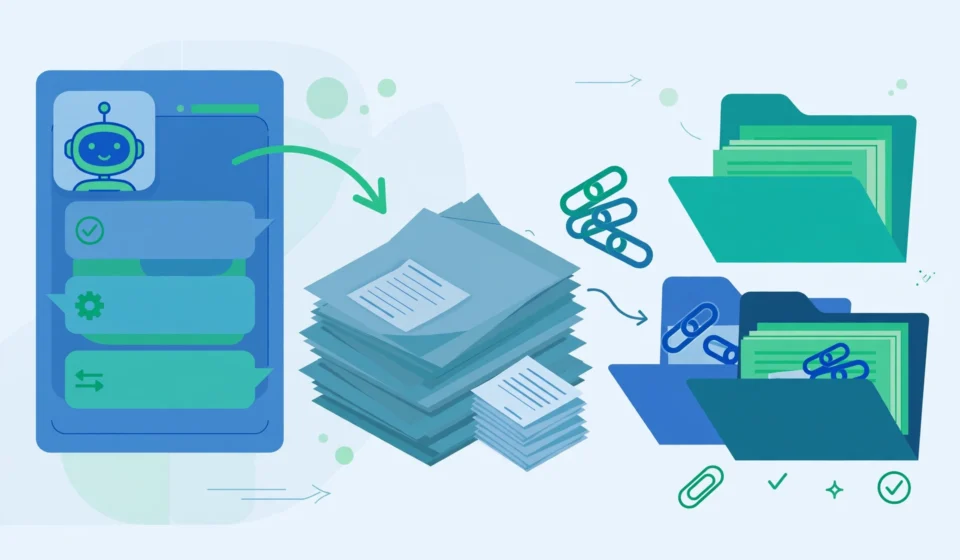

Learning how to use AI chatbots for research in 2026 can save you hours — if you use them the right way. A chatbot can gather sources, summarise documents, and organise messy notes. It can also invent a citation or present last year’s facts as today’s news.
The difference is not the tool. It is the workflow around it: pick the right chatbot, ask better questions, check every important claim, and organise what you find.
Table of Contents
How to Use AI Chatbots for Research in Six Steps
Step 1: Define Your Question Before You Open a Chatbot
A vague question gets a vague answer. Before typing anything, write down exactly what you need: prices, options, an explanation, or evidence for an argument? Each goal needs a different approach.
“Tell me about AI chatbots” produces a generic overview. “What are the current pricing plans for the three most popular AI chatbots, and which is best for summarising long PDFs?” gives the chatbot something concrete to search for. Add your budget and deadline too — the more specific the brief, the less time you spend correcting the answer.
Step 2: Pick the Right Chatbot for the Job
Perplexity is the strongest starting point for quick, sourced answers. It sends every question to web search first, then writes an answer with numbered citations. Free plan available; Pro costs $20 per month.
ChatGPT is the best all-rounder. Web search is available on every plan and runs by default when a question needs current information. Its deep research mode proposes a plan you can edit, and it can work from files you upload.
Claude gained web search in March 2025, offered globally on all plans. It cites sources at sentence level, with a link and short excerpt per claim. Its paid Research mode (Pro, $20 per month) compiles a cited report — ideal for long documents.
Gemini grounds its answers in Google Search, with a Sources button opening links in a side panel. Deep Research is available on the free plan, and it can search your Gmail and Drive — a natural fit for Google Workspace users.
DeepSeek is the budget option: free chat with web search built in, strong on technical questions, but with a less polished citation experience than Perplexity. For a fuller overview, see our roundup of the best AI chatbots.
Step 3: Write Prompts That Get Sourced, Specific Answers
Good research prompts have four ingredients: the question, the context, the format you want, and an instruction to cite sources. Try this template: “Research [topic] for [purpose]. Focus on [angle]. Give me a structured summary with headings, and cite a source for every factual claim.”
Ask for recency when it matters: “only use sources published in 2026.” Ask the chatbot to say when it is unsure, and to separate facts from opinions. If the first answer is too shallow, follow up with “go deeper on point two” instead of starting over.
Step 4: Verify Every Claim That Matters
This is the step most people skip, and it matters most. A citation next to a sentence does not prove the sentence is true. Independent citation checks in 2026 have repeatedly found that even the best research tools get a meaningful share of citations wrong, with some models failing on roughly one in four checked citations. Open the sources.
Click through to the sources behind your most important claims. Check the page actually says what the chatbot says it says, and that the date matches. Be especially careful with statistics, prices, and quotes. If a source is paywalled, treat the claim as unverified.
Step 5: Cross-Check Across Two Tools
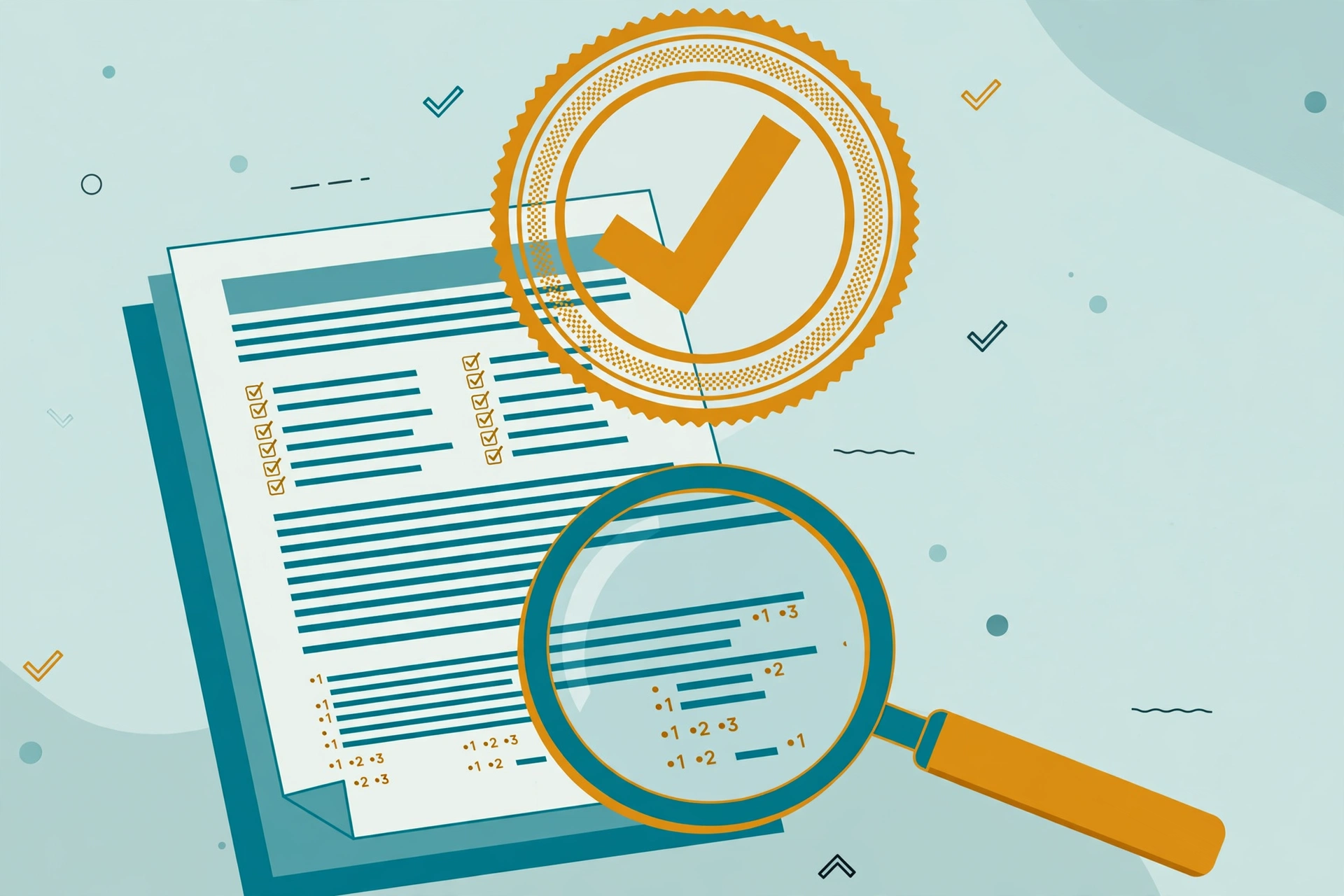
Run your key question through a second chatbot, ideally one with a different search approach. If Perplexity gave you the first answer, ask ChatGPT or Gemini the same question and compare. Agreement is not proof, but disagreement is a useful warning sign.
When the two disagree, go to the primary source — the vendor’s pricing page, the original study, or the official announcement — and let that settle it.
Step 6: Organise Your Findings So You Can Reuse Them
At the end of each session, ask the chatbot for a clean summary: key findings, sources, and open questions. Save it in your notes app with links to the original sources, not just the chat transcript.
Keep one note per topic, with a short verdict at the top, evidence below, and sources with dates. The summary is what you will actually read again in a month.
Which Chatbot for Which Research Task?
| Research task | Best pick | Why |
|---|---|---|
| Quick factual question with sources | Perplexity | Searches first on every question, numbered citations |
| Long report you want to steer | ChatGPT deep research | Editable research plan, works from your files |
| Careful reading of long documents | Claude | Sentence-level citations, strong reasoning |
| Research inside Google Workspace | Gemini Deep Research | Free deep research, Gmail and Drive search |
| Technical analysis on a zero budget | DeepSeek | Free chat with web search, strong reasoning |
| Academic papers | Elicit or Consensus | Search real paper databases, not just the open web |
For most everyday research, Perplexity for the first pass and ChatGPT or Claude for the second pass covers the main gaps.

Common Mistakes to Avoid
Trusting an answer because it looks confident. Chatbots write fluent, assured prose even when guessing. Confidence is a style, not evidence — if there is no citation, there is no verification.
Accepting a citation without opening it. A real-looking link can point to a page that says something different, or does not support the claim at all. Open the sources that matter.
Using one tool for everything. Each chatbot has blind spots: one leans on a single search index, another rarely searches settled topics, a third hides sources in a side panel you never open. Cross-checking is the cheapest insurance.
Forgetting the date. A chatbot can mix 2024 prices with 2026 features in the same paragraph. Re-check prices on the vendor’s own site before acting on them.
Pasting sensitive material into a chatbot. Do not upload confidential documents into a free tier without checking how the service handles your inputs. For sensitive research, use a paid plan with clear data controls, or keep the material out of the chat.
Frequently Asked Questions
How long does it take to learn how to use AI chatbots for research well?
A few focused sessions are enough for the basics: a good prompt, asking for citations, and checking sources. The habit that takes longer is verification — opening sources and cross-checking as a reflex.
Which AI chatbot gives the most reliable citations?
It depends on the model version and the question, and independent checks disagree on the exact ranking. Perplexity is the most consistent about attaching a source to every claim, and Claude’s Research mode has scored well in accuracy checks. Verify the sources behind important claims yourself.
Can I use AI chatbots for academic research?
Yes, for exploring a topic and finding papers — but not as your only source. Use tools that search real paper databases, such as Elicit, Consensus, or Scite, and read the original paper before citing it. Check your institution’s AI policy first.
Are free AI chatbots good enough for research?
For most everyday research, yes. Perplexity, ChatGPT, Gemini, and DeepSeek all offer useful free tiers with web search, and Gemini’s Deep Research is free. Paid plans mainly buy higher limits and stronger models — worth it if you research daily.
Conclusion
Mastering how to use AI chatbots for research in 2026 is less about finding one perfect tool and more about building a reliable habit: define the question, pick the right chatbot, ask for sources, verify what matters, and cross-check with a second tool. Start small, check every citation, and let the workflow earn your trust one verified answer at a time.