

This Make review looks at the visual automation builder that turns app connections into drag-and-drop scenarios. Make, formerly Integromat, connects your apps on a canvas where each step is a module and data flows visibly from one to the next. It is the value pick among the big workflow builders: the cheapest paid plan costs less than half of Zapier’s, and you can see exactly what each automation does before it runs.
Table of Contents
What Is Make?
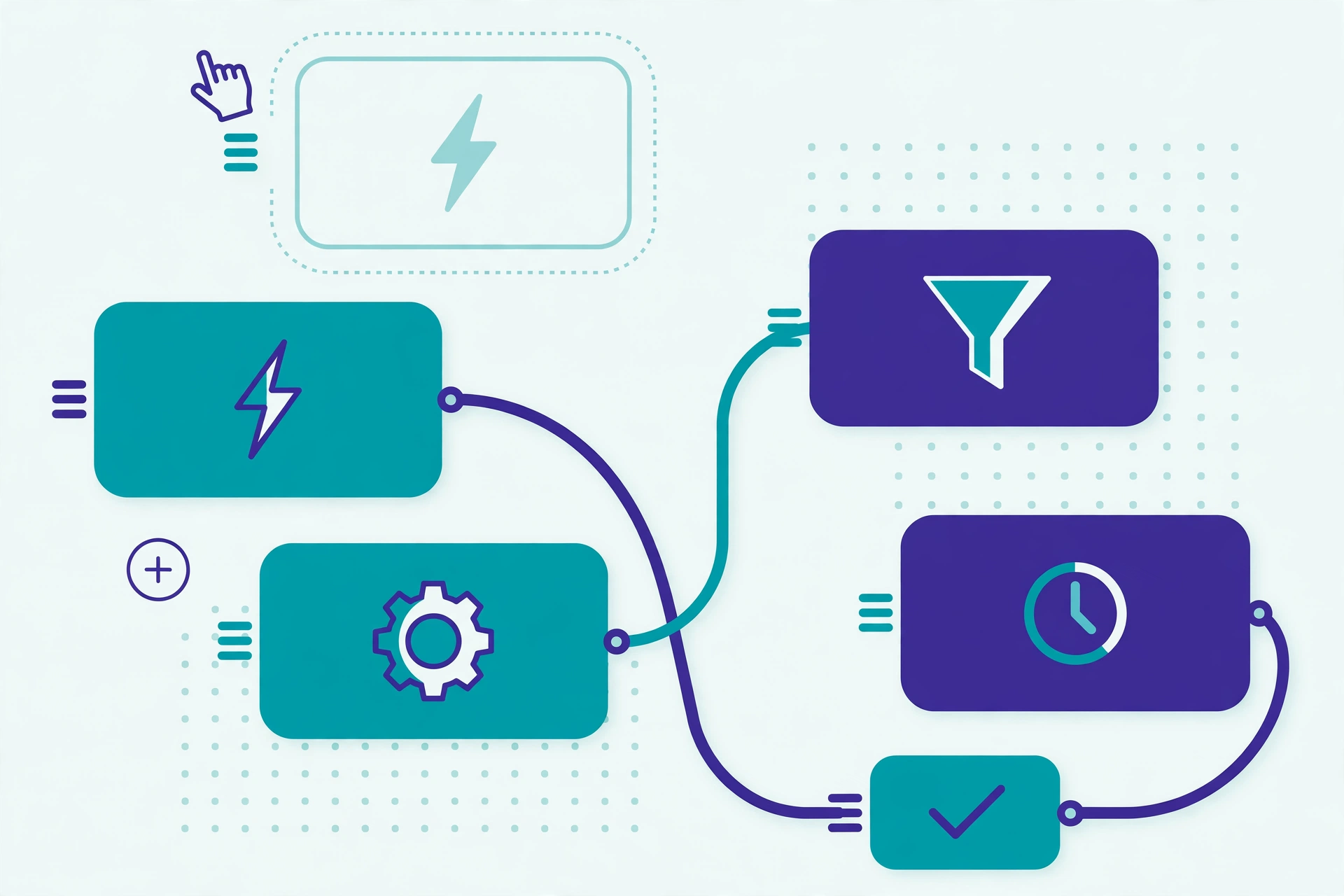
Make is a no-code workflow automation platform. You build scenarios — visual workflows — by placing modules on a canvas and connecting them: a trigger (a new order, a form submission, a scheduled time) starts the scenario, and each module performs one action, such as creating a row, sending a message, or calling an AI model. Filters, routers, and error handlers let you branch and recover without code.
The visual approach is the point. Where Zapier hides each Zap’s logic behind a linear list, Make shows the whole scenario at once, so debugging a broken flow means following the line to the module that failed. In 2026 Make added Maia, an AI builder that drafts a scenario from a plain-language description, and Make AI Agents for work that needs judgement calls rather than fixed steps. Our Best AI Automation Tools pillar compares Make against the rest of the automation field.
Make Review: Pricing in 2026
Make bills by credits: almost every module that runs in a scenario costs one credit, so your bill tracks how much work your automations actually do. Prices below are at the 10,000-credit level in US dollars, checked October–November 2026.
| Plan | Price (annual billing) | Price (monthly billing) | Credits / month |
|---|---|---|---|
| Free | $0 | $0 | 1,000 |
| Core | $9/month | $10.59/month | 10,000 |
| Pro | $16/month | $18.82/month | 10,000 |
| Teams | $29/month | $34.12/month | 10,000 |
| Enterprise | Custom | Custom | Custom |
The free plan includes 1,000 credits a month, two active scenarios, and 15-minute scheduling intervals — enough to learn the canvas and run one real workflow. Core adds unlimited active scenarios, one-minute scheduling, and API access. Pro adds priority execution, custom variables, and full-text log search. Teams adds roles and shared templates. Credit volume is a slider: buying more credits raises the price on any plan, and Core is not available above 300,000 credits a month. Confirm the live slider at checkout, since the credit price is what actually sets your bill.
Key Features
Visual scenario builder. The canvas is Make’s signature. You see triggers, modules, routers, and data flow in one view, and you can run a scenario step by step to watch data move through it. For complex multi-branch automations, this beats a linear list.
1,500+ app integrations. Make covers the major SaaS tools — Google Workspace, Slack, Notion, Airtable, Shopify, HubSpot — plus HTTP and webhook modules for anything with an API. Its app catalog is smaller than Zapier’s, but the gaps are mostly niche tools.
Maia AI builder. Describe the automation you want in plain language and Maia drafts the scenario, including the modules and connections. You still need to check its work, but it removes the blank-canvas problem for beginners.
Make AI Agents. Agent modules can reason over a task, call tools, and decide the next step, which covers work that fixed scenarios cannot — triaging an inbox, researching a lead, or drafting a reply from context.
Error handling and scheduling. Every scenario can retry failed runs, store incomplete executions, and schedule down to one-minute intervals on paid plans. Execution history keeps 30 days of logs on Core and longer on higher plans.
Pros and Cons
Pros: cheapest paid tier among the major builders; visual canvas makes complex flows easy to debug; generous free plan for learning; credit pricing is transparent and scales with use; strong HTTP and webhook support for custom integrations.
Cons: steeper learning curve than Zapier — the canvas rewards patience, not speed; smaller app catalog; credits can be consumed faster than expected by scenarios that run often or loop; support is slower than the premium-priced rivals; the pricing slider means the headline price is only the starting point.
Who Is Make For?
Make fits small businesses, agencies, and technical marketers who want serious automation without Zapier’s task pricing. It is the best value per step in the category, and the visual builder suits anyone who thinks in flowcharts. It is a weaker fit if you want the largest app catalog and the fastest setup — that is Zapier’s territory — or if you need self-hosting and full control, where n8n wins. If you are weighing the two directly, our Zapier review covers the other side of the trade-off.
Verdict
Our Make review verdict: Make is the best-value workflow builder in 2026. The canvas is genuinely better for understanding and debugging automations, the free plan is usable for real work, and Core at $9 a month undercuts every serious rival. The learning curve is real, and the credit slider can surprise you, but for most small teams the trade is worth it. Rating: 4.4/5.
FAQ
How much does Make cost?
Free for 1,000 credits a month. Paid plans start at $9 a month on annual billing ($10.59 month-to-month) for 10,000 credits on Core, $16 on Pro, and $29 on Teams.
What is a Make credit?
One credit is roughly one module execution in a scenario. A scenario with five modules that runs once costs about five credits, so your bill depends on how many steps your workflows take and how often they run.
Is Make better than Zapier?
Make is cheaper per step and better for visual, complex workflows. Zapier is easier to learn and has more app integrations. Choose Make for value and debugging, Zapier for simplicity and catalog size.
Does Make have a free plan?
Yes. The free plan gives 1,000 credits a month, two active scenarios, and 15-minute scheduling, with no time limit.