
This Zapier review covers the automation tool most people meet first: the simplest workflow builder with the largest app catalog. Zapier connects your apps with Zaps — trigger-and-action workflows — and in 2026 it added AI agents and model-priced AI steps. It is the easiest automation platform to learn, and also the most expensive at volume, because every action step costs a task.
Table of Contents
What Is Zapier?
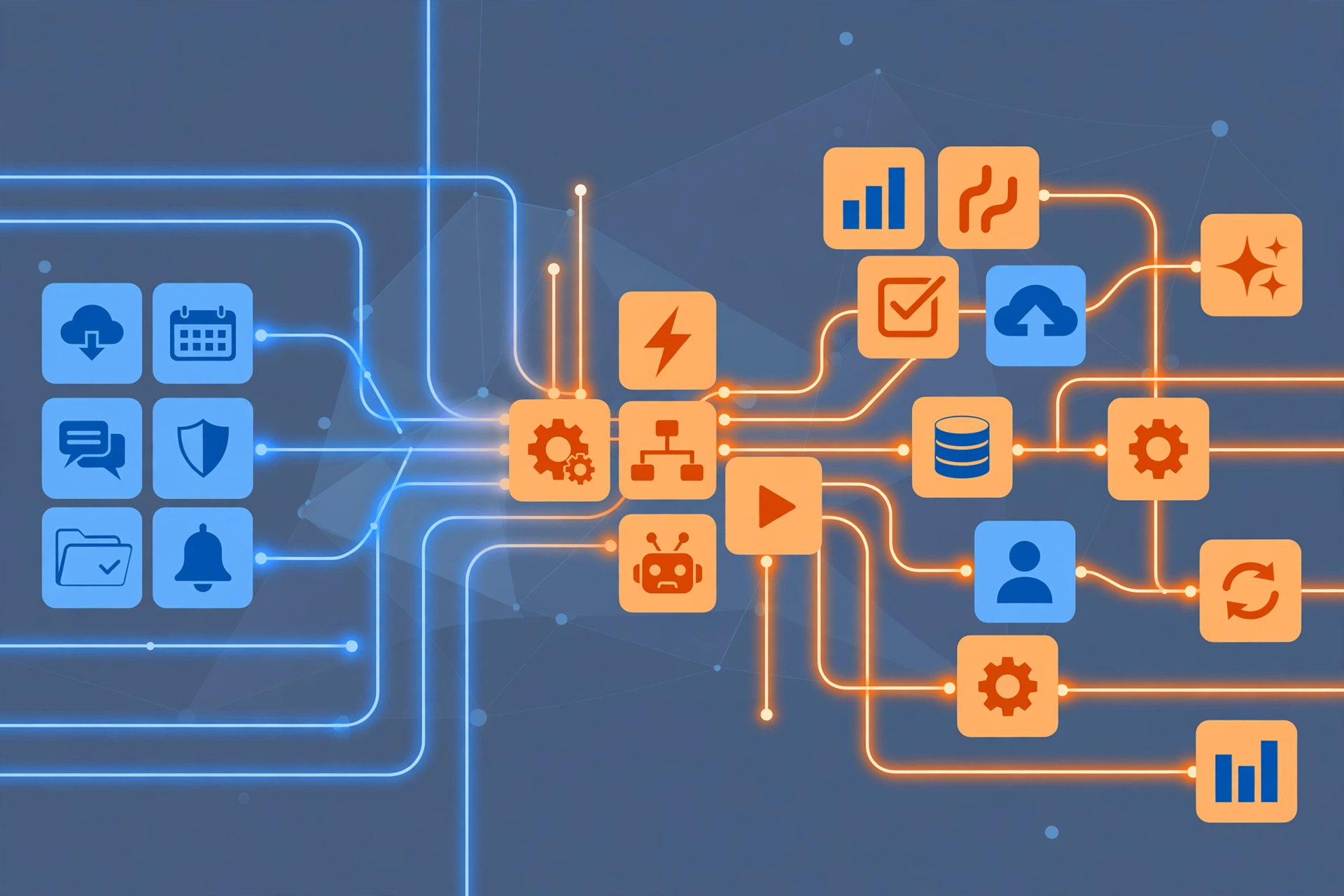
Zapier is a workflow automation platform built around Zaps. A Zap starts with a trigger — a new email, a form submission, a new row — and runs one or more actions in other apps: creating a task, sending a message, updating a record. Multi-step Zaps add filters, paths, and formatting, and premium apps unlock on paid plans.
The catalog is the reason to pick Zapier: thousands of integrations, most maintained by Zapier itself, so if a tool has an API it almost certainly has a Zapier integration. In 2026 Zapier shipped Zapier Agents, AI teammates that handle multi-step work with judgement, and moved AI steps to model-tier pricing on June 15, 2026, so AI-heavy Zaps now cost by the model used rather than a flat per-step rate. See how it stacks up against the field in our Best AI Automation Tools pillar.
Zapier Review: Pricing in 2026
Zapier bills by tasks: one task is one successful action step in a Zap. Prices below are the entry task tiers in US dollars, checked October–November 2026.
| Plan | Price (annual billing) | Price (monthly billing) | Tasks / month |
|---|---|---|---|
| Free | $0 | $0 | 100 |
| Professional | $19.99/month | $29.99/month | 750 |
| Team | $69/month | $103.50/month | 2,000 |
| Enterprise | Custom | Custom | Custom |
The free plan covers 100 tasks a month with two-step Zaps — enough to automate one small workflow. Professional adds multi-step Zaps, unlimited premium apps, webhooks, and two-minute polling; its price climbs steeply as you raise the task tier, reaching $129 a month at 10,000 tasks on annual billing. Team adds up to 25 users, shared Zaps and app connections, one-minute polling, SAML SSO, and priority support. Annual billing saves about 33% against monthly. The task slider is the real price: budget by counting the steps your Zaps take, not by the headline tier.
Key Features
Largest app catalog. Zapier integrates with more apps than any rival, and its integrations are usually the best maintained. For connecting a niche tool, Zapier is often the only no-code option.
Multi-step Zaps with Paths. Filters, paths, and formatting steps turn simple triggers into real workflows. The linear editor is easy to follow, which is why non-technical users finish their first Zap in minutes.
Zapier Agents. Agents handle work that needs judgement: triaging an inbox, researching a lead, drafting replies. They run on an activity allowance — 1,500 activities on Professional — and suit tasks where the next step is not fixed in advance.
AI by Zapier. AI steps inside Zaps can draft, summarise, and extract data. Since June 2026 these steps are priced by model tier, so heavy AI use burns through tasks faster than plain automation.
Tables, Interfaces, and Chatbots. Zapier has grown beyond Zaps into a small platform: Tables for lightweight data, Interfaces for internal apps, and Chatbots for customer-facing assistants, all on the same account.
Pros and Cons
Pros: easiest automation tool to learn; biggest and best-maintained app catalog; reliable execution and clear run history; Agents and AI steps cover judgement work; strong ecosystem of templates and community help.
Cons: the most expensive builder at volume — every step costs a task, so a five-step Zap costs five times the headline rate; the free plan is thin at 100 tasks; task-based pricing punishes long workflows; support on lower tiers is email-only until the 2,000-task tier.
Who Is Zapier For?
This Zapier review finds the tool fits best for individuals and small teams who want automation working today with minimal learning. If you value the biggest app catalog and the gentlest setup, Zapier is the right call. It is a weaker fit for high-volume workflows, where Make costs far less per step, or for teams that want self-hosting and full control, where n8n wins. Count your steps before you commit: a Zap with five actions at 500 runs a month is 2,500 tasks, not 500.
Verdict
Our Zapier review verdict: Zapier is still the easiest way to automate, and its catalog remains unmatched. The price is the honest trade-off — at low volume it is reasonable, at high volume it is the most expensive option in the category. Start on the free plan, count your tasks for a month, and only then pick a tier. Rating: 4.3/5.
FAQ
How much does Zapier cost?
Free for 100 tasks a month. Professional starts at $19.99 a month on annual billing ($29.99 month-to-month) for 750 tasks, and Team starts at $69 a month for 2,000 tasks. Enterprise is custom.
What is a Zapier task?
One task is one successful action step in a Zap. A Zap with a trigger and three actions that runs once uses three tasks. The trigger itself is free.
Is Zapier worth it in 2026?
Yes, if your volume is low and you value the largest app catalog and the easiest setup. At high volume, Make or n8n usually cost far less for the same work.
Does Zapier have a free plan?
Yes. The free plan includes 100 tasks a month and two-step Zaps, with no time limit.