

The best ai photo editors in 2026 are not image generators — they start with a real photo and make it better: removing a background, rescuing a noisy shot, retouching a portrait, or turning a phone snapshot into a listing-ready product photo. AI has moved from a gimmick inside these tools to the core of how they work, from Generative Fill to one-click background removal to retouching a hundred wedding photos in sync.
This pillar roundup covers the ten editors that matter in 2026: Photoshop, Lightroom, Luminar, Topaz Photo, PhotoRoom, Evoto, Pixlr, Picsart, Fotor, and PicWish. Prices are from November 2026 checks. Note the naming changes this year: Luminar Neo is now just Luminar, and Topaz Photo AI is now Topaz Photo. For creating images from scratch rather than editing photos, see our best AI image generators in 2026 roundup instead.

Table of Contents
Best AI Photo Editors: Compared
| Tool | Starting price | Free tier | Best for |
|---|---|---|---|
| Photoshop | $19.99/mo (Photography Plan) | Trial only | Professional retouching |
| Lightroom | $11.99/mo | Trial only | RAW libraries, photographers |
| Luminar | $119 one-time | Trial only | One-click creative edits |
| Topaz Photo | $199/yr | Trial only | Rescuing imperfect shots |
| PhotoRoom | $7.50/mo billed annually | Yes | E-commerce product photos |
| Evoto | ~$89/yr (800 credits) | Editing free, exports paid | Volume portrait retouching |
| Pixlr | $1.99/mo billed annually | Yes | Free browser editing |
| Picsart | $10.50/mo billed annually | Yes (limited) | Social creators, mobile |
| Fotor | $3.99/mo billed annually | Yes | Budget all-rounder |
| PicWish | $4.99/mo billed annually | Yes | Cheap background removal |
Prices change frequently in this category — Fotor and Picsart both restructured pricing during 2026 — so treat every figure above as a November 2026 snapshot and check the live pricing page before you buy.
Photoshop: The Professional Standard
Photoshop remains the deepest photo editor you can buy, and its Firefly AI features are now central: Generative Fill, Generative Expand, and Generative Remove work non-destructively on layers, and since late 2025 a multi-model picker adds Google’s Nano Banana Pro and Black Forest Labs FLUX.2 Pro alongside Firefly. Generative Upscale, built on Topaz technology, can push images to around 56 megapixels. The Photography Plan at $19.99 a month (Photoshop + Lightroom + 1TB storage) is the best value for photographers; the single app is $22.99 a month billed annually.
Pros: unmatched depth and layered control; commercial-safe Firefly output; the multi-model picker is genuinely useful.
Cons: subscription only, no free plan; the learning curve is real; generative credits are capped on cheaper plans.
Rating: 4.7/5. Try Photoshop if you need full professional control. See our Photoshop vs Luminar Neo comparison for the head-to-head with the one-time-purchase rival.
Lightroom: The Best All-Round Editor for Photographers
Lightroom is the working photographer’s editor: a RAW catalogue plus AI editing in one place. Generative Remove costs zero generative credits, AI Denoise is best-in-class for high-ISO RAW cleanup, and Prompt to Edit (September 2026) lets you describe an edit in words. Generative Upscale and AI Sharpen now use Topaz models inside Lightroom itself. The Lightroom plan is $11.99 a month with 1TB of storage, or $19.99 a month bundled with Photoshop in the Photography Plan.
Pros: the best-value pro workflow; Generative Remove is free of credit costs; superb RAW handling and masking.
Cons: subscription only; weaker than Photoshop for compositing and pixel-level work; some AI features cap output resolution.
Rating: 4.6/5. Try Lightroom if you manage a large photo library.
Luminar: The One-Time-Purchase Alternative
Luminar (renamed from Luminar Neo in August 2026) is the only serious editor here you can buy once instead of renting: Desktop Only is $119, Cross-Device $159, and Max $179, one-time. Its strengths are one-click creative edits — Sky Replacement is still best-in-class — plus GenErase, GenSwap, GenExpand, and a conversational AI Assistant added in late 2026. The honest caveat: the generative AI tools are included for only 365 days, then require a Luminar Prime renewal of $33–59 a year.
Pros: no monthly subscription for the app itself; the fastest route to dramatic landscape and portrait edits; licences carry over from Luminar Neo.
Cons: generative tools expire after a year without Prime; pricing changes with almost every Skylum sale; less of a catalogue tool than Lightroom.
Rating: 4.4/5. Try Luminar if you hate subscriptions. See our Photoshop vs Luminar Neo comparison.
Topaz Photo: For Rescuing Imperfect Shots
Topaz Photo (formerly Topaz Photo AI) does one thing better than anything else here: it rescues photos that would otherwise be unusable — noisy, soft, low-resolution, or old — with a single pipeline of denoise, sharpen, face recovery, and upscaling up to 6x. Adobe acquired Topaz Labs in 2026 (the deal completed in September), and the apps remain sold standalone. Pricing is subscription-only since October 2025: Personal is $199 a year upfront, or $25 a month on an annual commitment.
Pros: the best denoise, sharpen, and face-recovery quality available; batch enhancement; local or cloud rendering.
Cons: perpetual licences ended in 2025; $199 a year is steep for casual use; local rendering needs a decent GPU.
Rating: 4.5/5. Try Topaz Photo if you shoot in difficult light or restore old photos. See our Topaz Photo AI vs PhotoRoom comparison.
PhotoRoom: The E-commerce Specialist
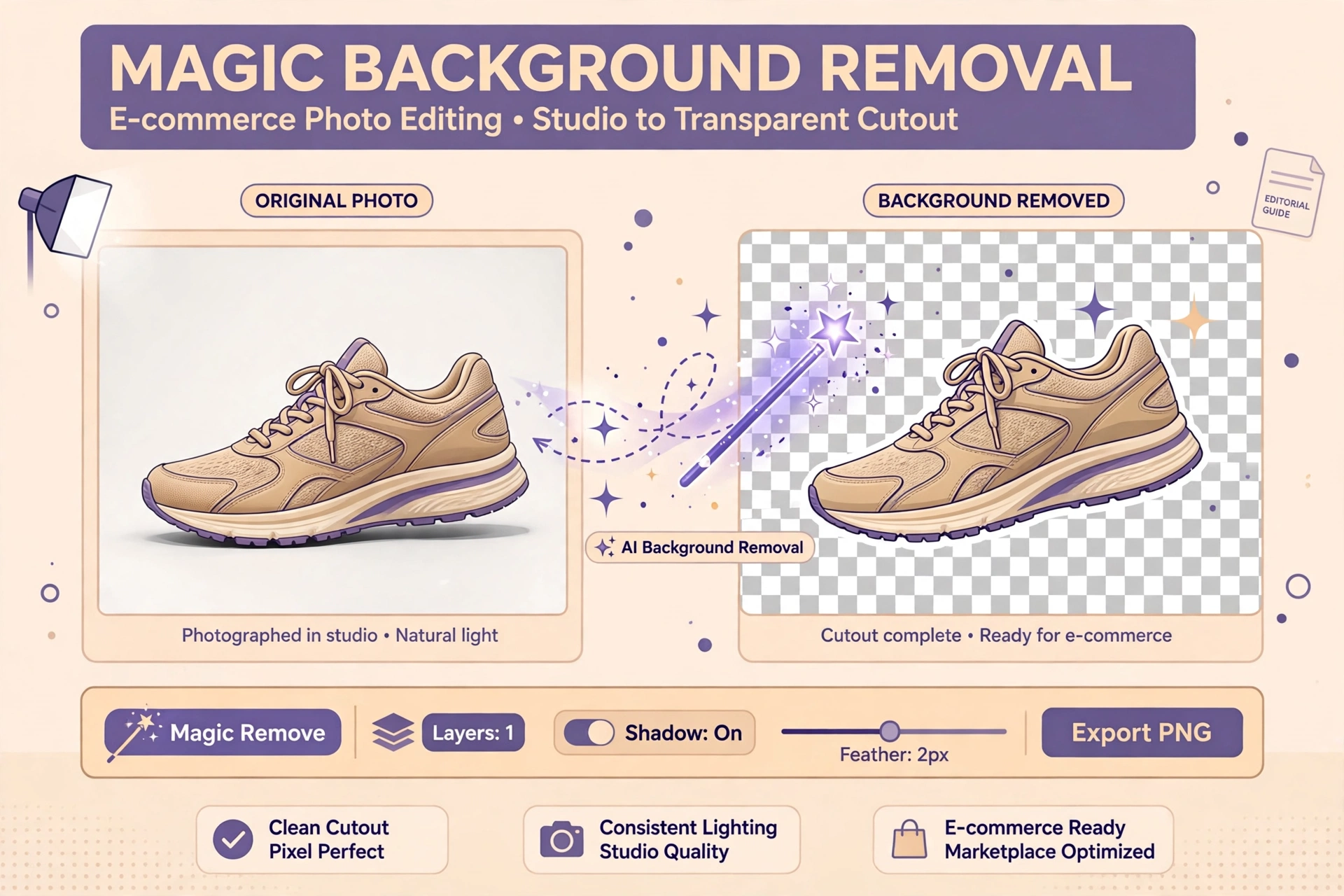
PhotoRoom is the only tool on this list built end-to-end for product listings: instant background removal, AI backgrounds and product staging with realistic AI shadows, AI fashion models and virtual try-on, and batch editing of up to 500 images a month on Pro. Its Product Fixer (May 2026) re-matches AI output to the original product’s colour and logo — the detail that makes AI backgrounds safe for real listings. Pro is $7.50 a month billed annually, with a free plan for personal use.
Pros: purpose-built for sellers; Shopify integration on Max; batch editing; the most consistent listing-ready output here.
Cons: not a general photo editor; the free plan is personal-use only with limited exports.
Rating: 4.5/5. Try PhotoRoom if you sell online. Pair it with our guide on how to create product photos with AI.
Evoto: Volume Portrait Retouching
Evoto is built for portrait, wedding, and school photographers who retouch in volume. Its per-face retouching — skin, blemishes, wrinkles, dark circles, teeth, glasses glare, stray hairs — applies with sliders synced across a whole shoot, with batch retouching and colour matching across hundreds of frames. Pricing is credit-based rather than a flat subscription: annual plans run from $89 a year for 800 credits to $1,339 a year for 24,000, working out to roughly $0.05–0.11 per exported photo.
Pros: the fastest way to retouch a whole shoot consistently; credits roll over on renewal; culling and gallery delivery included.
Cons: credit-based pricing is unfamiliar; no public affiliate program; not a general-purpose editor.
Rating: 4.4/5. Try Evoto if you retouch portraits in volume.
Pixlr, Picsart, and Fotor: The Budget Trio
Pixlr is a Photoshop-style editor that runs in the browser for free, with layers and masks in Pixlr E and quick edits in Pixlr X. Paid plans start at $1.99 a month billed annually. One warning: a brand-new free account was found in November 2026 testing to start with zero AI credits, so AI generation is effectively paywalled even though basic editing is free.
Picsart is the best pick for social-media creators who want templates, stickers, and AI generation in one mobile-first app. Pro is $10.50 a month billed annually with 500 AI credits a month, and single-image background removal on the web is free at full resolution without a login. Note that its pricing was restructured in 2026 and the old Plus tier has disappeared from the web pricing page.
Fotor is the best value budget all-rounder: Pro is $3.99 a month billed annually with one-click AI Enhance, background remover, portrait retouching, and a chat-based AI editing agent called Sisi. One warning: its 7-day trial auto-converts to a paid plan, and there is no refund if you forget to cancel.
PicWish: The Cheapest Path to Clean Background Removal
PicWish does fewer things than the editors above, but it does its flagship job — AI background removal with batch processing — very well and very cheaply. The free tier is genuinely usable with no watermark on standard downloads, and Pro is $4.99 a month billed annually with 450 credits a month. Pay-as-you-go credit packs never expire, which suits occasional sellers better than another subscription.
Pros: the best free tier for background removal; cheap Pro plan; batch processing; credits that never expire.
Cons: a narrower tool than Fotor or Picsart; no serious RAW or portrait workflow.
Rating: 4.1/5. Try PicWish if background removal is the job and the budget is small.

Best AI Photo Editors by Use Case
The best ai photo editors for e-commerce sellers are PhotoRoom first — it is the only tool built end-to-end for listings, from $7.50 a month billed annually — with PicWish as the cheapest capable alternative and Photoshop reserved for product shots that need pixel-perfect retouching. For portrait photographers, Evoto is the volume workhorse, Lightroom is the best all-round pro workflow, and Luminar is the best one-time-purchase option. For casual and budget users, Pixlr is the best free starting point, Fotor is the best-value all-rounder at around $4 a month, and PicWish is the cheapest route to clean background removal.
FAQ
Which best ai photo editors are free?
Pixlr, Fotor, PicWish, PhotoRoom, and Picsart all have free tiers. Pixlr is the most capable free editor, PicWish has the most usable free background removal, and PhotoRoom’s free plan is limited to personal use. Photoshop, Lightroom, Luminar, Topaz Photo, and Evoto offer trials but no free plan.
Is Luminar Neo now called Luminar?
Yes. Skylum renamed Luminar Neo to just Luminar in August 2026, unifying desktop, mobile, and web under one name. Existing licences carry over.
Did Adobe buy Topaz Labs?
Yes. Adobe announced the acquisition in June 2026 and the deal completed in September 2026. Topaz Photo is still sold standalone, and its models now also appear inside Adobe’s Firefly tools.
Do these photo editors have affiliate programs?
Most do: Adobe pays 85% of the first month via Partnerize, Skylum pays 20% and up (to 45–50%) via Impact, Topaz pays 20%, PhotoRoom pays 20% via Awin, Fotor pays 25–35% recurring for 12 months via Tolt, and PicWish pays 30–40% via Impact. Evoto has no public program, Pixlr’s reported 25% is unverified, and Picsart’s proposed 25% terms are still draft. We are not enrolled in any of these programs, so this article contains no affiliate links and we earn nothing if you choose one of these tools.
Verdict
The best ai photo editors in 2026 split cleanly by job. Photoshop is still the professional standard at 4.7/5, Lightroom the best all-round photographer’s editor at 4.6/5, and PhotoRoom the best tool for sellers at 4.5/5. If you hate subscriptions, Luminar’s one-time licence is the only serious option — just remember its generative tools need a Prime renewal after a year. Start from the job — listings, portraits, or casual edits — pick the tool built for it, and trial it on your own photos before you pay.
Sources: AI With Kay — Adobe Photoshop; PhotoWorkout — Luminar Black Friday 2026; Hokai — Topaz Photo AI; PhotoRoom — Affiliates; ConversionGems — Evoto; Everstood — Fotor; Everstood — PicWish. Pricing checked November 2026.