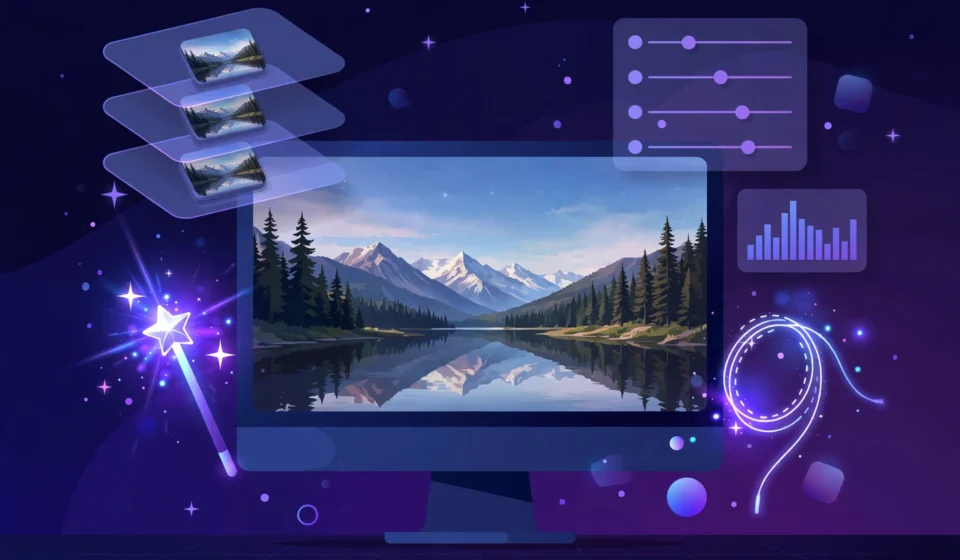

This Photoshop review looks at Adobe’s flagship photo editor in 2026: its Firefly-powered Generative Fill and Remove, layers and masking, and whether the $22.99 monthly plan is still worth it.
Adobe Photoshop has been the default professional photo editor for more than three decades, and the 2026 version is the most AI-heavy one yet. Generative Fill can extend a cropped photo, remove a tourist from a street scene, or swap a dull sky from a text prompt, while the classic layer and mask system still gives you pixel-level control when the AI gets it wrong.
That combination is exactly why Photoshop keeps its crown. No other editor matches its depth for retouching, compositing, and print work. The trade-off is the price: there is no one-time purchase anymore, and the single-app plan costs more than Adobe’s own Photography bundle that includes Lightroom.
Table of Contents
What Is Adobe Photoshop?
Photoshop is Adobe’s raster graphics editor for photographers, designers, and retouchers. It works with layers, masks, selections, and adjustment layers, so every edit stays editable until you flatten the file. It opens RAW files through Camera Raw, handles PSD, TIFF, JPEG, and PNG, and runs on Windows, macOS, iPad, and the web.
In recent versions Adobe has layered Firefly generative AI on top of that classic core. Generative Fill, Generative Remove, and Generate Image run from text prompts, and the Remove tool can now fix distractions without spending generative credits. The result is an editor that works both ways: fast AI edits for simple jobs, and manual precision for work that has to be perfect.
Photoshop Review: Key Features
The feature set is enormous, so these are the tools that matter most for photo editing in 2026.
Generative Fill and Generative Remove
Generative Fill lets you select an area, type what should be there, and get three AI-generated options. It is genuinely useful for extending backgrounds, removing objects, and replacing skies. Generative Remove does the same job without a prompt: brush over a distraction and Photoshop rebuilds the pixels underneath. Both tools work best on natural textures such as grass, water, and skies, and both can produce odd details on faces and hands, so zoom in and check before you export.
Layers, Masks, and Selections
This is still Photoshop’s biggest advantage over AI-first editors. Layers, layer masks, clipping masks, and blend modes let you stack edits, hide them, and revise them weeks later. The Object Selection tool and Select Subject use AI to cut out people and products in one click, and Select and Mask refines hair and fur edges that used to take an hour by hand.
Camera Raw and Non-Destructive Editing
RAW files open in Camera Raw, where exposure, white balance, lens corrections, and noise reduction happen before pixels are touched. Smart Objects keep filters editable, and adjustment layers keep color grading reversible. For photographers who print or deliver client work, this non-destructive workflow is the reason Photoshop remains the standard.
Photoshop on Web, Mobile, and iPad
The same subscription includes Photoshop on the web and iPad, plus a mobile app. Files sync through Creative Cloud, so a quick edit started on a phone can be finished on the desktop. The web version covers the core tools and Generative Fill, which makes it handy for fast fixes without installing anything.

Photoshop Pricing in 2026
Photoshop is subscription-only. Adobe no longer sells a perpetual license, and every plan below is billed in US dollars.
| Plan | Price | What you get |
|---|---|---|
| Photoshop Single App | $22.99/month (annual plan, billed monthly) | Photoshop on desktop, iPad, and web; Adobe Express Premium; 100GB cloud storage; 25 generative credits a month |
| Photoshop Single App, month-to-month | $34.49/month | Same as above with no annual commitment and no cancellation fee |
| Photography Plan (1TB) | $19.99/month | Photoshop, Lightroom, and Lightroom Classic with 1TB of cloud storage |
| Photography Plan (20GB) | $9.99/month | Photoshop and Lightroom with 20GB of cloud storage |
| Single App for Teams | $37.99/month per license | Photoshop for business with admin controls and 1TB storage per user |
The pricing quirk to know: the Photography Plan at $19.99 a month costs less than Photoshop alone and adds Lightroom plus ten times the storage. Unless you specifically need the 100GB single-app tier, the Photography Plan is the better buy. A 7-day free trial is available, and the annual plan carries an early-termination fee of 50% of the remaining months, so the month-to-month option is the safer choice if you are unsure.
Photoshop Pros and Cons
Pros:
- The deepest retouching and compositing toolset of any photo editor
- Generative Fill and Remove are genuinely useful, not gimmicks
- Non-destructive layers, masks, and Smart Objects keep edits reversible
- Massive plugin and brush ecosystem, plus Photoshop actions and presets
- Photography Plan bundles Lightroom for less than the single-app price
- Excellent RAW handling through Camera Raw
Cons:
- Subscription-only, and the single-app plan is poor value next to the Photography Plan
- Steep learning curve; the interface can overwhelm beginners
- Only 25 generative credits a month on the single-app plan
- Annual plan cancellation fee is 50% of the remaining months
- Heavy on system resources, especially with large files and AI tools
Who Should Use Photoshop?
Photoshop is the right choice for professional retouchers, commercial photographers, and anyone who composites images or prepares files for print. If your work involves removing people from scenes, extending backgrounds, frequency separation on skin, or precise selections, nothing else matches it.
It is overkill if you only need quick enhancements, sky swaps, or batch portrait retouching. A lighter AI editor such as Luminar will get you there faster and cheaper, and a specialist such as Topaz Photo does a better job of rescuing noisy or soft images. For a broader view of the category, see our roundup of the best AI photo editors in 2026.
Photoshop Review: Frequently Asked Questions
How much does Photoshop cost in 2026?
The single-app plan costs $22.99 a month on an annual plan billed monthly, or $34.49 a month with no commitment. The Photography Plan, which adds Lightroom and 1TB of storage, costs $19.99 a month.
Is there a free version of Photoshop?
No. Adobe offers a 7-day free trial of the full app, but there is no permanent free tier. Adobe Express, included with the plan, covers basic edits for free.
Is Photoshop good for beginners?
It can do anything, but the interface is dense and the learning curve is real. Beginners who want fast results usually do better with a simpler AI editor first, then move to Photoshop when they need its precision.
Does Photoshop work offline?
Yes, the desktop app works offline once installed and activated. Generative AI features need an internet connection and consume generative credits.
Verdict
In this Photoshop review, the conclusion is straightforward: Photoshop remains the most capable photo editor you can buy, and its Firefly AI tools are now good enough to save real time instead of just demoing well. The subscription model and the odd pricing, where the single app costs more than the bundle, are the real frustrations.
Buy the Photography Plan, not the single app, unless you need the extra cloud storage. If you edit photos for clients or print, Photoshop earns its price. If you only need quick AI enhancements, a cheaper specialist will serve you better. Our rating: 4.6 out of 5.