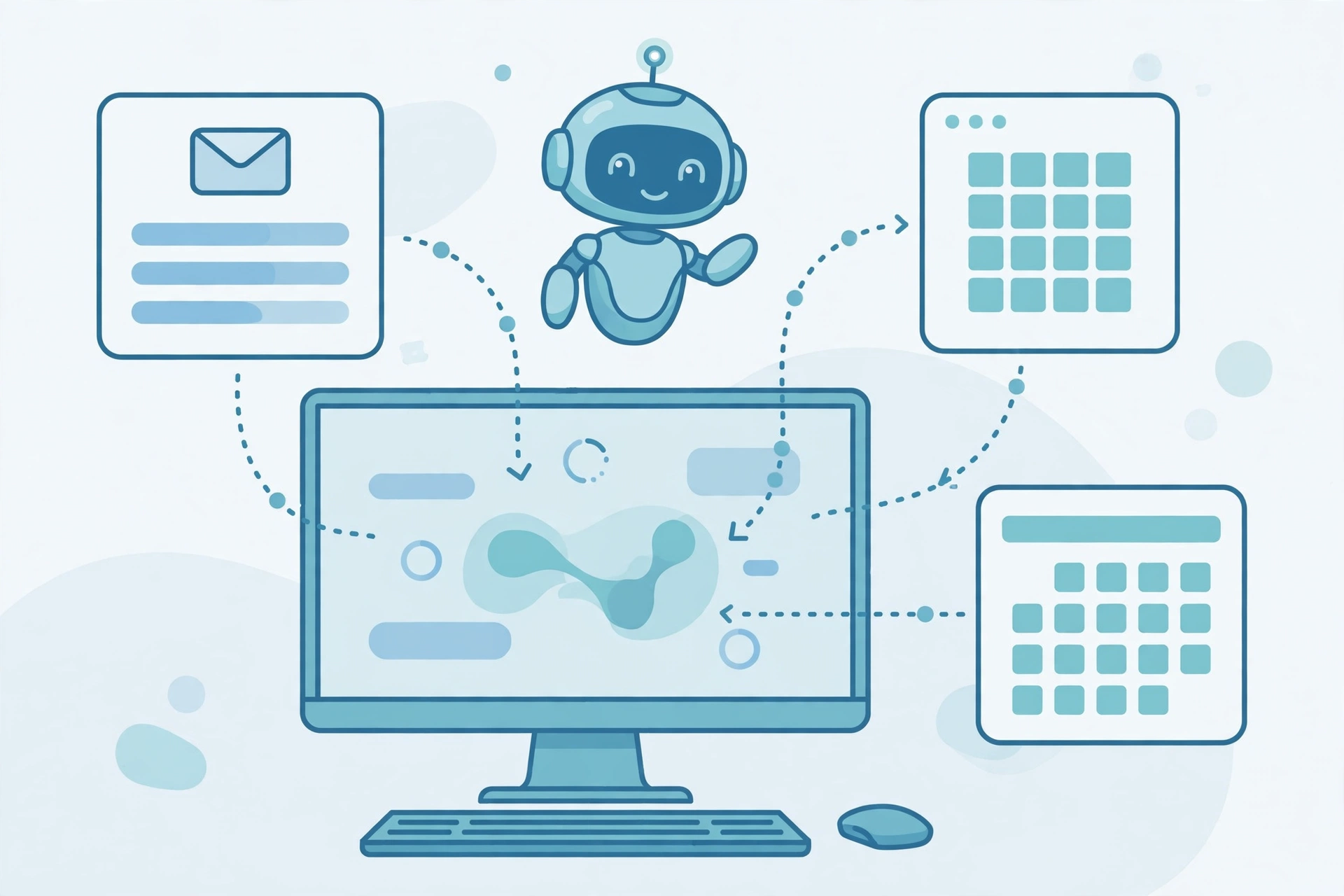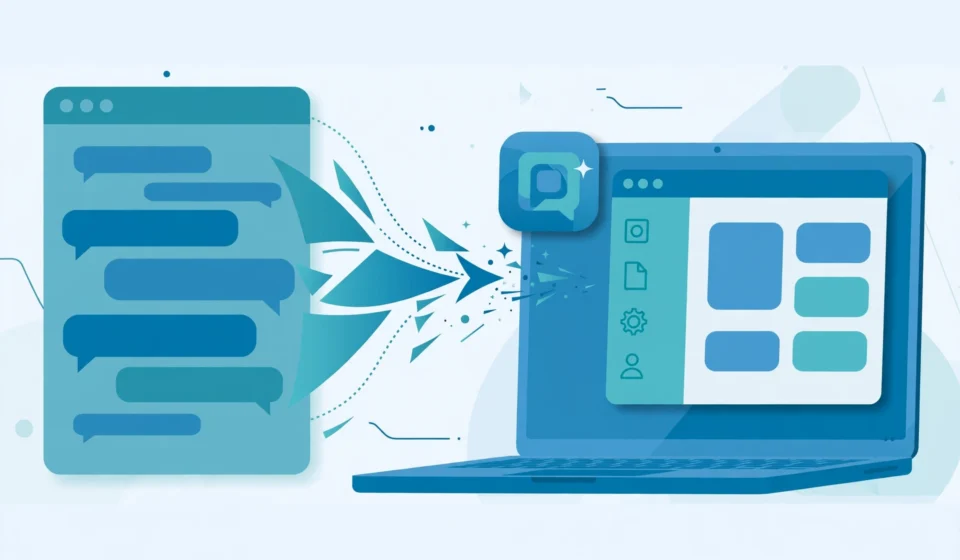

Claude artifacts desktop apps arrived on November 24, 2026, when Anthropic launched “Install as app,” a beta feature that turns anything built in Claude into a standalone Mac or Windows application. Describe a tool in chat — a multi-city clock, a meeting-prep page, a shipment tracker — test it as an artifact, and install it with its own icon and window, no code and no app store required. A free Claude account is enough to use it, according to Anthropic, which makes this the most accessible app-building feature any major AI lab has shipped.
The move matters because it collapses the distance between having an idea for a small tool and having the tool. Artifacts began as shareable outputs — a chart, a web page, an interactive visualization — but Anthropic says people now use them as everyday utilities, and the new feature simply lets those utilities live where utilities belong: on the desktop, with notifications, menu-bar icons and a life outside the chat window. The same release also advanced the plumbing underneath Claude: Skills over MCP entered public beta, and Tasks and Elicitation became generally available, pushing the Model Context Protocol further toward being the standard way AI tools talk to other software.
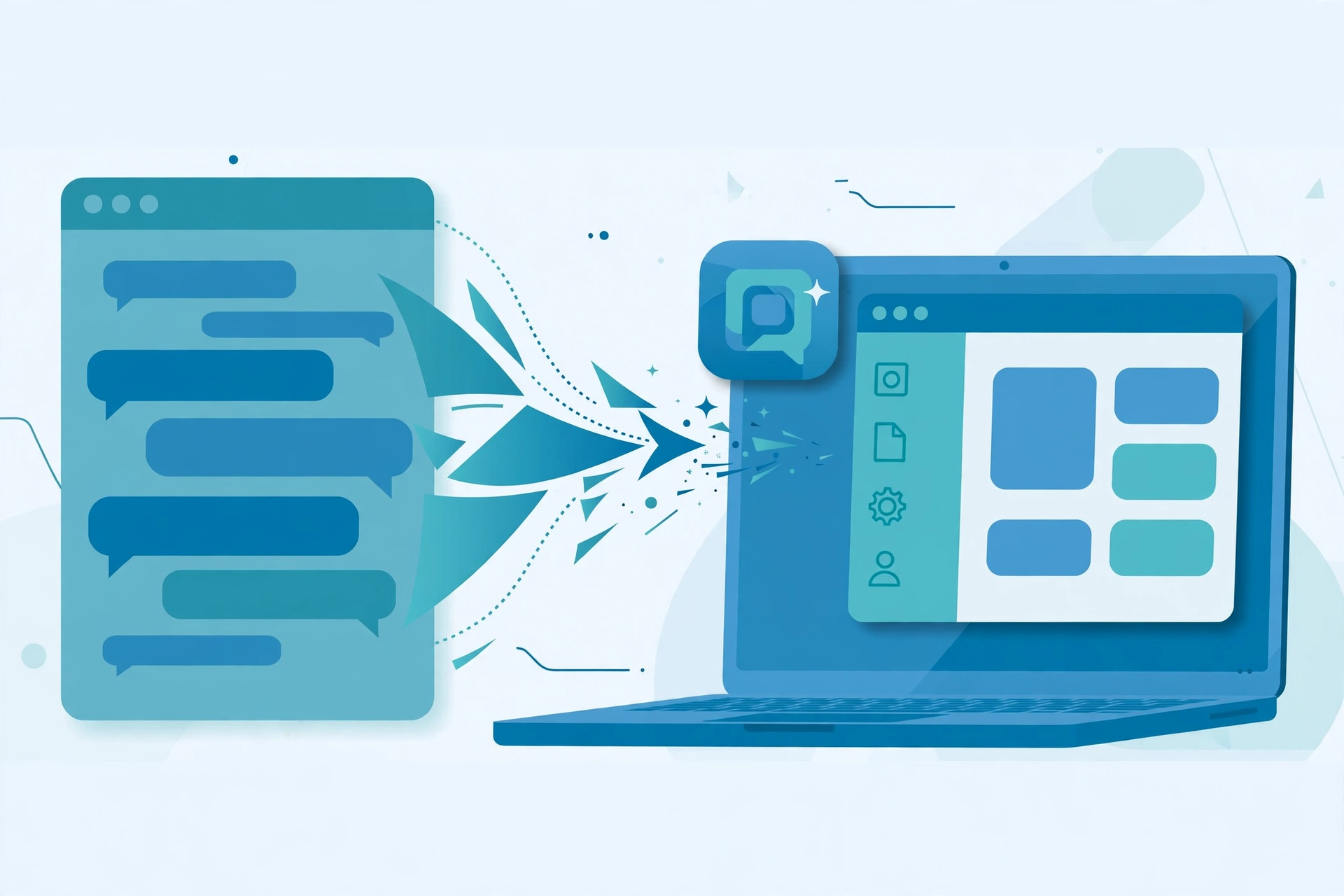
Table of Contents
How Claude Artifacts Desktop Apps Work
The flow has three steps. First, describe the app to Claude in plain language and iterate on it as an artifact, the way you would refine any Claude output. Second, open the Share menu and choose “Install as app.” Third, use it: the installed artifact opens in its own window with its own icon, separate from the Claude desktop app, and it updates automatically whenever the underlying artifact is edited.
Installed apps can use Claude itself and the user’s connectors, so a meeting-prep page can keep pulling from a calendar and email, and a tracker can keep watching the orders that need to ship. Anthropic’s own team has used the feature to build a layered image editor called Linnet, a file manager named Phosphor, a folder-organizing tool called Sift, a terminal called Tern and a performance monitor called Vitals.
There are limits, and Anthropic states them plainly. Installed apps need an internet connection and an active Claude sign-in to open, so they are not replacements for offline software. Requests an app makes to Claude count toward the user’s plan limits. Claude Docs, Slides and Sheets artifacts cannot be installed, and organizations on HIPAA-ready plans or hybrid deployments cannot use the feature at all. The beta requires Claude for Mac or Windows version 6.28899.0 or later, and it is rolling out across all plans — on by default for Team plans with full computer access switched off, and off by default on Enterprise until an owner enables it.
Permissions: Three Tiers, One Warning
| Tier | What it allows | Who can grant it |
|---|---|---|
| Default | Only what a browser could do | Anyone, per app |
| App permissions | Always-on-top windows, global shortcuts, notifications | Anyone, per app |
| Full computer access | Run programs, read, change or delete files without asking each time | Only apps you made, or org-made apps on Team/Enterprise |
The Security Trade-Off
The permission system is the most important part of the announcement, because it is also the riskiest. Installed apps can ask for three levels of access. The default tier allows only what the app could already do inside a browser. The middle tier opens tightly controlled operating-system features: always-on-top windows, global shortcuts and notifications. The top tier, full computer access, lets an app run programs and read, change or delete files without asking each time — and a permission covers only the current version of the app, so Claude asks again after every update, even the user’s own edits. That re-prompting is a deliberate safety design: an app cannot silently gain new powers through an update.
Anthropic’s warning is blunt: the company does not review apps before installation, so users should only grant full access to apps they trust — and full access can only be granted to apps the user built themselves, or, on Team and Enterprise plans, apps built by people in the same organization. Sharing is otherwise open: an installed app can be sent to other people, who install it under the same rules. The model is closer to a macro than to an app store — powerful, personal and unreviewed — and users should treat it that way. Our Claude Review: AI Chatbot Features & Pricing (2026) covers the plans and limits that installed apps draw on.
“Starting today, you can use Claude artifacts to create, run, and share desktop apps.”
— Anthropic, Turn artifacts into Mac and Windows apps
What Claude Artifacts Desktop Apps Mean for No-Code Builders
For non-developers, this is the closest thing yet to a personal software factory. The apps Anthropic showcases are small and specific — a tracker, a monitor, a prep page — which is exactly the category of software that has never been worth a developer’s time or an app store’s review queue. A two-person team can now ship itself a tool in an afternoon, and a solo creator can build the utility they have always wanted without learning to code. The constraint is dependence: every installed app is a front end for a Claude subscription, and if the subscription lapses or the network drops, the tool stops with it.
The MCP updates in the same release point in the same direction. Skills over MCP, now in public beta, lets an MCP server ship instructions that load on demand; Tasks and Elicitation, now generally available, let servers run long background jobs and ask the user questions mid-run. The MCP software development kit is now downloaded 700 million times a month, according to AI Morning Brief’s summary of the announcement — a figure that, if accurate, makes MCP one of the fastest-adopted developer protocols in recent memory.
Together with installable artifacts, the picture is of Claude becoming less of a chatbot and more of a platform: a place where small tools are built, installed and connected to the rest of a user’s work. Yesterday’s AI News November 24 roundup covered Claude Ship, Anthropic’s agent for pull-request approvals — another sign of the same platform push.
Frequently Asked Questions
Do I need to pay for Claude to install apps?
No. The feature is rolling out in beta on all plans, and a free account is enough, according to Anthropic. Requests the app makes to Claude count toward the plan’s usage limits.
Are installed apps real apps?
Not quite. They have their own icon and window and can use operating-system features, but they need an internet connection and an active Claude sign-in to open, and Claude handles the packaging and code signing.
Is it safe to install an app someone shared with me?
Treat it like a macro, not an app-store download. Anthropic does not review apps before installation. Keep shared apps on the default permission tier, and only grant full computer access to apps you built yourself.
Verdict
Claude artifacts desktop apps turn the chatbot into a small software factory for everyone, and the permission system shows Anthropic thought seriously about the risks. The always-online requirement and the plan limits keep these tools in the “personal utility” category for now — but for the millions of people who have never written a line of code, that category just got a lot bigger.
Sources