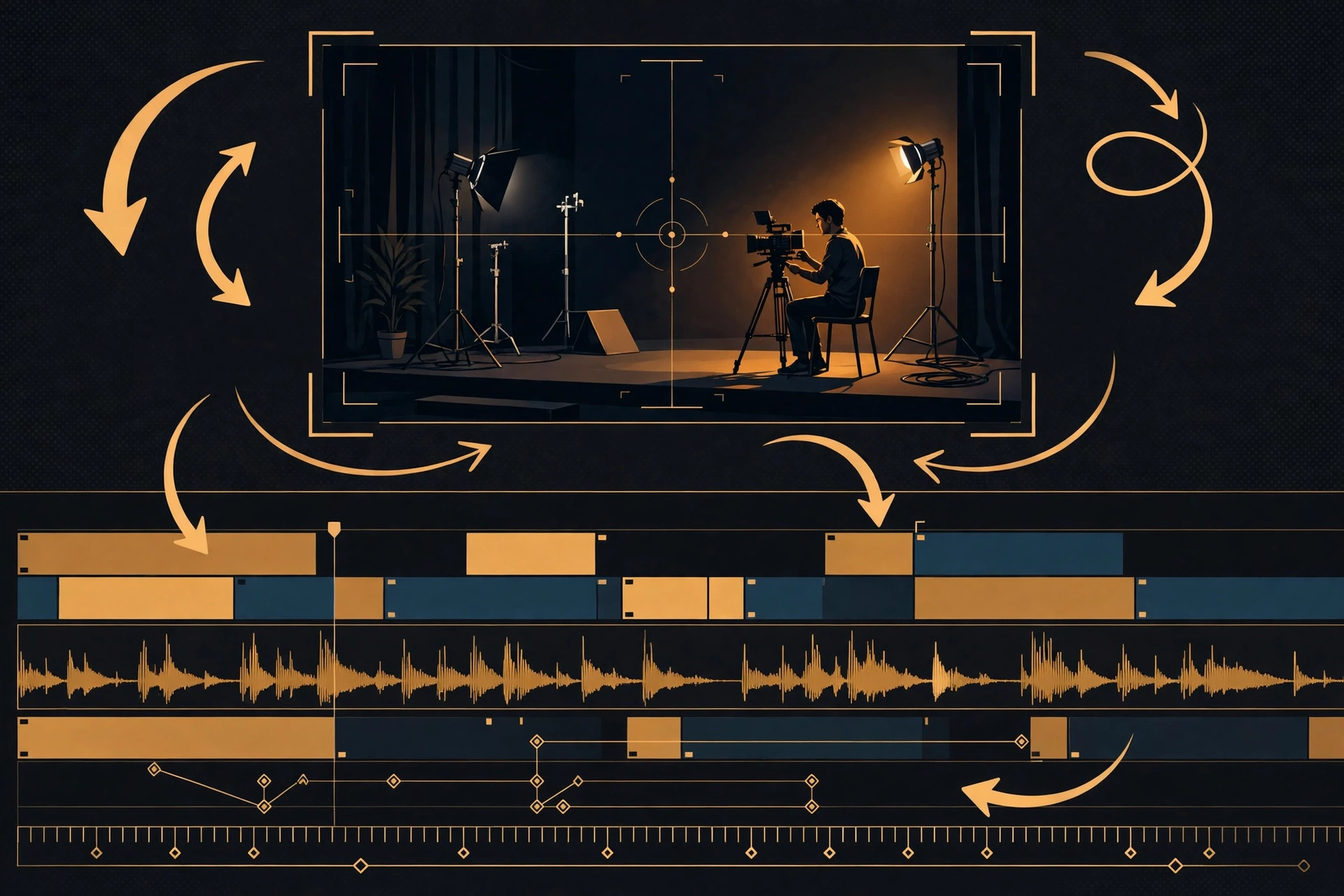

This Runway review starts with one idea: Runway sells control, not just clips. Where most AI video tools ask you to prompt and hope, Runway’s Gen-4 family — Gen-4.5 video, Gen-4 Turbo, Gen-4 References and Gen-4 Image — wraps generation in a real editing studio: Motion Brush, camera controls, performance capture and restyling of footage you already shot. In 2026 it has also become a control surface for the whole field, hosting rival models like Veo and Kling inside the same subscription. The catch is cost: credits burn fast, clips cap at 10 seconds, and Runway’s own model generates no audio.
Table of Contents
What Is Runway?
This Runway review covers a New York-based AI research company founded in 2018, whose product is a creative studio for video, image and audio. The current model family is Gen-4: Gen-4.5 is the flagship video model (released 1 December 2025, ranked first on the Artificial Analysis text-to-video benchmark at launch with 1,247 Elo), Gen-4 Turbo is the faster, cheaper video model, Gen-4 References keeps a character, object or style consistent from as little as one reference image, and Gen-4 Image generates stills. Around them sit Aleph 2 (restyle and edit existing footage), Workflows (chain steps into repeatable pipelines), and plugins for Premiere Pro, After Effects and DaVinci Resolve.
Since September 2026, Runway’s pricing page also lists hosted third-party models on the same credits — including Kling 3.0, Seedance 2.0 and 2.5, and Nano Banana Pro — plus audio models. That makes a Runway subscription a multi-model pass, which matters because Gen-4.5 itself has no native audio: for clips with sound, you switch to a hosted partner model in the same account. Compare it with the pure clip generators in our Veo 3.1 vs Kling comparison and our best AI video generators in 2026 guide.
Key Features
- Gen-4 References: consistent characters, objects and styles from up to 3 reference images.
- Motion Brush: paint motion paths directly onto a frame to direct movement.
- Camera controls: explicit pans, zooms, orbits and dolly moves instead of prompt-guessing.
- Act-Two: performance capture that transfers an actor’s movement and expression to a character.
- Aleph 2: restyle, relight and edit footage you already shot.
- Gen-4 Image: stills, thumbnails and start frames from the same references.
- Hosted partner models: Kling 3.0, Seedance and others on the same credit pool, including audio-capable models.
- Workflows and editor plugins: repeatable pipelines plus Premiere Pro, After Effects and DaVinci Resolve integration.
Pricing
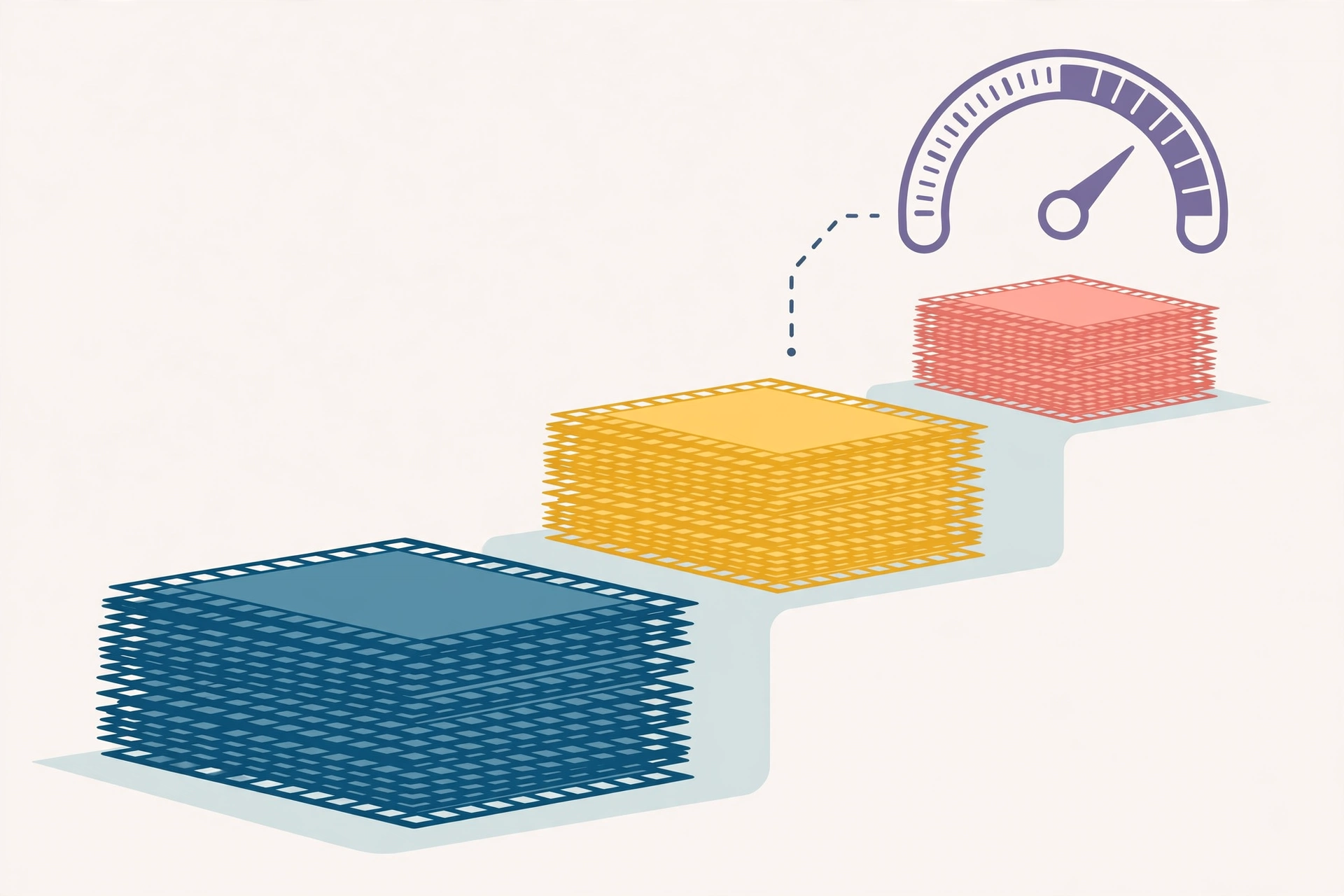
Runway runs on credits, and the model you pick decides what a plan buys. Gen-4.5 costs 12 credits per second; Gen-4 Turbo costs about 5 credits per second. Plans checked in October 2026:
| Plan | Price/month | Credits/month | What it buys (Gen-4.5) |
|---|---|---|---|
| Free | $0 | 125 one-time | About 10 seconds, once, watermarked |
| Standard | $15 ($12 billed annually) | 625 | About 52 seconds |
| Pro | $35 ($28 billed annually) | 2,250 | About 187 seconds, unlimited 4K upscaling |
| Max | $95 ($76 billed annually) | 9,500 | About 791 seconds, HDR/ProRes, 1-month rollover |
Standard and Pro credits expire each month; only Max rolls unused credits over, and only once. The old Unlimited plan was retired in June 2026 and replaced by Max. The developer API bills separately at $0.01 per credit. The honest math: Standard covers under a minute of flagship video a month, so regular users tend to need Pro — and failed generations still consume credits, so budget for retries.

Pros and Cons
Pros
- Best creative control in AI video: Motion Brush, camera presets, references and Act-Two
- Full editing studio: timeline, Aleph restyling, Workflows, professional editor plugins
- Hosted rival models (Kling, Seedance) on the same subscription and credit pool
- Strong subject consistency across a shot via References
- ProRes and HDR output on Max for professional delivery
Cons
- No native audio on Runway’s own model — sound requires a partner model or post-production
- 10-second clip ceiling on single generations
- Highest credit cost per second among the major tools at flagship quality
- Free tier is a one-time 125 credits, not a monthly refill
- Weak in-scene text rendering compared with image-first rivals
Who Is Runway Best For?
Runway is best for filmmakers, editors and agencies who direct shots and finish work in a timeline — people who already shoot or edit video and want AI generation inside that workflow. It is also the right pick if you want one subscription that reaches several models, including Kling for audio clips.
It is a weaker fit for pure volume social content (Kling is cheaper per second — see our Kling AI review) or for a single photoreal hero shot with dialogue (Veo 3.1). If Runway’s credit burn worries you, our Kling AI alternatives list covers cheaper paths to similar output.
Frequently Asked Questions
Does Runway have a free plan?
Yes: 125 credits, one time, watermarked. It is a trial, not a monthly allowance — once spent, you need a paid plan.
Can Runway generate videos with sound?
Not with its own Gen-4.5 model. Use a hosted partner model (Kling 3.0, Seedance) inside Runway for native audio, or add sound in post-production.
Does Runway have an affiliate program?
Yes, an official one: accepted partners earn $15 per new paid subscriber, followers get 25% off any plan, payouts go out on the 1st of each month via Stripe, and partnerships start with a 3-month pilot. We are not enrolled yet; this will be flagged to the blog owner as a signup candidate.
Verdict: Runway Review
Runway is the professional’s AI video tool — the verdict of this Runway review: unmatched control, a real editing workflow, and multi-model reach in one subscription — paid for with the steepest credit burn in the field and no native audio on its own model. If you direct video, it earns its price. If you just need clips, cheaper tools do the job. Rating: 4.3/5.
Try Runway · Veo 3.1 vs Kling · AI video generators for agencies
Affiliate disclosure: This review contains links to Runway’s official site. We may earn a commission if you purchase through them, at no extra cost to you. Runway runs an official affiliate program ($15 per new paid subscriber, followers get 25% off) — we are not enrolled yet, so links below go directly to the official site.