
Looking for the best AI tools for content creators 2026? Content creation is no longer a one-person, one-tool job: the average creator scripts, voices, edits, designs, publishes, and promotes — often in the same afternoon. The problem is no longer finding an AI tool, but picking the right one per job without stacking ten subscriptions you barely use. One best pick per category, with verified 2026 pricing and an honest limitation each. Quick verdict: buy ElevenLabs for voice, Canva Pro for design, and Buffer for scheduling first — they cover the most ground for the least money. Overall rating: 4.5/5.
Table of Contents
How We Picked These Tools
Every tool below was judged on verified pricing (checked against the vendor’s pricing page in November 2026), real usefulness at its one job, and honest limits — every tool has one, and we name it. Prices verified November 2026 — confirm on the vendor’s site before buying.
Best AI Video Tool for Creators: Synthesia
Synthesia turns a written script into a polished presenter-led video using realistic AI avatars, in more than 160 languages. Type a script, pick an avatar, and get a finished video without a camera or host. Standout features include 125+ stock avatars, one-click AI dubbing into other languages, and a built-in screen recorder. For a fuller comparison, see our Best AI Video Generators in 2026 roundup.
Pricing starts at $19 per month on monthly billing for Starter (annual billing is cheaper — check the pricing page for your region’s rate), with downloads and no watermark. A free Basic plan offers 10 minutes a month, though videos carry the logo and cannot be downloaded. Synthesia is best for creators who publish explainers, courses, and faceless videos regularly.
One honest limitation: avatar delivery can feel stiff next to a real presenter, and the credit meter means heavy users outgrow Starter quickly.
Also worth knowing: Pictory is the better pick if your videos start as text. It converts blog posts and scripts into captioned social videos with stock footage, from $25 per month billed annually ($29 month-to-month), with a 14-day free trial and no free plan — fast and consistent, but rarely distinctive.
Best AI Voice Tool for Creators: ElevenLabs
ElevenLabs produces the most human-sounding AI voices available in 2026, with natural pacing, emotion, and multilingual delivery that most competitors still cannot match. Standout features include instant voice cloning from a short sample and the Dubbing Studio for translating whole videos. Our ElevenLabs Review goes deeper, and it leads our Best AI Voice Generators in 2026 roundup.
Pricing starts at $5 per month billed annually ($6 month-to-month) for Starter, with 30,000 credits a month, a commercial licence, and instant voice cloning. A free tier offers 10,000 credits a month for testing, but no commercial licence — you must be on Starter or above to monetise anything you generate. It is best for solo creators who need a reliable voiceover without hiring talent for every video.
One honest limitation: 30,000 credits is roughly 30 minutes of audio, and costs climb steeply on the Creator plan at $22 a month.
Best AI Writing Tools for Creators: Writesonic and Jasper
Two tools deserve a mention here, because they serve different creators. Writesonic is the all-rounder: an AI article writer, Chatsonic research assistant, and AI search-visibility tracker in one platform. Standout features include structured long-form article generation and brand tracking across ChatGPT, Gemini, and Google AI Overviews. See our Writesonic Review.
Pricing needs attention: Writesonic restructured its plans in 2026, and the old $16-a-month entry tier is gone. Starter now costs $79 per month billed annually ($99 month-to-month) for 15 AI articles a month. There is no permanent free plan, only a 7-day free trial. It suits bloggers and small teams publishing SEO articles at volume. One honest limitation: the price jump makes it a poor fit for casual writers, and Starter caps at 15 articles a month.
Jasper is the alternative for creators who care most about sounding like themselves. Its Brand Voice system learns your style and applies it to every draft, and Canvas is built for marketing copy. Jasper also restructured in late 2025: the old $39-a-month Creator plan is gone, and Pro is now the entry plan at $59 per month per seat billed annually ($69 month-to-month), with a 7-day free trial and no free plan. Jasper is best for creators and small teams whose brand voice is the product. One honest limitation: it is premium-priced and charged per seat.
See our Best AI Writing Assistants in 2026 roundup.
Best AI Design Tool for Creators: Canva Pro
Canva Pro remains the design tool most creators actually open every day. It covers thumbnails, social graphics, presentations, and short video edits, with Magic Studio AI features doing the heavy lifting for non-designers. Standout features include the 100-million-plus premium asset library, one-click resizing for every platform, and a Brand Kit that keeps colours and fonts consistent. See our Canva Review and our Best AI Design Tools in 2026 roundup.
Pricing is straightforward: $15 per month billed monthly, or $120 per year — about $10 a month — billed annually. A useful free plan exists, and Pro comes with a 30-day free trial. Canva Pro is best for creators who design several times a week and need speed more than pixel-perfect control.
One honest limitation: Pro is a single-user licence, and AI image generation is capped at 200 Premium credits a month.
Best AI Image Tool for Creators: Recraft
Recraft is the image generator built for creators who need usable graphics, not just pretty pictures. Its V4 models generate photos, illustrations, and — uniquely — editable vector graphics, so a logo or infographic comes back as an SVG you can edit rather than a flat image.
Pricing starts at $12 per month billed monthly, or $10 per month billed annually ($120 a year), for Basic with 1,000 credits a month, commercial rights, and private generations. A free plan exists for personal use, but its images are public and carry no commercial licence. It suits creators who need thumbnails and brand assets they can edit and legally use. One honest limitation: the credit system is confusing — what 1,000 credits buys depends on the model — and it is weaker for photorealistic images.
The obvious alternative is Midjourney, still the king of striking, artistic images, from $10 per month ($8 billed annually) for Basic with 3.3 Fast GPU hours. But Midjourney has no free tier, and Basic has no Relax mode, so output stops when the Fast hours run out. For most creators, Recraft is the more practical daily pick.
Best AI SEO Tool for Creators: Surfer SEO
Surfer SEO (recently rebranded to simply “Surfer”) tells you exactly what your draft is missing compared with the pages already ranking for your keyword: word count, headings, terms to include, and structure. Its Content Editor scores your draft in real time, and the AI writer can produce a first draft shaped around the target keyword. See our Surfer SEO Review and our Best AI SEO Tools in 2026 roundup.
Pricing starts at $49 per month for Discovery on annual billing (25 tracked AI prompts, 120 documents, one seat); Standard is $99 a month and Pro $182. There is no free plan, though all plans carry a 7-day money-back guarantee. It suits creators who already publish regularly and want each article to rank.
One honest limitation: at $49–$99 a month it is hard to justify below six to eight articles a month, the Content Score is correlation rather than a ranking guarantee, and the SERP Analyzer and AI search tracking are paid add-ons.
Best Social Scheduling Tool for Creators: Buffer
Buffer is the simplest serious scheduler in this roundup, and for most creators that is the point. Connect your accounts, queue a week’s posts in one sitting, and let it publish to Instagram, Facebook, TikTok, LinkedIn, X, YouTube Shorts, Threads, Pinterest, and Bluesky.
Pricing is per channel, not per user: Essentials costs $6 per connected channel per month billed monthly, or $5 billed annually ($60 per channel a year). A free plan covers 3 channels with 10 scheduled posts each. It suits solo creators who batch their social content.
One honest limitation: per-channel billing multiplies with every account — three channels is $18 a month, not $6 — and approvals only exist on the Team plan at $12 per channel.
Best Email Tool for Creators: Brevo
Brevo (formerly Sendinblue) charges for emails sent rather than contacts stored, which makes it unusually generous for creators with a growing list. The free plan sends 300 emails a day and stores up to 100,000 contacts, with a drag-and-drop editor, basic automation, and a simple CRM included.
Pricing starts at $0 on the free plan, with Starter from $9 a month (5,000 emails a month) and Standard from $18 a month. It suits creators building their first newsletter on a tight budget. One honest limitation: the 300-a-day cap means a campaign to more than 300 people must be re-queued by hand, Brevo branding stays on free emails, and logo removal is a paid add-on even on Starter.
Bonus Mentions: Submagic and Gamma
Two more tools deserve a line each. Submagic adds animated, keyword-highlighted captions to short-form video — the single biggest watch-time upgrade for Reels, TikTok, and Shorts — from $19 per month ($12 billed annually) for 15 videos a month, with a free trial but no free plan. Gamma turns a prompt into a polished deck, document, or one-page site in minutes, with a free plan (400 one-time credits) and Plus from $12 per seat per month ($9 billed annually). For background music, see our Best AI Music Generators in 2026 roundup.
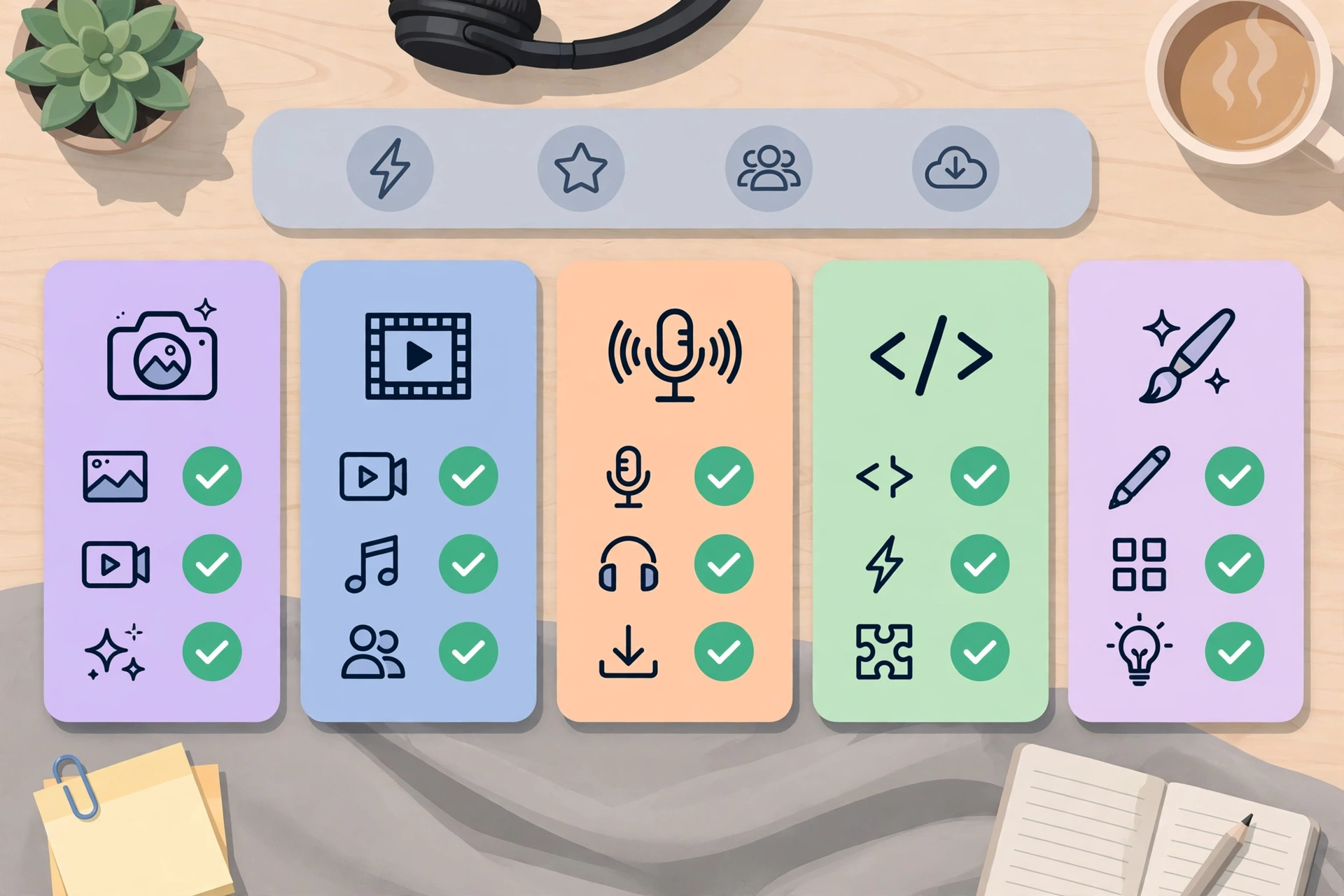
Best AI Tools for Content Creators 2026 Compared
| Tool | Best for | Starts at | Free tier |
|---|---|---|---|
| Synthesia | Presenter-led video | $19/mo | Yes — 10 min/mo, watermarked |
| Pictory | Text-to-video for social | $25/mo (annual) | No — 14-day trial only |
| ElevenLabs | AI voiceovers | $5/mo (annual) | Yes — 10,000 credits/mo |
| Writesonic | SEO articles at volume | $79/mo (annual) | No — 7-day trial only |
| Jasper | On-brand marketing copy | $59/mo (annual) | No — 7-day trial only |
| Canva Pro | Everyday design | $120/yr | Yes — generous free plan |
| Recraft | Editable images & vectors | $10/mo (annual) | Yes — personal use only |
| Midjourney | Artistic images | $10/mo | No free tier |
| Surfer SEO | Ranking content | $49/mo (Discovery) | No — 7-day refund |
| Buffer | Social scheduling | $6/channel/mo | Yes — 3 channels |
| Brevo | Email newsletters | $0 (free plan) | Yes — 300 emails/day |
| Submagic | Video captions | $19/mo | No — trial only |
| Gamma | AI decks & docs | $12/mo | Yes — 400 credits once |
Frequently Asked Questions
What is the best AI tool for content creators in 2026?
There is no single winner — it depends on the job. ElevenLabs is the best voice tool, Canva Pro the best everyday design tool, and Synthesia the best for presenter-led video. Those three plus Buffer cover most of a creator’s workflow for under $40 a month combined on annual billing.
Can I start creating content with free AI tools?
Yes, up to a point. ElevenLabs, Canva, Recraft, Buffer, Brevo, and Gamma all have genuinely usable free tiers, and Synthesia’s free plan covers 10 minutes of video a month. But free tiers have real limits — watermarks, no commercial licence on ElevenLabs free, no commercial rights on Recraft free — so expect to pay once your content earns money.
How much do AI tools for content creators cost per month?
A realistic starter stack costs $30–$60 a month: ElevenLabs Starter ($5), Canva Pro ($10 effective), Buffer for one or two channels ($5–$10), and Brevo free. Add Surfer SEO Standard ($99 a month) or Writesonic ($79 a month annual) only when your SEO output justifies it.
Are Writesonic and Jasper still worth it in 2026?
Both raised their entry prices sharply in 2026 — Writesonic’s Starter is now $79 a month billed annually, and Jasper’s Pro is $59 a month per seat. They are worth it for creators who publish at volume (Writesonic) or whose brand voice is an asset (Jasper). Casual writers will get better value from a general chatbot.
Do I need Surfer SEO to rank on Google?
No. Surfer SEO speeds up optimisation and makes it systematic, but it is not required to rank. If you publish fewer than six articles a month, spend the $99 on content volume first.

Verdict: The Best AI Tools for Content Creators 2026
For solo creators: start with the free tiers — ElevenLabs, Canva, Brevo, and Buffer free — then pay for ElevenLabs Starter ($5 a month) and Canva Pro ($120 a year) first. That pair covers voice, thumbnails, and graphics for almost nothing; add Synthesia when faceless video becomes regular.
For small teams: add Buffer Team for approvals, Jasper Pro for consistent brand voice, and Surfer SEO Standard once you publish eight or more articles a month. For agencies: the full stack makes sense — Surfer SEO Pro, Writesonic, and Jasper Business — but audit every seat quarterly — per-seat and per-channel billing is where this stack quietly gets expensive. Start free, prove the best AI tools for content creators 2026 earn their keep, then commit annually. Overall rating: 4.5/5.
Affiliate Disclosure: This article contains no affiliate links. Links go to the official sites of the tools mentioned, and we earn nothing if you buy through them.