
This guide shows how to build your first AI agent in 2026 without writing code, without a budget, and without handing a half-tested bot the keys to your business. An agent is software that takes a goal, decides which tools to use, and keeps working until the job is done — unlike a fixed workflow, which only follows the steps you drew for it. The difference matters because agents fail in new ways, so the build below is deliberately boring: one narrow job, one or two tools, and a human approval step before anything irreversible happens.
Table of Contents
What Is an AI Agent, Really?
An agent combines three things: a model that reasons, tools it can call (email, a spreadsheet, a CRM, a web search), and a goal it works toward on its own. Give it “every Friday, draft my weekly report from my task list” and it checks the task app, reads the completed items, drafts the report, and stops. Give it “manage my entire business” and it will confidently do the wrong thing at scale — which is why Gartner forecasts that over 40% of agentic AI projects will be cancelled by the end of 2027, mostly for unclear value and weak controls.
The good news is that building a first agent no longer needs a computer science degree. No-code platforms such as Lindy, n8n, Zapier Agents, Make AI Agents, Activepieces, and Relevance AI let you drag a workflow together and have something running in under an hour. Our Best AI Automation Tools pillar compares those platforms in one place.
How to Build Your First AI Agent: Pick One Job
The fastest way to learn how to build your first AI agent is to start with a job you already do by hand every week, where a mistake is easy to spot and cheap to fix. Customer service and research are the most common first agent jobs — 26.5% and 24.4% of respondents in LangChain’s State of Agent Engineering survey of more than 1,300 professionals, published June 2026. Good first jobs: drafting replies to routine support emails, summarizing the morning inbox, logging new enquiries, or watching a page for changes. Bad first jobs: anything that moves money, deletes data, or talks to customers without review.
Pick a read-only job for your very first agent. An agent that only reads and reports cannot break anything, and it still teaches you the whole loop: trigger, tools, instructions, and output. You can add write access later, once you trust it.
Step 2: Write the Job Down in Four Lines
Write one paragraph as if briefing a new hire: what triggers the job, what inputs it reads, what output it produces, and what it must never do. Example: “When a new enquiry arrives in the shared inbox, read it, check our price list, draft a reply in our tone, and save the draft — never send it.” That paragraph becomes the agent’s instructions almost verbatim. If you cannot write the job in four lines, the job is too big: split it until one paragraph is enough.
Decide the success measure now, before building: “the draft is usable without edits 8 times out of 10,” for example. Quality is the top barrier to production for 32% of teams in the same LangChain survey, and a number keeps you honest about whether the agent is actually working.
Step 3: Choose Your Build Path
| Path | Tools | Best for | Cost to start |
|---|---|---|---|
| No-code | Lindy, Zapier Agents, Make AI Agents, Activepieces | First agent in under an hour | Free tiers available |
| Low-code | n8n, Relevance AI | Deeper logic, self-hosting, MCP | Free self-host or from €20/month |
| Code | Claude API, OpenAI API, LangGraph | Full control, custom logic | Pay per API use |
Start no-code. Lindy is the easiest first step for personal or small-team tasks such as email and scheduling, because you describe the job in plain English and it asks you what it must check with you on. n8n is the right pick when the job needs deep integrations with business tools — it is free to self-host, and its agent nodes sit beside code steps in the same canvas. Read our n8n review and Lindy review if you are choosing between those two, and our Manus review for the general-agent alternative.
Step 4: Connect Only the Tools It Needs
Authorize the platform to access the tools the job needs — Gmail, Google Sheets, Slack, your CRM — and nothing else. Most platforms use OAuth, so you are not sharing passwords directly. Give the agent the least privilege that still lets it do the job: read access to the inbox, not send access, for a drafting agent. The Model Context Protocol (MCP) is becoming the standard way to plug tools into agents, and platforms such as Activepieces and n8n already support it. One agent with one or two tools beats a multi-agent system for a first build; both OpenAI and Anthropic recommend starting simple.
Step 5: Test on 20 Real Examples
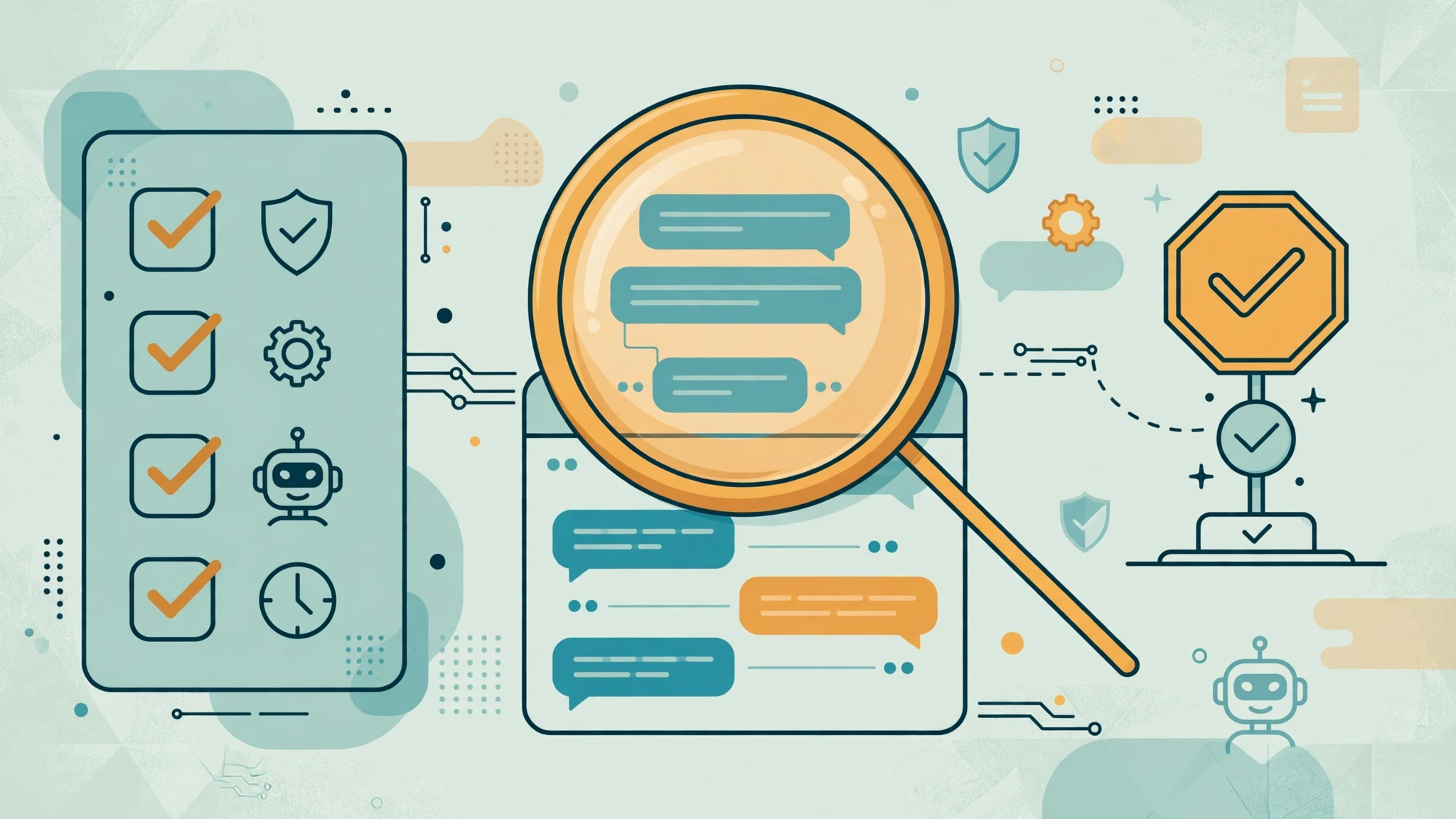
Collect twenty real cases from your history — twenty past emails, twenty past enquiries — and run the agent on them with sending disabled. Check exactly what it produces: early agents are confidently wrong more often than people expect, and the failures teach you more than the successes. Fix the instructions in plain words after each failure (“always quote the price from the price list, never from memory”) and re-run. Only when the agent handles your twenty examples well should it touch live data.
Step 6: Add Guardrails Before It Runs Alone
Require human approval before any irreversible action: sending an email, charging a card, deleting a record, or posting publicly. Put the agent on a schedule instead of letting it run continuously, and set a spending limit before anything runs on autopilot — inside an app plan the bot runs within the plan’s limits, but on a pay-per-use API you need an explicit cap. Log everything the agent does for the first month, and review the log weekly. Guardrails are not bureaucracy; they are the difference between a useful helper and an incident.
Step 7: Schedule It and Watch the First Week
Put the agent on a schedule — every morning at 8, every Friday at 4 — and check its output daily for the first week. Expect to adjust the instructions two or three times; that is normal, not failure. If the agent’s output is usable without edits most of the time, widen its scope slowly: add send access with approval, then a second tool, then a second job. If it is not, shrink the job, not the guardrails.

A Worked Example: The Morning Inbox Briefing
The easiest first agent is a read-only morning briefing. Trigger: every weekday at 8 a.m. Tools: read access to the inbox only. Instructions: “Read the unread emails from the last 24 hours. List the five most urgent, one line each, with sender and what they need. Flag anything that looks like a scam or a payment request. Do not reply to anything.” Output: a short message in Slack or email. Cost: free on most no-code plans. Time to build: about 30 minutes, including the twenty-example test. Once that runs cleanly for two weeks, you have earned the right to build the second agent — the one that drafts the replies.
What It Costs
Most first agents cost nothing: Lindy, Zapier Agents, Make, and Activepieces all have free tiers, and ChatGPT, Claude, and Gemini each list a free plan you can paste instructions into even without a scheduled agent. Paid no-code plans start around $20–$30 a month. If you build with a raw API instead, costs are tiny at this scale — a small weekly agent can run for a few dollars a month — but set a spend limit first and check the bill after week one. The expensive mistake is not the model cost; it is an agent loop with no cap.
Common Mistakes to Avoid
Starting with a job that is too big is the classic error — “manage my entire business” is not a starting project. Skipping the twenty-example test is the second: an agent that looks right once can be wrong nine times out of ten. Giving write access on day one is the third. And the fourth is building five agents before the first one works. One agent, one job, twenty tests, one approval rule — then expand.
FAQ
How long does it take to learn how to build your first AI agent?
About 30 minutes for a simple read-only agent on a no-code platform, including the test run. A drafting agent with approval rules takes an evening. The twenty-example test is what takes the time, and it is the step that makes the agent trustworthy.
Do I need to know how to code?
No. No-code platforms (Lindy, Zapier Agents, Make AI Agents, Activepieces) take instructions in plain words. Code helps only when you outgrow the no-code canvas — for custom logic, error handling, or cost control at scale.
Which platform is best for a first agent?
Lindy for the easiest start on personal or small-team jobs, n8n if you want self-hosting and deeper logic, Zapier Agents if your apps already live in Zapier. Pick the one whose free tier covers your first job.
Is it safe to let an AI agent send emails?
Not on day one. Start with drafts only, require your approval before sending, and test on twenty real examples first. Add send access only after two clean weeks of drafts.
Sources
Gartner forecast on agentic AI project cancellations (June 2025); LangChain State of Agent Engineering survey, June 2026 (1,300+ respondents); OpenAI practical guide to building agents; Anthropic guidance on building effective agents; Lindy, n8n, Zapier Agents, Make AI Agents, and Activepieces official documentation (November 2026).