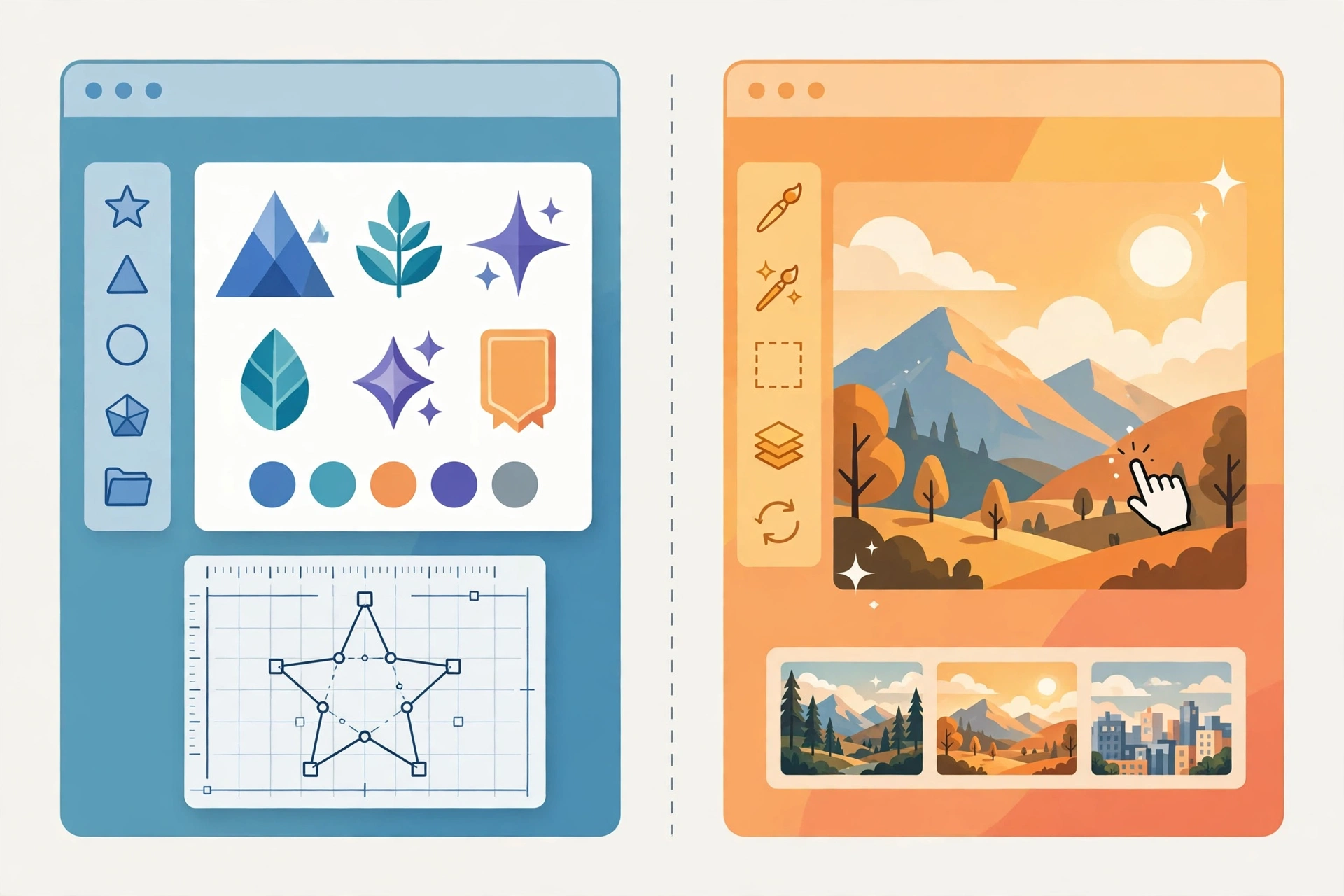
Recraft and Krea both generate AI images, but they solve different problems. Recraft is a design tool that happens to use AI: its native vector output, brand controls, and readable text are built for finished, repeatable brand assets. Krea is a creative playground that happens to be productive: its real-time canvas and 60+ hosted models are built for fast exploration across styles and media. In this Recraft vs Krea comparison, we put them side by side on output, workflow, video, and price — and end with a clear “pick this if” verdict for each.
Recraft vs Krea at a Glance
| Recraft | Krea | |
|---|---|---|
| Core strength | Editable vector graphics and brand-consistent assets | Real-time exploration across 60+ image and video models |
| Current models | V4.1 family (standard, Pro, Utility, Vector, Flash); plus hosted third-party models | Krea 1, Krea 2, Krea 3 (editing) plus Flux, Veo, Kling, Seedance, and more |
| Vector output | Yes — native, editable SVG with a built-in vector editor | No native vector generation |
| Text in images | Strong — readable typography for packaging, signage, infographics | Varies by hosted model; good on some models, weaker on others |
| Real-time generation | No live canvas; standard generate-and-refine workflow | Yes — live canvas updates as you draw or type |
| Video | Video models on Pro plans via Studio | Full video suite; all video models on Pro and above |
| 3D / lip-sync | Not a focus | Yes, included in the suite |
| Ease of use | Designer-friendly; steeper if you only want quick fun images | Very approachable; the canvas invites play |
| Free plan | Limited daily credits; public output, no commercial licence | 100 compute units/day; watermarked, no commercial rights |
| Cheapest paid plan | Basic $12/month ($10 annually), 1,000 credits | Basic $9/month ($5 annually), 5,000 compute units |
| Commercial licence | Paid plans, while subscribed | Paid plans |
Output Quality: Finished Assets vs Exploratory Range
Recraft’s V4.1 models are tuned for design taste: balanced composition, cohesive colour, and deliberate detail, with the Utility line offering predictable, brief-driven results for mockups and product shots. Independent model testing of Recraft V4.1 against Krea 2 Large found the same split we see in daily use: Krea’s photorealism-first training produced strong photographic texture and film-like surfaces, while Recraft pulled ahead on character work, typography, vectors, and anywhere a brief needed a specific point of view rather than a plausible photo. Neither model won everything — which is exactly why the choice depends on the job.
Krea’s range is its counter-argument: if one hosted model disappoints on a brief, another is a click away, and the real-time canvas lets you steer toward the look you want instead of re-rolling blindly. For concept work, that speed of iteration beats Recraft’s polish. For final assets, Recraft’s consistency wins.
Workflow: Brand System vs Creative Playground
Recraft is built around repeatability: custom styles from your references, exact colour palettes, background controls, and an editor for background replacement, inpainting, mockups, and upscaling. A team producing 40 ad variations in one afternoon will value that a Recraft set looks like it came from one brand. Krea is built around discovery: sketch a shape, watch it resolve, try ten moods before lunch. A team choosing a campaign direction will value that Krea finds the vibe fast. The smartest workflow, honestly, is often both: explore in Krea, then build the final brand pieces in Recraft.
Pricing: Credits vs Compute Units
Both platforms meter usage, and both require reading the fine print. Recraft Studio’s Basic plan ($12 a month, $10 annually) gives 1,000 credits, with Pro scaling from $20 a month for 2,000 credits to $160 for 16,000; its API is separately prepaid at $0.035 per V4.1 raster image or $0.08 per vector image. Krea’s Basic plan ($9 a month, $5 annually) gives 5,000 compute units, with Pro at $35 a month for 20,000 units and Max at $105 for 60,000. The units are not comparable across platforms — a Recraft credit and a Krea compute unit buy different things — so compare by the job: how many finished assets per month, on which models, at which resolution. Krea’s entry plan is cheaper and broader; Recraft’s entry plan is cheaper than it looks once you count that its own models are inexpensive per image. Prices checked 2 November 2026; verify on each vendor’s site before buying.
Frequently Asked Questions
Is Recraft better than Krea?
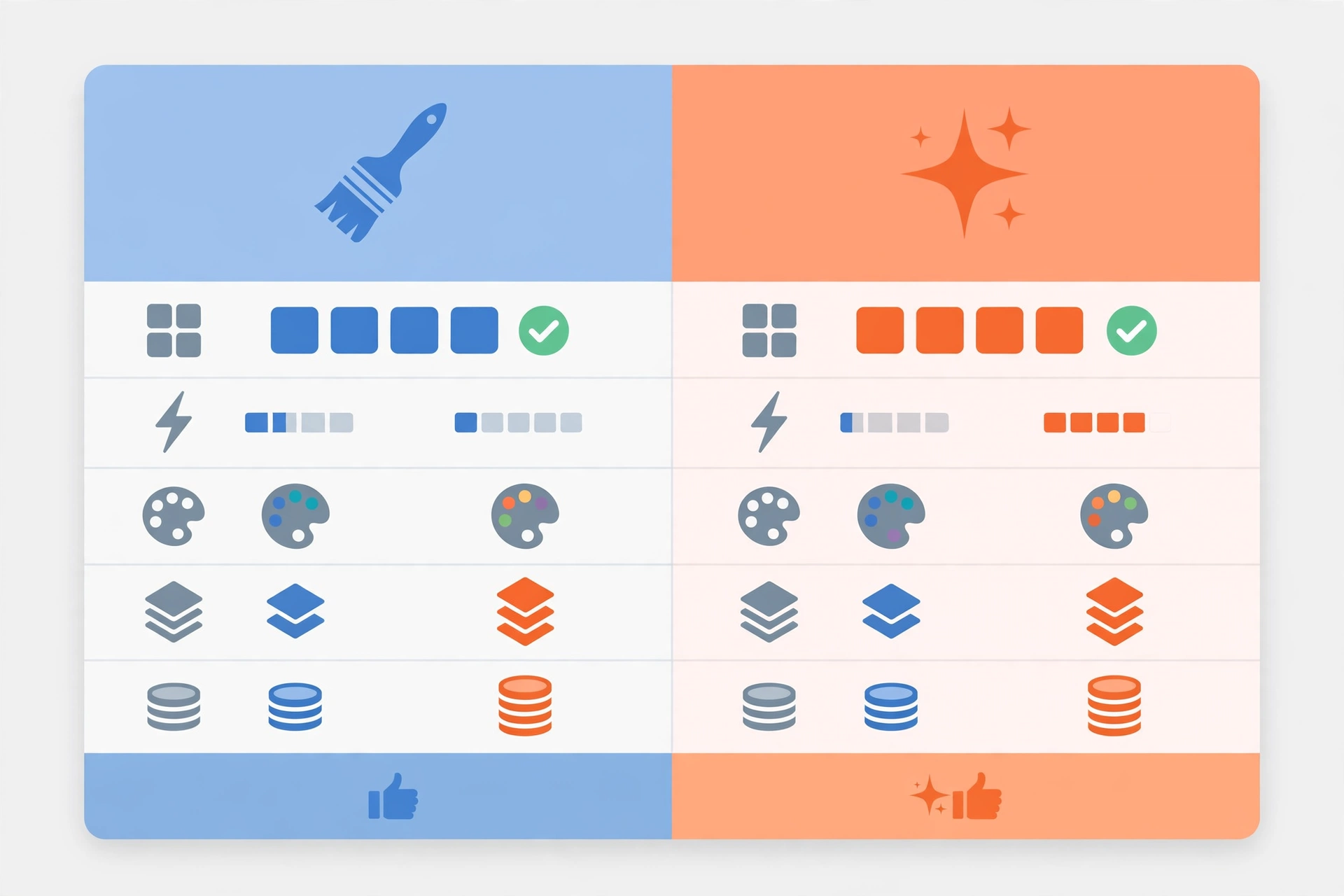
Neither wins outright. Recraft is better for finished brand assets, vectors, and readable text; Krea is better for fast exploration, real-time iteration, and multi-model variety including video.
Can Krea generate vector graphics like Recraft?
No. Krea has no native editable vector output; Recraft’s prompt-to-SVG generation is unique among major generators.
Which is cheaper, Recraft or Krea?
Krea’s entry plan is cheaper ($9 vs $12 a month) and broader, but the two platforms meter usage differently, so the cheaper option depends on which models you run and how much video you generate.
Can I use both tools together?
Yes, and many teams do: explore directions and moods in Krea’s real-time canvas, then rebuild the chosen direction as clean, editable brand assets in Recraft.
Verdict
Pick Recraft if you need clean, repeatable brand assets — logos, icons, packaging concepts, and campaign visuals that must share one style, with editable vector files and readable text. Pick Krea if you want fast image exploration, real-time style play, moodboards, and multi-model image and video creation under one cheap subscription. If your work spans both — and most creative work does — use Krea to find the direction and Recraft to finish it; that combination covers the weakness of each tool with the strength of the other. Our full Recraft review and Krea review cover each platform in depth, and our Flux vs Ideogram comparison covers two more image models worth testing.