
This ScreenMake review covers a new App Store screenshot maker launching November 24, 2026. ScreenMake turns plain app screens into polished, high-converting App Store and Google Play screenshots using AI, templates, and a full editor. At $37 for 3 months of Pro access, it targets indie developers and agencies who need store graphics without hiring a designer. My rating: 4.2/5.
Get ScreenMake Pro at the $37 Launch Price Here
Table of Contents
What Is ScreenMake?
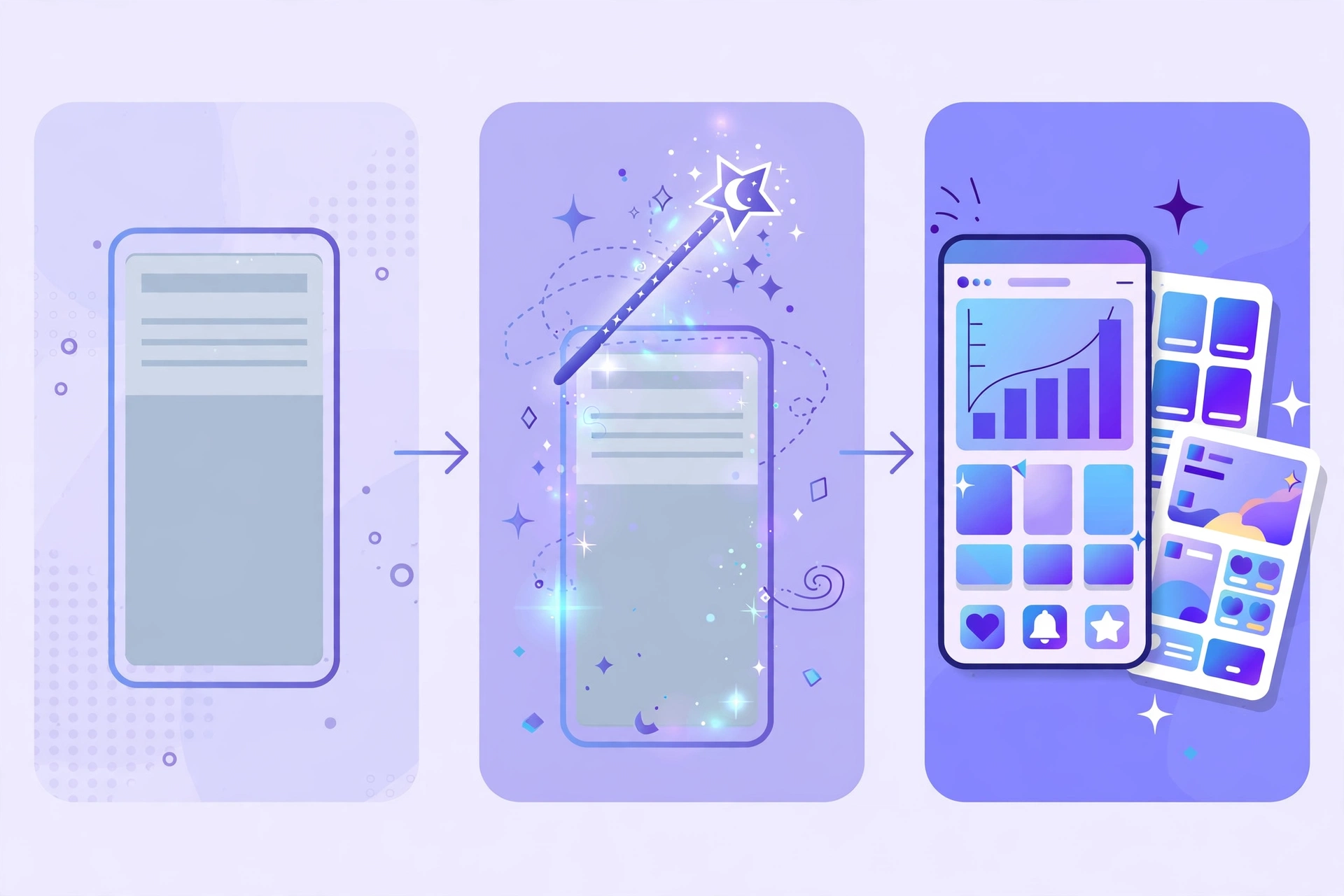
ScreenMake is a web app by Mustapha Elmoudden (PRO CODE SERVICES LTD) that designs App Store screenshot sets. You upload plain screenshots of your app, and its AI Mode builds a complete set — or you pick one of 34 templates and describe the look you want. A full editor with layers, fonts, shapes, gradients, shadows, and effects lets you fine-tune every frame.
The tool exports every App Store and Google Play size, translates your screenshots into 39 languages (Arabic and Hebrew mirror automatically), and publishes directly to App Store Connect in one click. It ships with 2,300+ illustrations and 380+ device mockups. The front end includes 300 AI credits, unlimited projects and exports, no watermark, and commercial use — so you can make sets for your own apps and for clients.
ScreenMake Review: Key Features Worth Noting
- AI Mode: describe the look you want and ScreenMake designs the whole screenshot set from your plain screens.
- 34 templates: ready-made starting points across app categories, customizable in the editor.
- 39-language translation: one-click translation of screenshot text, with automatic mirroring for right-to-left languages.
- Every store size: exports all App Store and Google Play screenshot sizes — no manual resizing.
- One-click publish: send finished sets straight to App Store Connect.
- 2,300+ illustrations and 380+ device mockups: plenty of raw material for distinctive sets.
- 300 AI credits included: credits power the AI design features in the front-end plan.
Who Is ScreenMake For?
- Indie developers shipping apps built with AI tools who need store pages that look professional
- Agencies and studios delivering client apps and store listings
- Freelancers selling screenshot sets as a service
- App marketers and ASO specialists testing which screenshots convert
- Founders refreshing an existing store page before a launch or update
It is not for you if you do not have an app in the stores, or if you already have a designer producing your store graphics. It is also worth knowing the front end covers 3 months of Pro — after that you need the yearly upgrade or a renewal to keep using it.
ScreenMake Pricing
- Front End — ScreenMake Pro (3 months): $37 one-time (launch price until November 30, 2026 — then rises to $47). Includes 300 AI credits.
- Full funnel with all upgrades: $218 total (details in my ScreenMake OTO breakdown).
- Bundle (front end + all OTOs): $167, sold on its own link.
- Refund policy: 14 days on the first payment, provided you ask within 14 days and have used no more than 20% of that month’s AI credits. Renewals are not refundable, and AI credit packs are not refundable once any credits are spent. Note the sales page advertises a 30-day guarantee, but the vendor’s legal refunds page states 14 days — I am reporting the legal wording here.
Claim the $37 Launch Price Before It Rises to $47 on December 1
Pros and Cons (Honest)
Pros
- Solves a real, narrow problem: store screenshots genuinely affect downloads, and most indie apps have weak ones
- 39-language translation with automatic mirroring is a standout feature competitors rarely bundle at this price
- $37 one-time for 3 months of Pro, with commercial use included — cheap next to hiring a designer
- Unlimited projects and exports with no watermark in the front end
- Vendor offers 5 practical bonuses (see below) and $875 in JV prizes, which signals a serious launch
Cons
- Front end is 3 months only — this is not a lifetime deal, and continued use means paying again
- Refund wording conflicts: the sales page says 30 days, the legal page says 14 days with conditions — buyers should assume 14 days
- AI credit limits are unclear beyond the 300 included credits — heavy users will need the 400-credit OTO ($47)
- No hands-on review access was available before launch, so output quality is judged from the vendor’s demo, not my own testing
- Narrow audience: if you do not publish apps, this tool has no use for you at all

Vendor Bonuses (Included With ScreenMake)
The vendor includes 5 bonuses with every purchase through the launch:
- The Screenshot Story Playbook — what to put on every screenshot, in what order, so the first three do the selling.
- 96 Screenshot Headlines That Sell — eight proven headline shapes for each of twelve app categories, ready to adapt.
- Store Sizes and Rules Cheat Sheet — every screenshot size and rule for the App Store and Google Play, on one page.
- The ASO Quick Start — the fields that decide where you rank, with the limits and what to put in each.
- The Go Global Starter — which languages to add first, and how to translate your screenshots without breaking them.
FAQ
Is ScreenMake beginner-friendly?
Yes — the AI Mode builds a set from your plain screenshots, and the 34 templates give you a starting point if you do not want to design from scratch.
Do I need a designer to use it?
No. That is the point: templates, AI design, illustrations, and device mockups are all built in. You still need good screenshots of your own app as the raw material.
What happens after the 3 months end?
The front end covers 3 months of Pro. The OTO 1 yearly plan ($67 at launch) extends it to a full year — see my ScreenMake OTO breakdown for the full funnel.
Can I use it for client work?
Yes — commercial use is included in the front end. The Agency OTO ($67) adds agency-specific features.
When does the launch price end?
November 30, 2026 at 11:59 PM ET. On December 1 the front end rises from $37 to $47.
Final Verdict
ScreenMake is a focused tool that does one job well: turning plain app screens into store screenshots that look like a designer made them. The 39-language translation and one-click App Store Connect publishing are genuinely useful, and $37 for 3 months is fair for indie developers and agencies. The 3-month limit and the conflicting refund wording are the real drawbacks — assume a 14-day refund window, not 30. If you publish apps and your screenshots are an afterthought, this ScreenMake review lands on a yes at launch pricing. If you have no app in the stores, skip it entirely.
Rating: 4.2/5 — Recommended at the $37 launch price for app developers and agencies.
Get ScreenMake Pro at the $37 Launch Price Here
For more on the tools in this space, see my Best AI Image Generators in 2026 and Best AI Design Tools in 2026 roundups.
Affiliate Disclosure: This is an independent review. If you buy through links on this page, I may earn a commission at no extra cost to you. My ratings are based on hands-on research of the official demo, JV documentation, and funnel details — including the flaws I found.