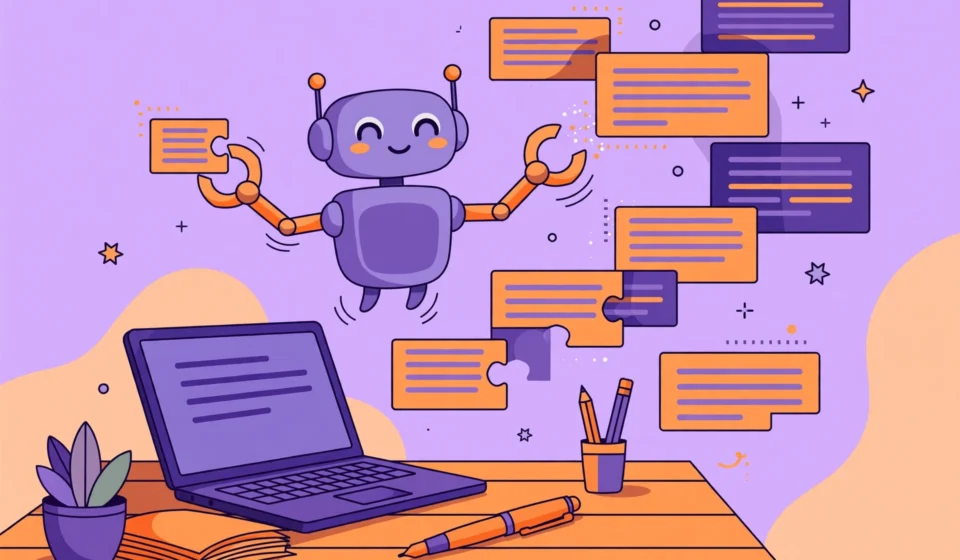

Finding the best AI chatbots for writing in 2026 is less about picking the smartest model and more about matching a chatbot to the kind of writing you do. A tool that shines at brainstorming headlines may frustrate you when you ask it to revise a 5,000-word report.
This roundup compares the six chatbots most writers reach for — ChatGPT, Claude, Gemini, Grok, DeepSeek, and Perplexity — on drafting, editing, brainstorming, and research-backed writing. All six have a free tier, and paid plans cluster around $20 a month. Prices were checked against vendor pricing pages and price trackers in November 2026; tiers change often, so confirm the current price on the official site before you pay. For the wider category, see our guide to the best AI chatbots.
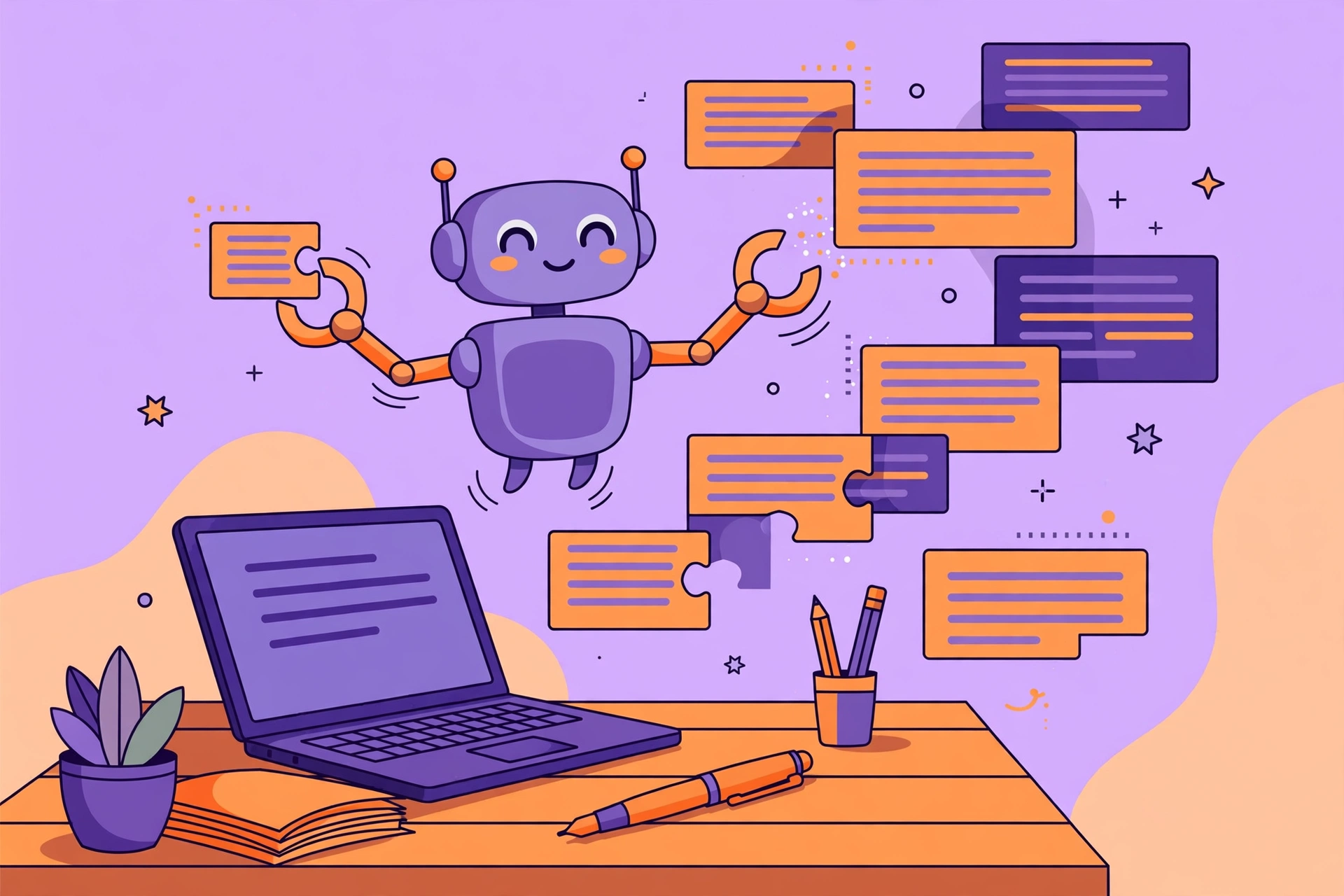
Table of Contents
ChatGPT — Best All-Rounder for Everyday Writing
ChatGPT is the default writing companion for most people, handling drafts, outlines, rewrites, summaries, emails, and social posts with dependable quality. Voice mode, image generation, file analysis, and deep research mean you rarely leave the chat window.
Strengths: versatile across formats; strong at following style instructions and rewriting in a specified tone; deep research gathers sources first. Weaknesses: long documents can drift in tone, so long-form work needs chunking and review; prose can sound generic. Pricing: free tier; Go from $8/month; Plus $20/month; Pro from $100/month. Read our full ChatGPT review.
Claude — Best for Long-Form Writing and Careful Editing
For long documents, Claude is the strongest pick here. It sustains coherent, natural-sounding prose across thousands of words and is unusually good at editing: tightening paragraphs, restructuring arguments, and matching an existing voice without flattening it.
Strengths: excellent long-form coherence and a natural voice; outstanding at line editing and tone matching; a large context window (up to 1M tokens) takes whole manuscripts. Weaknesses: the free tier is the most limited of the big three; fewer built-in extras than ChatGPT or Gemini. Pricing: free tier; Pro $20/month, or $17/month billed annually; Max $100/month; Ultra $200/month. See our Claude review.
Gemini — Best for Writing Inside Google Docs and Gmail
Gemini’s biggest advantage is where it lives. If your writing already happens in Google Docs, Gmail, and Drive, Gemini is built into those apps on paid plans, so you can draft and rewrite without copying text between windows. It also has one of the most generous free tiers here, including Deep Research.
Strengths: native integration with Docs and Gmail (Docs starts at Google AI Pro); strong research reports via Deep Research; generous free tier. Weaknesses: prose can feel plainer than Claude’s for creative writing; the most useful integrations are paywalled. Pricing: free tier; Google AI Plus $4.99/month; Google AI Pro $19.99/month (includes 5 TB of storage); AI Ultra from $99.99/month. Our Gemini review covers the plans in detail.
Grok — Best for Writing About What’s Happening Right Now
Grok’s writing edge is real-time awareness. Wired into X and live web search, it is the best choice when your writing depends on today’s news or trending topics — commentary and social posts that need to sound current. Paid plans also generate images and video, handy for social content.
Strengths: real-time web and X search keeps drafts current; good for punchy, conversational social writing; image and video generation on paid tiers. Weaknesses: weaker than Claude or ChatGPT for long, structured documents; its casual tone needs firmer instructions for professional writing. Pricing: free tier; Plus $8/month; Premium $30/month (bundles Grok with X Premium and Cursor); Super $100/month; Ultra $200/month. Check the official site for current plan names, which changed in October 2026.
DeepSeek — Best Free Option for Budget Writers
DeepSeek is the outlier: its chat app is completely free, with no consumer subscription, yet its writing quality is competitive for drafting, summarising, and editing. For writers on a zero budget, it is the obvious starting point.
Strengths: strong drafting and editing quality for $0; no ads or in-app purchases. Weaknesses: no paid tier means no priority access when the service is busy; fewer integrations than the paid ecosystems; API access is billed per token. Pricing: free app; API billed per token (check the official site for current rates). See our DeepSeek review.
Perplexity — Best for Research-Backed Writing
Perplexity is a research engine with a chat interface — the best starting point for writing that must be accurate. Every answer comes with citations, so you can draft with sources in hand. Use it to gather material, then draft in Claude or ChatGPT.
Strengths: cited answers on every query, ideal for research-backed drafting; Pro lets you choose top models (including GPT and Claude); strong at synthesising sources into a brief. Weaknesses: not designed for long-form drafting on its own; the free plan allows only a small number of Pro Searches per day. Pricing: free tier; Pro $20/month (about $17/month billed annually — check the official site); Max $200/month. Our Perplexity review has the full picture.
Best AI Chatbots for Writing: Comparison Table
| Chatbot | Best for | Writing strength | Free tier | Entry paid plan |
|---|---|---|---|---|
| ChatGPT | Everyday all-round writing | Versatility, style control, research | Yes | Go $8/mo; Plus $20/mo |
| Claude | Long-form & editing | Natural prose, coherence, revision | Yes (limited) | Pro $20/mo ($17 annual) |
| Gemini | Writing in Google apps | Docs/Gmail integration, research | Yes (generous) | AI Plus $4.99/mo; Pro $19.99/mo |
| Grok | Current-events writing | Real-time search, punchy social copy | Yes | Plus $8/mo |
| DeepSeek | Free writing help | Quality drafting for $0 | Yes (fully free app) | No paid chat plan |
| Perplexity | Research-backed drafting | Citations, source synthesis | Yes (limited) | Pro $20/mo |
How to Choose the Best AI Chatbots for Writing
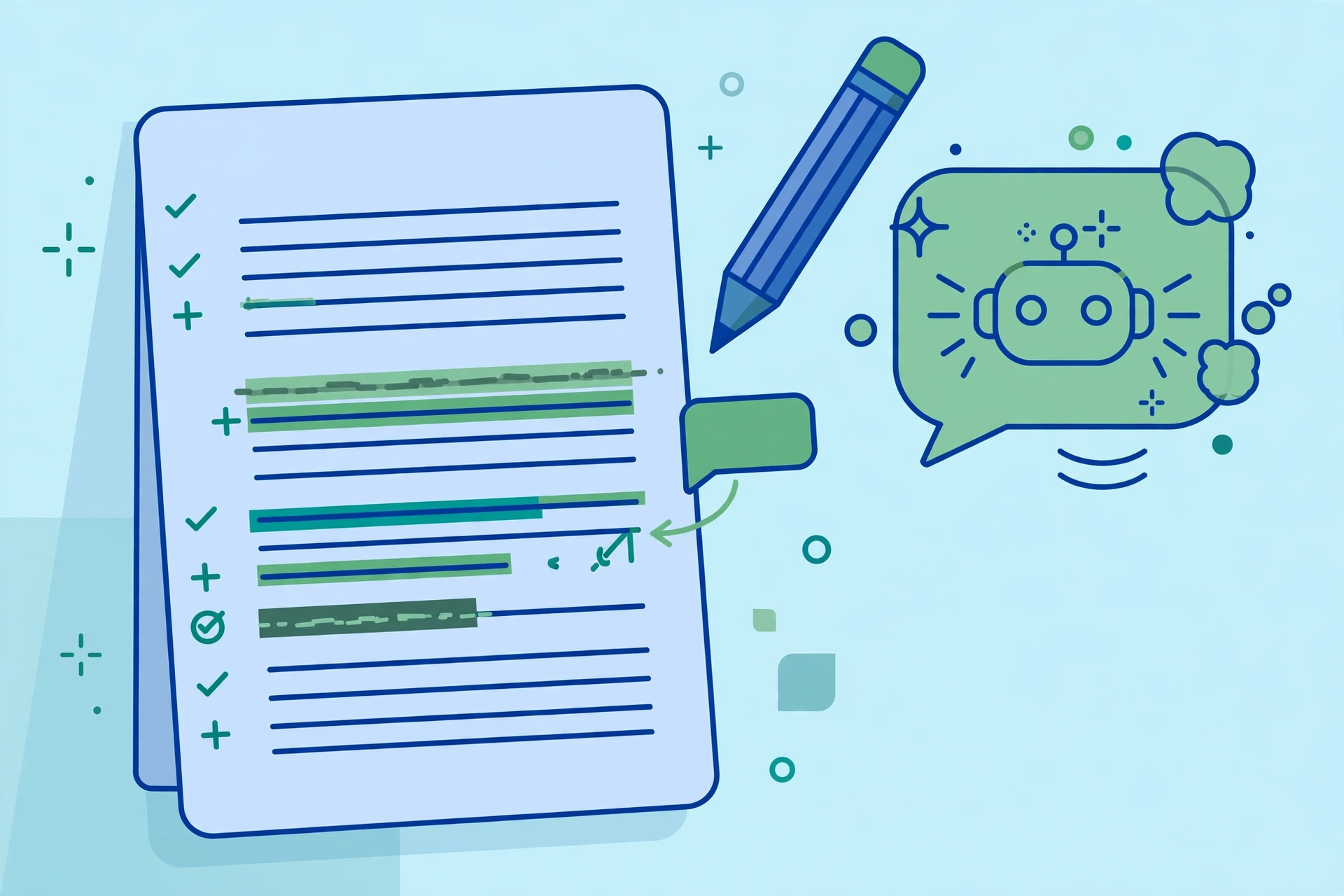
Start from your most common writing task. If you write long articles, essays, or reports, prioritise coherence over many pages — that points to Claude. If you write a bit of everything, ChatGPT is the safe default.
If your drafts live in Google Docs, Gemini’s integration saves more time than any model-quality edge. If accuracy matters most, research in Perplexity and draft in Claude or ChatGPT. If budget is the constraint, DeepSeek’s free app covers the basics well.
Purpose-built tools add templates, plagiarism checks, and SEO workflows. Our roundup of the best AI writing assistants compares those specialists if you want more than a chatbot.

Frequently Asked Questions
What is the best AI chatbot for writing in 2026?
There is no single winner among the best AI chatbots for writing. Claude leads for long-form writing and editing, ChatGPT is the best all-rounder, and Gemini wins inside Google Docs. Pick based on your main writing task.
Can I use a free AI chatbot for serious writing?
Yes. DeepSeek’s app is fully free, and Gemini’s free tier is generous. The free tiers of ChatGPT and Claude are also usable, though Claude’s caps hit heavy users quickly. Paid plans mainly buy higher limits and the newest models.
Which chatbot is best for writing with accurate sources?
Perplexity, because every answer includes citations you can check. Research in Perplexity, then draft and polish in Claude or ChatGPT.
Do I need a paid plan to write long articles with AI?
Not necessarily, but it helps. Free tiers often cap usage during busy periods. If you write daily, a $20/month plan (ChatGPT Plus, Claude Pro, or Google AI Pro) removes most of those limits.
Verdict
Pick Claude for long-form writing and careful editing, and the most natural prose of the group. Pick ChatGPT for one versatile tool for every kind of writing. Pick Gemini if your writing lives in Google Docs and Gmail.
Pick Grok if your writing needs to be current — news, trends, and commentary. Pick DeepSeek if you want capable writing help for free. Pick Perplexity if your writing stands or falls on accurate, cited research — ideally paired with a drafting tool above. For many writers, the best setup is two tools: one for research, one for drafting.