
Table of Contents
Murf AI Review: AI Voiceover Studio (2026)
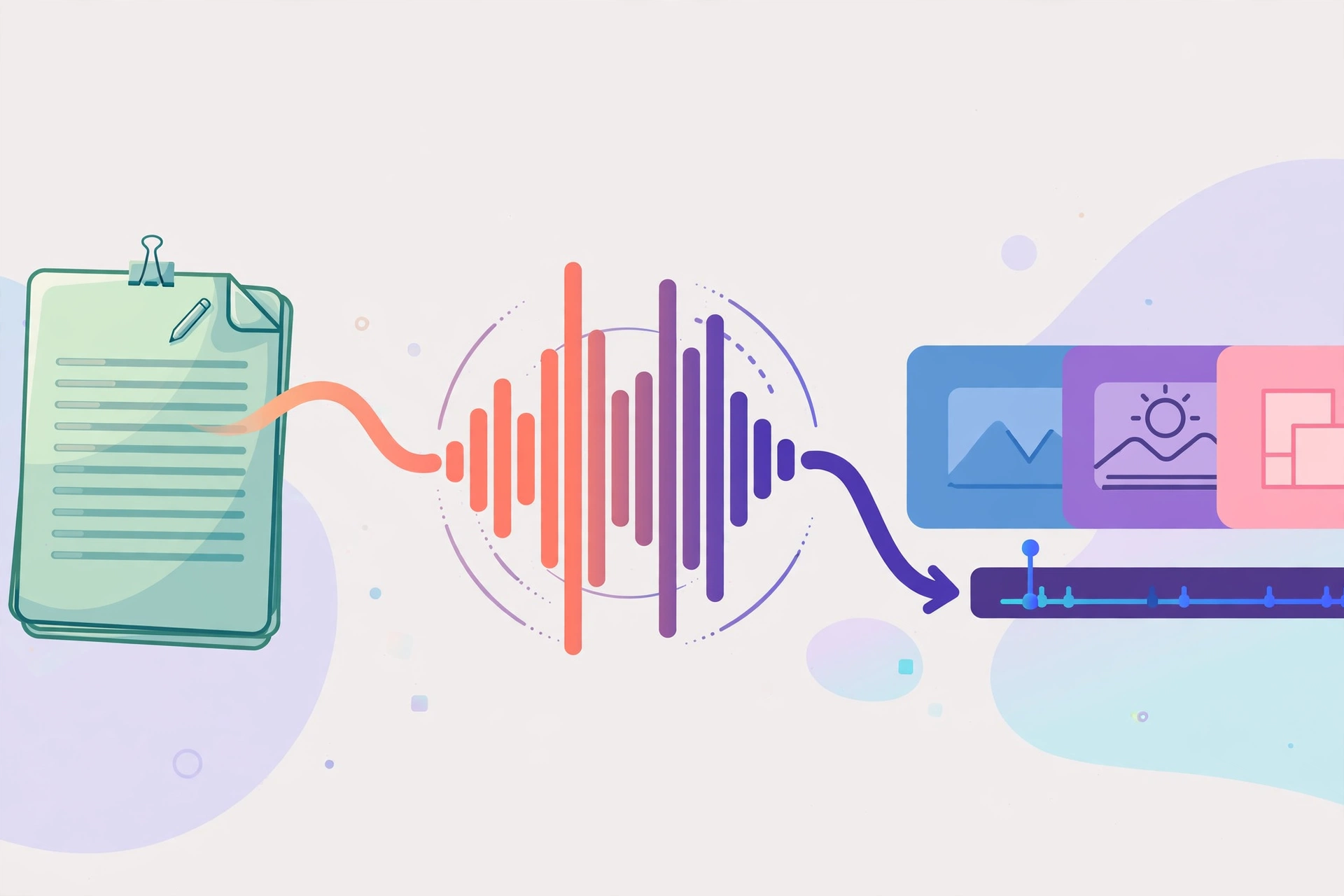
Murf AI is a text-to-speech studio built around video production: paste a script, pick a voice, and line the narration up against slides or video on a timeline. In this Murf AI review, we look at what it actually does, what each plan costs, where it shines, and where its yearly voice-hour limits can catch you out. Prices below were verified against published pricing summaries in October 2026 — always check the official Murf AI pricing page before you buy, as plans change.
Disclosure: This review contains no affiliate links. We have not signed up for any affiliate program for this article.
What Is Murf AI?
Murf AI is a cloud-based AI voiceover platform. Unlike a bare text-to-speech API, it is a full studio: you write or paste a script, choose from 200+ AI voices across 30+ languages and accents, adjust pronunciation, emphasis, and pacing per line, and sync the audio to images, slides, or video on a visual timeline. It also offers voice cloning on higher tiers, AI dubbing, and a separate pay-as-you-go API for developers.
The positioning is deliberately workmanlike. Where ElevenLabs leads on raw voice realism and cloning quality, Murf leads on the production workflow: script blocks, a timeline, Canva integration, and PowerPoint and Google Slides support on the Business plan. If your output is a finished video, course lesson, or presentation — not just an audio file — that workflow is the reason to consider Murf. See also our ElevenLabs vs Murf AI comparison and our best AI voice generators guide.
Key Features
- 200+ voices, 30+ languages: a large catalog of natural-sounding voices with styles and tonalities, plus multi-native voices.
- Studio timeline editor: script blocks synced to visuals, so narration, slides, and video stay aligned without a separate video editor.
- Fine voice controls: emphasis, variability, and “Say It My Way” pronunciation control on the Business plan.
- Voice cloning: available on higher tiers (Enterprise add-on for fully managed custom clones, per October 2026 reporting).
- Dubbing and API: AI dubbing as a separate product, and a pay-as-you-go API (Falcon TTS listed at $0.01 per minute in published summaries).
- Integrations: Canva on Creator; PowerPoint and Google Slides on Business.
Murf AI Pricing
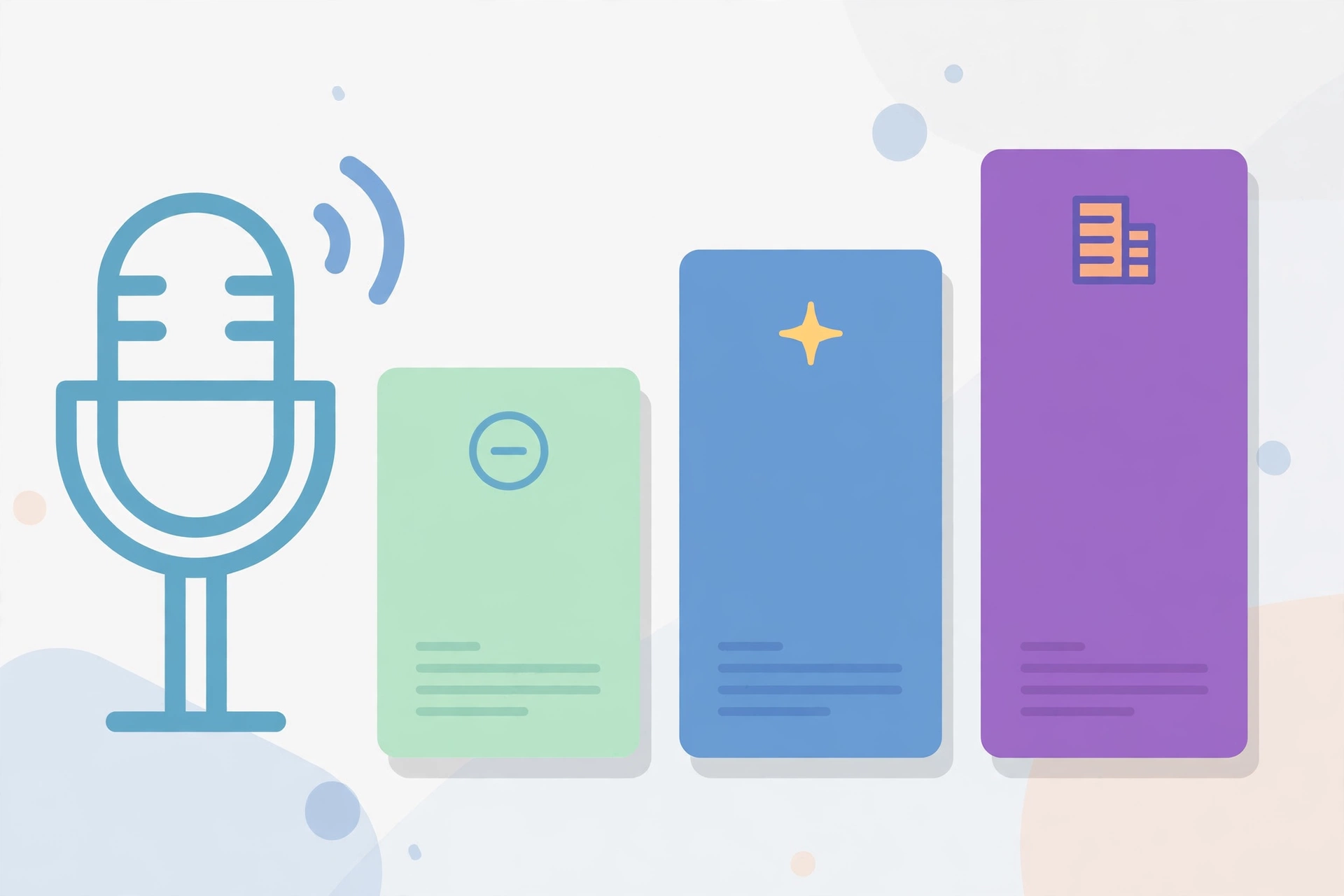
| Plan | Price | Voice generation | Key limits and rights |
|---|---|---|---|
| Free | $0 | 10 minutes | 10 projects, 1 editor, no downloads, no commercial rights |
| Creator | $29/month, or $19/month billed annually ($228/year) | 24 hours per year | 100 projects, commercial rights, unlimited downloads, Canva integration |
| Business | $99/month, or $66/month billed annually ($792/year) | 96 hours per year | 500 projects, business license, slide integrations, audio-to-text (48 hours) |
| Enterprise | Custom | Unlimited | Custom projects, 5+ editor seats, full broadcasting rights as an add-on |
The pricing detail that matters most is the yearly pool: Creator gives you 24 hours of generated voice per year, not per month — roughly 2 hours a month if spread evenly. That is plenty for a weekly video or course module, but a daily narrator will burn through it. Business quadruples the pool to 96 hours a year and adds the business license. Note also that every published plan caps at one editor seat; multi-seat teams need the custom Enterprise tier. Verify the live pricing page before subscribing — Murf’s plans are re-priced periodically.
Pros and Cons (Honest)
Pros: a genuine studio workflow, not just a voice API — the timeline and slide sync save real editing time; commercial rights from the Creator plan up; competitive annual pricing ($19/month) for the feature set; strong fit for e-learning, training, and corporate narration.
Cons: voice generation is metered per year, so heavy users face a hard stop rather than overage billing; only one editor seat on every published plan, which blocks small teams; voice cloning sits on higher tiers rather than being a core feature; and the voice catalog, while large, does not match ElevenLabs on raw realism for the most demanding narration.
Who Is Murf AI For?
Murf AI is for course creators, YouTubers, training teams, and agencies that produce scripted voiceover for video and presentations and want the narration and visuals edited in one place. It is a strong fit if you publish a few hours of finished voiceover a month and value a predictable yearly allowance.
It is not for you if you need unlimited daily narration (the yearly pool will frustrate you), if a team of editors needs separate seats at a published price, or if your priority is cloning your own voice at the lowest possible price — ElevenLabs starts instant cloning at $6/month on Starter, while Murf keeps cloning on higher tiers.
FAQ
Does Murf AI have a free plan?
Yes: 10 minutes of voice generation and 10 projects, with no downloads and no commercial rights. It is a trial of the studio, not a publishing tier.
Can I use Murf AI voices commercially?
Yes, from the Creator plan up. The Business plan adds a business license; full broadcasting rights (TV/radio) are an Enterprise add-on.
How much voice do I actually get on Creator?
24 hours per year — about 2 hours a month on average. Count finished minutes including re-renders, not just first drafts.
Does Murf AI clone voices?
Yes, but cloning is a higher-tier feature, not a Creator-plan headline. If cloning is your main need, compare our best AI voice cloning tools guide before committing.
Is Murf AI better than ElevenLabs?
It depends on the job. For studio workflow and video-synced voiceover, Murf is the more convenient tool. For raw voice realism and low-cost cloning, ElevenLabs leads. Our ElevenLabs vs Murf AI comparison breaks down the trade-off.
Final Verdict
Murf AI is a solid, workmanlike voiceover studio: less flashy than its rivals, more useful the moment your script has to land on a timeline next to slides or video. The Creator plan at $19/month billed annually is fair value for a few hours of monthly voiceover with commercial rights — just budget against the yearly 24-hour pool, not the monthly headline. Rating: 4.3/5.
Next steps: compare the category in our best AI voice generators guide, or see how cloning works across tools in our best AI voice cloning tools guide.