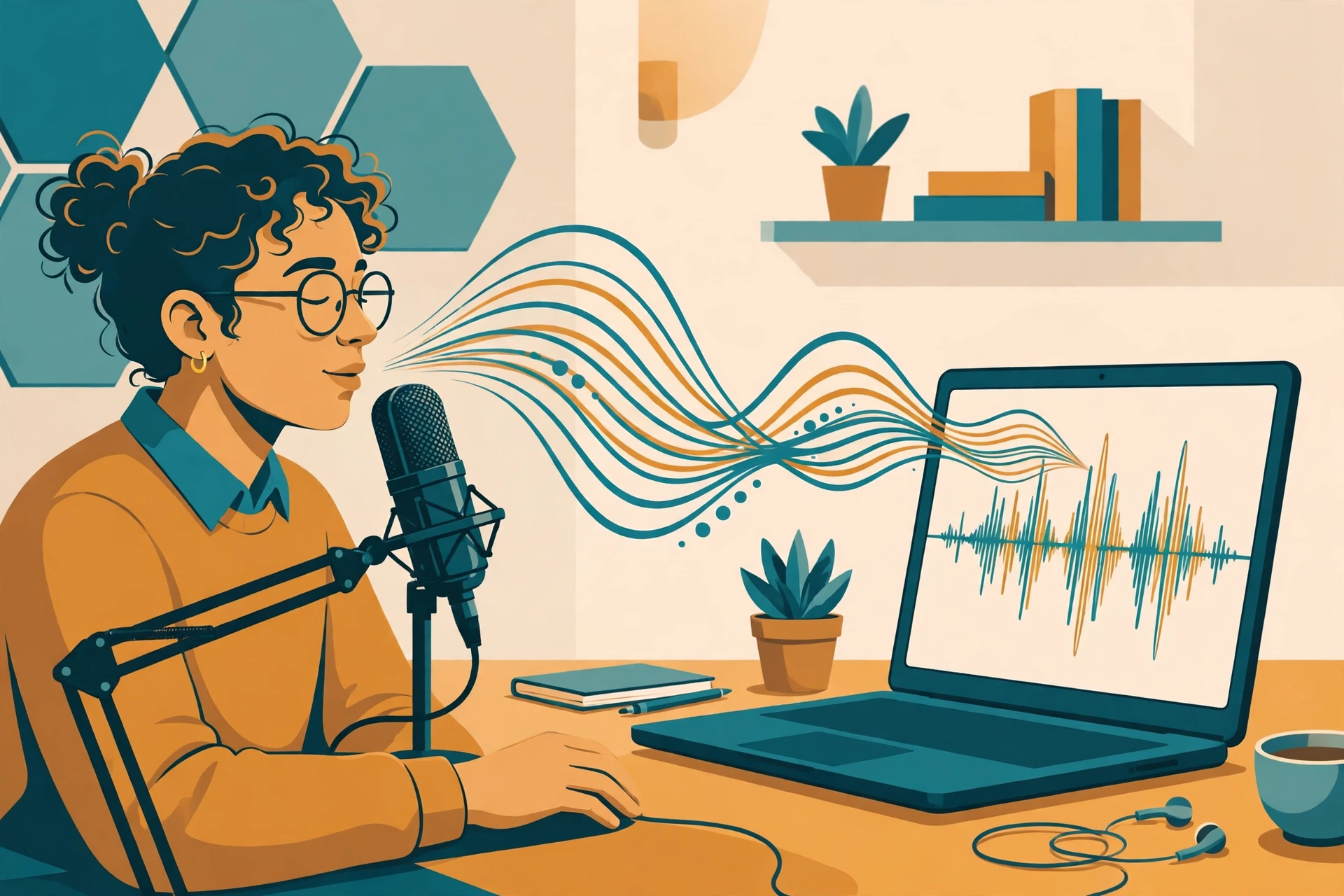

Want to know how to clone your voice with AI? AI voice cloning has gone from a research-lab trick to a tool any creator can use in an afternoon. Record a few minutes of your voice, and a platform like ElevenLabs can narrate your next video, podcast, or audiobook in a voice that sounds like you — even while you sleep. But the same technology can also impersonate real people, which is why every reputable platform now puts consent checks in front of the clone button.
This guide walks you through cloning your own voice the right way: how the technology works, how to record samples that actually sound good, which tool fits which job, and the ethical and legal lines you must not cross. Everything below is based on the tools’ current documentation and pricing as of November 2026 — prices change, so treat the figures as a snapshot and check the vendor’s pricing page before you pay.
Table of Contents
How AI Voice Cloning Works
A voice cloning model studies recordings of a real voice — its timbre, pitch, rhythm, accent, and breathing patterns — and learns to generate brand-new speech in that voice from any text you type. There are two kinds of clone, and the difference matters more than the brand you pick:
- Instant (zero-shot) cloning: built from 30 seconds to 2 minutes of audio and ready in minutes. Good enough for short narration, voiceovers, and testing. Quality varies with the sample, and long-form speech can drift.
- Professional (fine-tuned) cloning: trained on 30 minutes to 3 hours of audio over several hours. Noticeably more accurate and consistent, which is what you want for audiobooks, a recurring brand voice, or hours of narration.
The golden rule from every vendor’s documentation is the same: good, consistent input produces a good clone. One speaker only, no background noise or music, the same microphone and tone throughout, and natural, varied speech — not a monotone read. A second voice in the file, even faint, teaches the model two people at once.
Step 1: Decide What the Clone Is For
Your use case picks the tool. A podcaster who wants to fix a misspoken word needs something different from a YouTuber narrating ten videos a week or a developer building a voice agent.
- Regular narration and voiceovers: ElevenLabs is the default choice — the best balance of quality, price, and language support.
- Fixing mistakes in podcasts and videos: Descript’s Overdub (now called AI Speech) lets you type a correction and hear it in your voice inside the editor.
- High-volume or API-driven speech: PlayHT and the Speechify API are built for bulk generation and developers.
- Enterprise or regulated work: look for watermarking, audit trails, and clear ownership terms before anything else.
If you only need a voice and not a clone, start with our roundup of the best AI voice generators of 2026 — stock voices are cheaper, instant, and carry none of the consent complications of cloning.
Step 2: Get Consent — Before You Record Anything
This is not a formality. Clone only your own voice, or a voice whose owner has given you explicit, documented permission for the specific use you have in mind. Written consent is best, especially for client or commercial work. Keep the record on file.
Cloning someone else’s voice without consent is off-limits — full stop. It can violate platform rules, right-of-publicity laws, and in a growing number of places, criminal law. The US Federal Trade Commission’s Impersonation Rule bans using a cloned voice to sell something without the real person’s consent. Tennessee’s ELVIS Act (2024) made unauthorised commercial voice cloning a civil and criminal offence.
The federal TAKE IT DOWN Act (signed May 2025) created a nationwide framework for removing non-consensual synthetic media. In the EU, Article 50 of the AI Act requires synthetic audio to be labelled as artificially generated from August 2026. And the FCC treats AI-generated voices as artificial voices under the Telephone Consumer Protection Act, so the consent rules for robocalls apply too.
The platforms enforce this unevenly. A Consumer Reports audit found only Descript and Resemble AI had meaningful technical barriers against non-consensual cloning — a recorded consent statement that must match the speaker — while other services relied largely on a checkbox. ElevenLabs requires spoken verification for professional clones and blocks celebrity and other high-risk voices. The practical takeaway: the checkbox is your statement, not the platform’s. You are the one accountable for it.
Also be honest with your audience. If a video or podcast episode is narrated by your clone, say so. Disclosure is required in some jurisdictions and good practice everywhere. For a deeper look at the best cloning-specific options, see our guide to the best AI voice cloning tools in 2026.
Step 3: Record Good Voice Samples
A clone is only as good as its training audio. Spend twenty minutes here and you will save hours of frustration later.
- Use a quiet room. Close windows, switch off fans and air conditioning, and silence notifications. Background noise ends up baked into the clone.
- Use one microphone, close to your mouth. A decent USB microphone beats a laptop mic. Keep the same distance and the same mic for every session.
- Record only yourself. No guests, no overlapping speech, no music beds.
- Speak naturally and vary the material. Read a mix of sentences — statements, questions, lists, numbers, names — at your normal pace and energy. A monotone read produces a monotone clone.
- Record more than the minimum. For an instant clone, 1–2 minutes of clean audio is the recommended amount. For a professional clone, aim for at least an hour and ideally close to three. Split long sessions into 10–15 minute takes and check each one before moving on.
- Export clean files. WAV or high-bitrate MP3, no heavy effects, no noise gates that chop your breaths.
Step 4: How to Clone Your Voice with AI (Walkthrough with ElevenLabs)
ElevenLabs is the most popular starting point, so here is the flow. Other tools follow the same shape with different labels.
- Pick a plan. Instant Voice Cloning starts on the Starter plan at $6/month. Professional Voice Cloning starts on the Creator plan at $22/month.
- Upload your sample. In the Voices section, choose Instant Voice Cloning and upload 1–2 minutes of clean audio. Confirm that you have the right and consent to clone the voice — read that confirmation before you tick it.
- For a professional clone, upload at least 30 minutes of audio (2–3 hours recommended), then complete the verification step: reading short lines aloud so the platform can confirm the voice is yours. Professional clones are for your own voice only — even with another person’s consent, you cannot make one of their voice. Training usually takes 3–6 hours.
- Name the voice clearly (for example, “My Voice — Narration”) so you never confuse it with a stock voice later.
For the full picture on this platform, read our in-depth ElevenLabs review, which covers its pricing, voice quality, and where it falls short.
Step 5: Test the Clone Before You Trust It
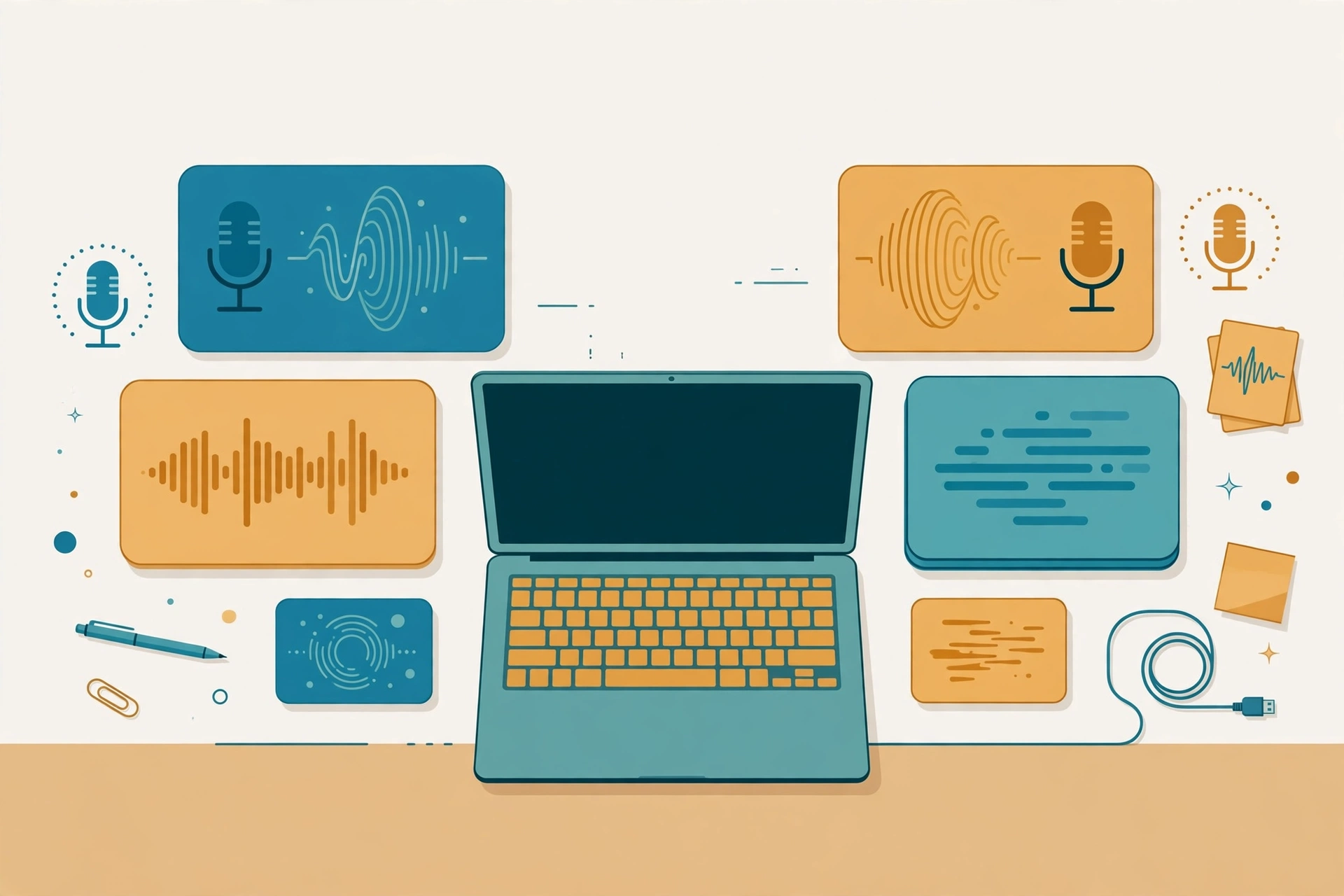
Never publish the first output. Test the clone with sentences it has never seen, including the awkward ones: names, numbers, acronyms, questions, and exclamations. Listen for mispronunciations, robotic pacing, flat emotion, and words that slur together.
- Short test first: one paragraph of ordinary narration. If that sounds wrong, the clone will not fix itself on longer text.
- Try different stability and style settings if the tool offers them — a small adjustment often removes the robotic edge.
- Fix the input, not just the output. Most “bad clone” problems are bad samples. Re-record the weakest passages rather than endlessly tweaking settings.
- Compare against your real voice on the same script. If a stranger could tell them apart in seconds, the clone is not ready for client work.
Step 6: Use the Clone Responsibly
Once the clone sounds right, set rules for yourself before it becomes part of your workflow:
- Disclose AI narration where your audience would reasonably want to know — video descriptions, show notes, or a spoken note.
- Never use a clone for phone calls, messages, or anything that pretends to be you in real time without the other party knowing. Voice-clone scams are now common — McAfee has reported that three seconds of audio can produce an 85% voice match — and a clone used to deceive is exactly the misuse the laws above target.
- Keep your consent records and your samples safe. Your voice samples are biometric data; treat them like a password. Delete clones you no longer use.
- Respect the commercial licence. Free tiers are usually non-commercial. ElevenLabs’ commercial licence starts on the Starter plan; check the terms of whichever tool you use before selling audio made with it.
Which Tool Should You Choose? A Comparison
| Tool | Sample needed | Cloning from | Consent check | Best for |
|---|---|---|---|---|
| ElevenLabs | 1–2 min (Instant); 30 min–3 hrs (Professional) | $6/mo (Starter); $22/mo (Creator) | Consent confirmation; spoken verification for Professional clones | Creators, narration, audiobooks |
| Descript (Overdub / AI Speech) | 10+ min | $16/seat/mo billed annually (Hobbyist) | Recorded consent statement read aloud in English | Podcasters and video editors fixing audio by typing |
| PlayHT | ~30 sec (Instant) | Free (1 clone, non-commercial); Creator $31.20/mo billed annually | Written consent required; celebrity and politician voices flagged | High-volume generation, developers, API use |
| Speechify | 10–30 sec (API) | API Starter $10/mo; Studio Starter $19/mo | Speaker reads an issued consent phrase aloud; recording kept as proof | Developers and narration at scale |
Prices are list prices as of November 2026 and change often — verify on the vendor’s pricing page before subscribing. One caution: Resemble AI no longer sells voice generation to new customers (as of September 2026 it describes itself as a deepfake-detection company, with voice continuing as open research only). Older roundups still list it as a cloning option; do not buy it for that purpose. Existing customers continue to be supported.
If your main need is polished voiceovers rather than a clone of your own voice, our Murf AI review covers a strong studio-style alternative, and our Fish Audio review looks at a lower-cost cloning option worth knowing about.
Common Mistakes to Avoid
- Cloning someone else’s voice “as a joke” or “just to test.” There is no harmless test clone of another person. Consent comes first, always.
- Recording in a noisy room. The model learns the noise as part of your voice.
- Using too little audio for a professional clone. Thirty minutes is the bare minimum; under an hour, expect inconsistent results.
- Mixing microphones or speakers in the samples. Consistency beats quantity.
- Publishing without a listening test. Always listen to the full output before it goes live — clones mispronounce names and numbers in ways you will not catch by skimming text.
- Assuming the free tier covers commercial use. It usually does not. Read the licence.
- Forgetting disclosure. Audiences forgive AI narration; they do not forgive feeling deceived.
FAQ
Is it legal to clone my own voice with AI?
Yes — cloning your own voice is legal in almost every jurisdiction, provided you use the result lawfully. Problems start when you clone someone else’s voice without their permission, use a clone to deceive or defraud, or ignore disclosure rules. This article is not legal advice; if you are cloning a voice for commercial client work, check the law where you and your audience are based.
How much audio do I need to clone my voice?
For an instant clone, 1–2 minutes of clean audio is enough on ElevenLabs, and around 30 seconds on PlayHT. For a high-quality professional clone, plan on 30 minutes at minimum and ideally 1–3 hours. More clean, varied audio almost always beats a short perfect clip.
Can I clone a celebrity’s or a deceased person’s voice?
Practically and legally, no. Reputable platforms block celebrity and high-risk voices, Descript refuses clones of deceased or non-consenting people, and right-of-publicity laws in several US states cover voices specifically. Even with good intentions — a tribute, a parody — get permission from the rights holder or estate first, or do not do it.
How much does AI voice cloning cost?
Entry-level cloning starts at $6/month (ElevenLabs Starter, instant clone) or $10/month (Speechify API). A professional-grade clone starts at $22/month (ElevenLabs Creator) or $16/seat/month billed annually (Descript Hobbyist). Free tiers exist but are non-commercial and limited, so budget for at least a Starter plan if you plan to publish.
Verdict: How to Clone Your Voice with AI
Knowing how to clone your voice with AI is genuinely practical in 2026: an instant clone costs $6 a month and a few minutes of clean audio, and a professional clone is within reach of any serious creator at $22 a month. The technology is no longer the hard part. The hard parts are recording good samples, testing honestly, and respecting the consent and disclosure rules that keep this technology legitimate.
Our recommendation: start with ElevenLabs’ Instant Voice Cloning on the Starter plan, test it on real scripts for a week, and only invest in a professional clone once you know you will use it weekly. If you edit podcasts or video, try Descript’s Overdub instead — fixing a flubbed line by typing is the single most useful cloning feature that exists. And whatever tool you choose, clone only voices you own or have clear permission to use, and tell your audience when they are hearing one.
Rating: 4.5/5 — voice cloning is mature, affordable, and genuinely useful for creators who use it on their own voice, with the half-point held back for the consent and disclosure responsibilities that come with it.
Affiliate Disclosure: This article contains links to the official websites of the tools mentioned. We are not enrolled in an affiliate program for these tools, so these are plain links, not affiliate links, and we earn no commission if you sign up through them.