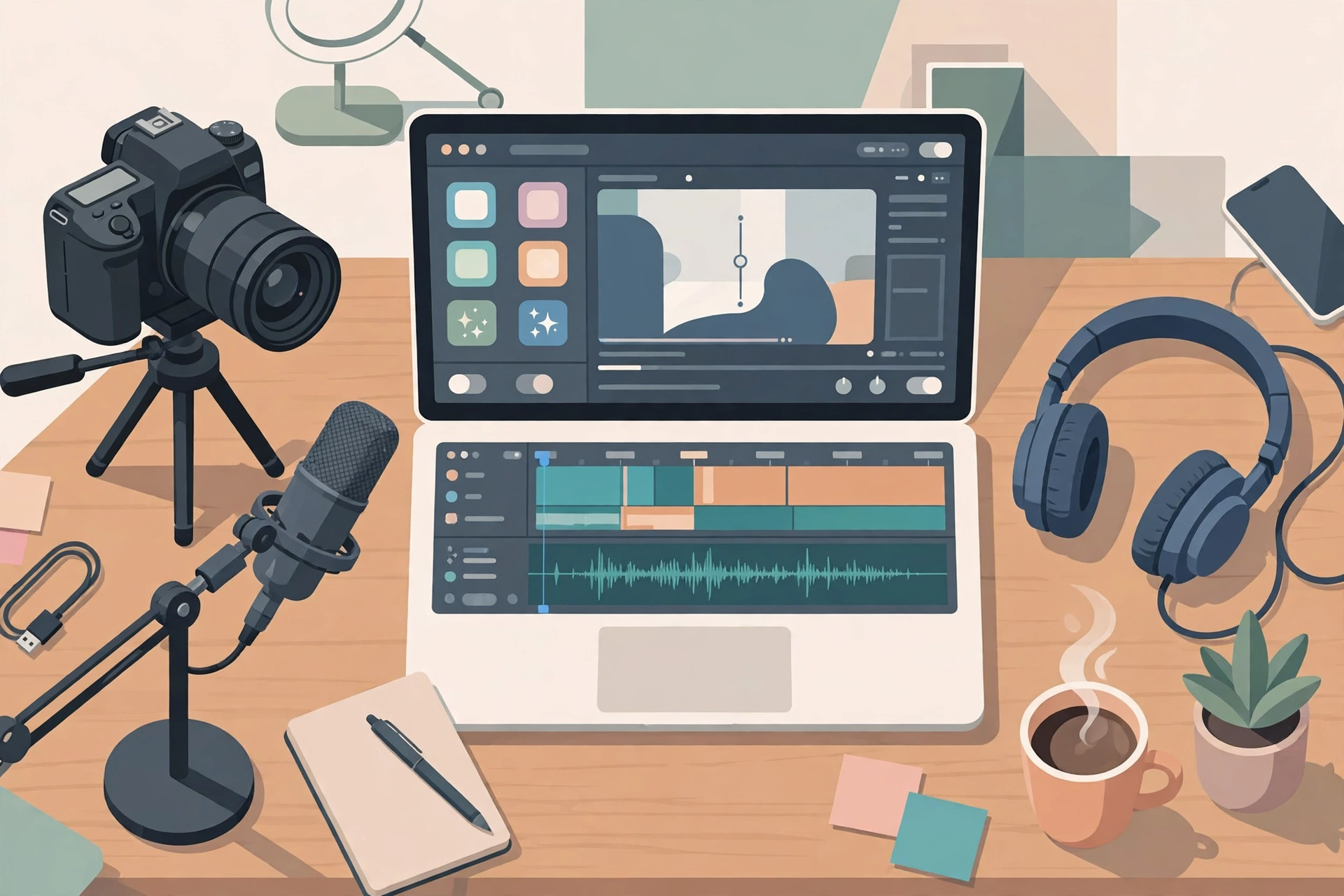

Looking for the best AI tools for YouTubers 2026? Running a YouTube channel in 2026 means doing the work of a small production studio: scripting, editing, voicing, captioning, and thumbnails. AI tools can now handle most of those jobs well enough that a one-person channel can publish like a team.
The trick is picking one strong tool per job instead of collecting subscriptions you barely use. Below is the best pick for each job, with current pricing and the honest catch. Quick verdict: start with Pictory for faceless video, ElevenLabs for voiceover, and Canva Pro for thumbnails — those three cover the core production loop for under $50 a month combined on annual billing. Overall rating: 4.5/5.
Table of Contents
How We Picked These Tools
Every tool below was judged on four things: it does one YouTube job genuinely well, a solo creator can use it, its pricing is verifiable on the vendor’s own site, and it has a free plan or trial. We checked pricing on the official pricing pages in November 2026.
Best AI Video Tool for YouTubers: Pictory
Pictory turns a script, a blog post, or even a URL into a finished video: it picks stock footage, adds captions, and layers on an AI voiceover. For faceless channels — explainers, listicles, commentary, finance, history — it is the fastest route from idea to video. It leads our roundup of the best AI video generators for YouTube in 2026; for a wider look, see our best AI video generators in 2026 guide.
Standout features include script-to-video generation, automatic captions, more than 5 million royalty-free Getty and Storyblocks clips, AI voices from ElevenLabs, and a scene editor. Pricing starts at $25 per month billed annually ($29 month-to-month) for the Starter plan, with up to 360 video minutes a year and 1080p export. There is no permanent free plan, only a 14-day free trial with watermarked, download-blocked output.
Pictory is best for faceless channels that publish several videos a week and need speed more than cinematic polish. The honest limitation: output is metered in credits and annual video minutes, so a heavy schedule can hit the cap faster than the monthly price suggests, and stock-footage videos can look generic.
Best AI Avatar Tool for YouTubers: Synthesia
Synthesia is the talking-head option for creators who do not want to be on camera but still want a human face presenting their script. Type a script, pick one of more than 125 AI avatars, and get a presenter-style video in over 140 languages, with dubbing. It anchors our guide to the best AI talking-head video generators in 2026.
Standout features include 125+ stock avatars, personal avatars cloned from your own likeness, one-click translation and dubbing, and interactive videos. Pricing starts with a free Basic plan: $0 a month for 10 minutes of video and 500 credits a month, though videos are watermarked and not downloadable. The Starter plan costs $19 per month on monthly billing (the first month is $9) and adds 1,250 credits a month, downloads, watermark removal, and 3 personal avatars. Annual billing is cheaper — check the pricing page for your region’s rate.
Synthesia is best for explainer, education, and corporate-style channels. The honest limitation: avatar delivery can feel stiff and corporate, and the credit system means longer videos eat your allowance fast.
Best AI Voiceover Tool for YouTubers: ElevenLabs
ElevenLabs produces the most natural-sounding AI voices we have tested, and it is the voiceover engine behind half the faceless channels on YouTube. Paste your script, pick a voice or clone your own, and export narration that sounds nearly human. Dubbing in 32 languages also makes a second-language channel cheap. See our full ElevenLabs review and our best AI voice generators in 2026 roundup.
Standout features include instant voice cloning from a short sample, a huge community voice library, expressive models with realistic pacing, and a Dubbing Studio. Pricing starts with a free plan of 10,000 credits a month — but the free plan has no commercial license, so you cannot legally monetize videos narrated with it. The Starter plan costs $5 per month billed annually ($6 month-to-month) and adds 30,000 credits a month plus a commercial license and voice cloning.
ElevenLabs is best for faceless channels and narration-heavy videos. The honest limitation: pricing is credit-based, so long scripts burn credits quickly, and the Starter plan simply stops generating when you hit the limit — with no overage billing.
Best AI Captions and Shorts Tool for YouTubers: Submagic
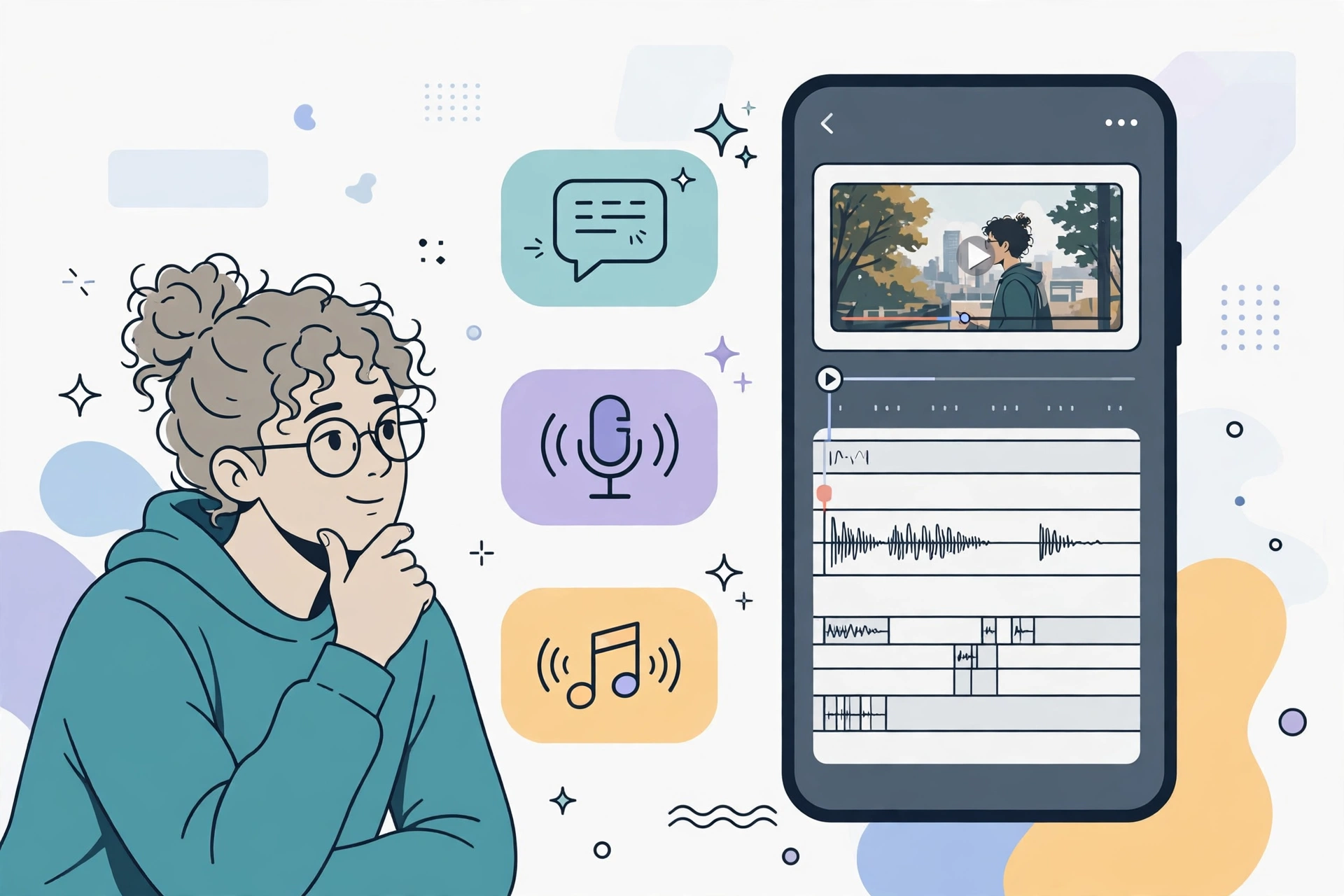
Submagic is the short-form specialist: upload a clip and it adds animated captions in the style viewers expect from TikTok and Shorts, plus B-roll, zooms, and sound effects. Its Magic Clips feature finds the best moments in a long video and cuts them into vertical shorts. Our full Submagic review covers it in depth.
Standout features include animated captions in dozens of styles, automatic B-roll and music, AI hook titles, silence and filler-word removal, and direct publishing; exports are watermark-free on paid plans. Pricing starts at $19 per month ($12 per month billed annually) for the Starter plan: 15 videos a month, each up to 2 minutes, exported in 1080p. There is no permanent free plan, but you can try 3 videos free with no credit card. Pro ($39/mo, $23 annual) raises the cap to 40 videos of up to 5 minutes.
Submagic is best for creators who publish Shorts daily and repurpose long videos into clips. The honest limitation: the Starter plan’s 2-minute cap means anything longer than a Short needs the Pro plan, and Magic Clips costs extra.
Best AI Thumbnail Tool for YouTubers: Canva Pro
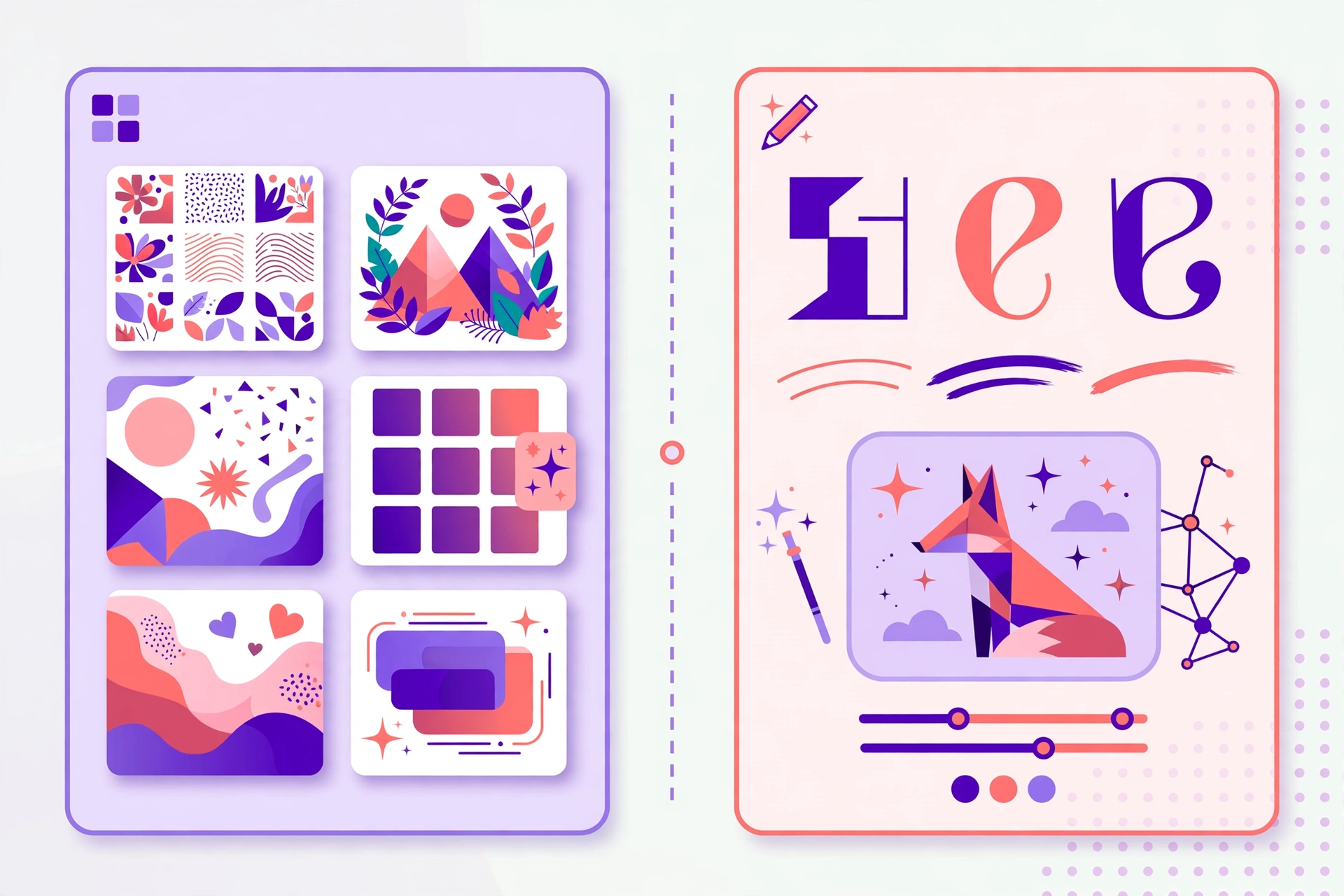
Canva Pro is the thumbnail workhorse for most YouTubers: thousands of YouTube-sized templates, and Magic Studio tools — Background Remover, Magic Resize — that handle the fiddly work in seconds. See our Canva review for the full breakdown.
Standout features include the Brand Kit, one-click background removal, Magic Resize, and a library of more than 100 million premium photos and graphics. Pricing starts at $15 per month billed monthly, or $120 a year ($10 a month effective) billed annually — pay annually, since it saves $60 a year. There is a permanent free plan and a 30-day Pro trial.
Canva Pro is best for every YouTuber who makes their own thumbnails, which is nearly everyone. The honest limitation: Pro is a single-user license, so a second person needs the Business plan, and AI image credits are capped on Pro. For fully custom thumbnail art, Midjourney ($10/mo, $8 annual, ~200 images) is the upgrade — but it has no free tier, and prompts are public unless you pay for Pro.
Best AI Script Writing Tool for YouTubers: Jasper
Jasper is the script-writing pick for creators who want structured, on-brand drafts rather than a blank chat window. Its Canvas editor and Brand Voice turn a video idea into a full script with hooks and calls to action. Compare it with the alternatives in our best AI writing assistants in 2026 guide.
Standout features include Brand Voices that learn how your channel sounds, a Canvas workspace for long-form drafting, and unlimited word output on all paid plans. Pricing starts at $59 per month billed annually ($69 month-to-month) for the Pro plan — the old $39 Creator tier was removed in Jasper’s late-2025 restructure. Business is custom-priced and adds team seats and more Brand Voices. There is no free plan, only a 7-day free trial that requires a credit card.
Jasper is best for channels that script every video and want a repeatable voice across episodes. The honest limitation: it is expensive for a solo YouTuber, and much of what you pay for — team seats, brand governance — is built for marketing departments. For occasional scripts, a general chatbot may be enough; Gamma can turn a finished script into a visual outline. Writesonic was rejected: it repriced in 2026 into an AI search-visibility platform starting at $99 a month ($79 annual).
Best AI Music Tool for YouTubers: Suno
Suno generates complete songs — melody, instruments, and sung vocals — from a text prompt, the easiest way to get original intro music, background tracks, and jingles without licensing headaches. Standout features include custom lyrics, style prompting, stem separation on paid plans, and distribution via Believe and TuneCore.
Pricing starts with a free plan of 50 credits a day, but free-plan songs cannot be downloaded and cannot be used commercially. The Pro plan costs $8 per month billed annually ($10 month-to-month) and includes 2,500 credits and 20 song downloads a month, with commercial use.
Suno is best for creators who want original music with vocals for intros, outros, and background beds. The honest limitation: the 20-download monthly cap on Pro is the real limit, not the credits, and Suno is still facing copyright lawsuits from major record labels, so read the terms before building your channel’s sound around it.
Best YouTube SEO Tools for YouTubers: vidIQ and TubeBuddy
vidIQ and TubeBuddy are the two classic YouTube SEO extensions. They score your titles, suggest keywords and tags, and show what competitors rank for. vidIQ leans toward keyword research, trend spotting, and its AI Coach; TubeBuddy leans toward tag management, bulk editing, and A/B testing titles and thumbnails.
Standout features on vidIQ include the keyword opportunity score, competitor channel comparisons, and trending topic alerts. TubeBuddy counters with Keyword Explorer, title and thumbnail A/B tests, and bulk editing tools. Pricing is friendly: both tools have a free plan — vidIQ’s free tier includes 150 AI credits a month, and TubeBuddy’s free extension covers keyword research basics and tag suggestions with no credit card required. vidIQ Boost starts at $19 a month ($16.58 annual). TubeBuddy’s paid plans start from around $9 a month, but prices vary by region — check the official page.
These tools are best for every channel that wants its videos found, which is every channel. The honest limitation: the free tiers cap research depth and competitor data, and the best features sit behind the paid plans.
Best AI Tools for YouTubers 2026 Compared
| Tool | Best for | Starts at | Free tier |
|---|---|---|---|
| Pictory | Faceless / scripted video | $25/mo (annual) | No — 14-day trial only |
| Synthesia | Avatar / talking-head video | $19/mo (monthly) | Yes — 10 min/mo, watermarked |
| ElevenLabs | Voiceover / narration | $5/mo (annual) | Yes — 10,000 credits, no commercial use |
| Submagic | Captions / Shorts clipping | $19/mo ($12 annual) | No — 3 free trial videos |
| Canva Pro | Thumbnails | $15/mo or $120/yr | Yes |
| Midjourney | Custom thumbnail art | $10/mo ($8 annual) | No |
| Jasper | Script writing | $59/mo (annual) | No — 7-day trial only |
| Suno | Music / soundtrack | $8/mo (annual) | Yes — 50 credits/day, non-commercial |
| vidIQ | Channel SEO / titles | Free (Boost $19/mo) | Yes — 150 AI credits/mo |
| TubeBuddy | Channel SEO / tags | Free (paid from ~$9/mo) | Yes |
Prices verified November 2026 — confirm on the vendor’s site before buying. Annual prices are per month when billed yearly.
Frequently Asked Questions
What is the best AI tool for YouTubers overall?
Each job needs a different tool. If we had to pick one starting point, it would be Pictory for faceless channels — it turns a script into a finished video — or ElevenLabs for any channel that needs narration, since its $5 Starter plan covers a whole channel’s voiceover.
Can I run a YouTube channel entirely with free AI tools?
Almost, but not quite. You can script with a free chatbot, test voices free, and design thumbnails with Canva’s free plan. The moment you monetize, you need a paid voice plan with a commercial license, and faceless video realistically needs a paid plan from Pictory or Synthesia. Budget $30–50 a month for a legitimate setup.
Are AI-generated voices allowed on monetized YouTube videos?
Yes, provided the tool’s license allows commercial use — that is why ElevenLabs’ free plan is not enough for a monetized channel and the $5 Starter plan matters. YouTube also requires disclosure of synthetically generated content in some cases, so check the current rules in YouTube Studio when you upload.
Which AI tool is best for YouTube Shorts?
Submagic, for captions and clipping. Its animated caption styles match what Shorts viewers expect, and its Magic Clips feature finds the best moments in your long videos automatically.
Do I need vidIQ or TubeBuddy if I already use YouTube Studio analytics?
Not strictly — Studio covers the basics. But vidIQ and TubeBuddy add keyword scores, competitor data, and title ideas that Studio does not show, and both have free plans, so install at least one of them.
Verdict: The Best AI Tools for YouTubers 2026
If you run a faceless channel, buy Pictory, ElevenLabs Starter, and Canva Pro — among the best AI tools for YouTubers 2026, that trio covers video, voice, and thumbnails for about $45 a month on annual billing, and add Submagic when Shorts become a priority. If you are a talking-head creator who would rather not film, test the format on Synthesia’s free Basic plan. If you are a Shorts-focused creator, start with Submagic and Canva Pro and let vidIQ’s free plan handle your titles. Start free, prove the workflow with five videos, then pay only for tools that saved you time. Overall rating: 4.5/5 — a strong, affordable stack; expect two or three subscriptions rather than one.
Affiliate Disclosure: This article contains no affiliate links. Links go to the official sites of the tools mentioned, and we earn nothing if you buy through them.