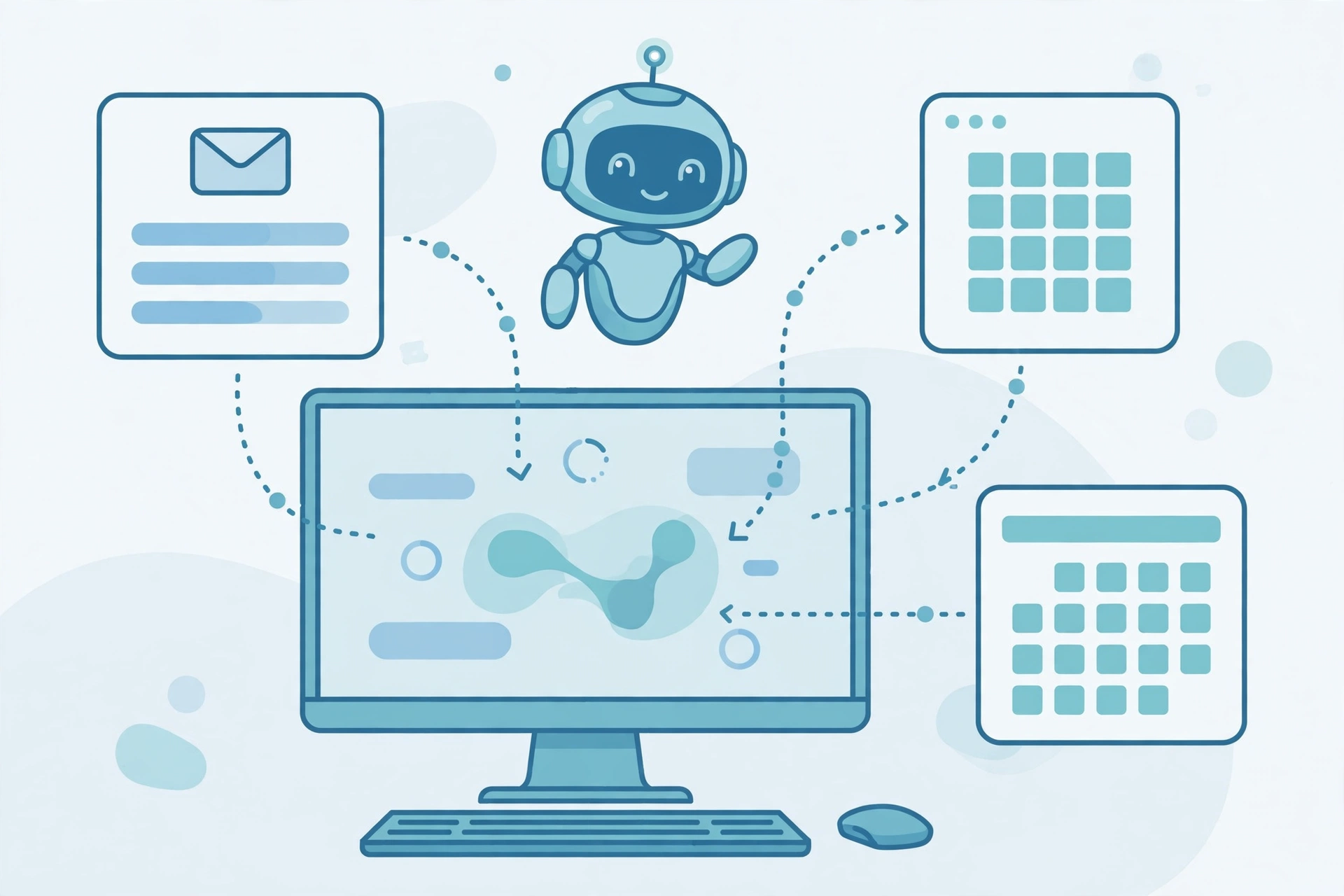

This Granola Review looks at an AI notepad for meetings that takes a different approach from almost every other meeting tool: no bot ever joins your call. Instead of an attendee that announces itself and records from the cloud, Granola captures audio on your own device and turns the conversation into structured, searchable notes. If you spend your day in back-to-back meetings and hate the awkward “a bot has joined” moment, that single design choice is the whole pitch.
Table of Contents
What Is Granola?
In this Granola Review, Granola is a desktop AI notepad, built by a London startup founded in 2023, that listens to your meetings and writes the notes for you. It works on macOS and Windows (Windows support reached general availability in 2025), and it is designed to feel like a normal notepad: you can type alongside the transcript, highlight what matters, and ask questions about your meetings afterwards.
Because nothing joins the call, there is no guest to admit, no recording banner for other participants, and no separate bot account cluttering the attendee list. For sensitive conversations — interviews, recruiting calls, investor meetings — that absence is a genuine advantage, and it is why Granola shows up in comparisons against bot-based tools like Otter and Fireflies. If you also work with AI voice tools, see our best AI voice generators in 2026 guide for the wider audio AI landscape.
Key Features
Bot-free capture. Granola records from your device rather than joining the meeting as a participant, so calls on Zoom, Meet, Teams, and other platforms are captured without a bot in the room.
Structured notes, not raw transcripts. After each meeting you get a cleaned-up summary with action items, decisions, and key points — not a wall of transcript you still have to read.
Chat across your meetings. You can ask Granola questions that span many meetings (“What did we agree with Acme last month?”), and it answers from your notes. Paid plans add more powerful models for this chat.
Templates and shared folders. Custom note templates keep recurring meeting types consistent, and shared folders let teams work from the same notes.
Pre-meeting briefs and integrations. Business plans add a brief before each meeting plus integrations with Notion, Slack, HubSpot, Attio, Affinity, and Zapier, along with API and MCP access for connecting Granola to other tools.
Pricing
Granola keeps pricing simple, with three per-user tiers and no annual discount published — the monthly figure is the real figure:
| Plan | Price | What you get |
|---|---|---|
| Basic | $0 | AI meeting notes, chat within and across meetings, shared folders, note templates; visible history limited to the last 30 days |
| Business | $14 per user/month | Everything in Basic, plus unlimited history, advanced AI models in chat, pre-meeting briefs, integrations, API and MCP access, centralized billing |
| Enterprise | From $35 per user/month | Everything in Business, plus SSO, admin controls, organization-wide deletion policies, usage analytics, and HIPAA-compliant workspaces |
Note the free-plan catch: Basic gives you unlimited transcription, but only the last 30 days of notes stay visible in the app. Older notes are still stored and reappear when you upgrade. Some third-party reviews also report a 25-meeting lifetime cap on free accounts, so treat the free tier as a trial of the workflow, not a permanent archive. Always confirm current terms on Granola’s pricing page before you buy.
Pros and Cons
Pros: No bot joins your calls; clean structured notes with action items; genuinely useful free tier; chat across your whole meeting history; simple per-user pricing with no annual lock-in games.
Cons: Free history is limited to 30 days; integrations and unlimited history sit behind the $14 Business plan; per-seat pricing adds up for large teams; Enterprise features like SSO require larger seat counts; it captures meetings, not general dictation — for voiceover work, our ElevenLabs review and Murf AI review cover tools built for that job.
Who Is It Best For?
Granola fits consultants, recruiters, founders, and anyone whose day is a chain of calls where a recording bot would feel intrusive or be blocked. It is less compelling if you need a free archive that lasts forever, or if your team already lives inside a bot-based notetaker with deep CRM sync on the free tier. At $14 per user per month, Business is the cheapest paid entry among the major notetakers — but only buy it if you actually need unlimited history and integrations; the free plan already covers the core note-taking.
FAQ
Does Granola join my meetings as a bot? No. It captures audio on your device, so no bot participant appears in the call.
Is there a free plan? Yes. Basic is free, with unlimited transcription but only 30 days of visible note history.
Does Granola work on Windows? Yes. Windows support reached general availability in 2025, alongside macOS.
Can I use Granola for HIPAA-regulated work? HIPAA coverage is an Enterprise feature, starting at $35 per user per month, with a formal business associate agreement.
Verdict: Granola Review
This Granola Review gives Granola a 4.3/5 in our assessment. It does one thing — meeting notes without the bot — exceptionally well, and its pricing is refreshingly simple. The 30-day free history limit is the main reason to upgrade, and Business at $14 is fair value if you live in meetings. Start free, and pay only when your archive outgrows the window.

Try Granola on its official site and check the current pricing page before subscribing.
Affiliate disclosure: This article contains no affiliate links. We have not joined Granola’s affiliate program. Links below go to Granola’s official site so you can verify pricing yourself.