
This mailchimp review looks at whether the world’s best-known email marketing platform still deserves its crown in 2026. Mailchimp has been the default first email tool for small businesses for over two decades, and under Intuit’s ownership it has grown from a simple newsletter sender into an all-in-one marketing platform with automation, AI writing help, SMS, and landing pages. But the free plan has shrunk twice, prices keep climbing with your list size, and leaner rivals now undercut it badly. In this review, we test the plans, the features, and the real costs so you can decide if Mailchimp is still worth your money.
Table of Contents
What Is Mailchimp?
Mailchimp is an all-in-one email marketing and marketing automation platform, owned by Intuit since 2021. It lets businesses design email campaigns, build signup forms and landing pages, automate customer journeys, segment audiences, and track results from one dashboard. The platform now positions itself beyond email, adding SMS marketing, social posting, and a lightweight CRM built around audience tags and segments.
More than 300 integrations connect Mailchimp to Shopify, WooCommerce, WordPress, Salesforce, Zapier, and most major ecommerce and CRM tools. That ecosystem is one of the main reasons it remains popular: for a small online store or content business, Mailchimp can cover the whole marketing stack without stitching together five separate apps.
Mailchimp Review: Key Features
Mailchimp’s feature set is broad, but a few tools do the heavy lifting. Here is what matters most in day-to-day use.
Drag-and-Drop Email Builder
The email builder is still one of the easiest in the industry. You pick a template, drag in text, image, button, and product blocks, and the design stays consistent across devices. Templates automatically pull in your website’s brand colors and logo, which cuts setup time for new users. A/B testing is available from the Essentials plan upward, letting you test subject lines, send times, and content.
Customer Journey Builder
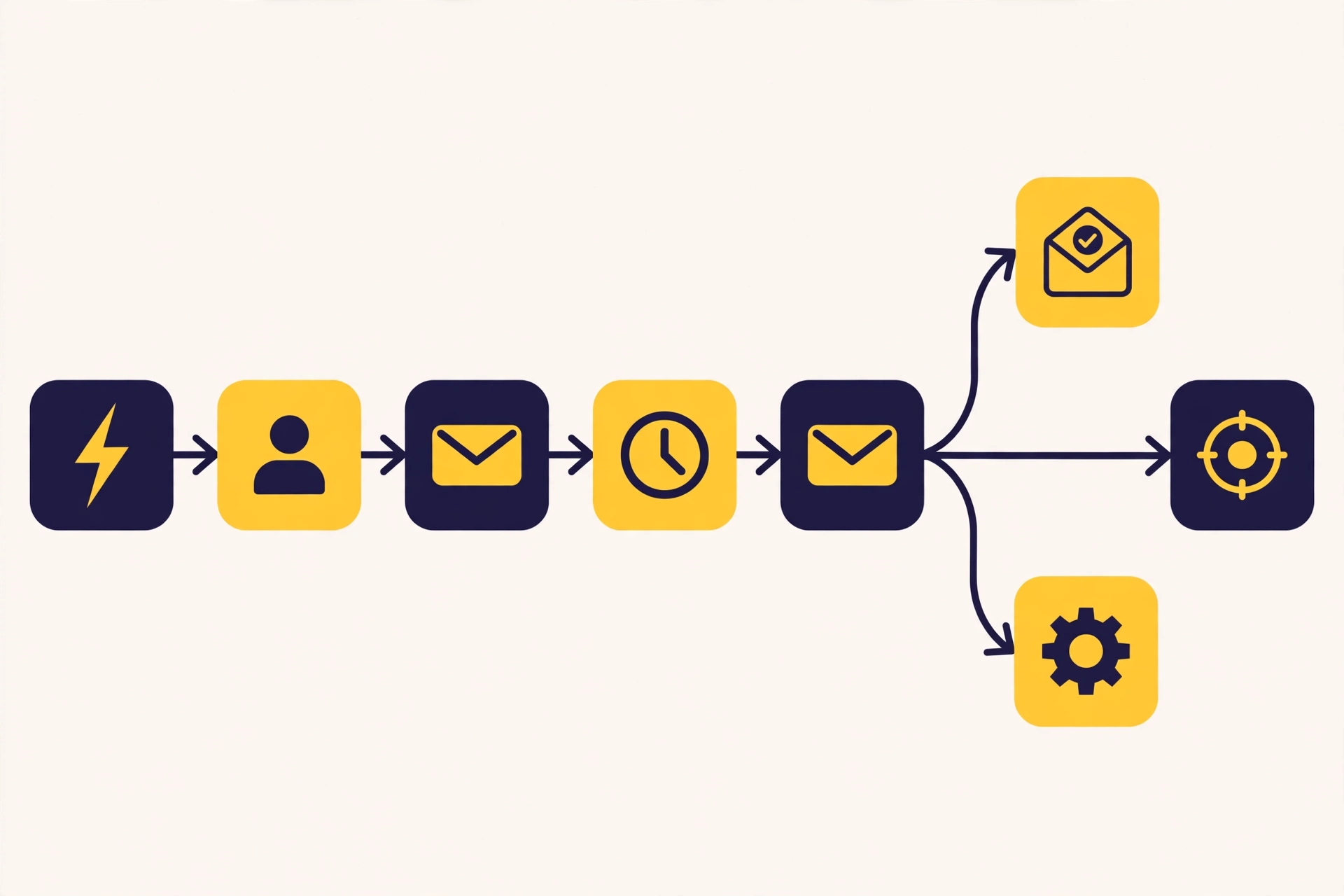
The Customer Journey Builder is Mailchimp’s visual automation tool. You map out welcome series, abandoned-cart reminders, post-purchase follow-ups, and re-engagement flows on a drag-and-drop canvas, with branching logic based on opens, clicks, purchases, and tags. According to Mailchimp, automated journeys can drive up to 4x more orders than one-off campaigns. The catch is the limit: Essentials allows only four flow steps, while Standard and Premium unlock up to 200 flows.
AI Features and Intuit Assist
Mailchimp’s generative AI drafts on-brand email copy from a short prompt, suggests subject lines, and builds audience segments from plain-language descriptions. Send-time optimization predicts the best hour to reach each subscriber, and predictive segmentation flags likely buyers. These AI tools are included at no extra cost on Standard and Premium plans, but they are not available on Free or Essentials. Intuit Assist, the AI growth assistant, is in beta for selected Standard and Premium accounts and helps analyze campaign data and generate newsletter content.
Segmentation and Analytics
Audience segmentation covers tags, groups, purchase history, engagement, and predicted demographics. Standard adds custom reports and dynamic content that changes per recipient. Analytics show open rates, click rates, revenue per campaign, and ecommerce attribution, though power users note that reporting is less flexible than specialist analytics tools.
SMS and Multichannel Marketing
SMS can be added to email journeys and campaigns so you can reach customers across channels from one place. Landing pages, signup forms, surveys, and social posting round out the platform. Note that SMS and transactional email are paid add-ons, not included in the headline plan prices.
Mailchimp Pricing in 2026
Mailchimp charges by the number of contacts stored in your account, not by emails sent. Prices below are the published monthly rates in US dollars, verified on Mailchimp’s pricing page in November 2026. Your bill rises as your list grows, even if you rarely email those contacts.
| Plan | Starting Price | Contacts | Monthly Sends | Seats |
|---|---|---|---|---|
| Free | $0/month | Up to 250 | 500 (max 250/day) | 1 |
| Essentials | From $13/month | 500 | 10x your contacts | 3 |
| Standard | From $20/month | 500 | 12x your contacts | 5 |
| Premium | From $350/month | 10,000 | 15x your contacts | Unlimited |
How the price scales matters more than the starting price. At 2,500 contacts, Essentials costs about $45/month and Standard about $60/month. At 5,000 contacts, those rise to about $75 and $100. At 10,000 contacts, Essentials is about $110, Standard about $135, and Premium stays at $350. Mailchimp also bills for unsubscribed contacts: only archived or deleted contacts are excluded from your bill, so cleaning your list regularly is essential.
The free plan is now a trial in all but name. In February 2026 Mailchimp cut it from 500 contacts and 1,000 sends to just 250 contacts and 500 sends per month, with a 250-per-day cap, no scheduled sends, no automation beyond a basic preview, and Mailchimp branding in the email footer. It is fine for testing the builder, but a real newsletter will outgrow it within weeks.
Standard is the plan Mailchimp pushes most, and it is where the platform starts to make sense: full automation, generative AI, custom reporting, and dynamic content all live here. Essentials suits simple newsletters, while Premium is aimed at larger teams that need unlimited seats, audiences, and advanced segmentation, plus phone support.
Pros and Cons
Across pricing, features, and user feedback, this mailchimp review weighs both sides before reaching a verdict.
Pros
- Excellent ease of use: the builder and dashboard are intuitive for beginners, and G2 users consistently praise the platform’s ease of use and powerful automation.
- Strong automation: the Customer Journey Builder handles welcome series, abandoned carts, and post-purchase flows without code.
- All-in-one platform: email, SMS, landing pages, forms, and social tools in one account, with 300+ integrations.
- Useful AI tools: generative email copy, send-time optimization, and predictive segmentation on Standard and Premium.
- Generous template library: on-brand templates that adapt to your website automatically.
Cons
- Expensive as you scale: contact-based billing means the price climbs fast, and you pay for unsubscribed contacts too. G2 reviewers call this the top complaint.
- Shrinking free plan: 250 contacts and 500 sends per month is too small for any serious list.
- Key features locked behind Standard: full automation, AI writing, and custom reports all require at least the $20/month tier.
- Automation feels dated to some users: several 2026 G2 reviews note the journey builder lacks flexibility compared with specialist automation tools.
- Add-ons cost extra: SMS, transactional email, and custom domains for landing pages are all paid separately.
Who Is Mailchimp Best For?
Mailchimp is best for small businesses, creators, and ecommerce stores that want one simple platform for newsletters and basic automation, and that value an easy builder over the cheapest price. If you run a Shopify or WooCommerce store with a few thousand subscribers, the Standard plan’s automation and AI tools can pay for themselves in recovered carts and repeat orders.
It is a weaker fit for large lists on a tight budget, for senders who need advanced automation branching, or for anyone who mainly needs cheap bulk sending. If you are comparing options, see our Best AI Email Marketing Tools roundup for the wider landscape, and our head-to-head guides Mailchimp vs Klaviyo and Mailchimp vs Brevo if you are choosing between the leading alternatives.
Frequently Asked Questions
Is Mailchimp really free?
Yes, but only up to 250 contacts and 500 emails per month, with a daily cap of 250 sends and Mailchimp branding on your emails. There is no automation or scheduled sending on the free plan, so treat it as a way to test the platform, not as a long-term plan.
Is Mailchimp good for small businesses?
Yes, for small businesses that want an easy all-in-one tool. The builder, templates, and integrations make it quick to launch, and the Standard plan adds automation that saves real time. The main warning is cost: once your list passes a few thousand contacts, compare the price with cheaper rivals before renewing.
What is the difference between Essentials and Standard?
Essentials (from $13/month) covers basic campaigns, A/B testing, and simple automation with up to four flow steps. Standard (from $20/month) adds full Customer Journey Builder flows, generative AI, send-time optimization, custom reports, and dynamic content. For most growing businesses, Standard is the better value.
Does Mailchimp have AI features?
Yes. Mailchimp includes AI-generated email copy, subject-line suggestions, predictive segmentation, and send-time optimization on Standard and Premium plans. Intuit Assist, an AI growth assistant that analyzes campaign data and drafts newsletter content, is rolling out in beta for selected accounts.
Verdict
This mailchimp review concludes that Mailchimp remains the easiest mainstream email marketing platform to pick up, with the best template library, solid automation, and genuinely useful AI on the Standard plan. The trade-off is cost: the free plan is now tiny, and contact-based pricing punishes list growth, including contacts who have already unsubscribed. For small businesses and stores that want simplicity and are willing to pay for it, Mailchimp earns its place. For budget-conscious senders with large lists, a cheaper rival will stretch further.
Our rating: 4.2/5. Mailchimp is a polished, beginner-friendly all-in-one platform held back by pricing that scales faster than its feature set. Start on the free plan to test the builder, move to Standard when you need automation and AI, and keep your list clean to control the bill.