

This Publer review covers the scheduler creators keep coming back to when per-seat pricing stops making sense: a free plan for three social accounts, paid plans from $5 a month per account, and bulk scheduling that few rivals match at this price. We checked Publer’s pricing page and feature list in November 2026, so the prices below are current — not recycled from an old roundup. Confirm the live total in Publer’s plan builder before you buy, because the final price depends on how many accounts and team members you add.
Table of Contents
Publer Review: What It Is
Publer is a social media management platform for planning, scheduling, publishing, and analysing posts across 13 networks: Facebook, Instagram, TikTok, X, Threads, LinkedIn, Pinterest, YouTube, Google Business Profile, Bluesky, Mastodon, Telegram, and WordPress. Publer says it has more than 500,000 users worldwide. The product’s pitch is value: it charges per connected social account instead of per user seat, so a solo creator pays for accounts, not headcount.
Unlike all-in-one suites that try to run ads and listen to the whole internet, Publer stays focused on the publishing workflow. It schedules posts, recycles evergreen content, handles approvals in team workspaces, and shows analytics on its Business plan. That focus is both its biggest strength and its main limitation, as the pros and cons below show.
Key Features
Scheduling and content calendar
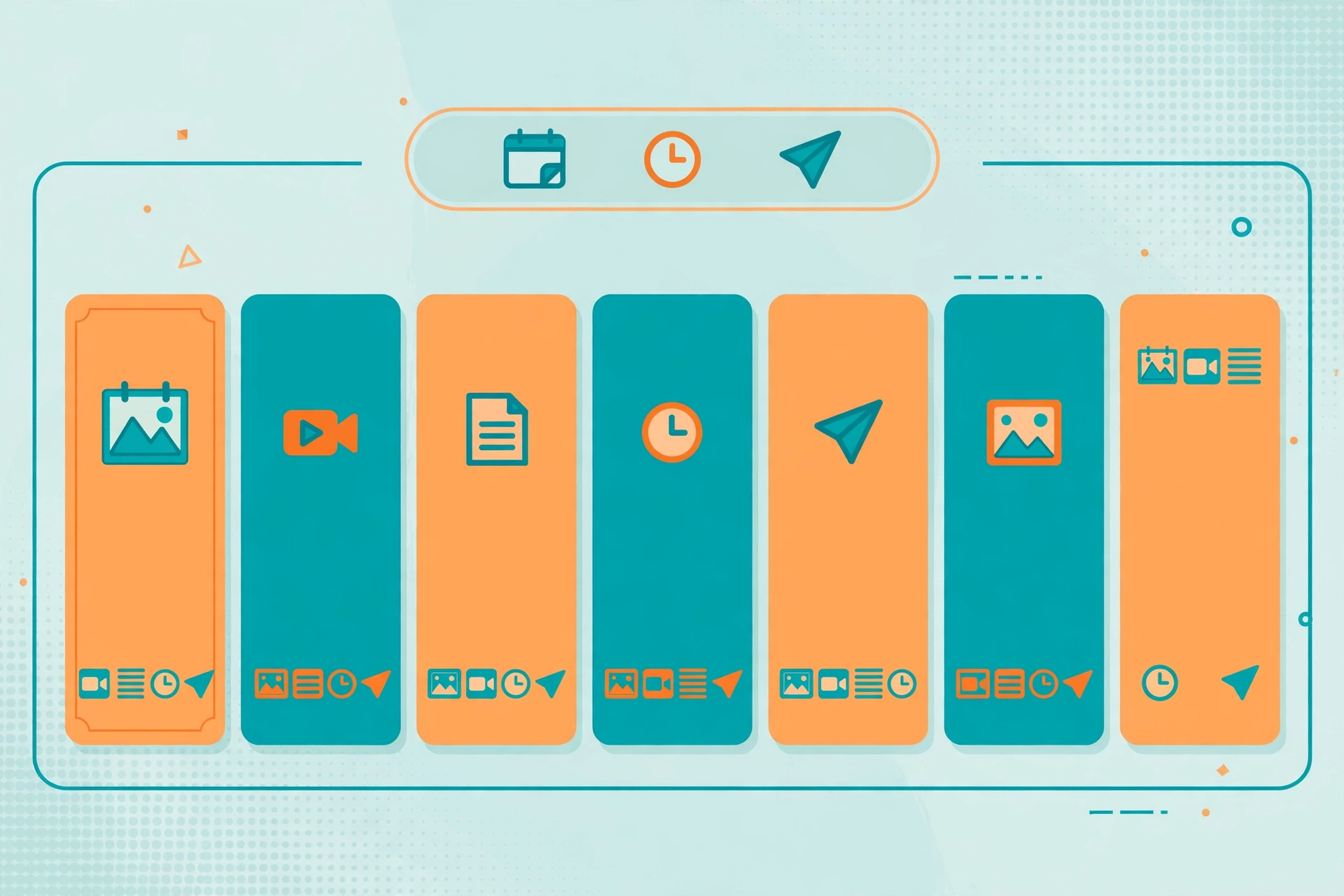
Publer’s calendar, queue, and list views show everything planned across accounts in one place. You can schedule text, links, photos, videos, GIFs, first comments, and threads where the network supports them, plus recurring posts and RSS automations that turn a blog feed into scheduled posts. The free plan allows 10 scheduled posts per account, which refill as posts publish.
AI Assist
Publer’s AI Assist drafts captions and generates images for posts. Prompts are limited on the Professional plan and unlimited on Business, so heavy AI users need the higher tier. The assistant is a drafting helper, not a strategy tool — it writes the words, but you still decide what to say and when to say it.
Bulk scheduling and recycling
Bulk scheduling is Publer’s standout feature for the price: upload a CSV file and schedule up to 500 posts at once. Evergreen recycling (called Spintax recycling on Business) reposts your best content on a schedule, which suits creators with a library of timeless posts. Few schedulers this cheap offer either feature.
Analytics and competitor tracking
Advanced analytics, downloadable reports, best times to post, and competitor analysis all sit on the Business plan — the Professional plan has no analytics beyond a 24-hour post history on free. If reporting matters to you, budget for Business from the start rather than discovering the gap later.
Linkie link-in-bio
Linkie is Publer’s built-in link-in-bio page, included on all plans. It turns the single link in your Instagram or TikTok bio into a small landing page mapped to your posts, so followers can find the product or article behind a post without a separate tool.
Publer Review Pricing: What Each Plan Costs
| Plan | Price | What you get |
|---|---|---|
| Free | $0 forever | 3 social accounts (no X), 10 scheduled posts per account, 25 saved drafts, 1 user, 24-hour post history |
| Professional | From $5 per account/month ($4 on annual billing) | X support, unlimited scheduling and drafts, bulk scheduling, first comments and threads, unlimited media storage, unlimited workspaces, RSS automations |
| Business | From $10 per account/month ($8 on annual billing) | Everything in Professional, plus unlimited AI Assist prompts, analytics and reports, best times to post, competitor analysis, API and MCP access |
| Enterprise | Custom, billed yearly | Everything in Business, plus volume discounts, onboarding, priority support, unlimited daily posting |
Publer bills per social account plus per extra team member — $2 a month per member on Professional, $3 on Business — and every tenth account or member is free. The maths before you compare: three accounts on Professional is $12 a month, five accounts is $20, while Business is $21 and $35 for the same counts. Paid plans include a trial: 7 days on Professional, 14 days on Business. Prices checked November 2026 — confirm on Publer’s pricing page before you buy, because the vendor changes pricing regularly.

Pros and Cons
Pros
- A real free plan: three accounts, bulk-free scheduling, and Linkie with no expiry date.
- The cheapest serious scheduler for a few accounts — paid plans start at $5 a month per account.
- Bulk scheduling up to 500 posts from a CSV, plus evergreen recycling on Business.
- Thirteen networks including Threads, Bluesky, Mastodon, Telegram, and WordPress.
- Per-account pricing with every tenth account free, so costs scale with accounts, not seats.
Cons
- Costs grow with every profile and every extra team member — ten accounts cost ten times the headline price.
- The free plan cannot connect X and caps scheduling at 10 posts per account.
- Analytics, unlimited AI prompts, the API, and MCP access all need the Business plan.
- Daily posting limits apply per profile; unlimited daily posting is reserved for Enterprise.
- No social listening or ad management; teams that need those must look elsewhere.
Who Publer Is Best For
Publer fits solo creators, solopreneurs, and small teams who schedule a handful of accounts and want the lowest honest price for a capable tool. It is the right pick if you manage three to eight profiles, value bulk scheduling, and do not need deep analytics on the cheapest plan.
It is the wrong pick if you run a large team, need listening or enterprise reporting, or manage dozens of client accounts — in that case, compare it with the tools in our Hootsuite alternatives roundup, or with the visual-first scheduler in our Later review. For the wider category, our best AI social media tools pillar puts Publer in context, and our Predis.ai vs Publer comparison covers the closest head-to-head matchup.
Publer Affiliate Program
Publer runs its own in-house Ambassador Program, and the terms are unusually generous: 50% commission on a referral’s first monthly payment and 20% on recurring payments, rising to 70% and 30% once your referred sales pass $1,000 in a month, plus $0.25 for each legitimate signup even if they never pay. The tracking cookie lasts 30 days, and approved commissions are paid via PayPal or Stripe on the 1st of each month once the balance reaches $20. We are not enrolled in the program, so this article contains no affiliate link — if you want to join, sign up through the Publer Ambassador Program page.
Publer Review FAQ
Is Publer really free?
Yes. The free plan is free forever: up to three social accounts (excluding X), 10 scheduled posts per account, 25 saved drafts, and one user. There is no trial clock on it.
How much does Publer cost?
Paid plans start at $5 a month for one social account on Professional ($4 on annual billing) and $10 on Business ($8 on annual billing). Because billing is per account, your total depends on how many profiles you connect.
Does Publer support X and Threads?
Yes, but X needs a paid plan — the free plan cannot connect it. Threads is supported on all plans, including free, with daily posting limits that rise on paid plans.
Does Publer have AI features?
Yes. AI Assist drafts captions and generates images. Prompts are limited on Professional and unlimited on Business, and the Business plan also adds API and MCP access for teams that want AI inside their own workflows.
Verdict
Our Publer review verdict: Publer earns its reputation as the budget scheduler that does not feel cheap. The free plan is genuinely usable, bulk scheduling is a real advantage at this price, and per-account billing is honest about what you pay for. Its limits are honest ones too: analytics and unlimited AI sit behind the Business plan, and costs climb with every account. For a creator or small team scheduling a few accounts, that trade is an easy yes.
Our rating: 4.5 out of 5. Start on the free plan, and only pay when you need X, bulk scheduling, or more than 10 scheduled posts per account.